Hello, i’m trying draw a simple animation in Krita and when playing prewiew and image turns into a mess of fragments of other frames. I understand that the image is not cached, so there is not enough processor power to quickly draw everything. I also found animation caching options in the settings, but this did not give any effect. Please tell me what needs to be done to fix this effect.
See problem video
Hello and welcome to the forum 
Which version of krita are you using?
Which Mac model and operating system are you using?
How much RAM do you have on your computer?
The animation frames are cached and for a long animation then you’ll see a progress bar window that tells you that the cache is being updated when you do play after making changes to the animation.
In the Settings → Configure Krita → Performance → Animation Cache tab, you can try setting the Cache Storage Backend to In-memory instead of On-disk.
You must restart krita after doing that for the change to take effect.
That will give faster access to the animation cache but will use more RAM.
You should make sure that no other applications are running on your computer when you’re doing animations in krita.
Anything that uses RAM or CPU power can cause performance problems.
Rendering the animation out to video or an image sequence should give a correct result.
Thanks.
Krita version 5.1.1
Macbook pro 2015 13inch
8GB Ram
MacOS Catalina 10.15.7
I have it exactly the same. It doesn’t give any result. I found this option:
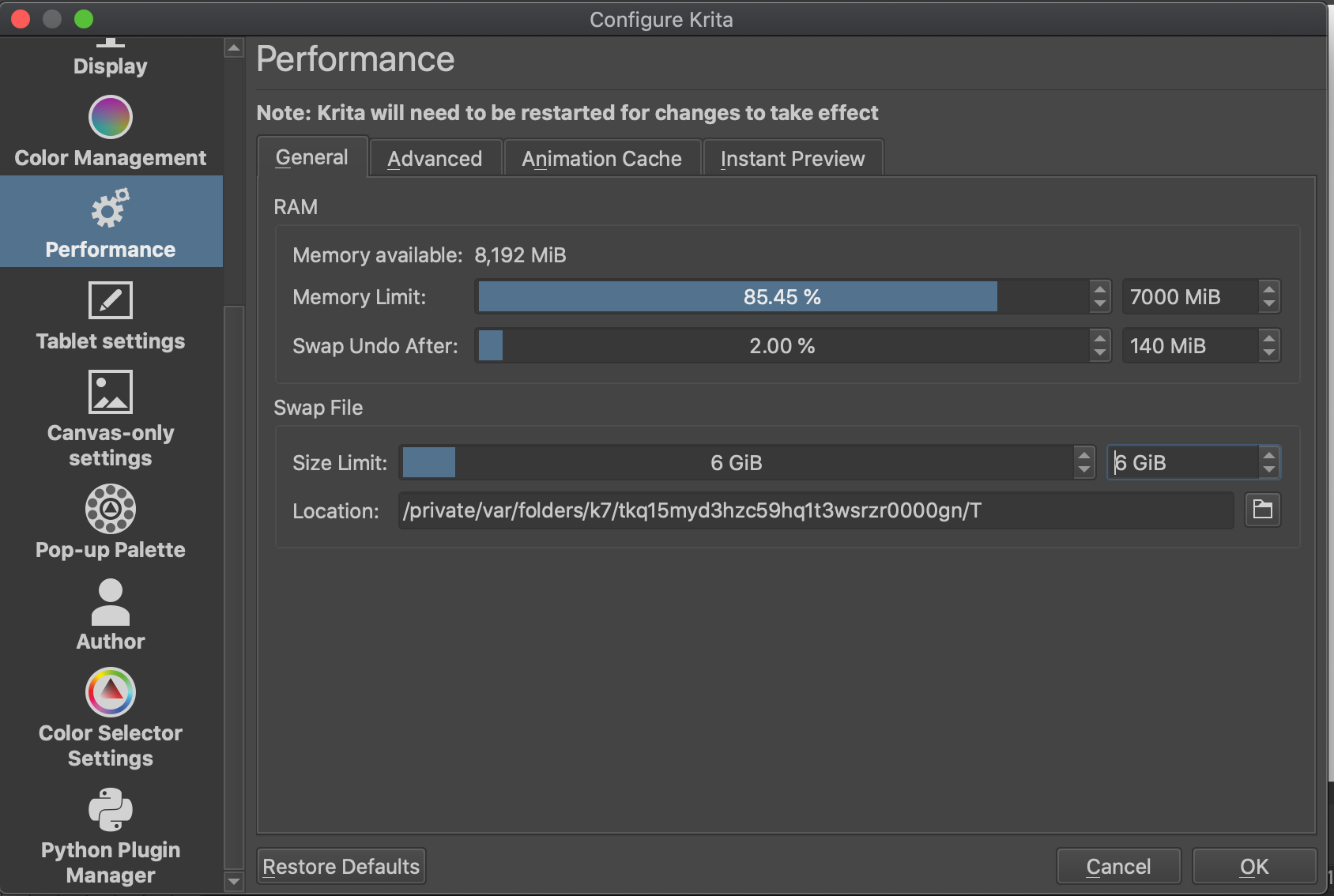
when i switch to opengl mode, at the start of the animation, a cache window appears:
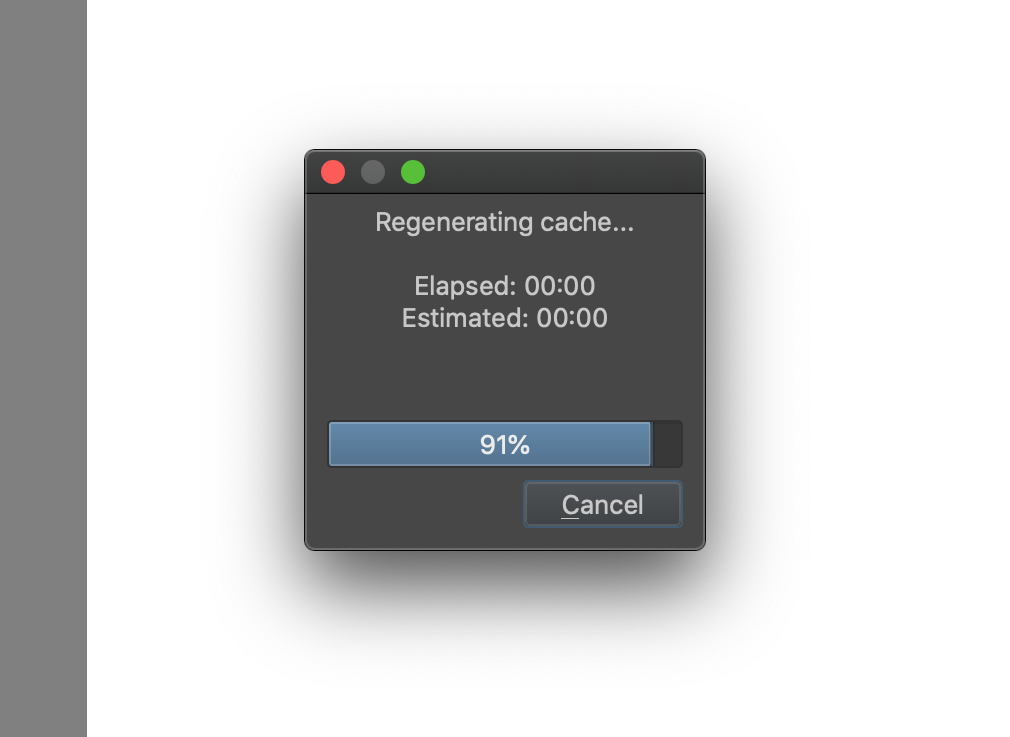
but instead of the animation itself, I have a black screen:
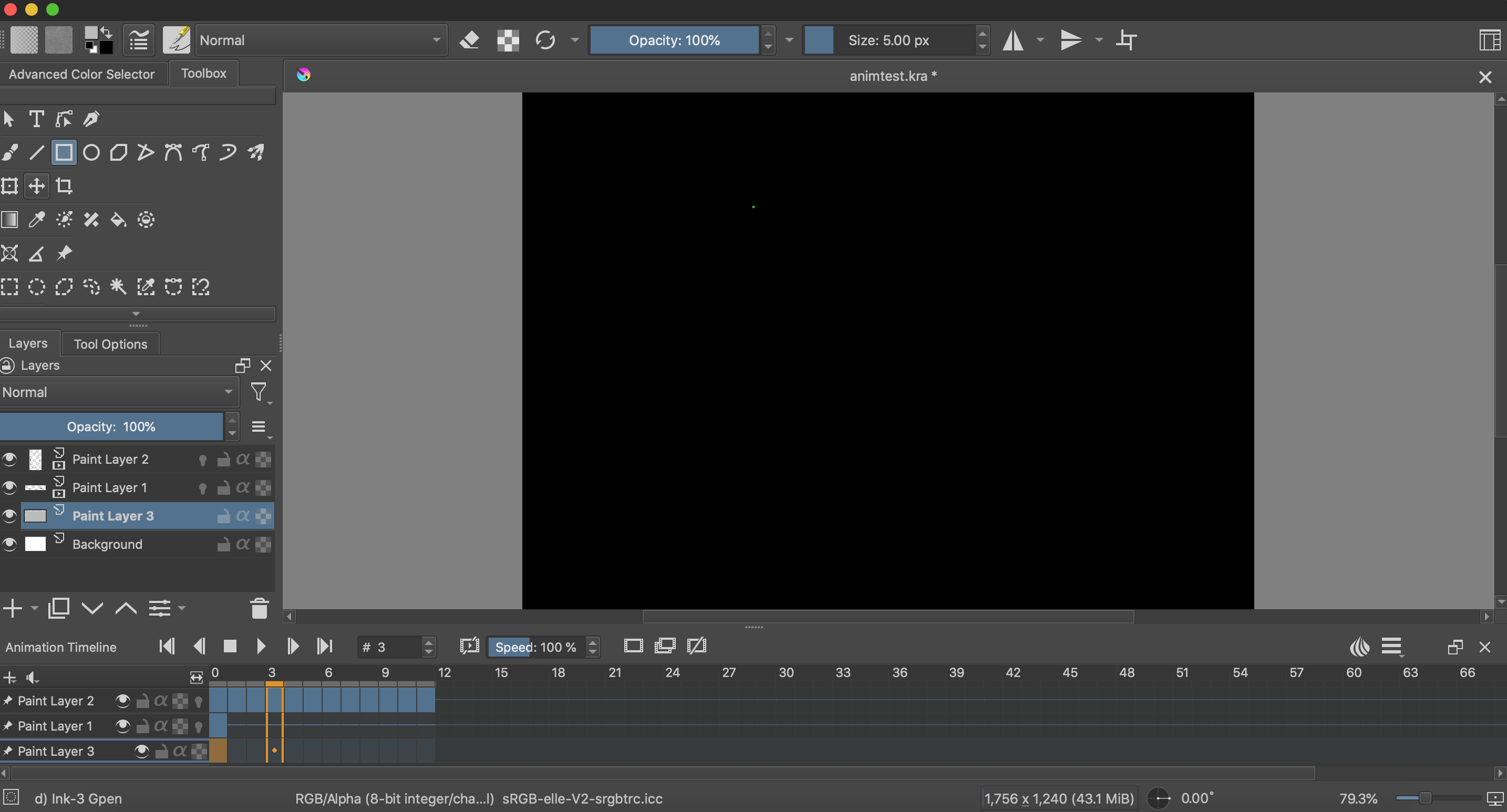
when i turn off GPU Acceleration, cache window does not appear.
Ok, I found solution there:
Thanks.
It can be fiddly when graphics settings are a cause of problems so I’m glad that you’ve got it fixed now.
You have Memory Limit set to 7GB maximum usage for krita.
For small animations with not much RAM used for krita and the artwork storage, that should not be a problem.
However, if you make large/long animations that push krita’s usage up to 7GB, that will leave only 1GB for macOS to exist in and do its work in. That may cause OS system level swapping which can cause problems.
I’d suggest that you reduce Memory Limit to 6GB so that krita then uses its own swap file instead of giving grief to the operating system.
Then perhaps it is worth using a disk for caching?
If you’re using a large amount of RAM then yes, using disk for caching is a good idea, to reduce RAM usage.