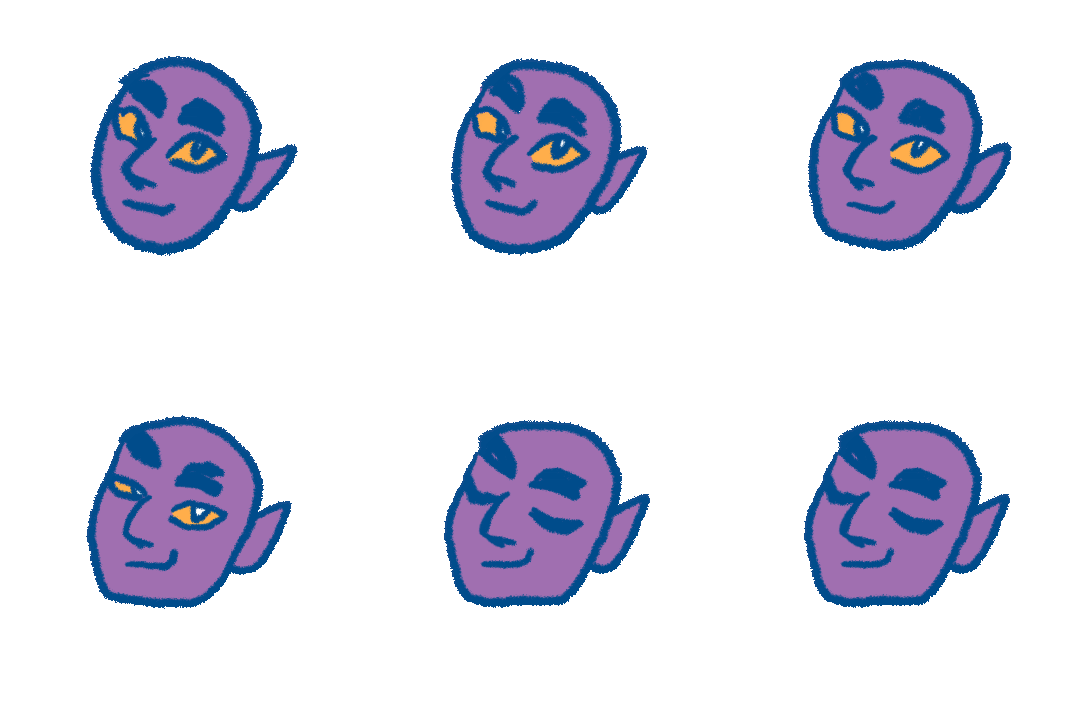
Hello! So Krita used to be able to render animations with transparent backgrounds (BG) into GIF just fine. But now for a year or more it hasn’t - instead it crops the areas which are transparent in the BG, or don’t have color data in it. I’m sure I’ve seen this asked before elsewhere, but for now this seems like a bug to me, because I have seen no solutions for this aside from filling the background with color or e.g. making a semi-transparent pixel at each corner of the image. I teach university students and some of them use Krita, so it would be nice if they could export their game sprite GIFs as intended, with the image canvas as they specified and not cropped.
Krita version 5.2 and upwards has the FFMPEG plugin bundled into it by default, but conversely, the animation render export for GIF does not work as intended. Maybe there is no correlation there, but I’ve noticed this since the update last year.
I would like it if this was a bug that was given attention, or even better, something I could fix myself, but there seems to be no real solution for now. I’m just wondering if there’s anything to be done about this?
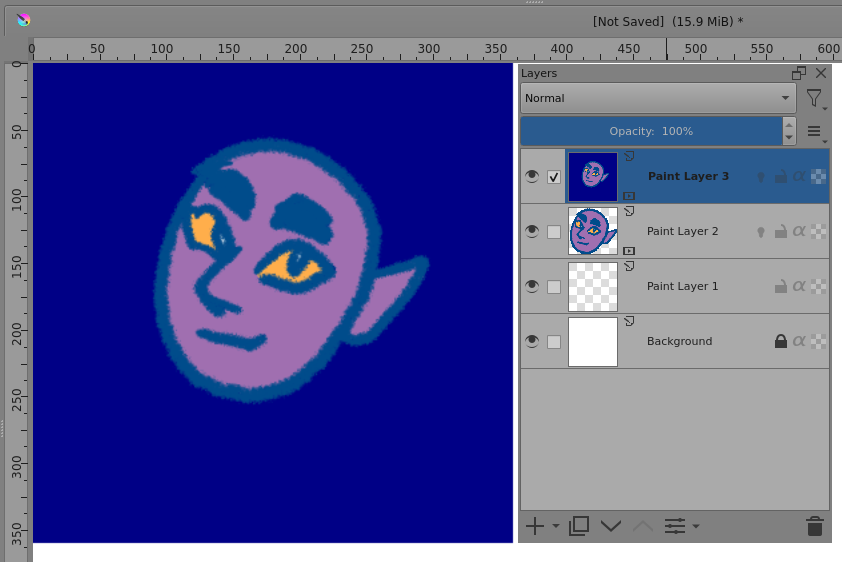
Here are the test animations I created today to try out if the issue persists in 5.2.5 - seems the issue is the same as last year. The FFMPEG version is 4.2 with these examples. The image canvas should be 360 x 360 pixels, but the render crops it to 208x200 pixels instead.
I really love using Krita, it gets better with each update, but this is just one thing that seems to be a large glaring issue from before.
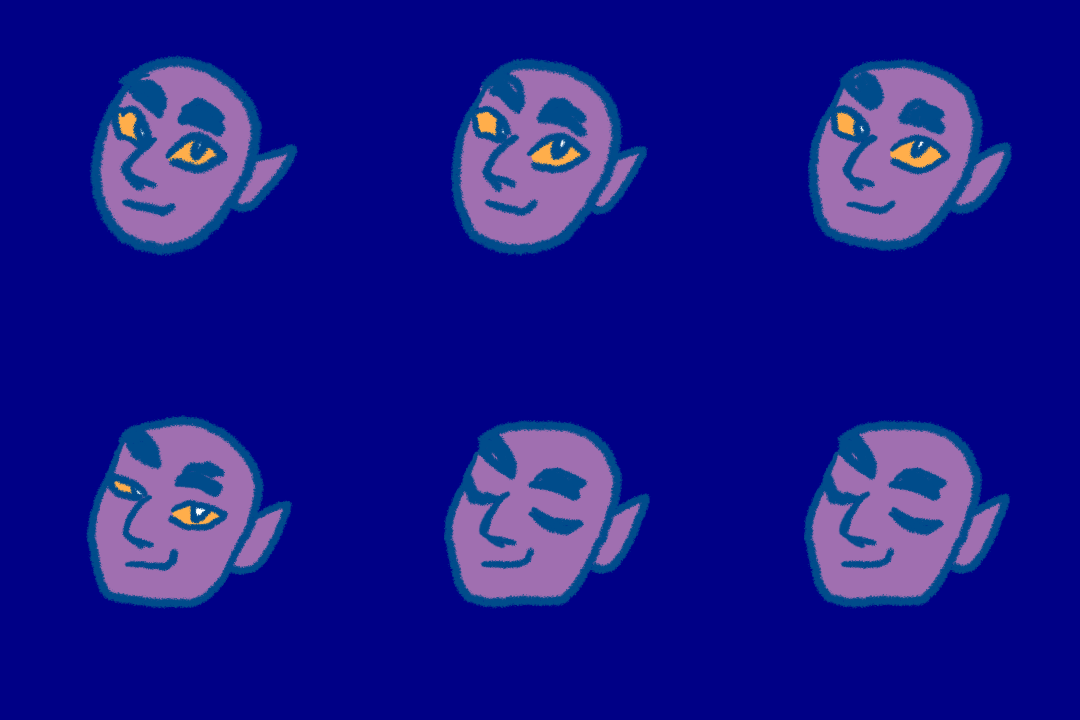
And here is the comparison with the 360 pixel square canvas filled with color.
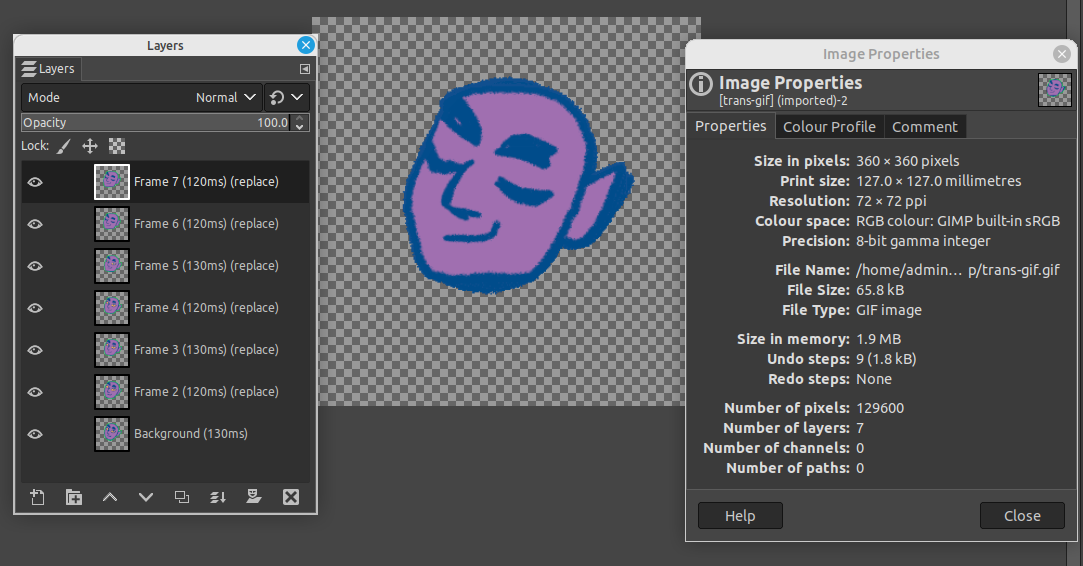
I’ve saved your .gif upload and then I opened it in GIMP as a file and then in krita with File → Import Video Animation, which gives an animated layer of the frames read from the file placed on the document, which is a 1024 x 1024 document with a white BG layer in this case.
In both cases, your animated .gif is seen as being 360 x 360 px with a transparent background and painted artwork placed almost in the middle of the frame.
It may be that whatever other applications you use or wherever the .gif is displayed does not provide painted content positioning that takes account of transparent surrounding area.
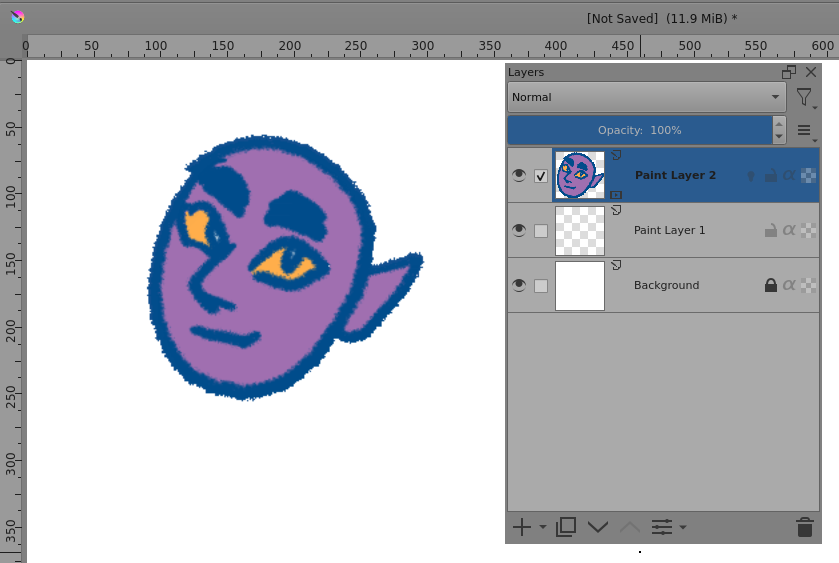
Edit:Add: For comparison, here’s the blue background .gif in krita:
Hello @AhabGreybeard and thanks for the reply!
Yes, that is how the file should be displayed - a drawing almost in the middle of a 360x canvas.
I don’t have GIMP installed on my current PC, and I’m sure the info it displays is correct, but when I open the file with windows file viewer, it displays the dimensions as 208x200 - so Krita, at least on my PC, still renders the files incorrectly. Either that, or it’s some multiple-version issue with Windows? I have seen this same issue on both Win10 and Win11 computers.
So I guess in other words - could it be possible then that there must be something wrong with the installations on all my work and school computers, that’s giving the same issue?
I can upload both my .KRA and GIF files as zip, if that helps.
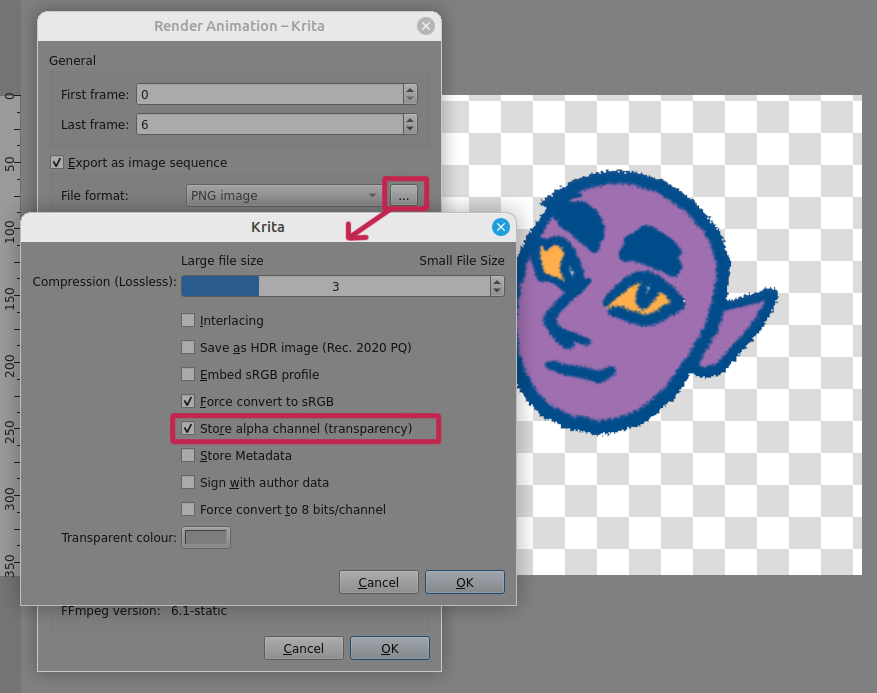
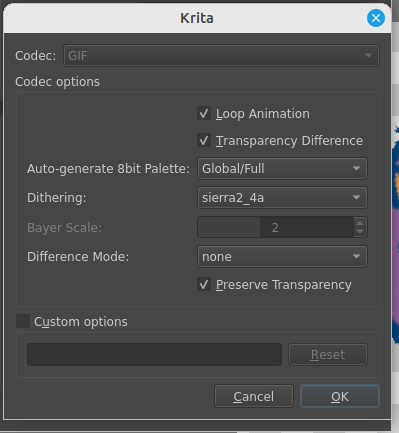
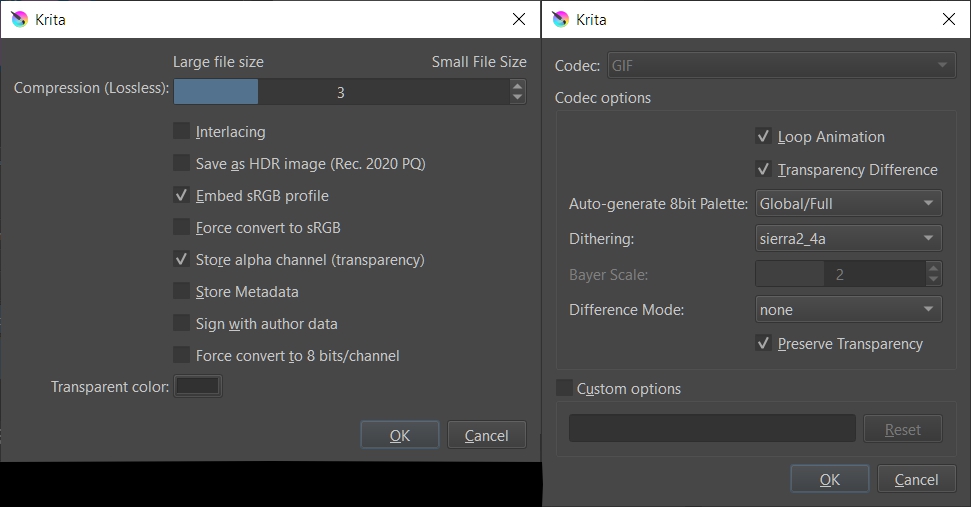
Please make sure of the following settings:
In the Render Animation options, enable ‘Export as image sequence’ then open the options window and make sure that 'Store alpha channel transparency is enabled:
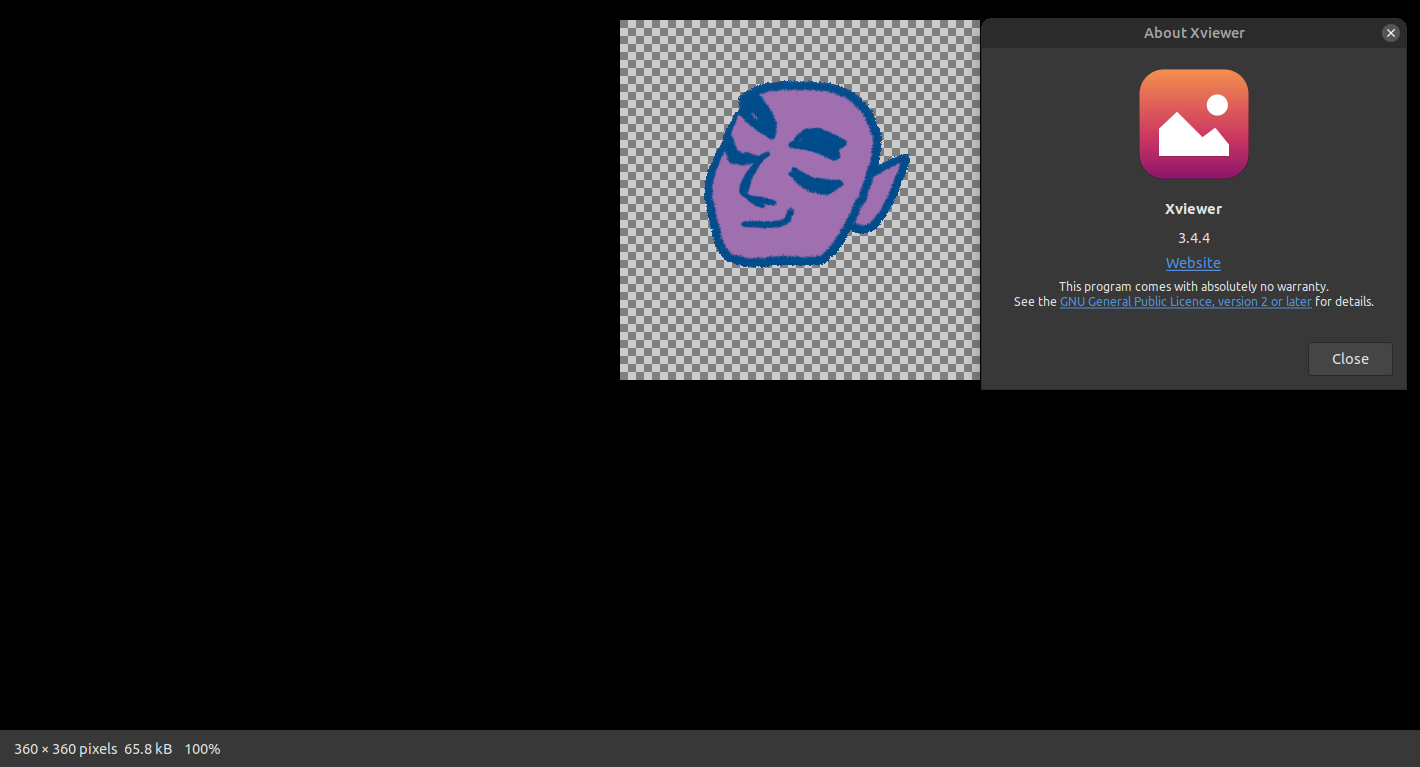
For the .zip collection that you provided via the Google link above, here is what Krita 5.2.5 animation test8fps.gif looks like when opened with the Xviewer file viewer. This is a screenshot of an animated presentation:
Is that the animated .gif file which is not presented properly for you?
If it’s not presented properly then that is a problem with the viewer/player that you are using.
Did you try rendering the example file?
That was my conclusion too from testing, but how is it that all the school computers I work with have the same results then? If the image displays correctly I guess I can chalk it up to windows image viewer just not displaying the files correctly for now. Thanks for checking the files for me!