OS: Linux 22.04 Ubuntu
Krita: 5.1.5
Format: appimage
Steps to reproduce:
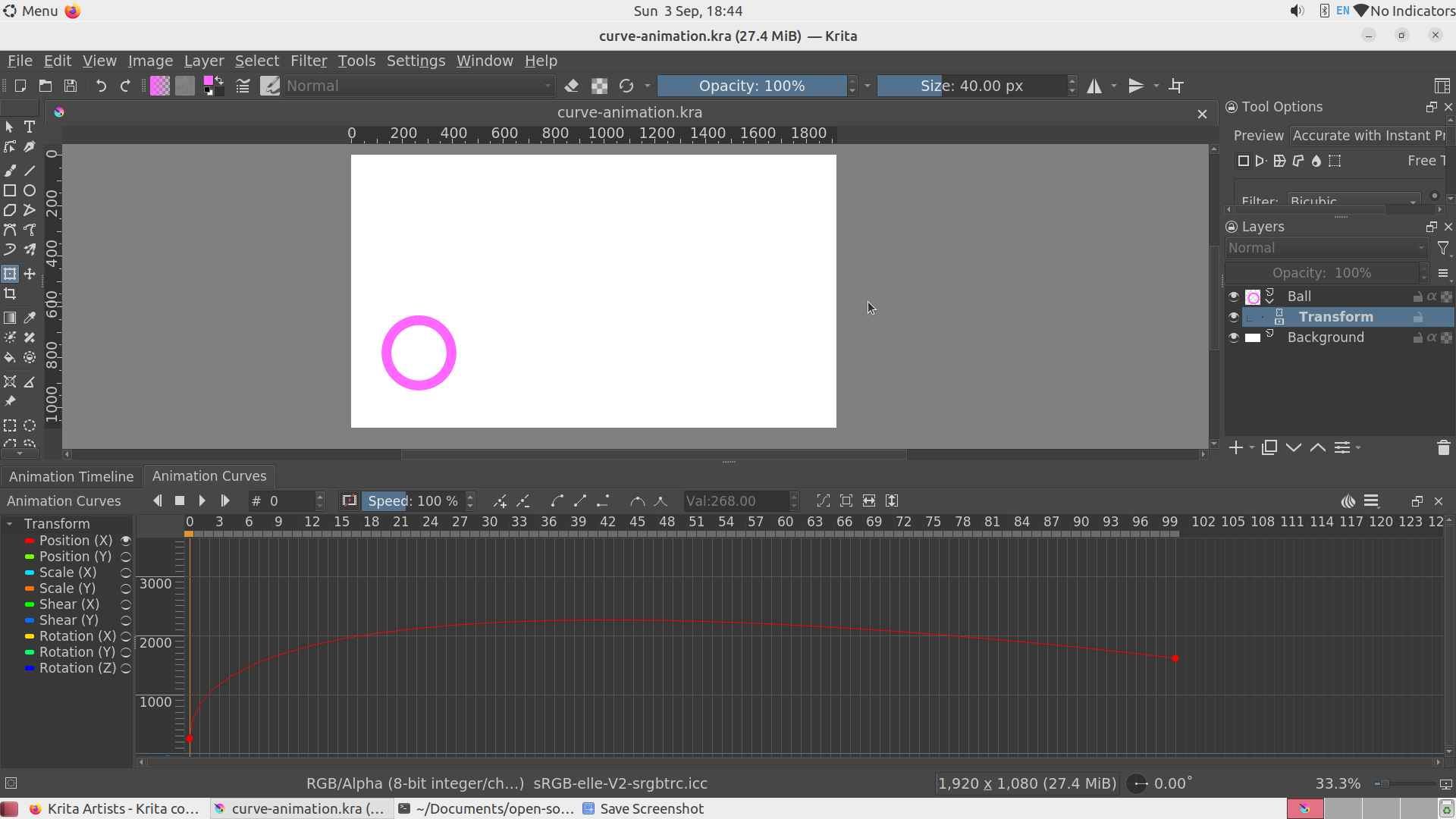
- Create paint layer and add transform mask for it.
- Add 0th and 100th key frames.
- Set 100th frame as the end one.
- Move paint layer position on 100th frame via transform mask horizontally to the right corner.
- Get:
- Play animation to ensure everything works fine.
- Add bezier curve interpolation to make ball move out of the canvas horizontally on the first frames.
- Get:
- Try play animation and get no difference on canvas.

Note that reopening Krita may help.
Furthermore, I can’t constantly reproduce this issue. But I’ve described steps which lead me to it once a time today. Interesting that when I traverse through frames step by step via Animation Timeline everything is shown fine. Also when rendering animation as .gif everything is also shown fine in the result.