Every time I try to render an animation an error message pops up saying “Output files are incomplete”
I’ve tried to change so many things and it’s still not working.
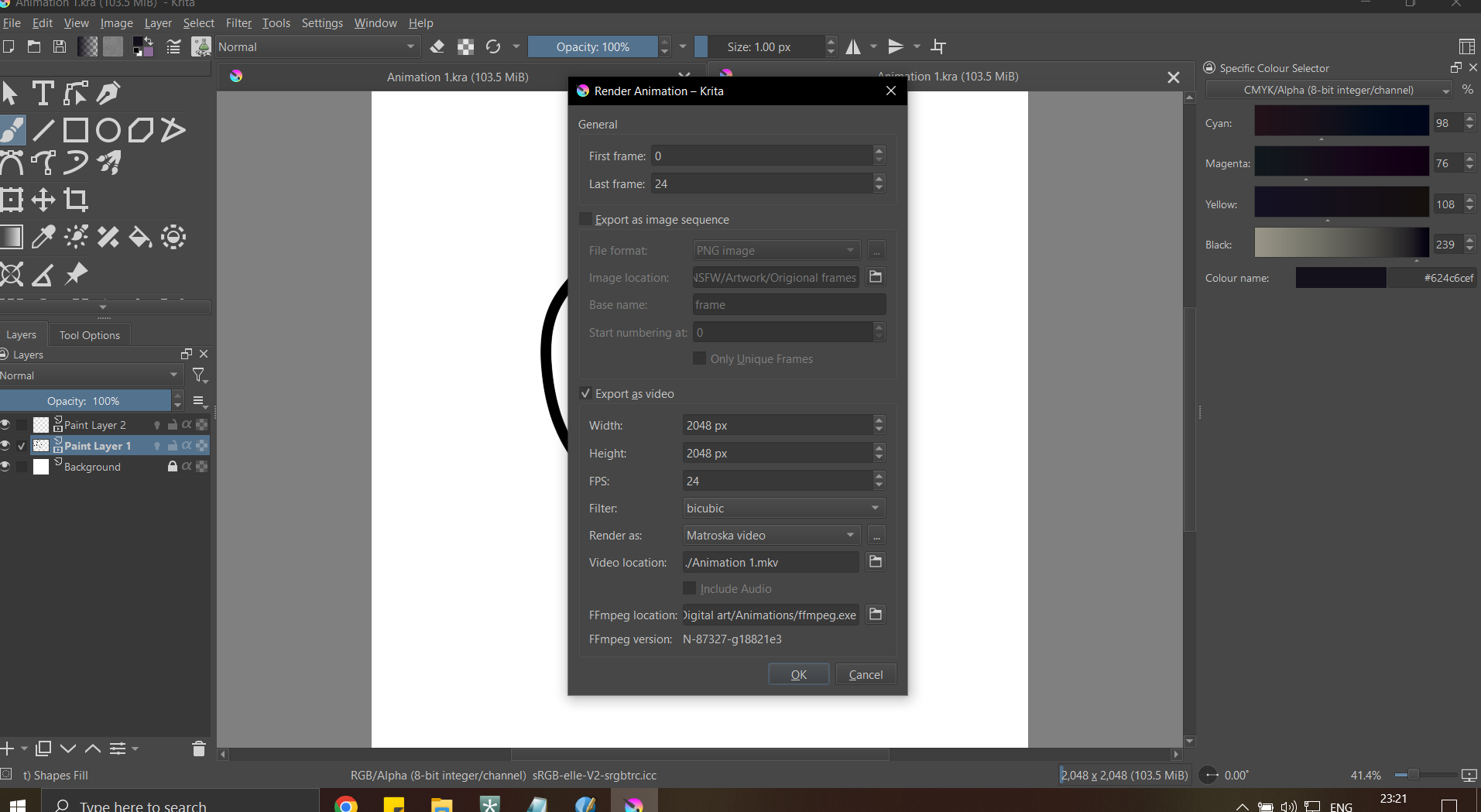
@Squiddie is correct. We need a screenshot showing the render animation dialog box.
Also please provide your Krita version # as some have FFmpeg built in while others do not. Your solution will depend on the version you are using.
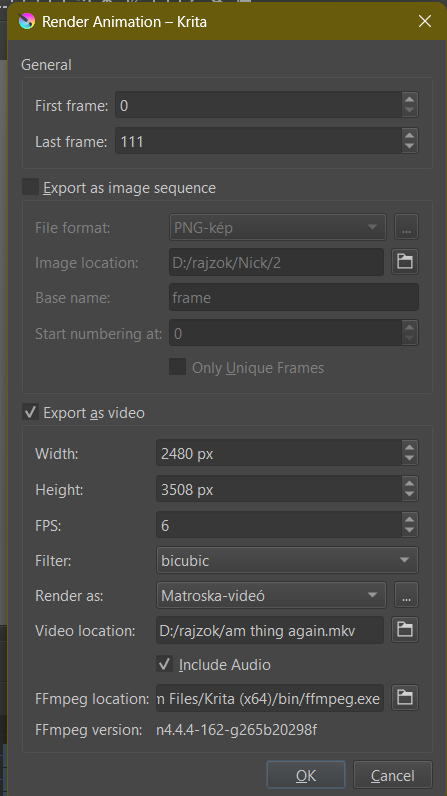
It’s possible that the size of your document is too large for FFmpeg and your device to handle.
Try reducing the size in the “export video” section of the render dialog (be careful not to change the aspect ratio). You can do this safely by making a copy of your animation and trying my suggestion on the copy.
reduced it by 20%, same problem…
For a 2480 x 3508 animation, you’d need an 8K monitor to display it at its full resolution so making an animation that size is pointless, unless you’re aiming for a very niche target audience.
I’d suggest that you aim for an animation size that corresponds to the size of monitors that people are likely to watch it on.
Most YouTube videos are 1920 x 1080 though there is content at higher resolution for people who do have high resolution displays.
Where and at what stage/time is that error message shown?
You seem to be using Windows. If you use One Drive, disable it completely and totally then try rendering again. Use of One Drive can interfere with the correct reading of an animation’s intermediate frame files, which are needed by ffmpeg when creating the final animation.
If you’re not using One Drive or disabling One Drive does not help the situation, enable the Export as Image Sequence option. It would be convenient to make a folder for the image location destination so you can delete it later instead of having to delete all the 112 intermediate files.
Then check that all intermediate image sequence frames have been correctly created and are all there with index numbers from 0000 to 0111.
I’ve resized it again to 1122 x 793 and the error consists. And it pops up while it’s saving frames. I don’t use One Drive. And I also tried enabling ‘export as image sequence’ both with and without ‘export as video’ enabled. still no luck
I… I didn’t have enough space on my pc.
@sooz @Squiddie @AhabGreybeard , thank you for your help and sorry for taking up your time with something so trivial as ‘not enough storage’
I’m glad you figured it out.
I marked this solved for you so others don’t open the thread thinking you still need help.