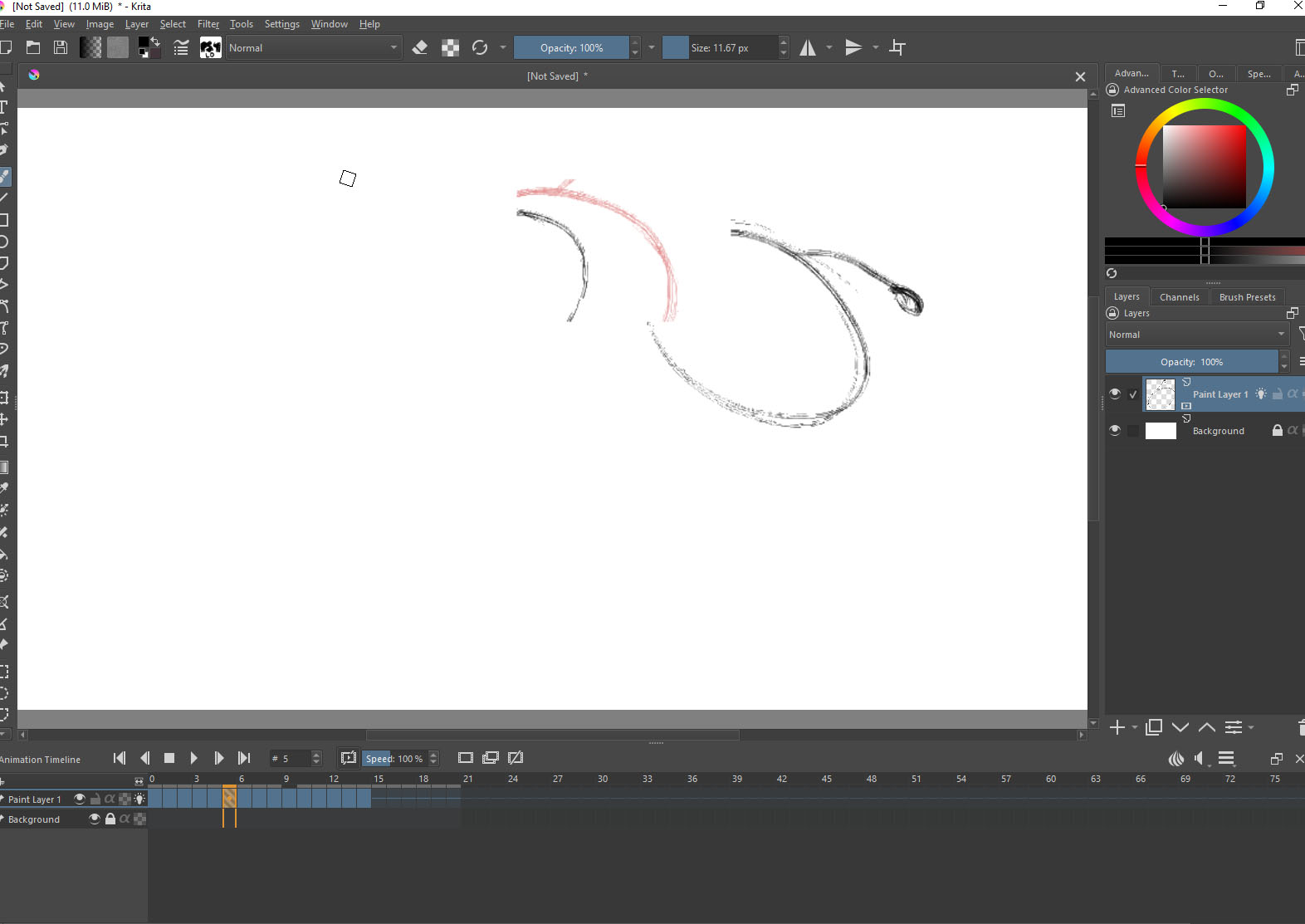
Hi. I have this weird bug when I animate frame by frame animation. It is hard to describe but generally the area where I draw on the current frame glitch and my stroke appear on different frame in the timeline. I use Krita 5.2 on windows 10 laptop with Nvidia m2000m Gpu with 48GB ram. I have this bug also on other computers PC and Mac. I tried to set the animation cash on In-memory but it didn’t help.
Hello @shokiujas and welcome to the forum 
It’s not clear what could be happening with your animation fron the screenshot you’ve posted.
Can you post screenshots of adjacent frames and explain what was paimnted on which frame.
I don’t see any green onion skins. Why is that?
Sounds possibly a bit like this bug 481244 – Drawing after pausing animation will edit the wrong frame and cause visual artifacts (git 3ad80aa) ?
1 Like
@freyalupen Can you give a link to a nightly or stable build that has the fix for that bug incorporated?
(I’m thinking about the situation with the build pipeline which has been ‘sticky’ recently.)
These are the two latest Windows builds I could find, you can either download them from my cloud, or you can try your luck on invent.kde.org to find the right ones under the links (both are portable versions):
These are the builds:
5.3.0 from yesterday:
5.2.2 from 2024.02.28:
Here you can get the latest 5.2.2 & 5.3.0 that I could find from my cloud:
krita-5.2.2-7411566d.zip:
krita-5.3.0-prealpha-en102971.zip:
Michelist
2 Likes
Thanks guys.
This is the problem on video.
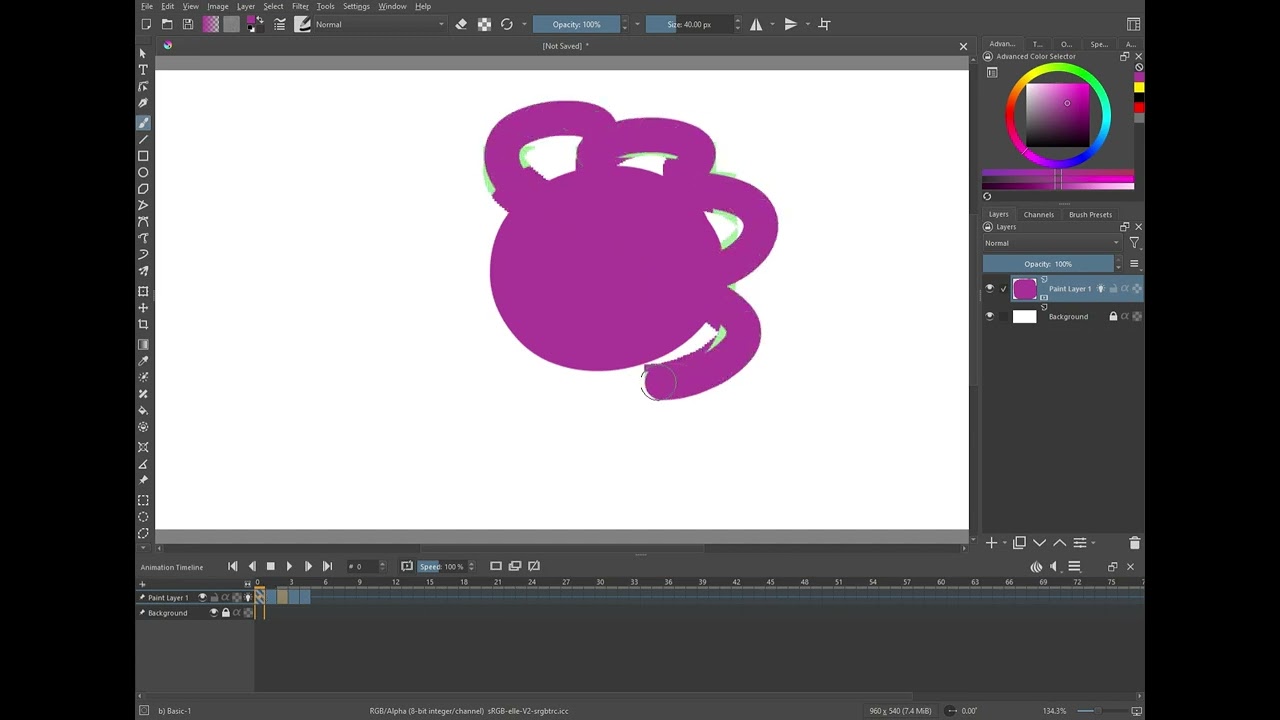
Have you tried using the 5.3.0-prealpha .zip package from the ufile link provided above?
Yes. It does the same thing. I use Krita for long time, even before animation features and it is pretty robust, but this bug was there from the beginning of the animation timeline. I changed 4 computers over the years both PCs and Macs and in happened on all of them in all Krita versions I tried.
I tried krita-5.2.2-7411566d.zip now and it is a lot better than krita-5.3.0-prealpha-de102971.zip The bug still happened, but not in the same rate as before and the drawing appear on the frame it supposed to be.
3 Likes
This topic was automatically closed 30 days after the last reply. New replies are no longer allowed.