I just put mint linux on my old dell laptop, I blame @AhabGreybeard for putting the bug in my ear 
Anyway, I see that all the huion linux drivers are for ubuntu, are there any mint specific drivers out there, or should these work fine?
I’m just trying to avoid having problems with the display pen and then being told there is actually a better driver package that’s mint specific that is maintained by a third party.
2 Likes
Maybe this helps: installation packages are available for Linux driver : HUION
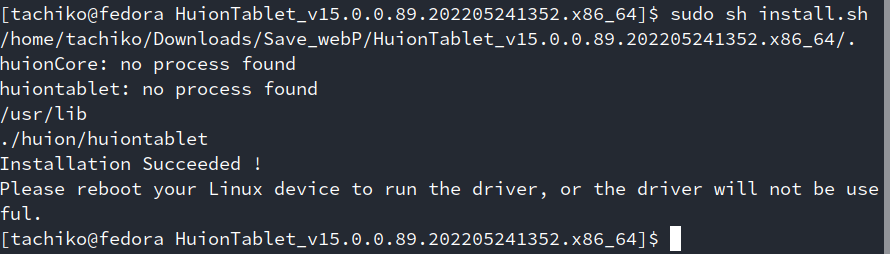
I’m running fedora. I’ll install driver and get back to you. But it was working decent without driver.
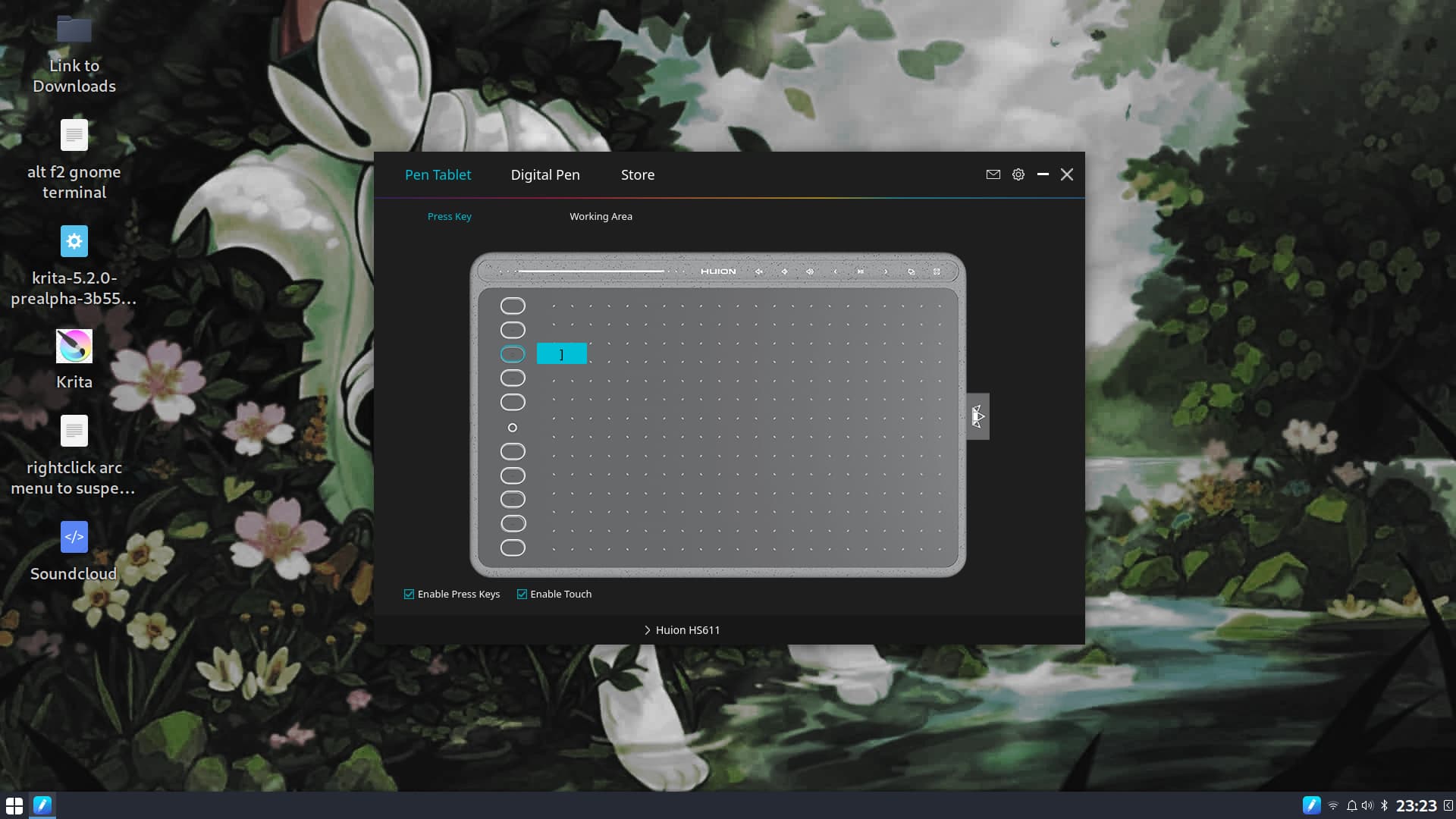
i have the HS611 model and just tried the tar file on their site
rebooted and found this running at startup:
1 Like
Keep in mind the official huion driver need you to run the utility for using the tablet. So when you close that utility or when it crashes for some reason the you can use the tablet. The utility is not that good in my testing it is inconsistent.
1 Like
That’s good to know, thank you 
Thanks for responding, I’ll give it a try with and without drivers in the morning
I have huion h610x version I have set it up using xsetwacom scripts. You can read my review here -Huion H610X Graphic Tablet – review and setup on Linux – Raghukamath
1 Like
@bubbastien Linux Mint is heavily based on Ubuntu (which is derived from Debian) and they all have the same Wacom drivers included.
A Huion driver for Ubuntu should work on Linux Mint.
1 Like
Thanks for the tutorial/review I think I’ll try going that route first
Thanks, I’m not up to speed on linux lineages and thought I should probably ask ahead of the install. The last time I used unix I was working on bsd servers, like 30 years ago, and almost every hardware install required 3rd party packages. I’ve never used any flavor of linux, I didn’t even know what kde was until I looked into krita development
2 Likes