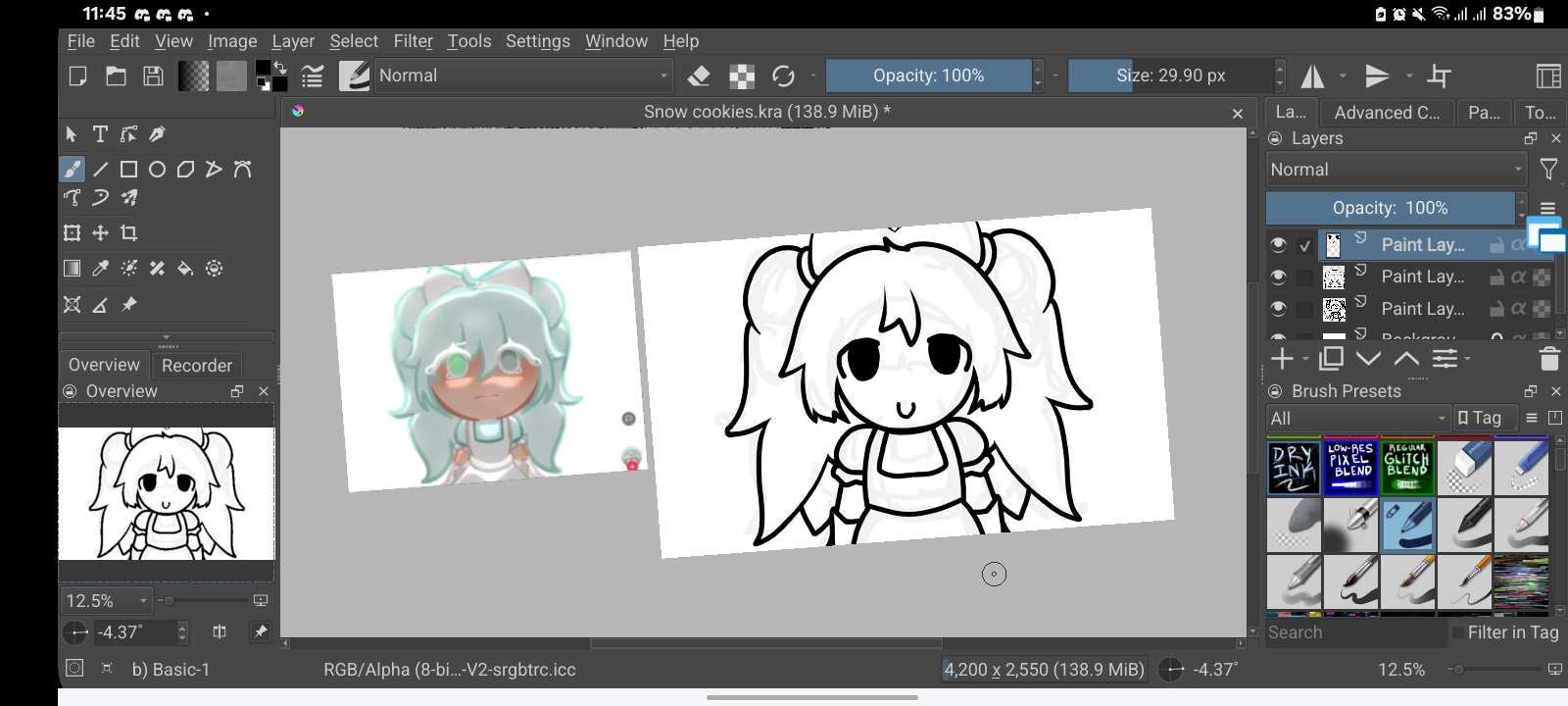
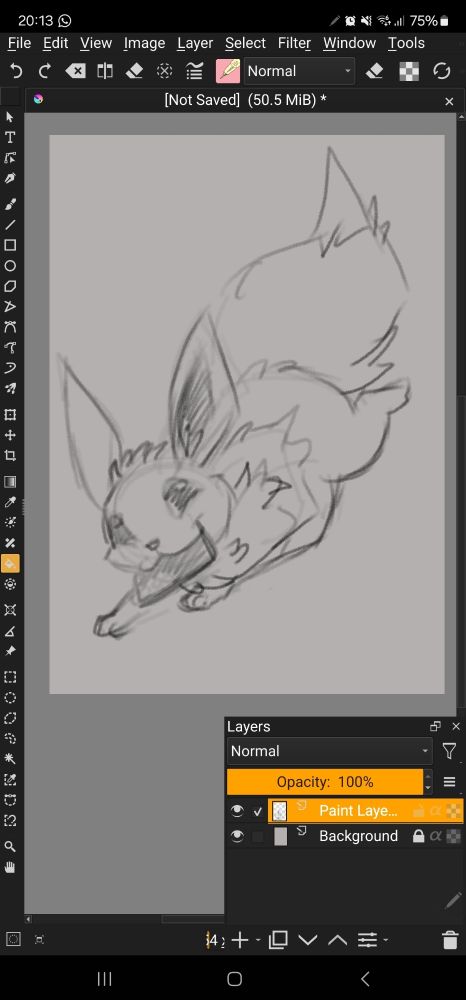
Krita is not available for phones because of the large UI requirements.
There are people who seem to get by with using krita on their android phone but the developers can not provide advice or support to anybody who does that.
There are some people here on the forum who squeeze some use out of a phone with krita and they’ll probably reply to your topic sometime in the future. Maybe even today
I draw on my phone in Krita (Samsung Galaxy S23 Ultra) when I’m out and can’t bring my tablet (also a Samsung one).
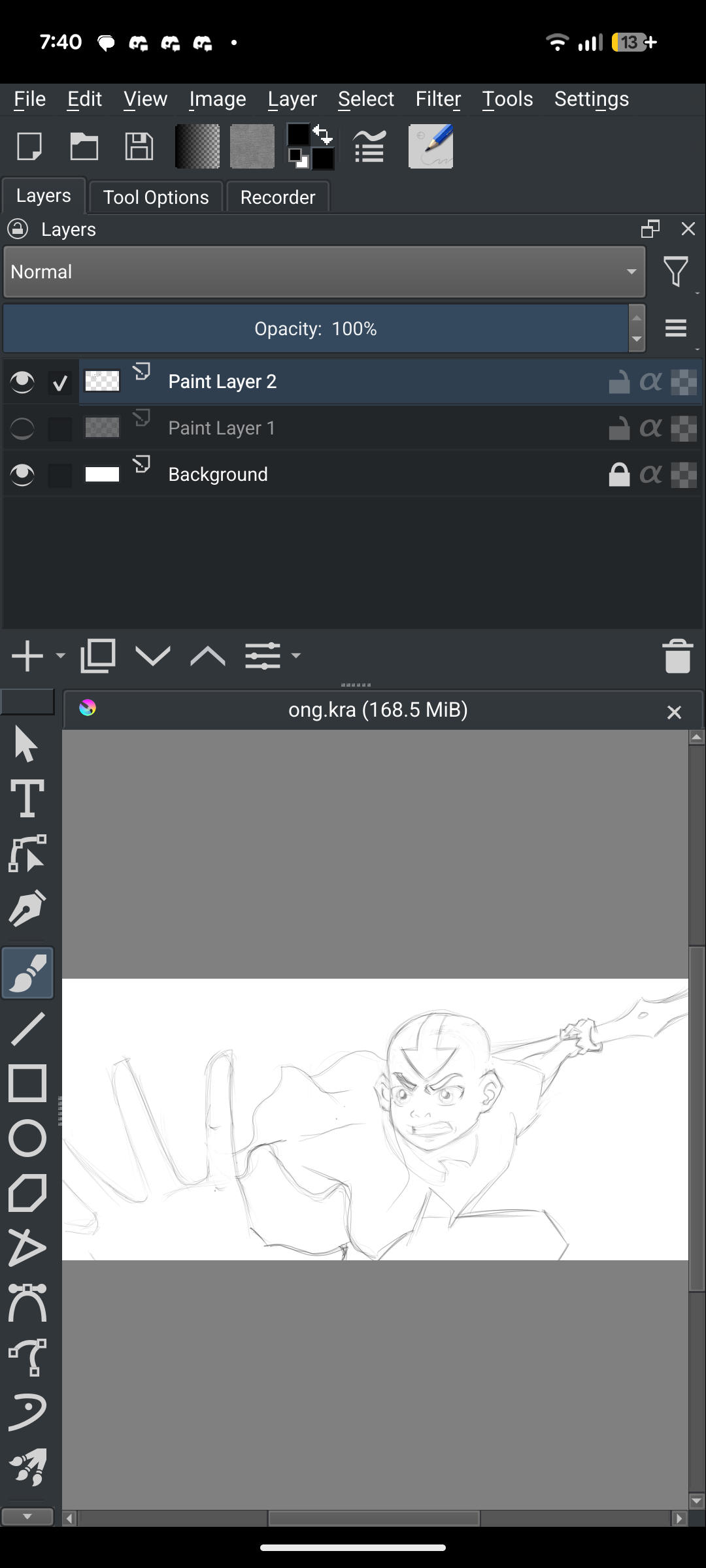
It’s a little hassle because of the mentioned UI stuff (option windows won’t change their size to fit the phone screen for example). I got it to a manageable level by changing the minimum width in the developer options of my phone to scale everything down a little.
Yes! Although not primarily for drawing. Instead I mainly use it as way to view and export “.kra” files on my phone. On my computer I save all my Krita files directly into Google Drive, which is where I like to store my stuff, but it also allows me to basically sync my Krita files from my desktop to my phone and vice versa (interestingly I learned trying to export files doesn’t work into Google Drive).
I actually used this method to show one of my college instructors an in-progress piece that I hadn’t proactively download to my phone. It worked quickly and without any hiccups and I had the privilege of explaining what program I was using when she asked!
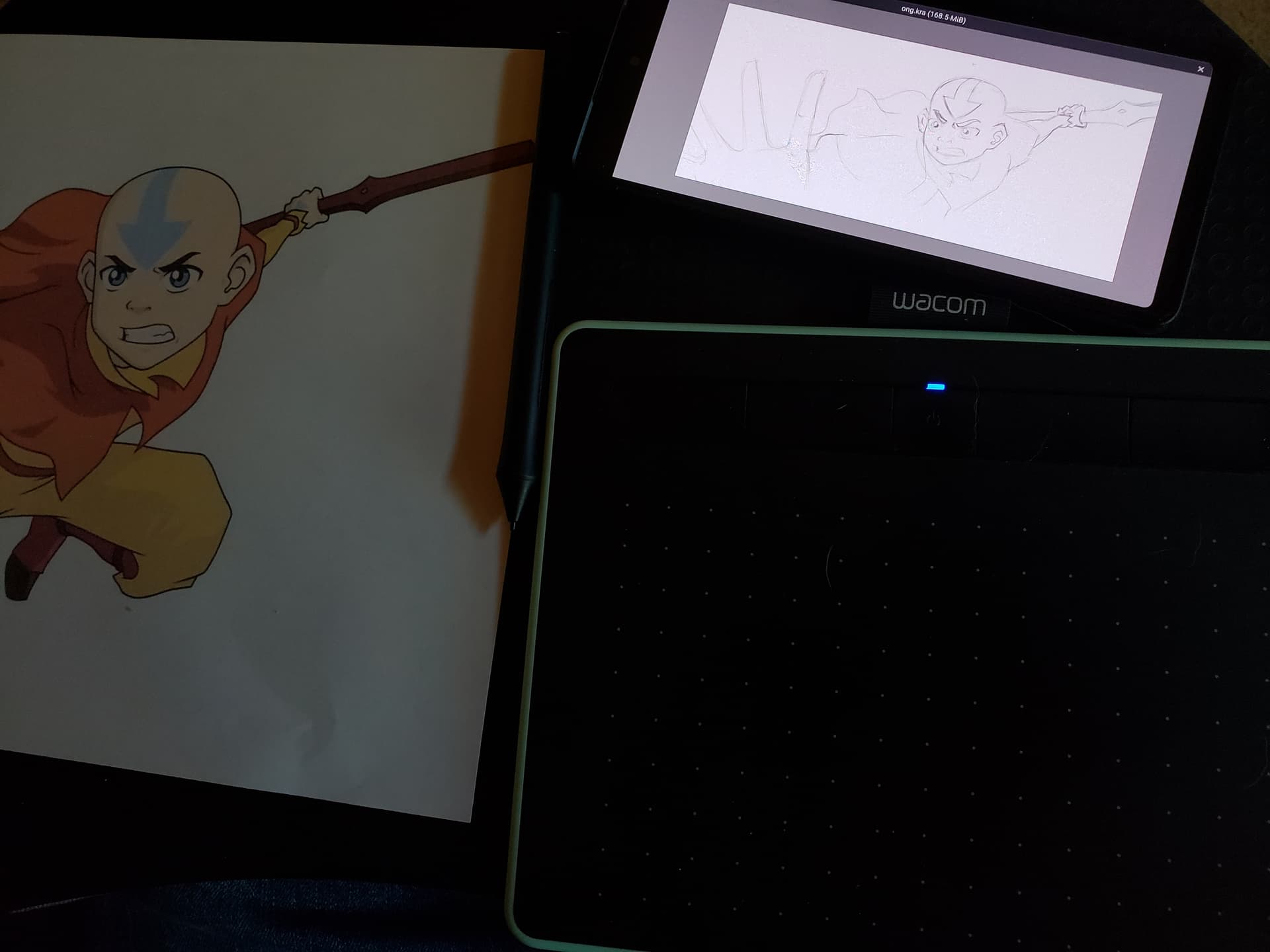
That said, I have tried drawing on my phone (cuz I like to do things I’m not supposed to do lol). I’ve connected my screenless drawing tablet and it works pretty darn well! It’s even lower latency when plugged in directly to my phone. I’ve tried this on my Chromebook too with the Android app and seem to remember it working pretty well. I’ve even plugged in a keyboard before to get all the same keyboard shortcuts!
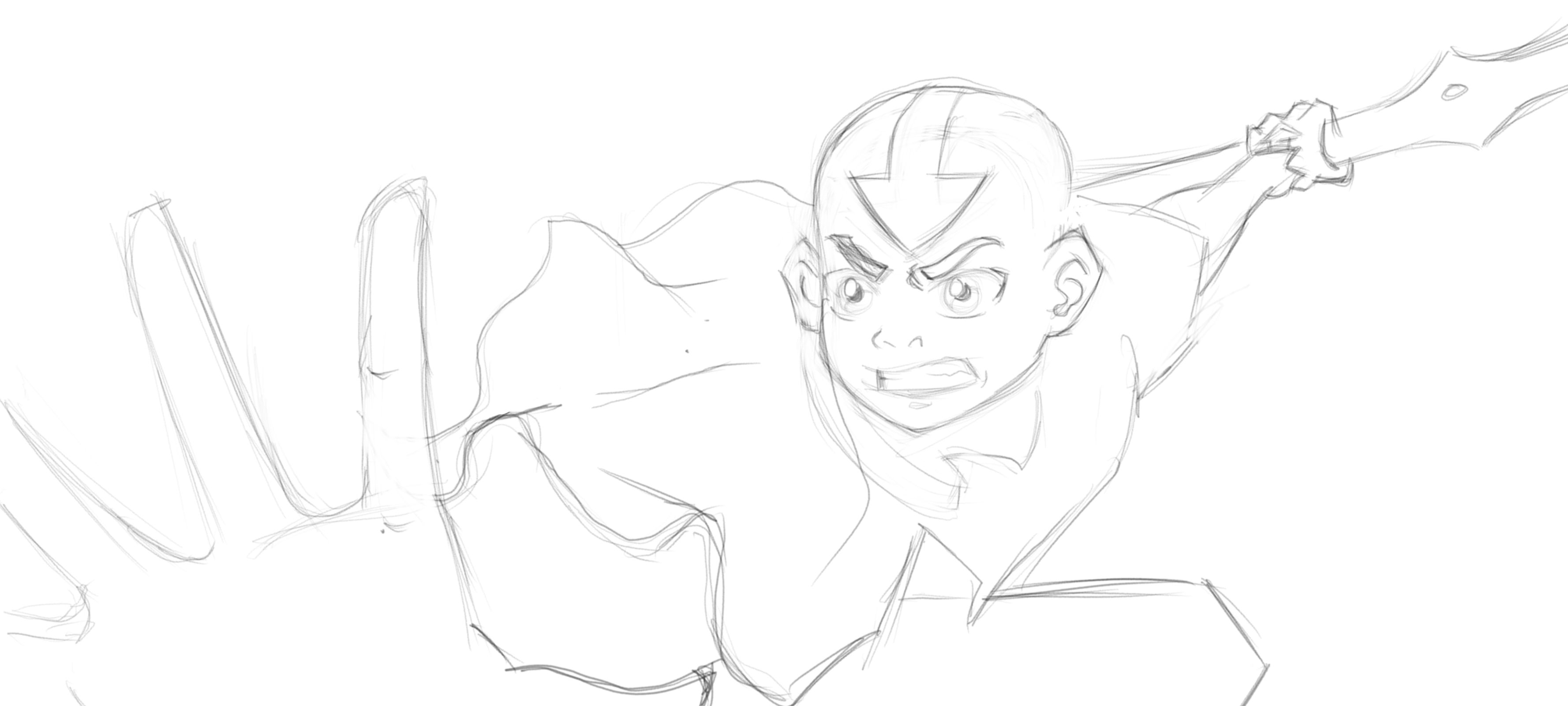
Here’s a study of Aang as an example cuz I’ve been rewatching ATLA with my family: