I’ve been experimenting quiet a bit with Kritas brush engine and made some stuff I’m quiet happy with. I say stuff but I pretty much just use a single brush for everything I do
( besides the hard round ^____^ )
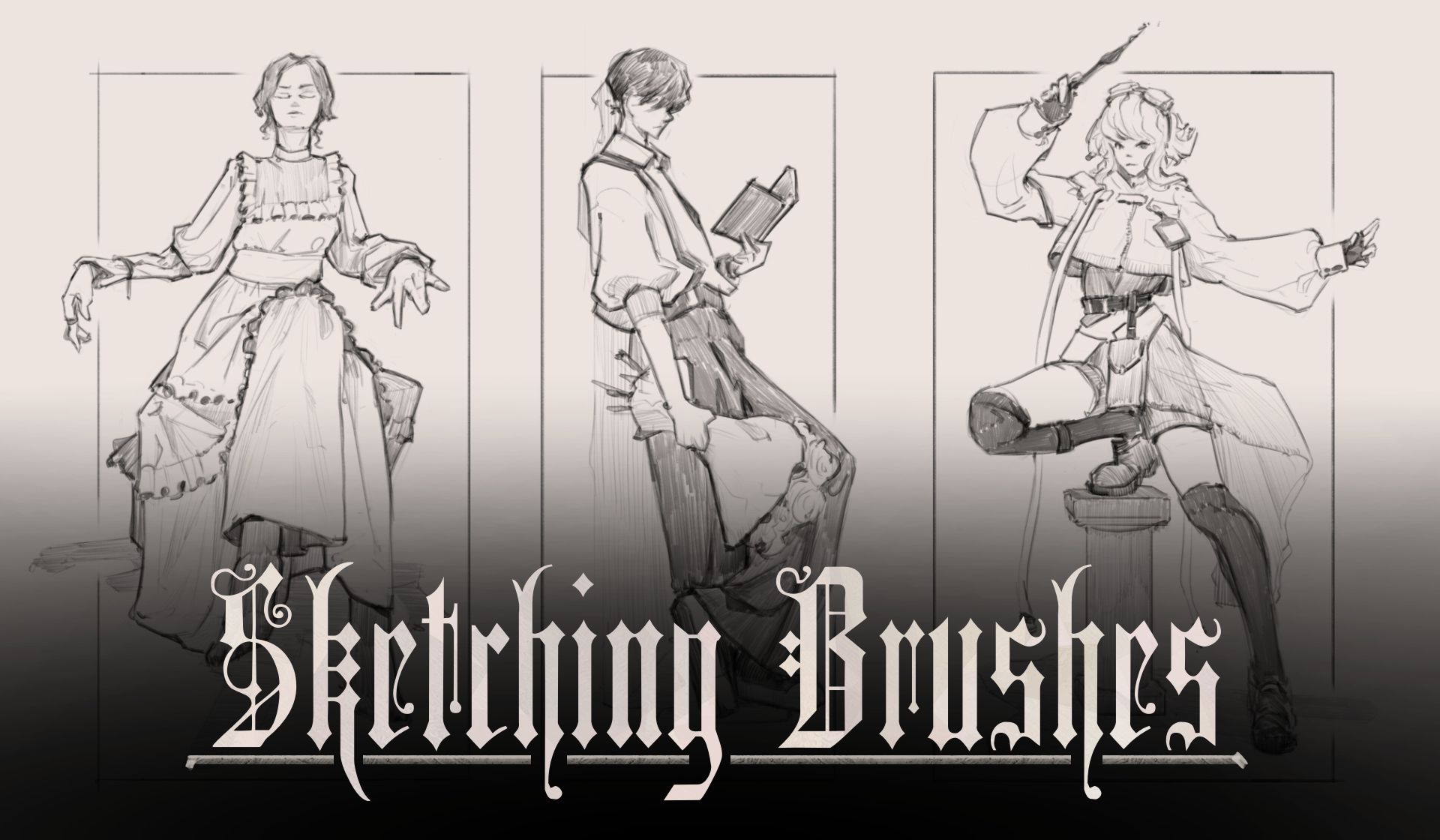
Anyways. If you wanna have my sketch brush. here it is ╰(*°▽°*)╯
Link: Gumroad
Edit:
I updated the Brush set d====( ̄▽ ̄*)b
Or rather. Made a new addition to it.
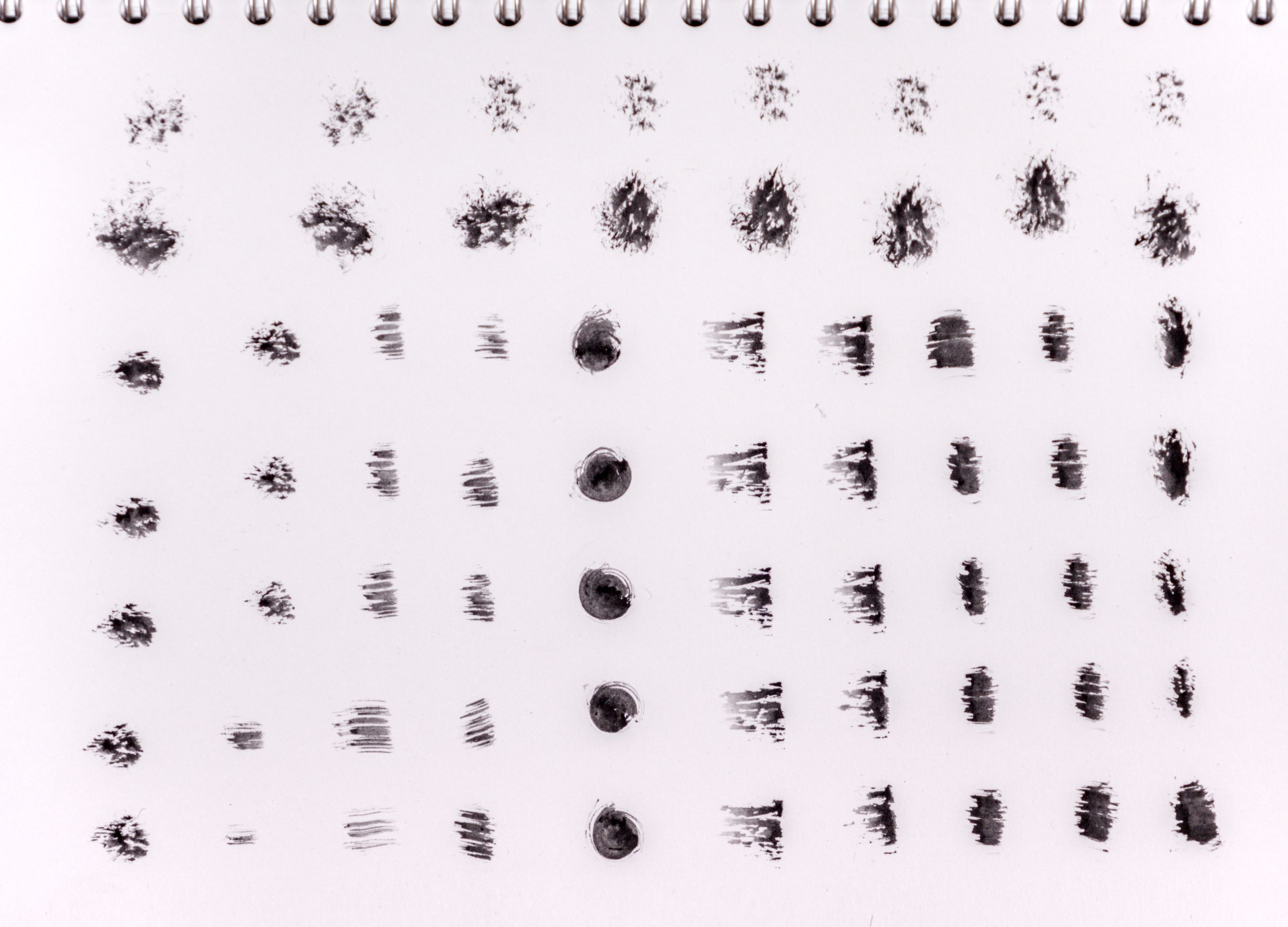
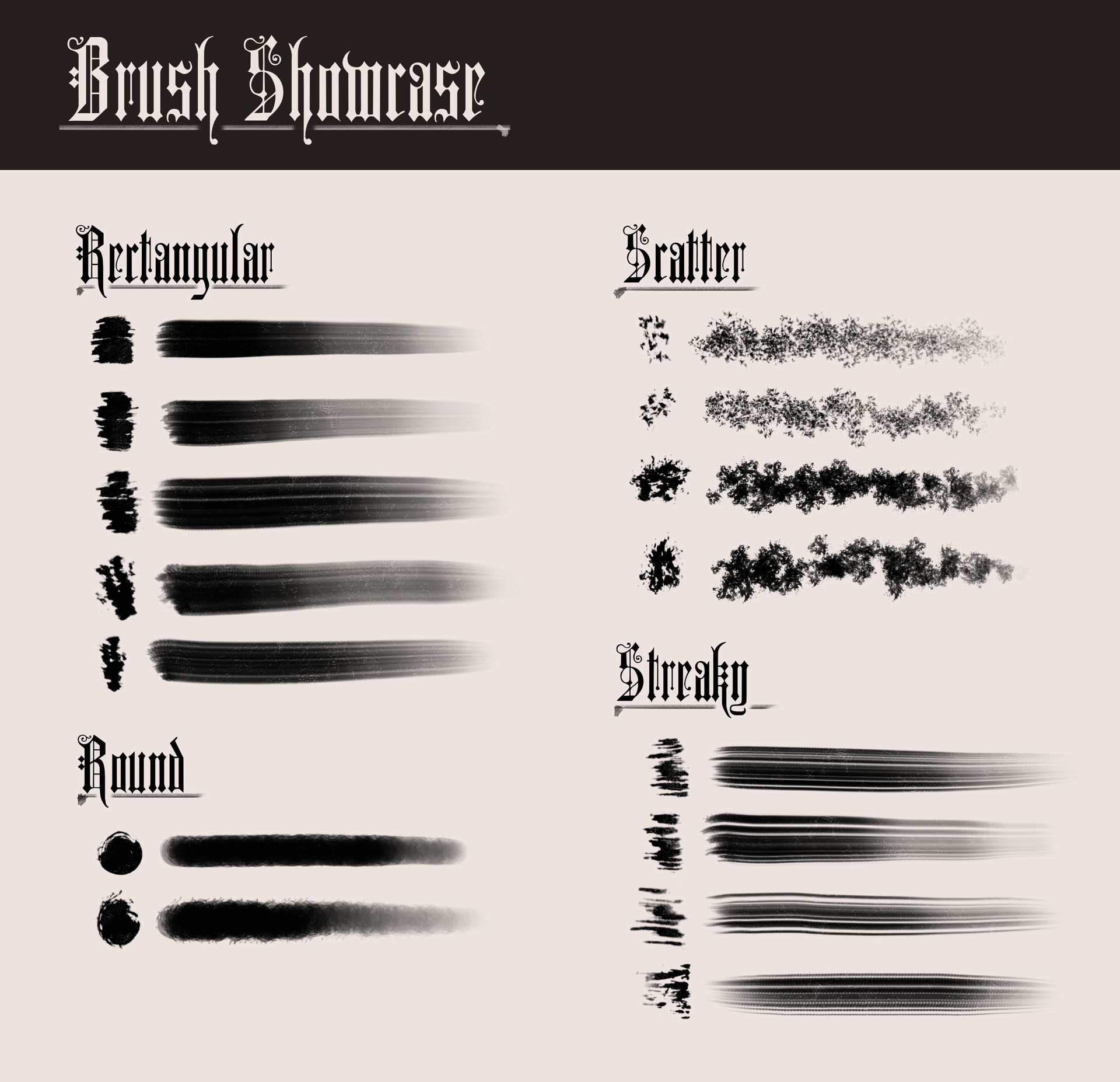
I used used some physical brush marks as tips for them and am pretty happy with how they turned out.
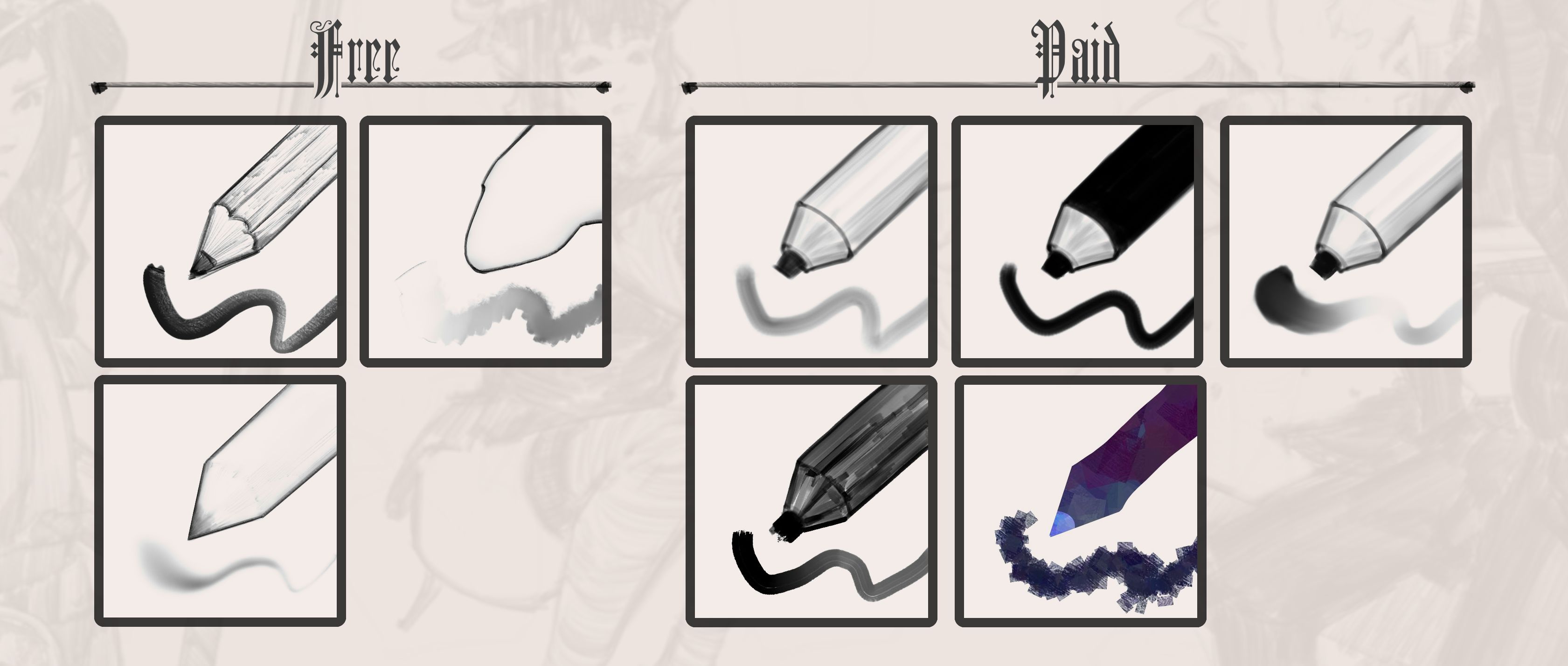
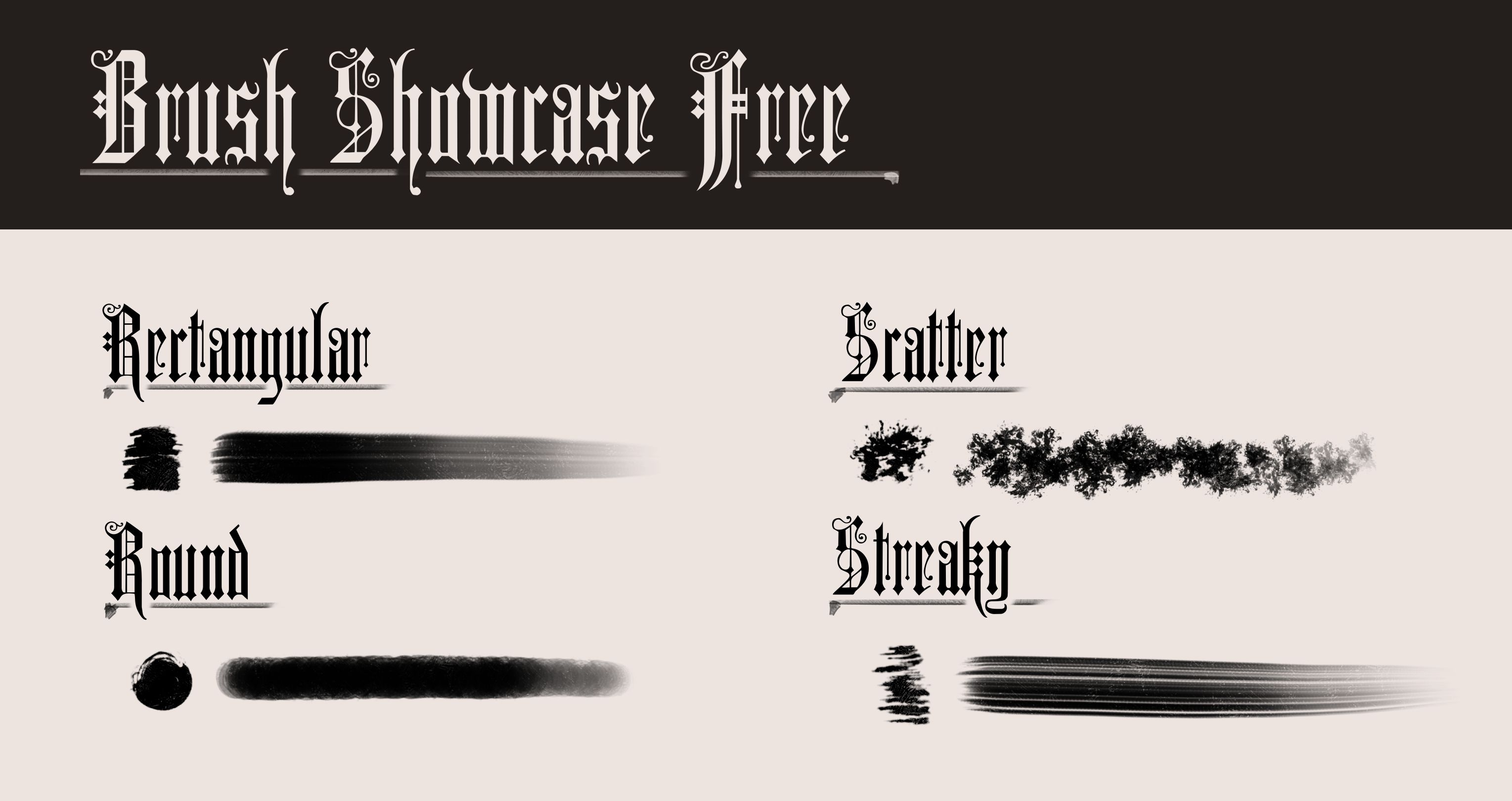
There is a free and paid version. BUT, if you want to, you can just grab the texture sheet with the brush marks and make them yourself, so no need to buy them if you have a bit of time on your hand (I also didn’t turn all of the marks into brushes myself lol)
The rendering of the other brushes are shown in the examples or is it only the sketch one ? (no Paypal, a little boring but you may have no choice for that).
Yes. It’s only the Sketching brush (the one that is free) in the examples. The other ones are more oriented to something more painterly. or to do a quick color wash. But I enjoy the look of only having a somewhat refined sketch so I barely use them.
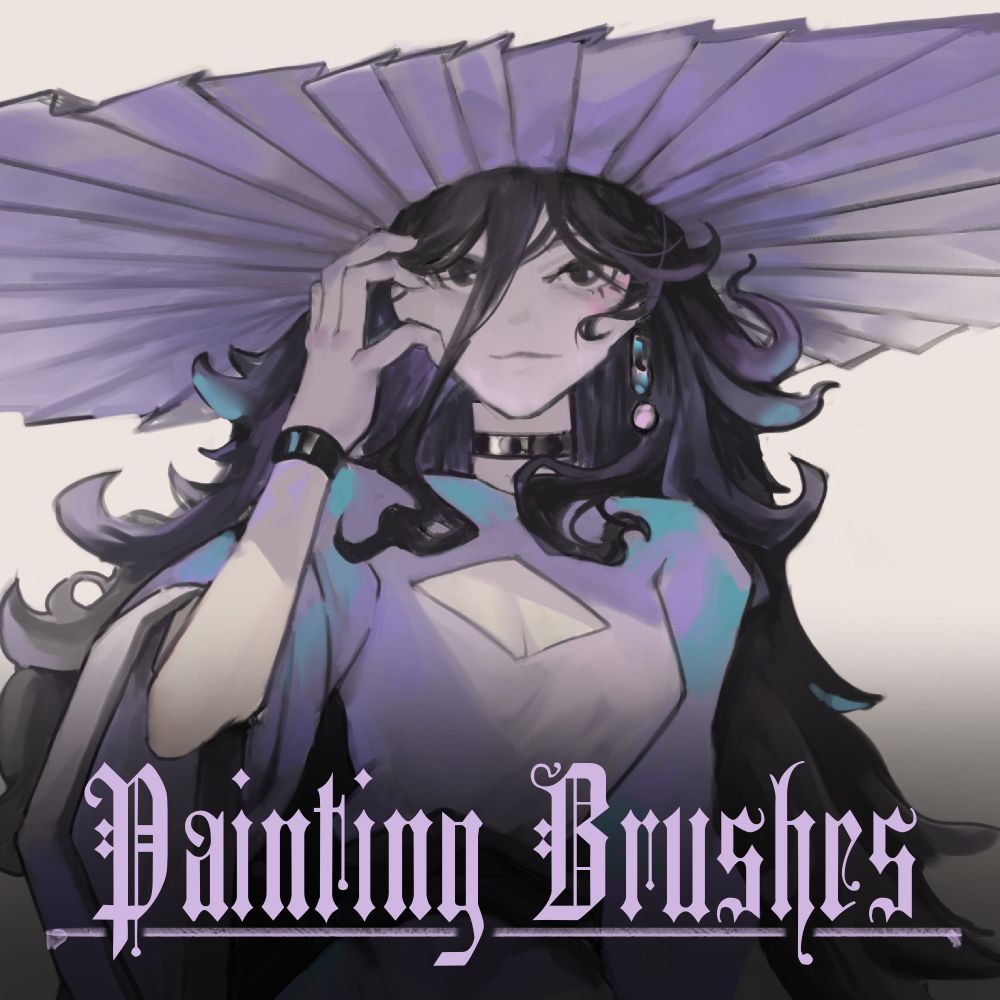
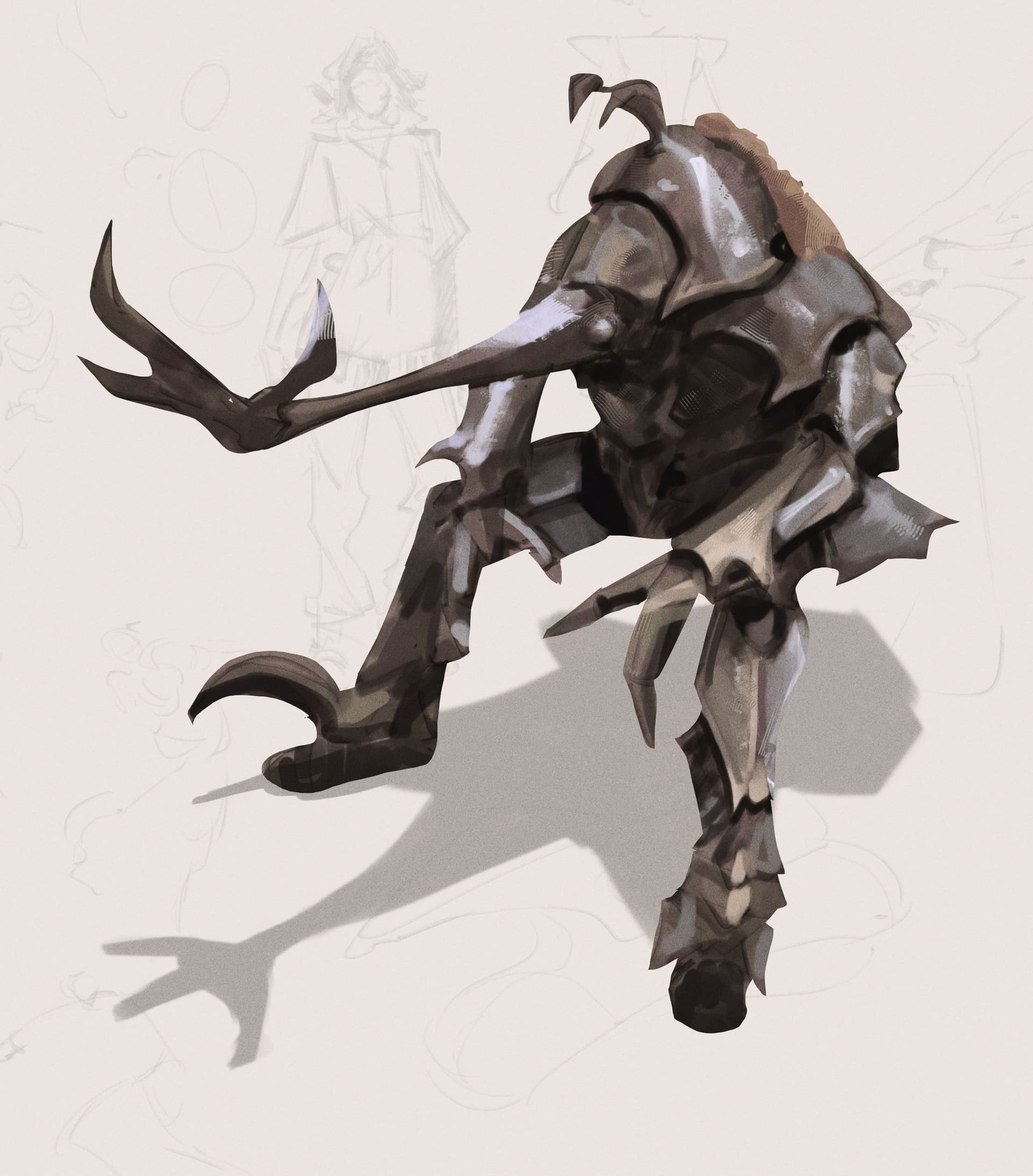
That being said. Here is a thing I’ve put together with some of the other brushes
I made the paid version if for some reason someone want’s to throw some money my way they get something in return. ╰(*°▽°*)╯
I’ll put all the brushes I use the most in the free version and only put stuff with more specific use cases in the paid one in the future, though I’m slow, kinda lazy, and am only consistently inconsistent, sooo it might take a while till I update anything d===( ̄▽ ̄*)b
Sadly I’m not in control of Paypal not being available on Gumroad, I think ::>_<::
I’m certain there are other platforms I could put it on with Paypal being available but for now Gumroad was the least hassle for me.
Very nice illustration. I don’t know how Gumroad works now with Krita - it stopped to work, then went back. I can use my card but it’s more complicated - so boring
Thanks for the link to the other brushes, I will look for them. And don’t worry about new brushes. You’re supposed to draw and paint, not create brushes
Hello!! I’m not sure why but whenever I load your brush set I get this red icon and the brushes don’t show up at all no matter how much I close and reload krita Not sure what’s happening!
The red icon is because @Ape added no special created one to their bundle, so it is Krita’s standard icon (another possibility is that there was used a Krita nightly version for creating the bundle, because at least some nightlies were unable to add an icon to bundles).
The icon for the brush preset from the free bundle looks like a Krita standard icon that was washed far too often and faded out …
… and it looks like this (full size 1:1 copy)
By the way, unfortunately you don’t offer PayPal as a payment option for your tiny bundle (but their fees would eat up much more than those for credit card payments (unfortunately, with my legal status, I can’t get a normal credit card, only the extremely overpriced prepaid credit cards)).
Okay thank you!! Btw is it okay to ask why the brush set wouldn’t work?? would it be because it was made a different build as the one I have installed (latest krita version to date) and like I said I tried importing the brush, deleting it, importing it again and closing krita and opening it but nothing
Or should I open a topic and ask? Sorry if I seem unsure about everything lol I wanna make things right
@Michelist Thanks for Helping in my stead :D. I’m still getting used to how bundles work.
and @Neroforte03 I’ve put together a very small update, so that there should be unique thumbnails and no missing textures now. (if I didn’t mess up that is)
I also added 2 more brushes to the Free Version ╰(*°▽°*)╯
I used used some physical brush marks as tips for them and am pretty happy with how they turned out.
There is a free and paid version. BUT, if you want to, you can just grab the texture sheet with the brush marks on it to make your own Brushes, so no need to buy them if you have a bit of time on your hand (I also didn’t turn all of the marks into brushes myself lol)
Hey! I tried to find a way to privately contact you about this, but nothing gives the option to do so. So, I meant to purchase the brushpack but it only gave me the free verison still. Is there any way to get the actual proper pack? Or at least a refund.
Hello!
Sorry for the confusion. I think there should be an email somewhere on the gumroad page . Anyways. Just send me an email to “georgkrauskopf.contact@gmail.com”, with the email, that you purchased the brush pack with and I can give you access to the full version.
Cheers.


 Not sure what’s happening!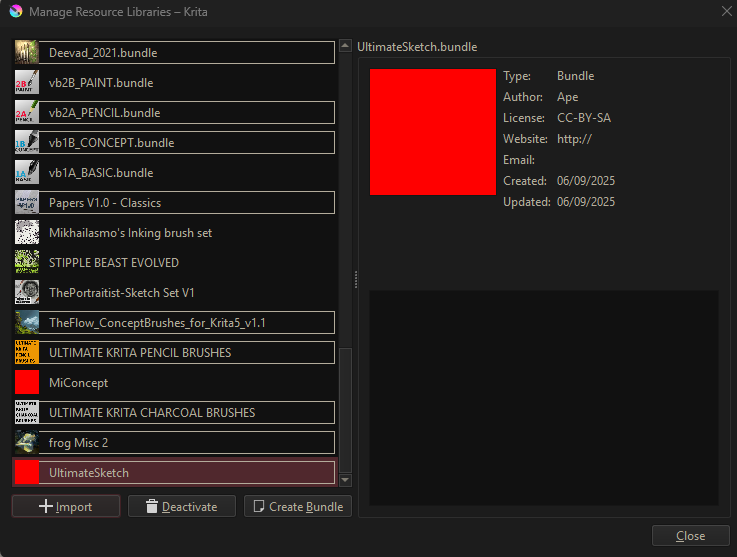



 . Anyways. Just send me an email to “