Dear Krita Developers,
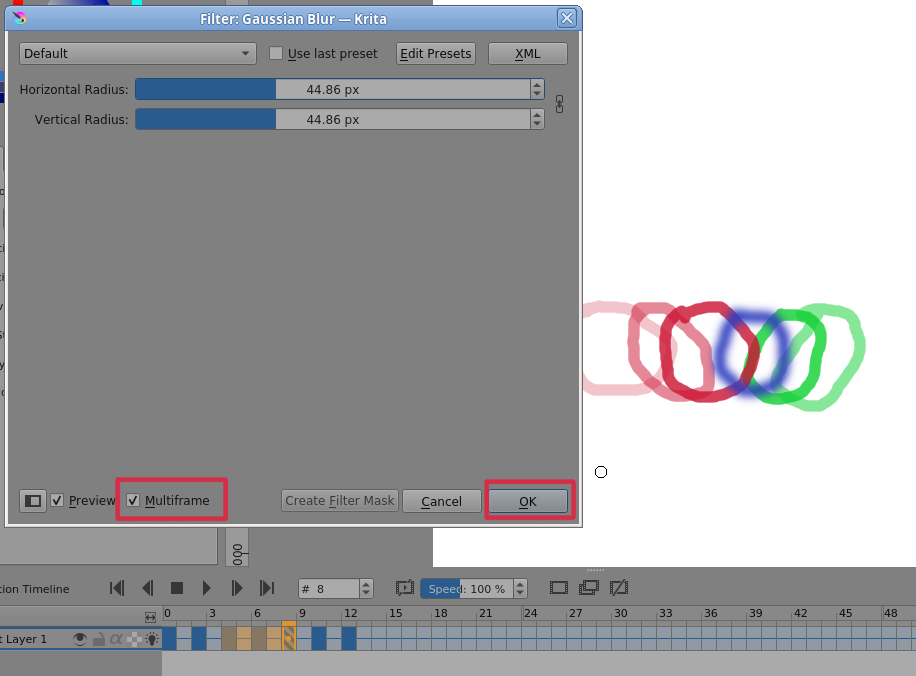
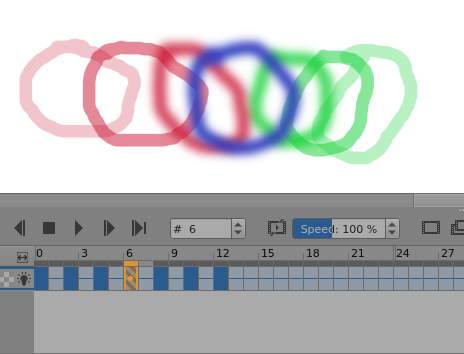
How can I insert a filter to multiple frames at once?
I tried using Shift and then the left click to a random number of frames in a layer, and then I applied the blur filter.
It didn’t work, it only applied to the first frame I clicked on, but not on the rest.
Do you have a solution for this?
Transfer the frames to a new layer and apply the “filter mask”
to it Use the “flatten layer” command to finally apply the “filter mask”, after which you can return the processed frames to the original layer.
Or use the filter repeat command for each individual frame. (without mask)
4 Likes
You can try using a filter mask instead of just applying a filter, it should work. Then if you want it to only work for some frames, you can repaint the mask black on other frames (or some shade of gray if you want it to only be less effective).

4 Likes
This topic was automatically closed 30 days after the last reply. New replies are no longer allowed.