Thanks for the reply, I don’t think I have tried this for this program, I will give it a go. I do for some of my other old programs from the 2000’s as they won’t run at all with out changing the compatibility/operating system to Windows XP.
The program crashes if I try to save the picture as a JPG or PNG file but it is okay at the moment if I save it as a tiff. It used to not crash when I saved as a PNG but that changed recently.
Here is a video of the Pmpaint program that I am using.
I am drawing in pink lines next to the lines that are previously drawn.
I also show how I edit a line when it is in a wrong position.
If I don’t want to undo the whole line, I use the eye dropper, change the colour to the back ground colour, draw over the part of the line I don’t want and then change the colour back to the line colour and carry on drawing lines. It is really easy to switch back and fourth and quick to draw lines. I usually work much faster than this but I’m holding the camera with one hand which was getting in the way 
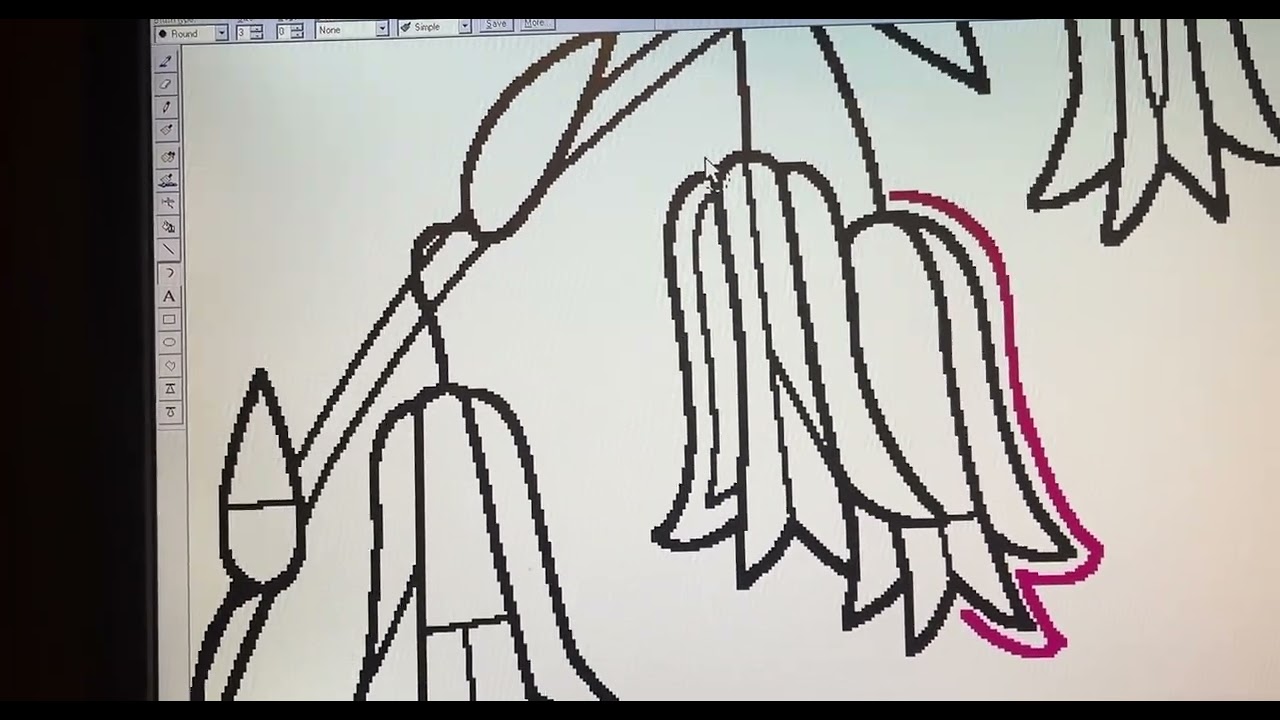
Thank you for posting the video, it may not be easy for me to control as I am dealing with short detailed lines, I have posted a video of what I do.
Thank you for posting the video, this looks like the closest to what I use right now, I will try this program, thank you.
I have posted a video of what I do in this thread.
Thanks for your reply, I’m sorry I don’t know which tool on the menu to use to draw vector lines.
I do detailed line drawings with lots of curves so it does need to be a fast method, I have posted a video in this thread.
Looking at your video, the krita vector line tools would be slow and frustrating for you.
MyPaint has a curve painting tool that behaves well and quickly for doing those types of lines. Drag out a line then press and hold Shift to make it curve:
Releases · mypaint/mypaint · GitHub
You’d probably want the -w64-2.0.2-installer.exe download.
@EMBart , thanks for the video! Yes, it looks very convenient, and I can see how workflow efficient it is with pure aliased black lines for your line-art.
@AhabGreybeard , yes, I posted a video of the tool in Mypaint. But I’m not sure Mypaint can do such aliased lines. For sure, this feature looks like a good candidate for a feature request. Can you move the thread to the feature request categories? Thanks!
@Deevad Done. I did see your video when you posted it but had forgot about it by the time I tried the MyPaint installation on my computer, that I’d also forgot about
Thank you @AhabGreybeard for moving the thread! 
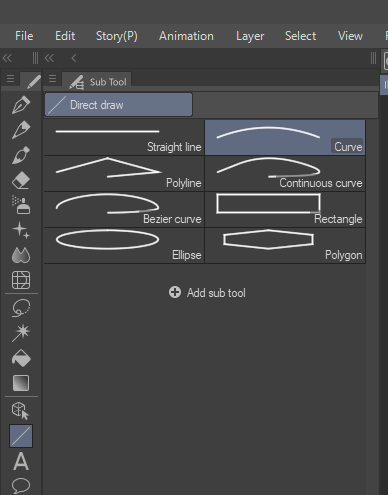
There is already a feature request for this kind of curve tool. This tool is also available in microsoft paint and other software.
The feature request is here - Arc Curve Tool?
may be we should merge both and let the votes get combined
That thread was mentioned by the OP of this one in the first post. I think they can be merged, since it is just a reiteration on the same thing.
looking at your video, the MyPaint software (Deevad referred) looks to be the best bet. Hope you find what you need.
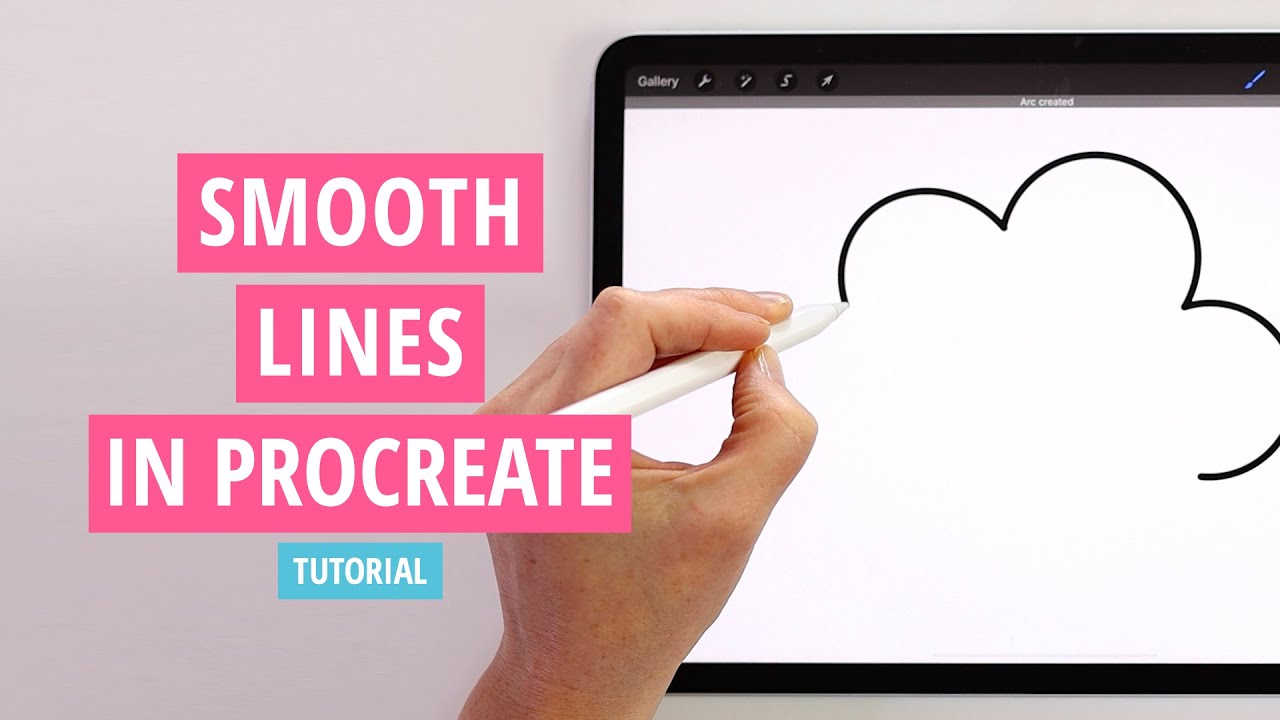
Most of you already know. Procreate’s brushes have a feature such as automatic stabilization and editing if you keep pressing after drawing. I think it is very useful. I just wanted to express my opinion in case someone looking forward wants to improve this.


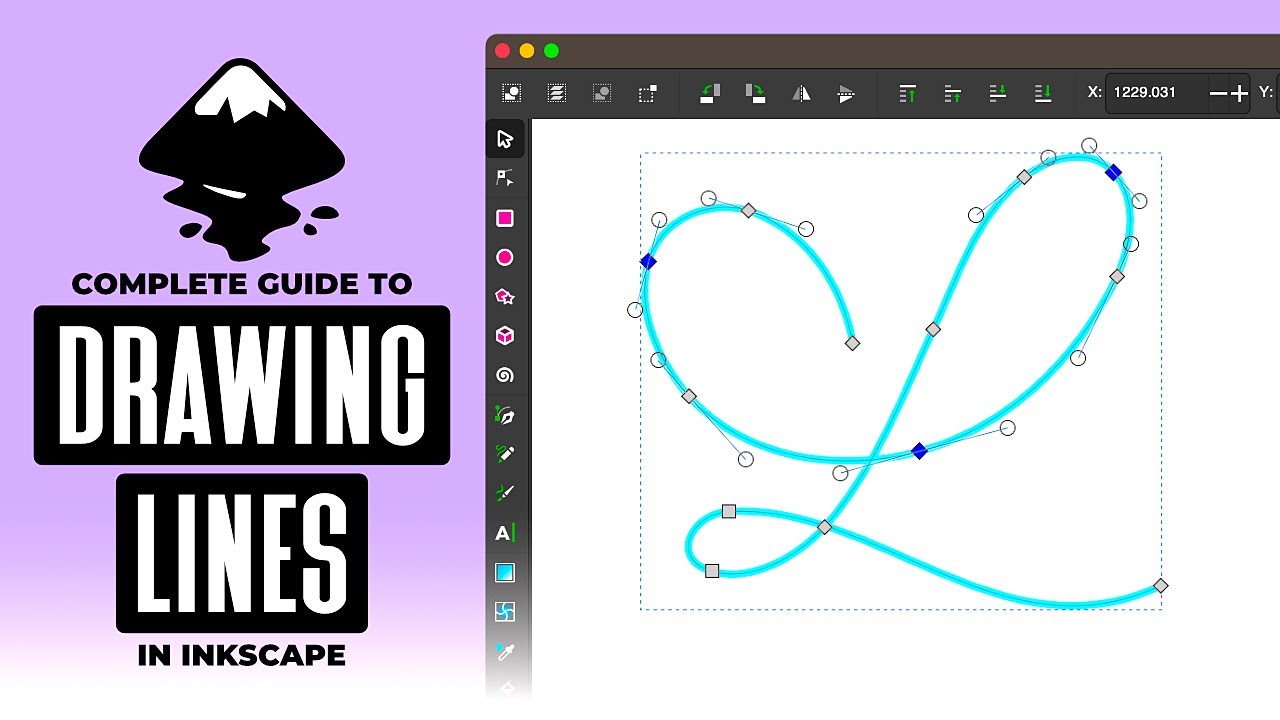
It has been mentioned before - Inkscape might do everthing you need.
EDIT:
Another cool feature in it:
Why would I even consider using another program to make a curve inside Krita?
I was about to make a feature request of the arc tool when I found this thread ! I’m all in for this feature, as of now, i’m exporting from krita to opentoonz to clean my lines before importing back to krita again and do my coloring.That’d be awesome to be able to do that in krita, I hope bumping this thread will make it more visible to devs ! Thanks !
I thought about this feature while cleaning up a drawing and thought that if it ever gets implemented, instead of just making it another instance of a tool you can find easily elsewhere ( opentoonz, csp, paint, etc ) it’d be nice to have an option that allow for the arc tool to use the last ending point as the next starting point, it’d allow for a cleaner linework that would be easier to fill without any small gap, or having to zoom in a lot to click on the right pixel. At the end, you can enter escape when you want this behavior to stop. It’d be a slightly better version than all the other ones, slightly saving time and a bit mroe efficient for its purpose.