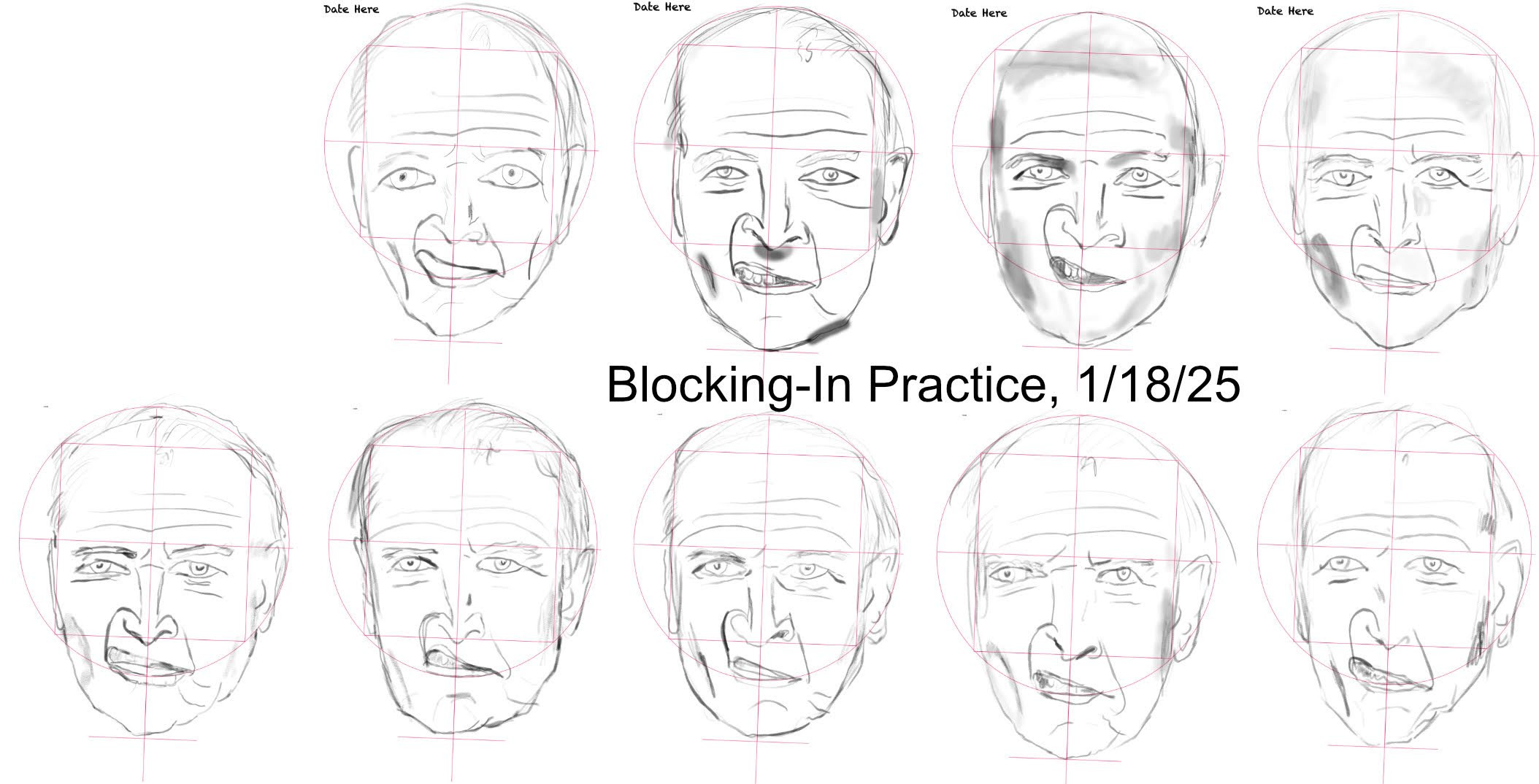
Better? That’s a question of personal preferences.
But I would use the reference tool for displaying references, a push-pin icon in Krita’s Toolbox. Or probably, of course also depending on preferences, the plugin Reference Tabs Docker, that you can find in our forums resource category for Plugins.
You could also print the images, cut them out of magazines etc and pin them up like they used to in old days before computers. They are called Mood Boards.
If you are trying to get better at free-hand drawing, i would suggest to get rid of the ruler and the grid guidelines (both, reference and canvas) and focus on develop your observation skills, using some proven method (such as Loomis or any other of your choice) as they are designed specifically to help with that.
I used to use pureref for reference managment, if youre asking for tools. The good thing about pureref and similar tools is that it is not dependent on the software youre working with, you can manage your reference for drawing in traditional or any software that you need at the moment.
In general, for practice, the further you can place your reference from the canvas, the better. A mirror, a live model, or a second monitor (or any device with a screen like your phone) will do the job. Placing your reference further away helps avoid the tendency to mechanically copy instead of truly observing and understanding the forms.
Edit:
Of course, you can create your own guidelines, but it should be a conscious effort so that you truly understand why and how to use them.
And of course, placing the reference image on the same screen is fine, but if you can separate them, that’s even better.
@PianoAl If you took the reference photo, give yourself the photo credit for that. If someone else took the photo (or created the image) please add the artist credit.
Here’s the forum rule:>
Post Only Your Own Stuff
You may not post anything that belongs to someone else without permission. The exception is reference images, in which case every attempt should be made to credit the artist or photographer by name. In all cases a link to the image owner’s website must be included.
Right you are, Hipno. Sometimes I go totally freehand, sometimes I use a Loomis head, sometimes a grid, and sometimes I trace. If I want to work on rendering, I use one of the latter systems so I don’t waste time rendering an out-of-proportion drawing.
I found that when I use a Loomis head, I end up using it just like a big grid. Also, rarely, the features don’t match their Loomis locations.
Here’s a question for you: When you use the Loomis method to draw a reference, do you superimpose the Loomis lines on the reference first, as I did in the photo below?