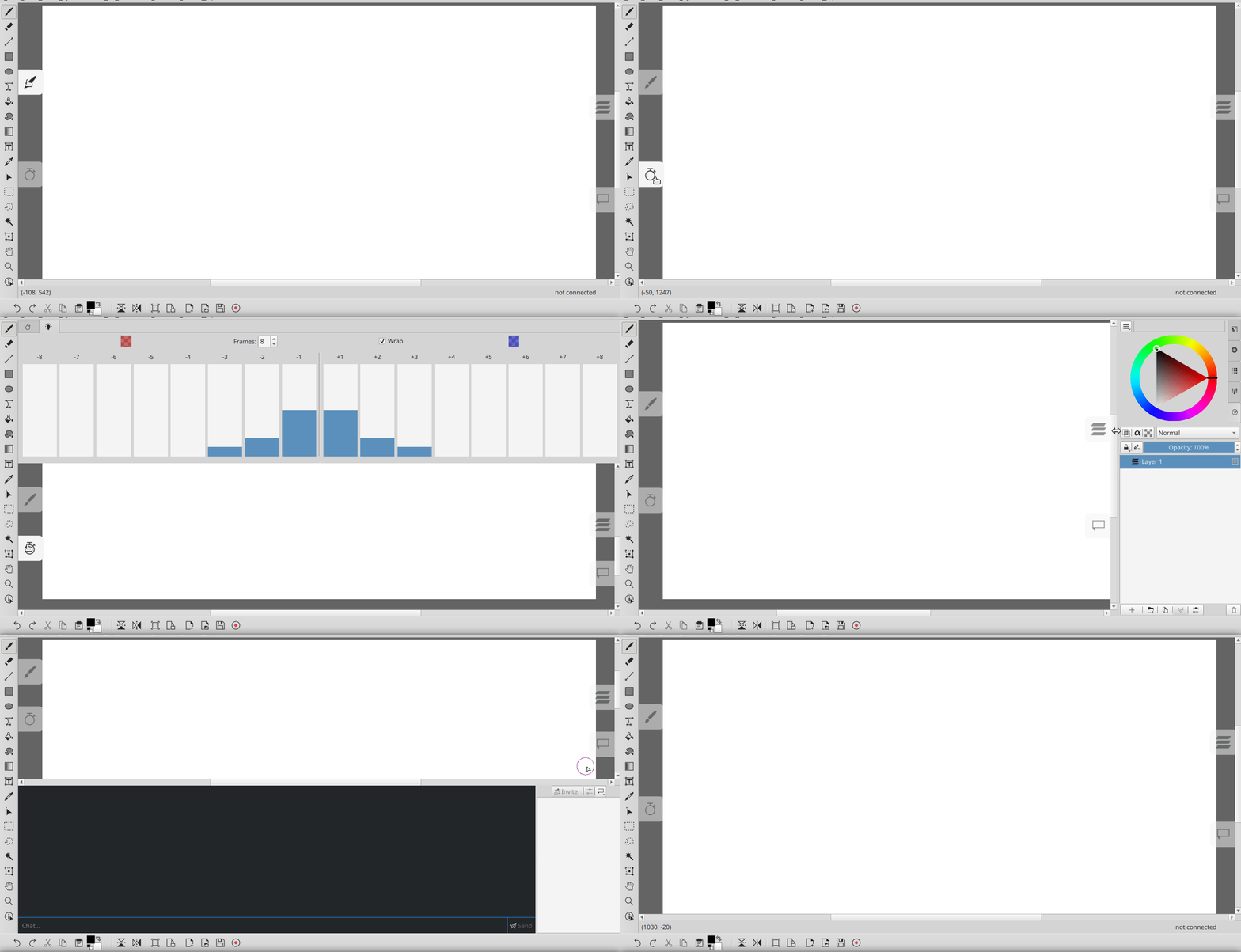
I would like to request a feature where the dockers wherever the dockers are docked to have the ability to auto-hide and appear when hovered over the area then hide when not in use. I know it would be cool to have and I know it wouldn’t be everyone’s cup of tea so include either a setting or toggle to disable it.
A nice option to have.
While that feature might not be available for now, the closest we have is to press Tab to activate “Show canvass only” view. Not automatic but is close enough while waiting for the feature to be implemented.
when making a selection from the toolbar to change brushes. It would be superb if after making the selection the selection box would vanish! 
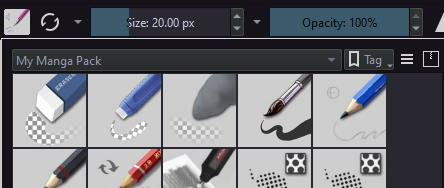
If it’s helpful, there’s this feature via the pop-up palette (I’m using a recent 5.3 nightly appimage on Linux).
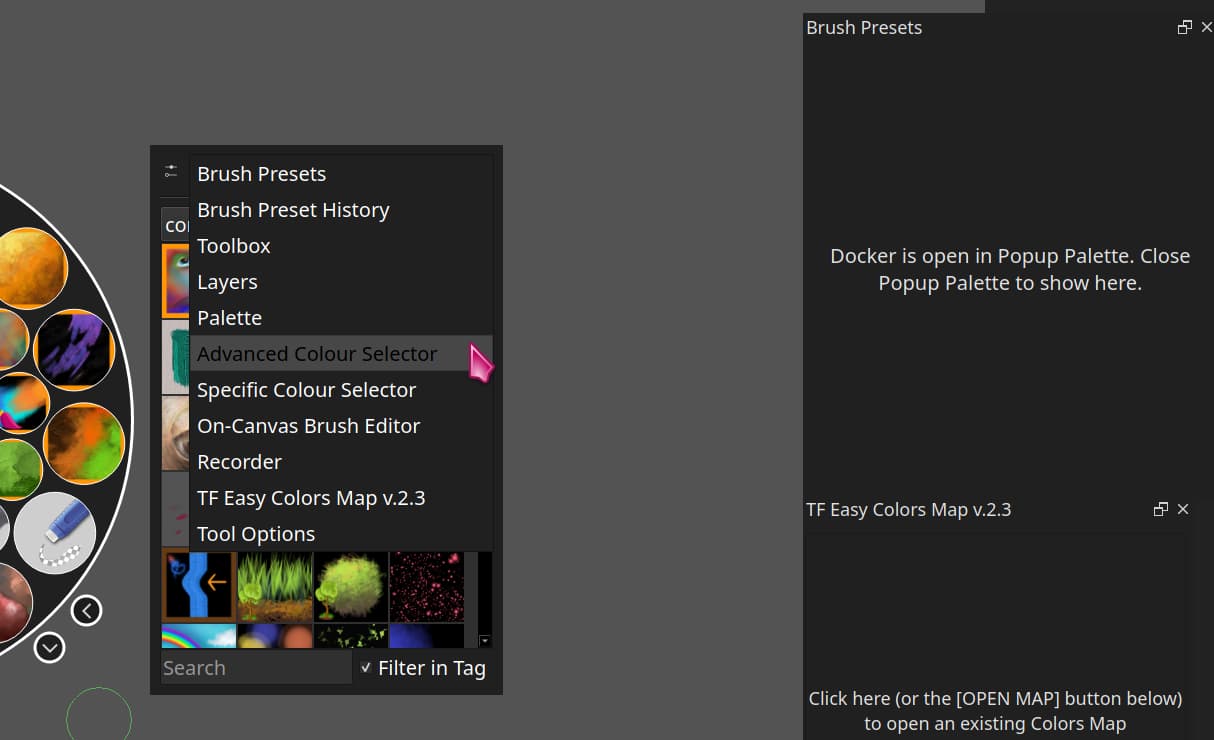
You can click on the settings box in the top left and choose what appears in the drop-down list, then choose which one you want to display e.g. choosing the brush presets one means you can bring up the pop-up palette via shortcut (I have it set to A), then click on the brush you want, and, as soon as you click away and put the pen on the canvas, the pop-up palette goes away.
With brush presets chosen, you can see that the brush presets docker itself changes to be empty … I tested closing that docker and it had no effect on being able to use the pop-up palette method of accessing brush presets, so this could be a great way to have a lot of screen space and be able to have dockers not showing on-screen unless you bring them up via the pop-up palette shortcut.
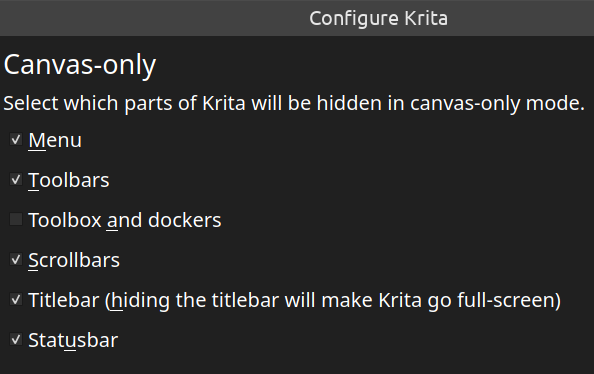
Canvas-only settings used …
you could try this, not autohide but very useful [Plugin Release] Docker Under Cursor - make docker display in mouse position - Resources / Plugins - Krita Artists
3 Likes
I support this feature . The trick is in the docker border:
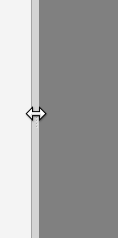
it shoud feature an icon that minimizes it once clicked, like in libreoffice :
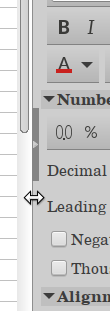
And The canvas should be resized every time you hide and show the docker, since some tools require full canvas preview. You should add an an option in settings that shows these arrows at docker borders . The canvas only mode is good but this feature would be a good addition.
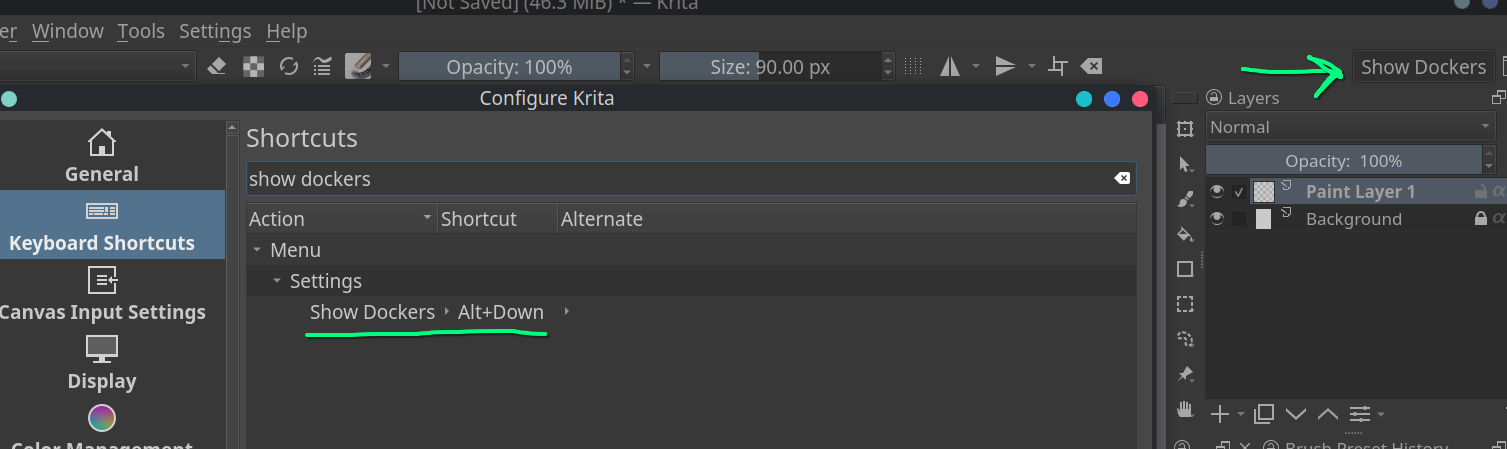
Could you just make a key binding to the “Show Dockers” button? I customized my toolbar to show the button then made a keyboard shortcut.
I am hoping that there will be a button like “<<” or “>>” To extend or hide dockers at the corner. I find it useful for animation work. My workspace looks messy when i add the animation dockers and tend to feel jammed.
I am posting this gif for inspiration . Drawpile has a compact mode , open gif in a new tab for a bigger view.