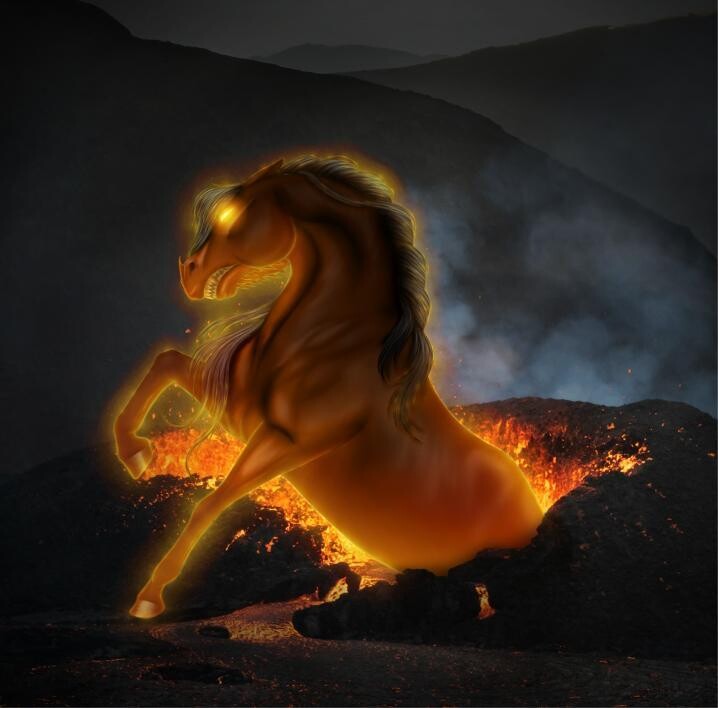
I’ve been working on a commission for the past few days, and right as I was finishing up, i accidentally closed the piece. Unfortunately, i didnt think to manually save before this point and was just relying on the autosave, but i cant find it anywhere, nor does it appear under “Open Recent”.
Is there anything i can do or am i screwed?
this is the last screenshot i have unfortunately :')
The autosave file is created for the purpose of automated crash recovery.
If krita closes normally, it deletes the autosave file before it shuts down.
Please develop the habit of doing regular manual saves with Ctrl+S.
Here are more details from the manual:
When you Save, the previous state is placed in a backup file called e.g. image.kra~ (note the ~ suffix).
You could look for that but you may need to configure your Windows File Explorer to show file extensions.
However, you say: