Awez Flat Brushes

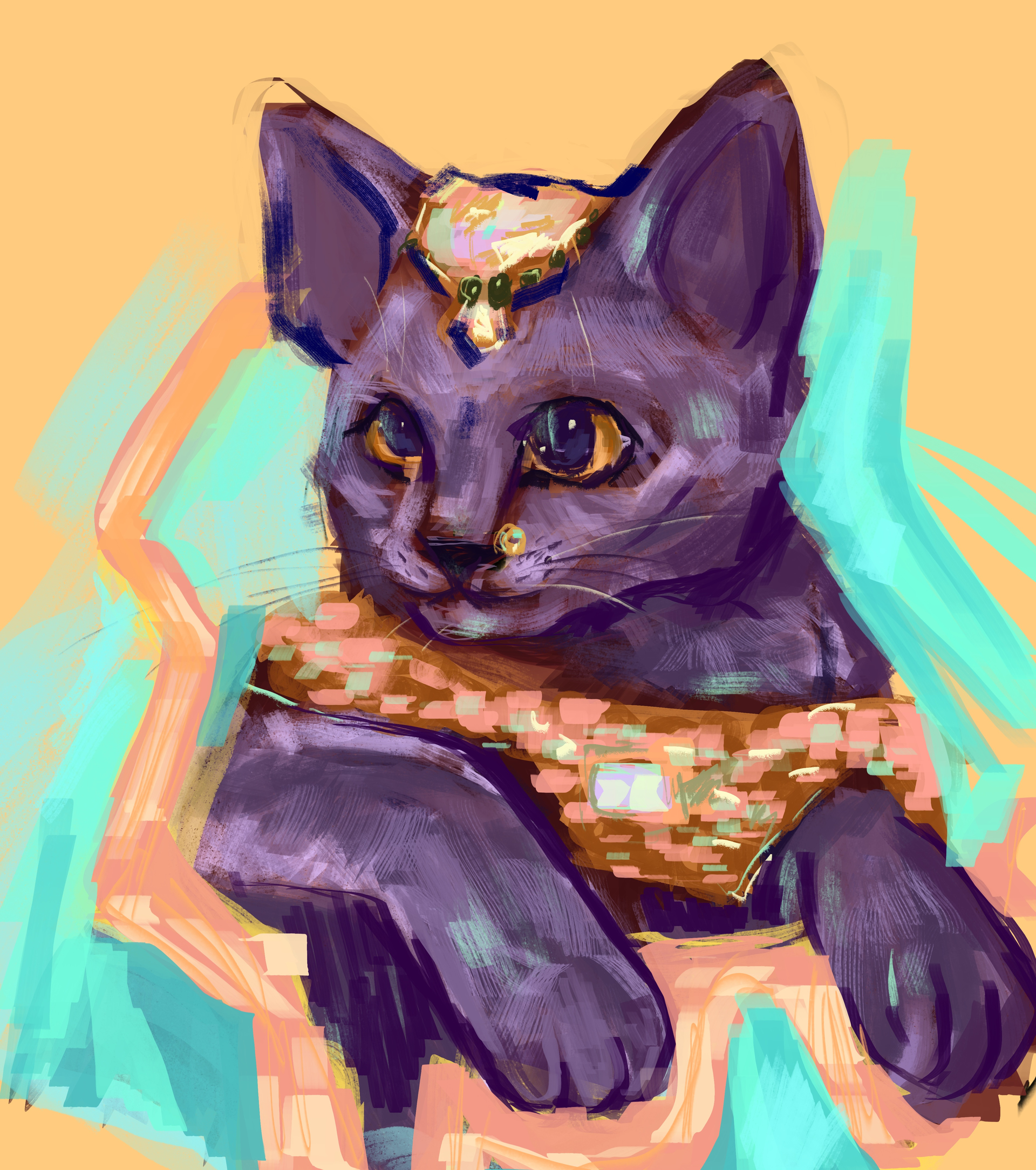
I’ve returned (yet again (yet again)) to present to you 6 new flat brushes for Krita!

Including:

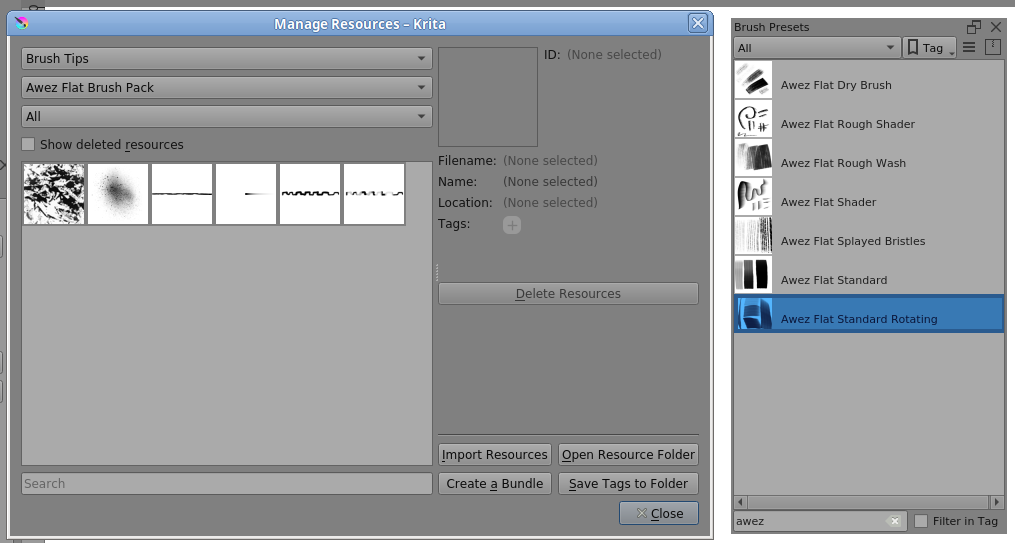
  • -Flat Dry Brush
  • -Flat Rough Shader
  • -Flat Rough Wash
  • -Flat Shader
  • -Flat Standard
  • -Flat Standard Rotating

Feel free to download and enjoy!

DOWNLOAD:

Ko-fi: https://ko-fi.com/s/1a9c208c0e
Drive: https://drive.google.com/file/d/1aB63wi_UO6v9FZJcbWToftVaf5KMD00x/view?usp=sharing

NOTE: These brushes use graphics tablet exclusive functionality and will not work as intended with a mouse or other input device.

165 Likes

Thank you @Awez :+1:

2 Likes

thank you!

2 Likes

Thank you, @Awez!

3 Likes

I am getting basic airbrush, fixed flat, basic textured etc These are not in the list that is listed by the OP.

@karemuvar I seem to have everything and there are also two patterns showing:

I don’t have those brush presets. Can you look into that in more detail in Settings → Manage Resources?

Note: Some patterns don’t appear in my Manage Resources window but are present in the Patterns docker. I’ve no idea why that is.
The .bundle file has four patterns in it but only two show in Manage Resources.

3 Likes

amazing brushes, is there a way they can rotate? they stay fixed to one angle

1 Like

@lets_ignore_that Some of them have Rotation controlled by Tilt. If you use a mouse or a non-Tilt stylus then you can set Rotation to be controlled by Drawing Angle.

The Awez Flat Dry brush preset is interesting in that it has Rotation controlled by Drawing Angle but has Lock enabled. That will cause Rotation to be locked to the initial drawing angle.
If you turn off the Lock then it will rotate continuously according to drawing angle.

4 Likes

thank you so much!! thats super helpful!

1 Like

Loved them!! Thank you!

7 Likes