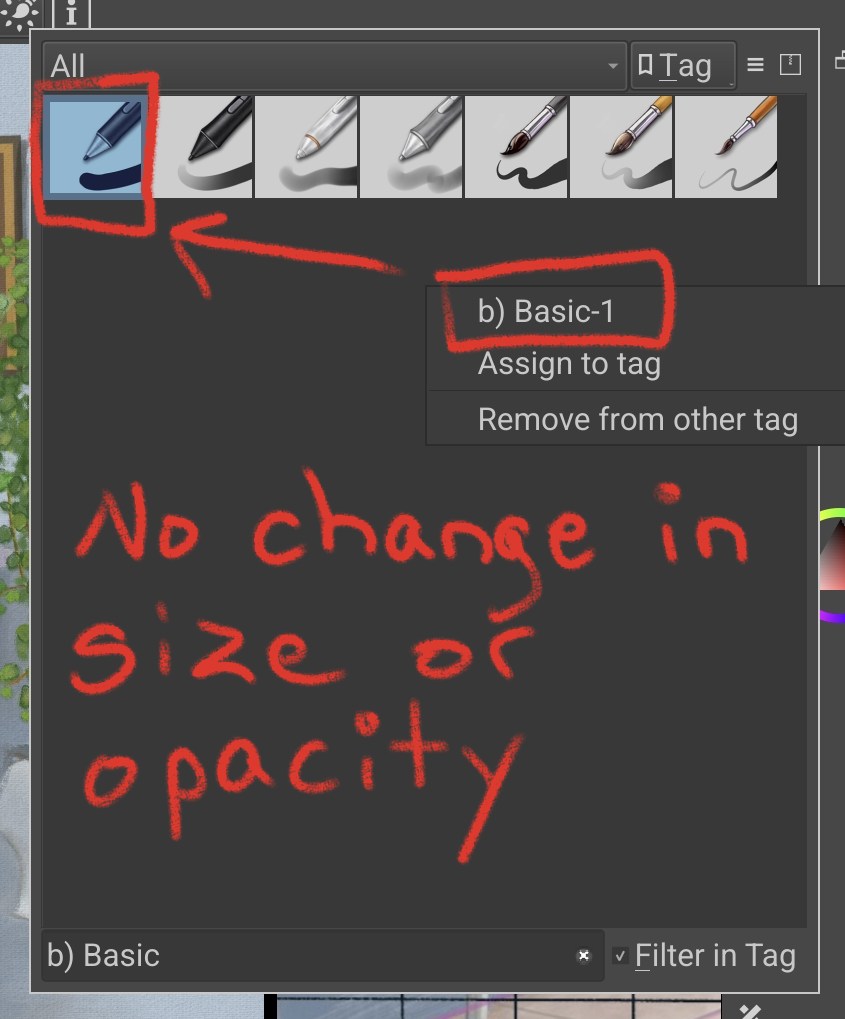
Newbie here . I want a basic painting brush that will only lay down colour once. So if i,m touching up a missed patch or defining edges with the same colour and brush, the first colour does not become darker and more opaque.
So you want the result on the right side of my screenshot?
The most easy way to achieve it is as follows:
I took the same brush for all strokes, the horizontal and the left vertical stroke were both made using black, so RGB 0, 0, 0 at 50% opacity (hex #000000), then I picked the color and set the opacity up to 100% and laid down the right stroke. I assume your issue is that you try to fix your little mishaps using a brush that paints using opacity, but for what you want to achieve it is most easy to simply set the current brush to use 100 percent opacity or use a different one for such corrections before you change back to your standard brush that uses the chosen color with opacity.