I currently use Corel Painter, but would have given up had it not been for Aaron Rutten’s video course (60 lessons!) in which he teaches the basics of the software in easy-to-understand detail. Cost for upgrades to Painter are prohibitive, so I am giving Krita a serious try.
Is/are there any video series that uses a similar approach to teaching Krita as Mr. Rutten uses for Painter? If so, where can they be found? If not, what content creators would be suggested for an artist with my limited digital experience?
I don’t know about ‘best’ but there are a bunch of them on youtube and lots of help here. I too used Painter for decades before moving to Krita a couple of years ago…
Our manual - docs.krita.org is also an excellent resource for quickly searching things. In addition to krita tutorials on the youtube (we also have an official channel) I would suggest you try different tutorials even if it is in other software and if you encounter any questions of trouble ask here we would be glad to help and learn along with you.
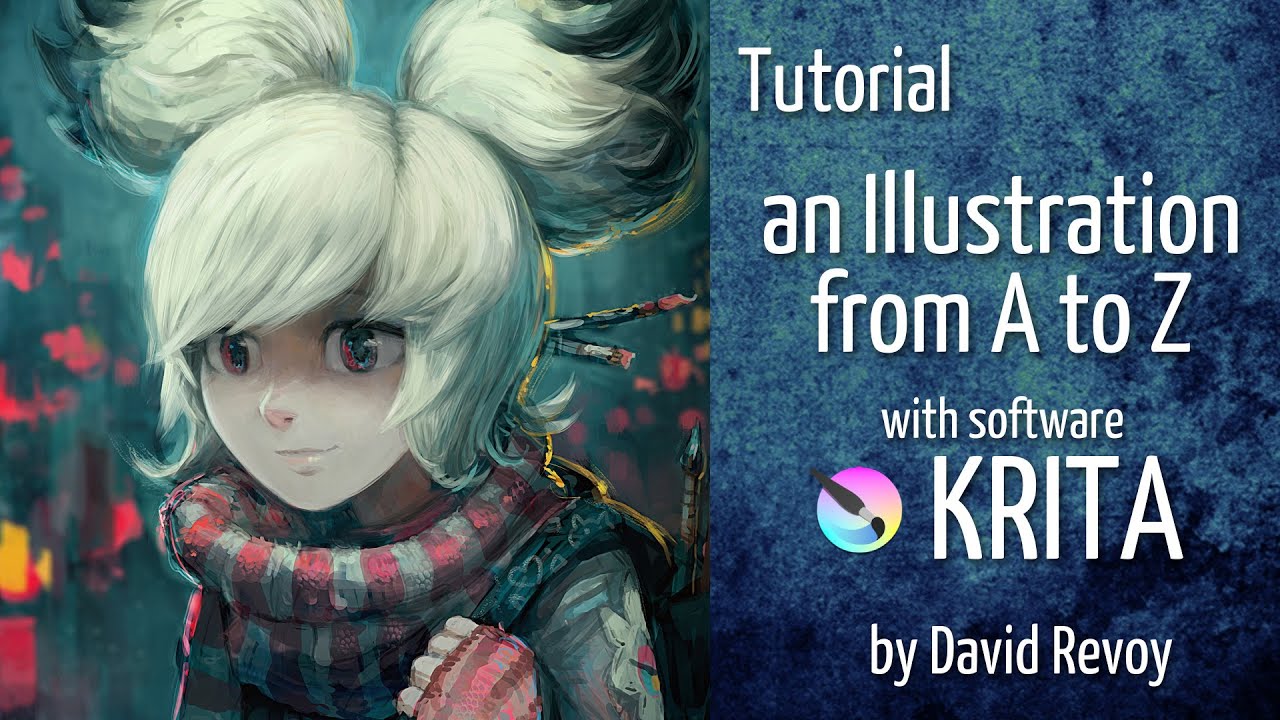
@Mullanphy I highly recommend this video from David Revoy. He is a pro who uses Krita for his commercial work. It’s 1 hr 22 minutes long, covering initial setup and the Krita workspace, tools and then he goes into an actual illustration in real time, explaining the tools as he goes along.
It’s only one single video but it is truly complete. He really knows his stuff and also, he has a lovely French accent.
Well as long as you have decent brushes out of the box.
The right brush will always have value, but usually you can get by pretty well without.
I think the thing with brushes is that its supposed to help make art more fun by making things less tedious
The tutorials from Corinne, here on KA known as @CelticCoco or “Blade & Quill” on YouTube, are among those tutorials I like the most on the top-rank.
The next series of tutorials I like very much is one originally thought and made for kids.
But in my eyes these videos are also very suitable for the people among us who start with zero knowledge of Krita, for those who have learning difficulties or even a learning disability, and who are willing to tolerate the fact that it is a child-centered series for the sake of content and purpose.
You’ll find 35 small learning units, rarely more than 7 minutes long, that introduce you to Krita with practical examples, so quite different from the often information-packed adult tutorials that can be an hour or longer.
Based on this suggestion I just spent some hours watching Blade and Quill videos and they are phenomenal! Her videos are hands down the best I have come across yet and believe me I have looked. I wonder why her videos are not more discoverable though. I have typed the words “krita tutorial” along with some other combination of key words into the YouTube search bar hundreds of times and not come across them before! It seems she is still quite active too. Far too often I get attached to a teacher and they disappear. I hope the Blade & Quill channel sticks around because I think I have a lot to learn from it!
I think Corinne will be happy to hear this.
Have you already subscribed to @CelticCoco’s “Blade & Quill” YouTube channel as a thank you, so to speak, to get her higher up on YouTube this way? I think this is one of the few ways to place channels higher in search hit lists, to improve their ranking.
This was a fun one. And also I think this is Harold Ramis which just makes it more fun. This is probably best for beginners who want to learn to digitally paint like Bob Ross and learn the basics of Krita. It’s for Krita 4 though. You can still use krita 5, it just has more features. The default brushes are different so I remember one brush was not there, forgot which one. Look in the comments if you can’t find the specified brush.
He teaches how to make brushes to use to paint Bob Ross style. I found it enjoyable and educational. You get to create your own Bob Ross Misty Mountain digital krita painting. Bob Ross brush set and palette for when you want to follow along with other Bob Ross shows. Brushes and palettes; Pthalo blue#2a64ad, van -(literally can’t post the word, starts with a ‘d’ and rhymes with the word ‘like’ on here, cancel cult mind virus. No colors for you!) brown, midnight black etc…
That is not true, as far as I know are all the brushes from Krita 4 also present in Krita 5. You’ll probably haven’t activated the “Krita 3 Default Resources Bundle” and can not see its brushes because of that.
You can activate it via the dialog under ‘‘Settings’’ >> ‘‘Manage Resource Libraries…’’, click once on the bundle and then click the Activate-Button.




 Happy holidays and a happy New Year!

 You can still use krita 5,
  it just has more features. The default brushes are different so I remember one brush was not there, forgot which one. Look in the comments if you can’t find the specified brush.
