After activating this tool, the software will attempt to fit your strokes using a Bézier curve.
How do I enable this feature?
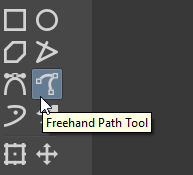
The Freehand Path Tool is on the Toolbox, between the Bezier Curve Tool and the Dynamic Brush Tool.
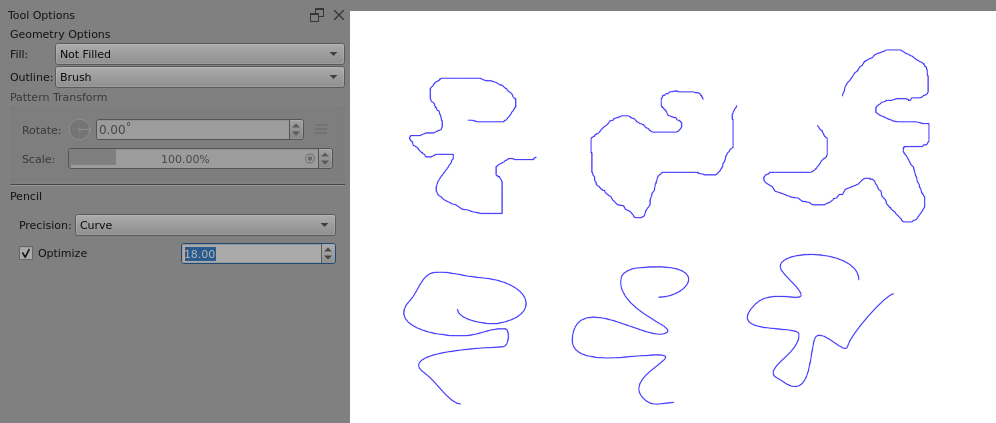
If you select it for use, the Tool Options docker will show the various options associated with it, as shown in the screenshot above.
The Optimise option value seems to have a non-linear scale as far as the effects are noticed.
Using it on a vector layer then using Edit Shapes Tool on the drawn line will make clear the amount of optimisation = reduced number of nodes.
The effects are less easily analysed for a paint layer line, you just have to judge it by appearance.
Could you explain in more detail? I still don’t quite understand. Do I need to create a new vector layer before I can use this feature?
As I said 8-days ago
All you need to do is select it on the Toolbox and paint with it.
Wait a min.. This can be used on a vector layer?? I must’ve been living under a rock; I looked EVERYWHERE for a feature that could draw vector other than calligraphy. ;-;