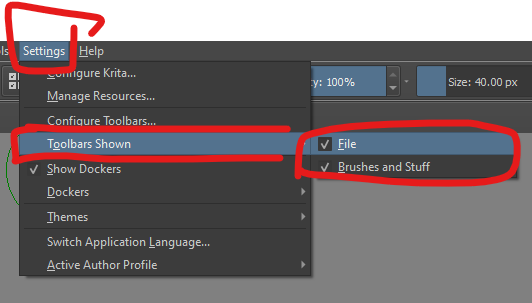
Type of device (graphics tablet/display tablet/2-in-1 laptop/Android tablet): Laptop, connected to XP-Pen graphic tablet
Brand and version of the device: Doesnt matter
System (Windows/Linux/Mac/Android, + version): Windows 10
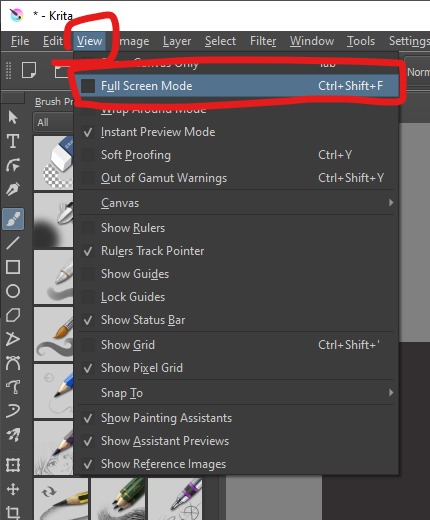
Description of the issue (you can include screenshots): My problem is unrelated to my graphic tablet, more of a general Krita problem, but i cant seem to find another suuport/help category, and frankly, I dont have the p1atience to look for one at the moment. The problem started when I accidentally clicked the “Fullscreen” selection on here. Then everything started to bug out.

I will list all the things that I have problems with at the moment:
I can not open any of those tool bars anymore, therefore I am not able to reset it back to normal.
I am not able to save my images anymore and i had to throw away a lot of progress on an important commission.
When I tried to click stuff, sometimes the screen would turn black and then back to normal again.
Since it is full screen, I cant exit without extra steps and without the whole thing bugging out.
Sometimes it freezes for a few seconds.
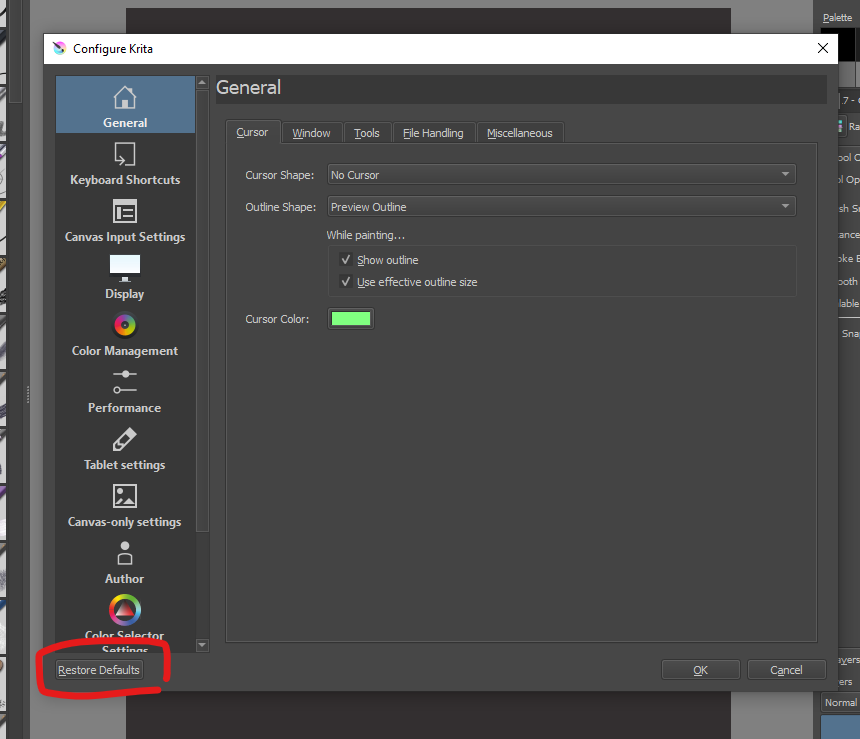
To conclude, I cant work with Krita if its like that and I need some help. I tried deinstalling and reinistalling it already, but its still the same. To be honest, Im kinda desperate because I need to finish some commissions. Do you have any advice? Maybe on how to reset all the settings back to normal without that toolbar working? Sorry if I made mistakes in my writing, i am not a native speaker, and sorry if this is in the wrong category or if I sounded rude. I just didnt know where else to post this and i am freaking out.