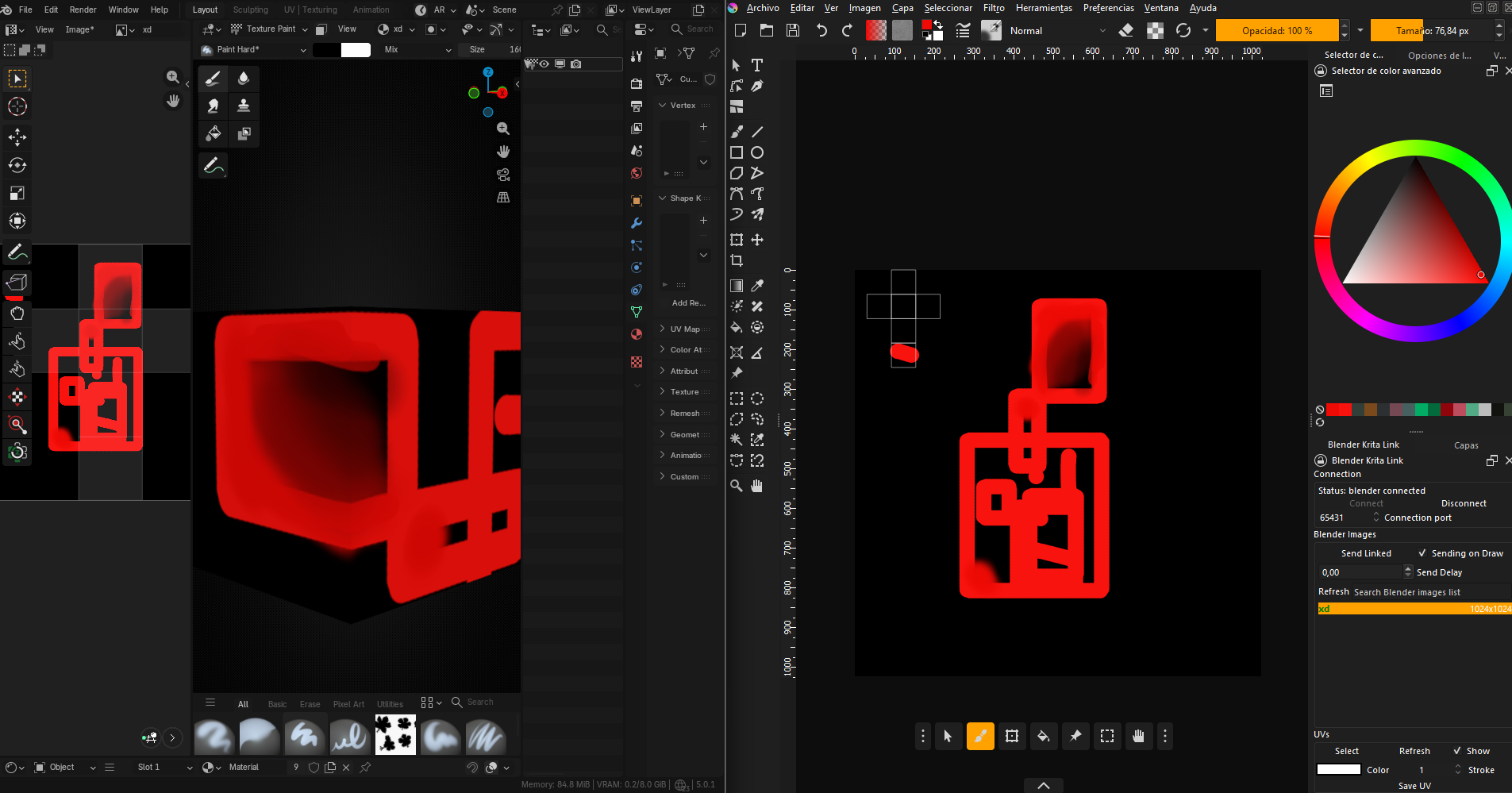
Happy to hear that, I created the plugin mostly for creating stylized models in blender so its nice to see that use.
As for the crashes, if you can reproduce them I would recommend you to submit an issue with system info, krita and blender versions and logs of both programs so I can work on fixing it as its basically core feature of the program.
This looks like an awesome plugin!
However, as I’m on Linux, I see it requires recompiling Krita from source. I’m curious about why this is and if it’s possible to just have a purely Python extension.
krita compilation is not really required as I provide .so files inside releases so you can place them in krita installation folder(appimage stuff probably or smh)
but then those files are used only to create selections in krita. you can just install python part and the core functionality will work.
As to why there is need for c++ code, krita python api is pretty lacking in terms of creating selections that are not rectangles so I found another way.
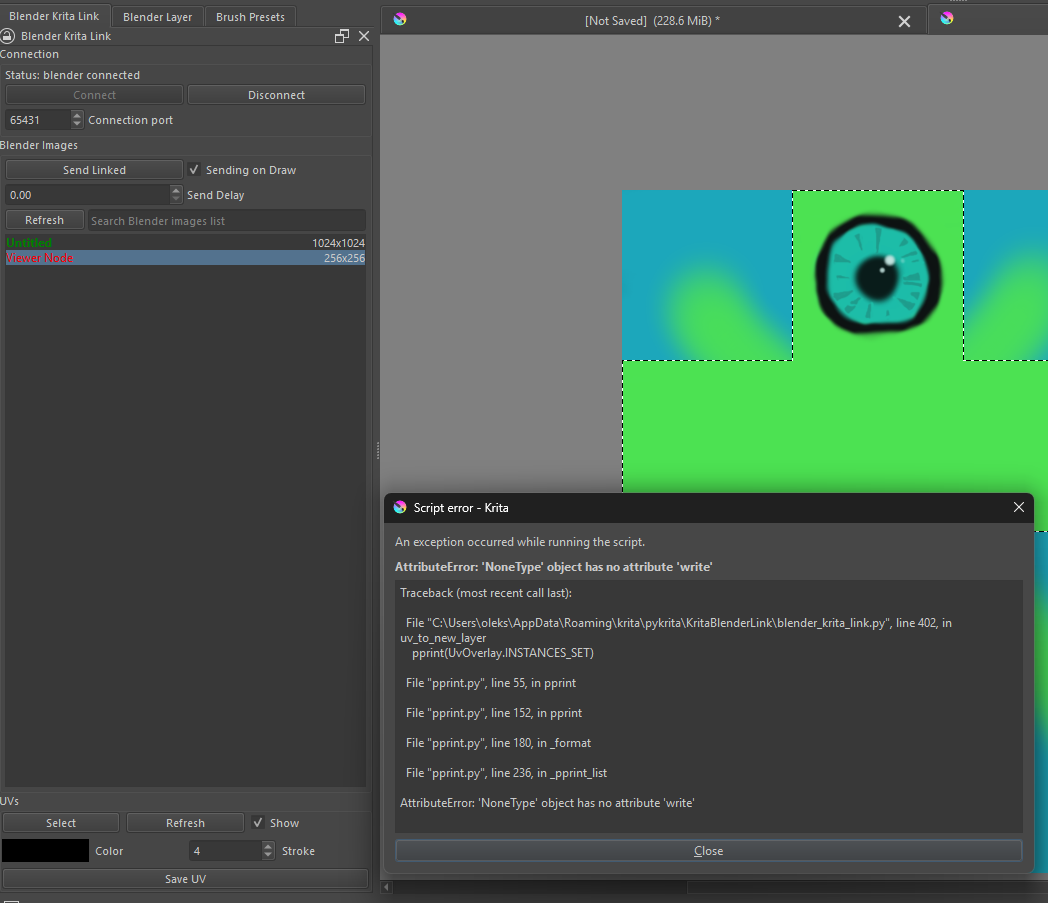
I migrated to blender 4.5.3 LTS and had to download 0.3.1 of Blender-Krita link because krita started showing some errors.
After successful reinstalation everything is working well.
I found little error in Readme on github in Krita Part
Place KritaBlenderLink and KritaBlenderLink.desktop in the <kritainstallation>/pykrita/ directory.
Should be (USERNAME)\AppData\Roaming\krita\pykrita directory.
Other than that i had no luck with recreating crashes using send on draw.
It seems to be a very useful plugin, but it’s extremely complicated. I didn’t understand the manual compilation part. Could you ever make a video tutorial explaining it step by step? I really want to use this, but it’s difficult to understand. Thank you for your incredible work!
Manual compilation is not required, its for advanced users. you just need to unpack the files into krita installation folder, and this step is not required to use most of the features(it only adds option to create selection right from the blender uv map), you can skip it.
For sure it does not yet, the krita 6.0 started to use qt6 which changed some things with how ui is done in plugin/whole program. But I am working on it.
here, I created new branch just for the 6.0, if you replace right files it should work.
I don’t know why but on my pc the appimage version of krita has problems with shared memory so crashes on unlinking may happen(I am quite sure its just a krita bug) maybe extract the appimage if you are using it.
Seems like an old issue due to my mistake(the image dpi was assumed to be 72), try the 6.0 branch(linked above) in newest version of krita.
The bug has been fixed at least for me.
Thank you, working with textures in Krita has become much more enjoyable!
It’s a bit of a pity that uv selection addition doesn’t work in version 5.3, but even without it, this is a very useful add‑on.
This is a super useful tool but I ran into an issue pretty quickly. At first everything was running smoothly, I was able to connect and change the main color of my texture, but then Krita crashed and now it can’t connect anymore.
Ok, what versions of blender, krita and operating system are you using? Please run krita and blender in command line, connect them trough port 65444 and share the output here.