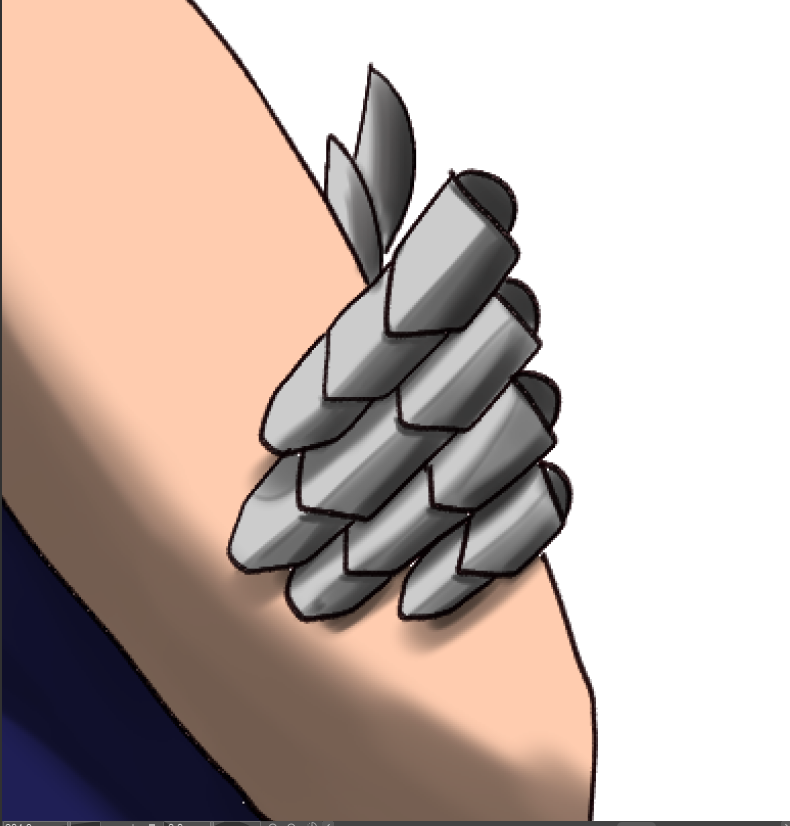
I want to know if Krita has the Blend Mode: Add(Glow) or something that has a similar effect. I used this on Clip Studio Paint and fell in love with the blend mode. I want to use it when drawing armour or adding a glow on skin to create the illusion of sweaty or wet skin.
Sorry, power went out two hours ago. I’ll hop onto my pc and take a screenshot when it comes back on.

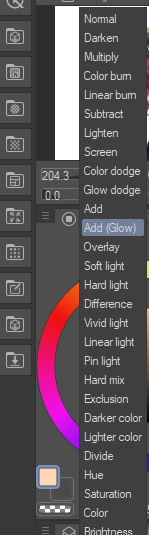
I have almost the same question, but about glow dodge
Krita has a lot of blending modes, but for some reason there are no glow versions of dodge and add
Glow dodge and add dodge seem to increase the saturation on the edges of the stroke and it looks like this:
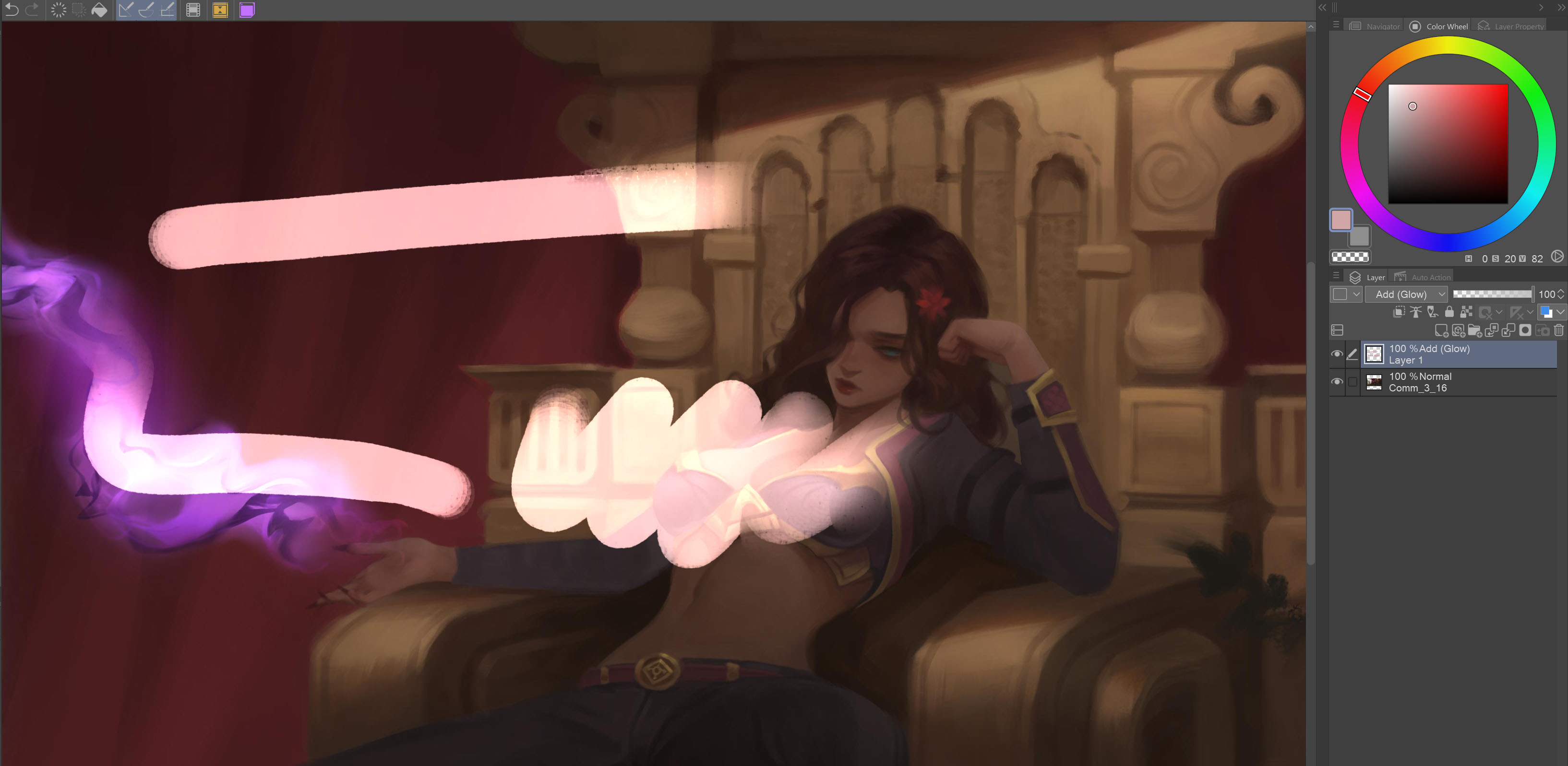
add glow ^

add ^
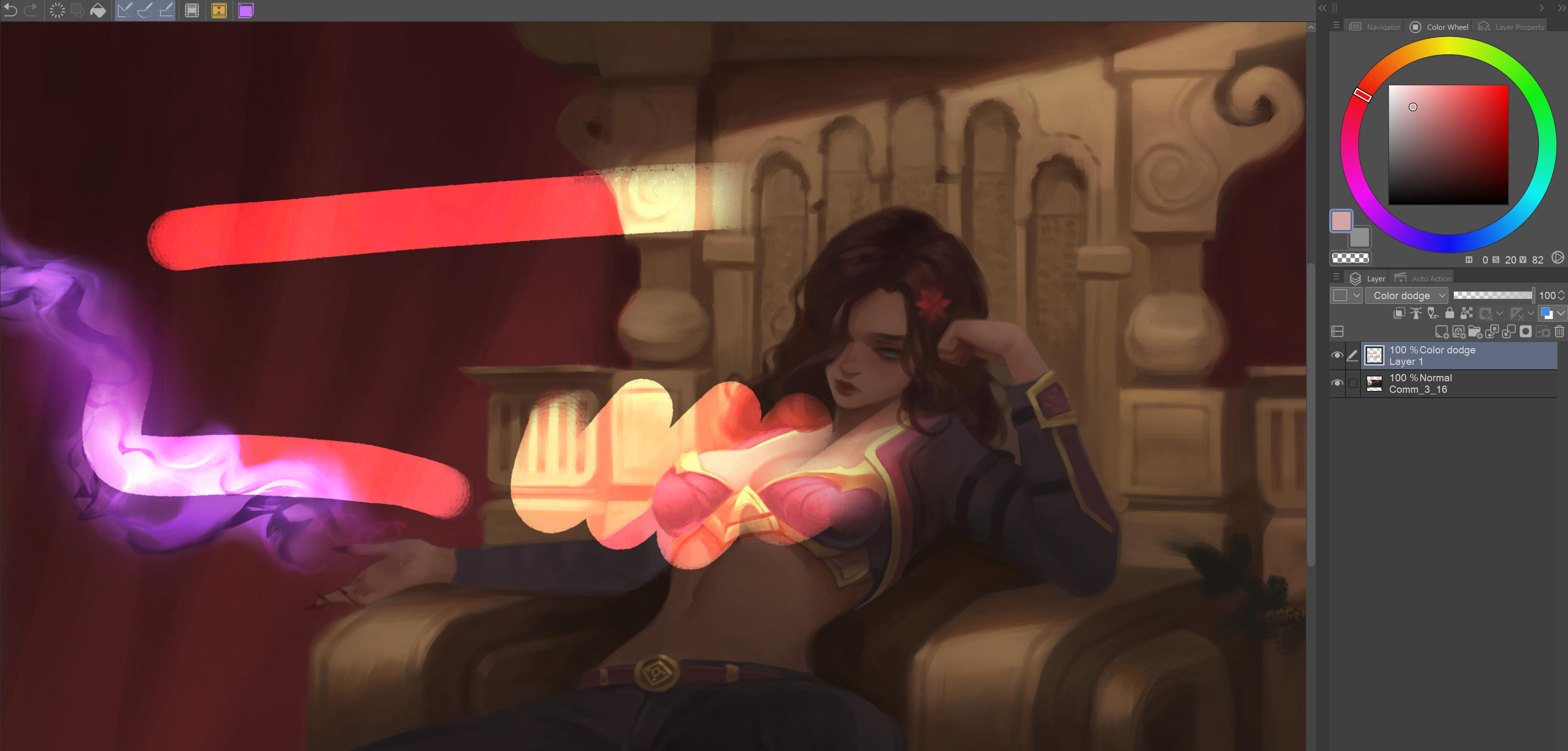
color dodge ^
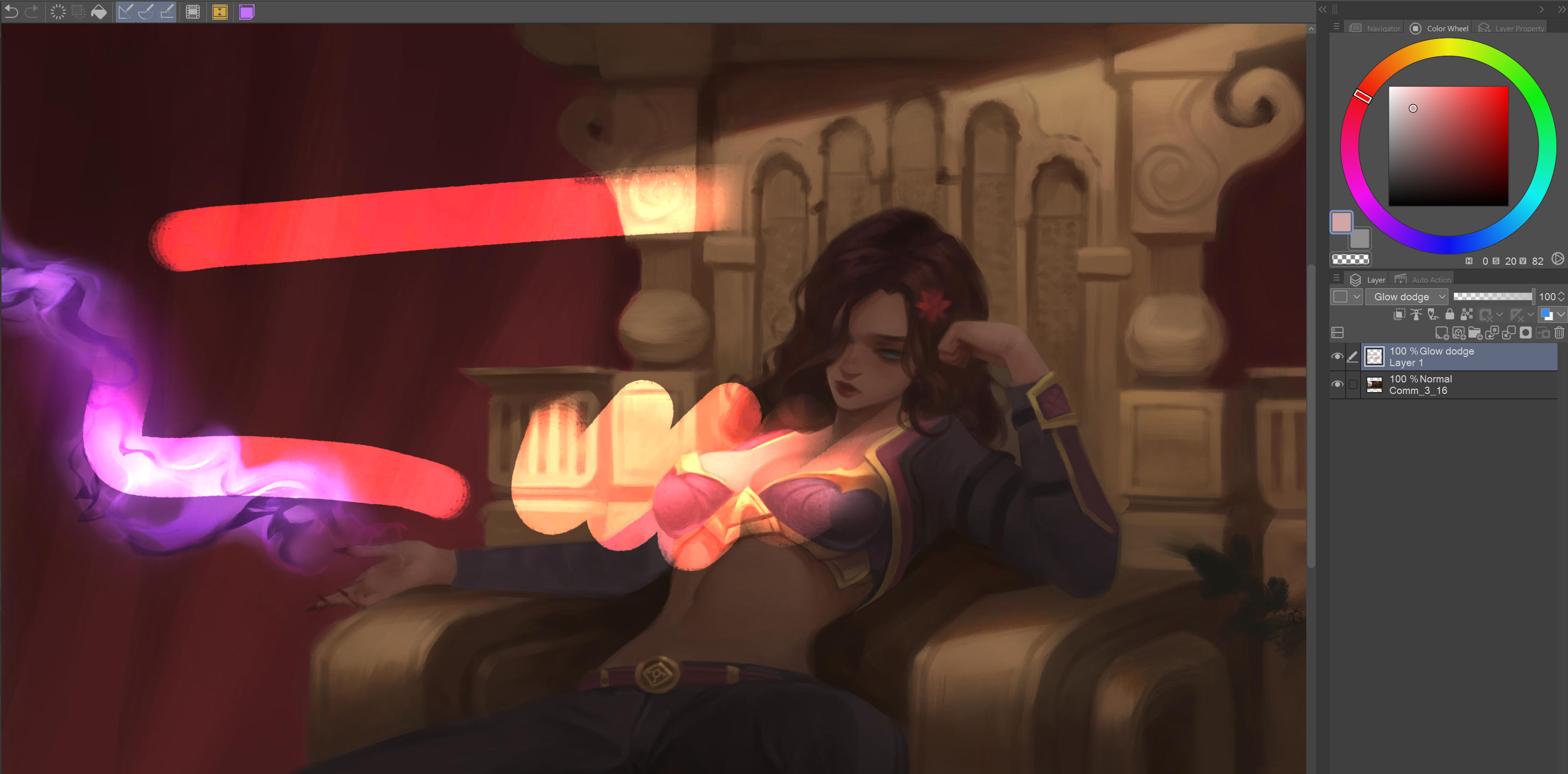
glow dodge ^
If I’ve understood you correctly, you are searching for something to make your strokes glow, right? If so, then try the following, if not, then I have to say sorry for my misunderstanding:
Separate the strokes you want to give such a glow on a layer, right-click this layer and select Layer Styles, in the opening dialog select “Inner Glow” or “Outer Glow” depending on what you want to make glow (you have to set the checkmark in front of the option it is not enough to select the row where “Outer Glow” is written), make your settings, play with them to find out what which setting achieves, and in case you are satisfied with what you’ve achieved click on “Ok” to take over the setting into your picture.
But with this you don’t achieve a blending-effect while painting, you make already made strokes glow, or something else from the options the layer styles offer.
Michelist
Thanks for the tip, I hope it helps me to simulate this effect from CSP in Krita, but it’s still a little different. In CSP glow dodge works differently in general, it’s like highlighting the brighter areas, but it doesn’t affect the darker areas as much as color dodge
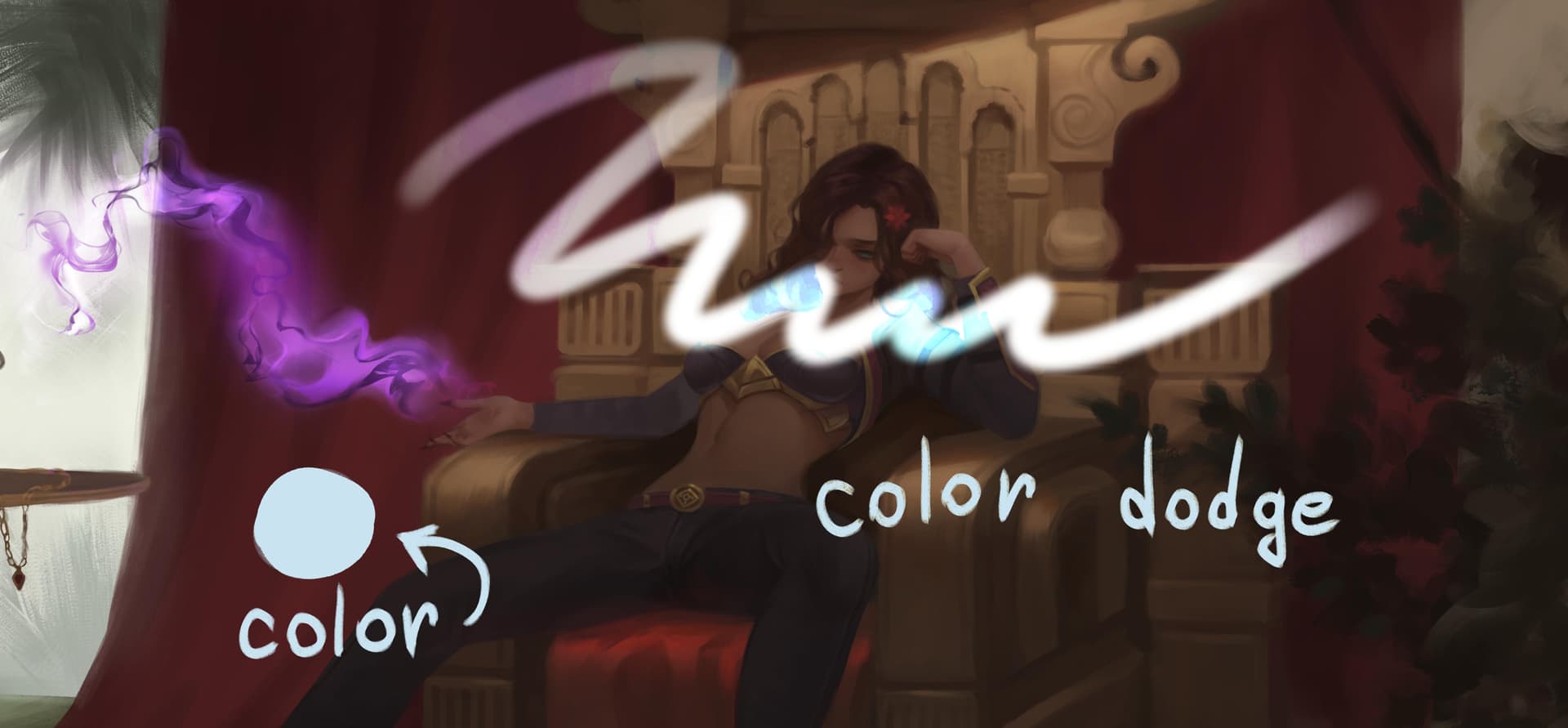
Here I tried to show the difference between the two blending modes:
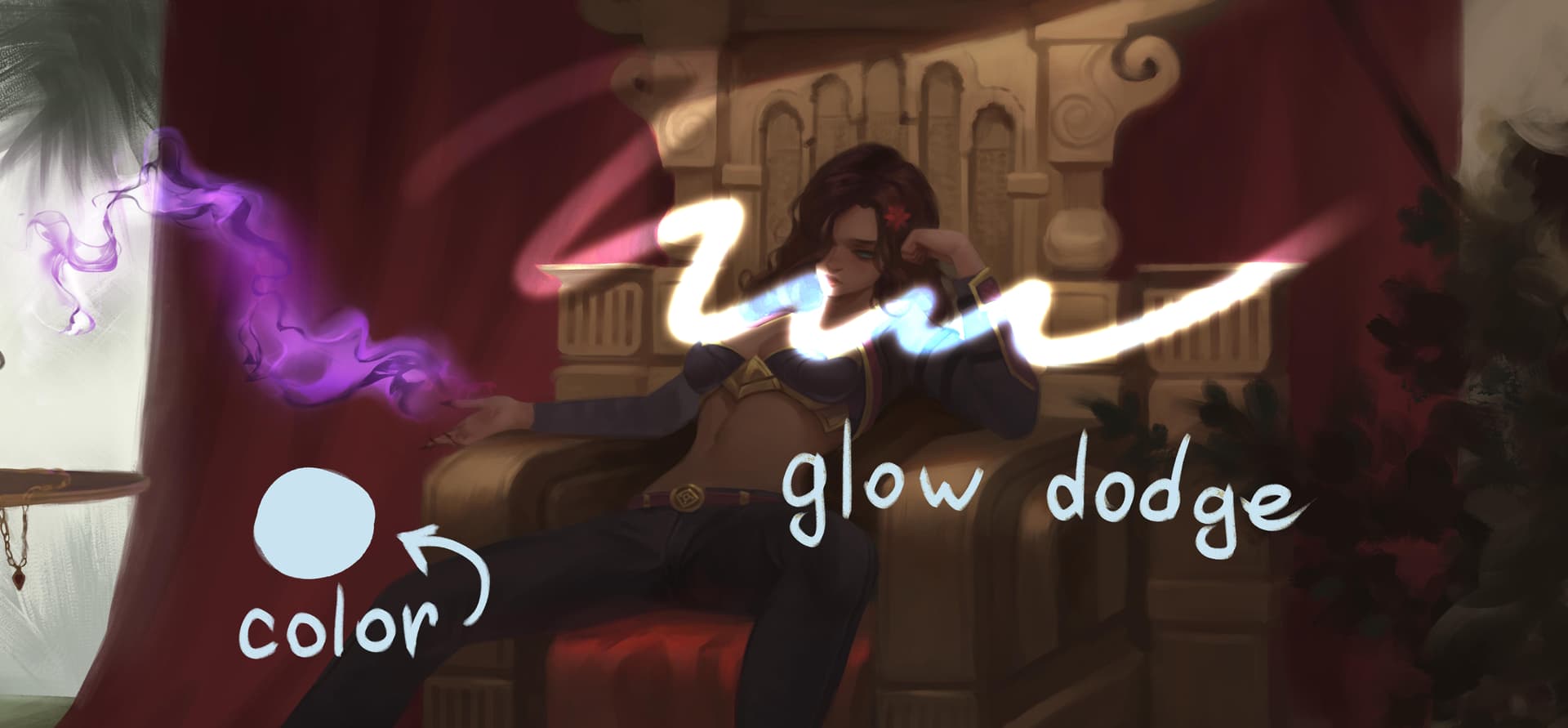
Here is an example of glow dodge with a soft brush:
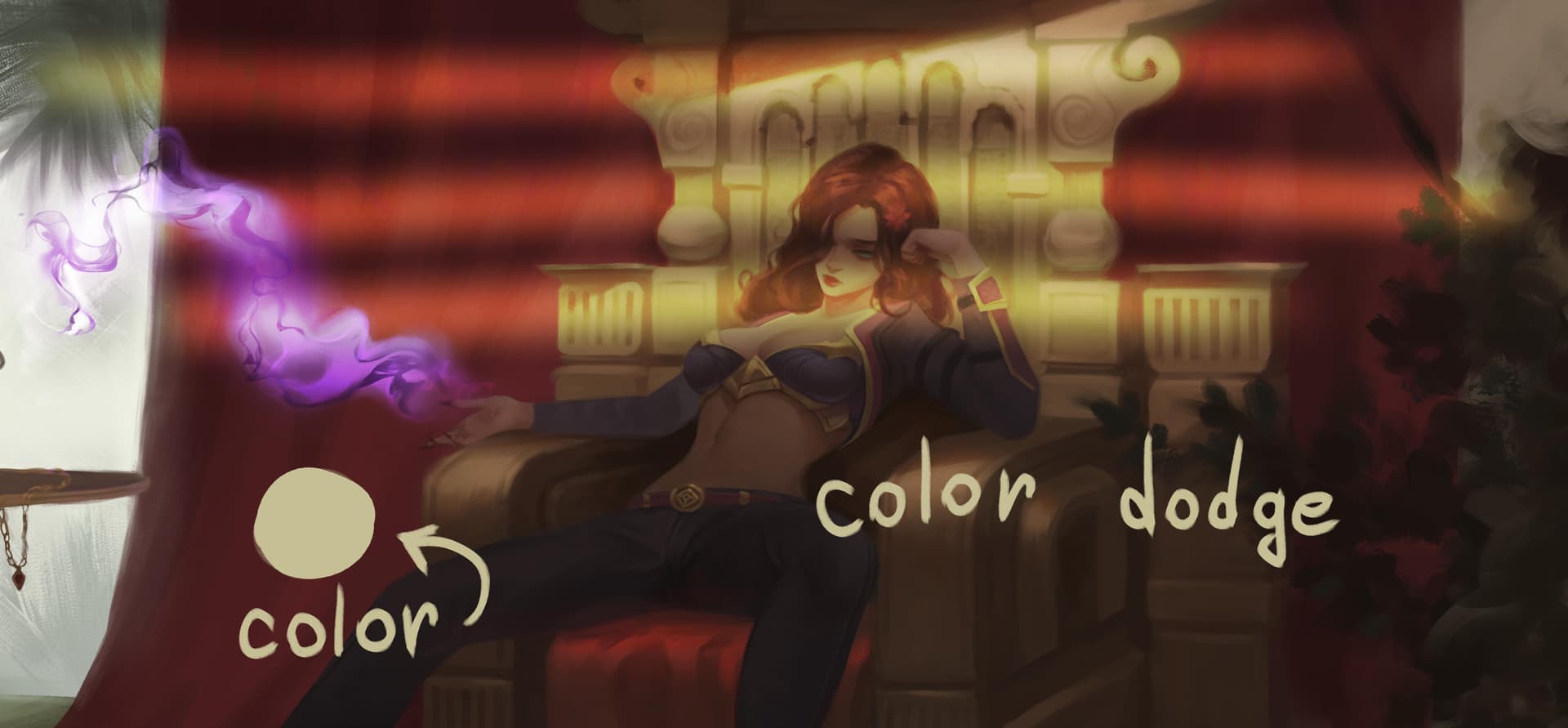
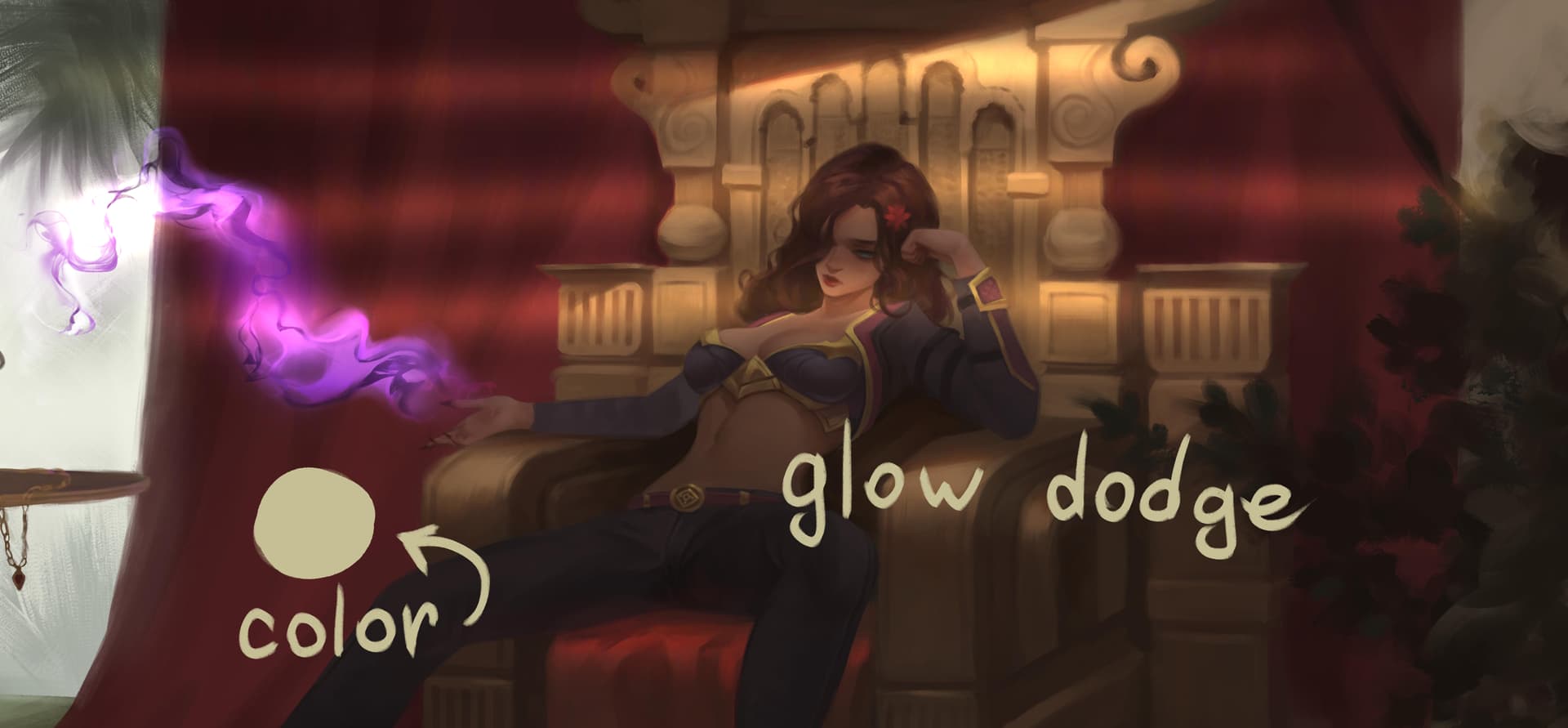
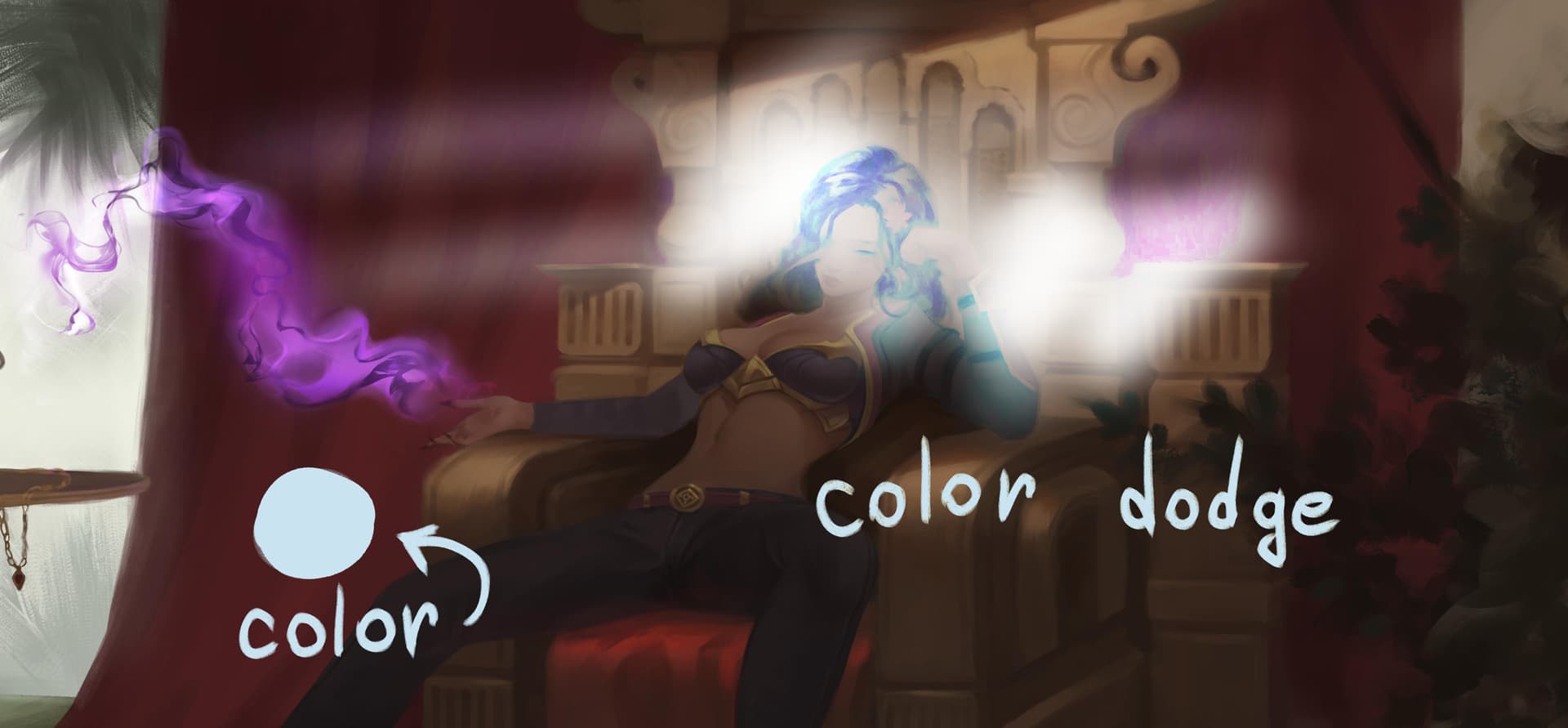
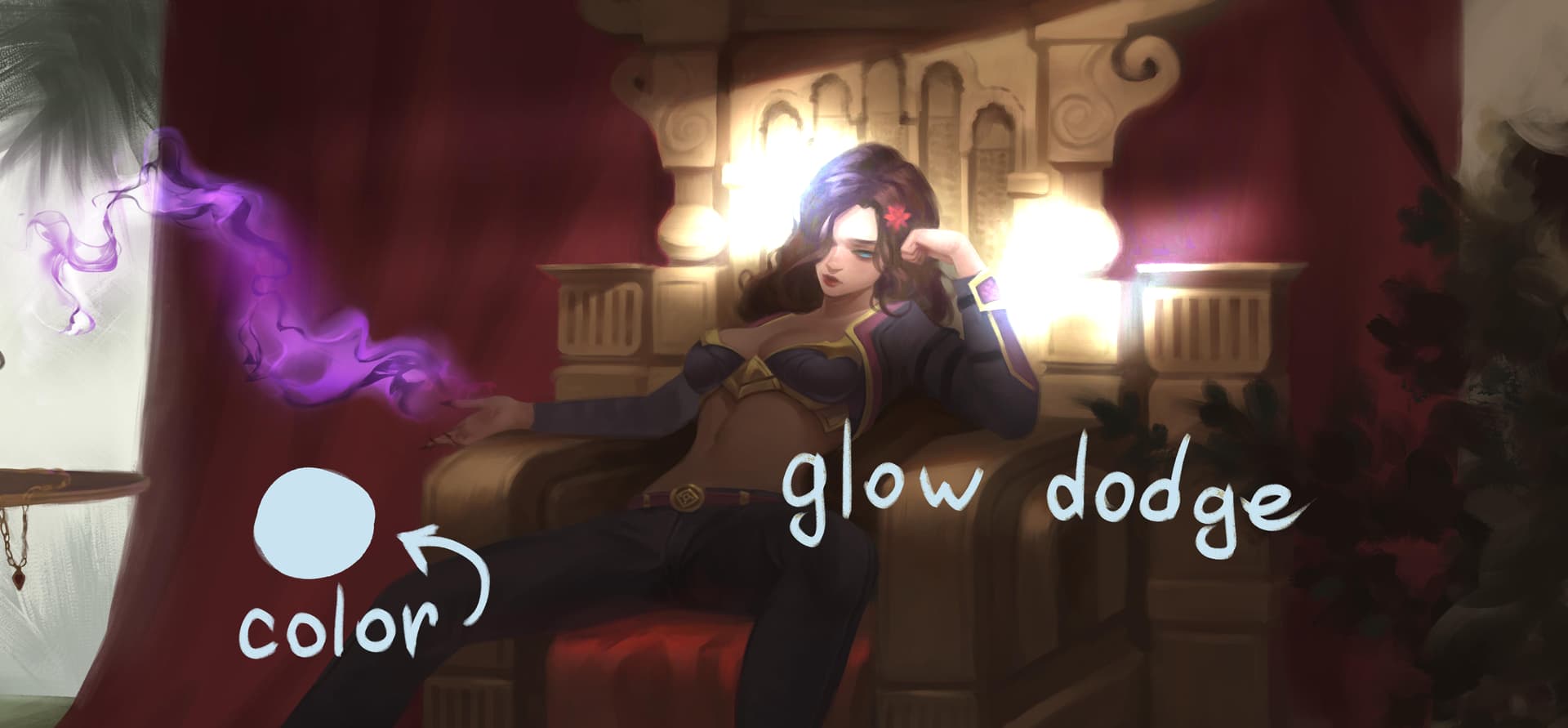
I like this blending mode because it allows me to add brightness to the light source with one stroke, and it looks more natural and bright than color dodge. Plus the blending mode works a lot faster than the layer styles