Sorry, must have had too much coffee this morning. Anyway, I’ve been playing about with Krita and I have a couple of questions for everyone. My background is in traditional art and would like to know how to replicate a couple of effects and mimic a couple of colors.
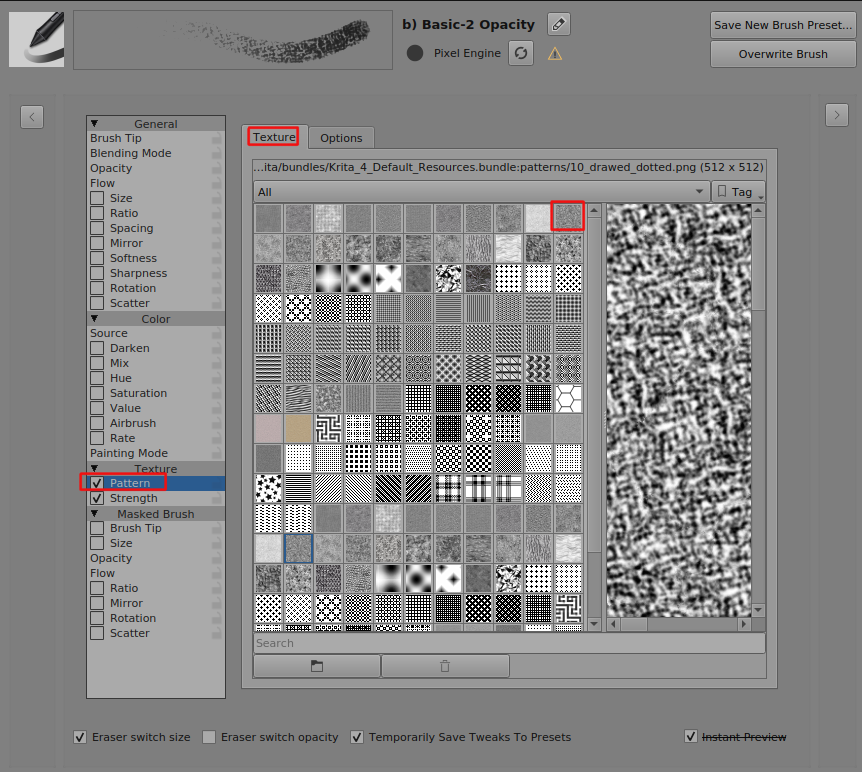
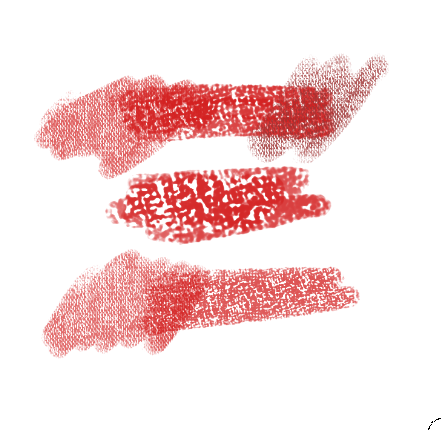
One thing I love to to is blend and smudge pencils and pastels, is there a brush I’m not seeing or a technique that I need to know? I’d like to get an effect like this:
My color question is this… Is there a post somewhere which would tell me how to get the same colors as you would find in conte crayons, like sanguine etc.?
Not sure if this would help, but I’m using a Veikk A15 tablet.
I think I’m not the one to gave you a precise answer as I’m used to draw with clean lines and flat colors, but:
You have a set of pencils for sketching in which you’ll find I think some brushes like conte crayons, sanguine, … but as I don’t use them (digital or traditional) I can’t confirm you that you’ll find what you need