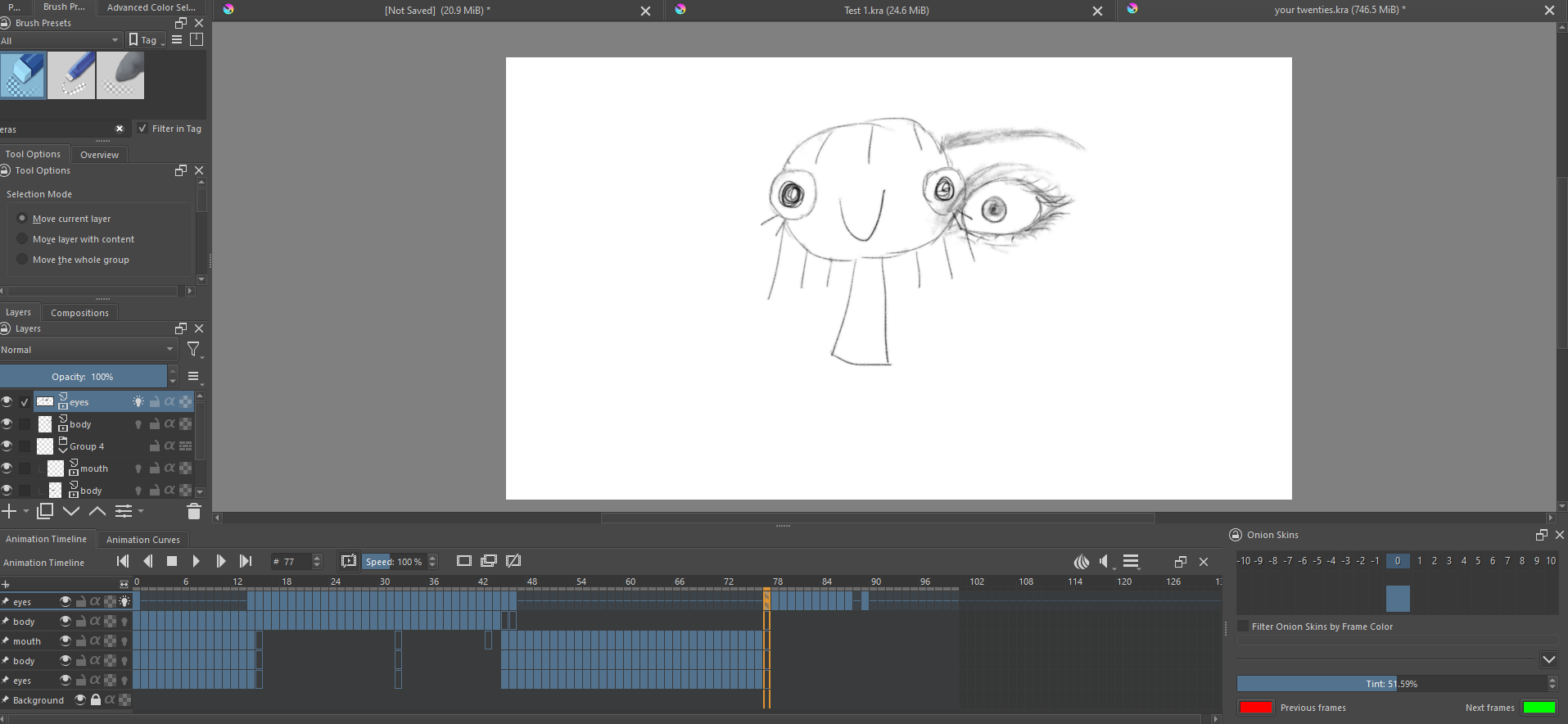
Im new to animating and was messing around and right at the end of my project an eye I drew is appearing on every single layer within that frame. I already tried just undoing but I did not realize soon enough and am not sure how to remove the eye from all the frames…

Hello @Bopanana and welcome to the forum 
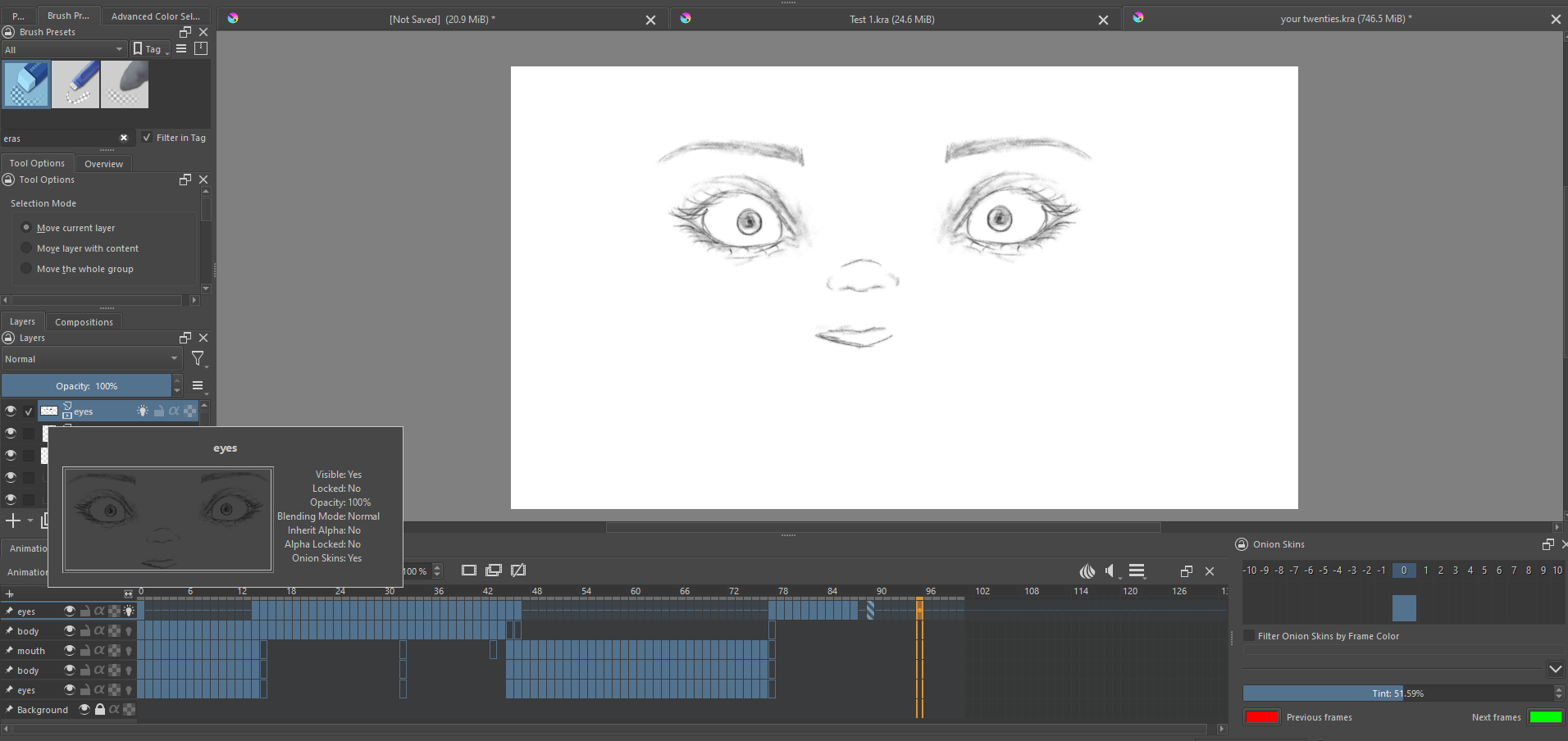
I see from your screenshots that you know how to stop Hold frames repeating by putting a Blank frame in place.
It also seems that for frame-77, the only possible animated content is on the upper ‘eyes’ layer.
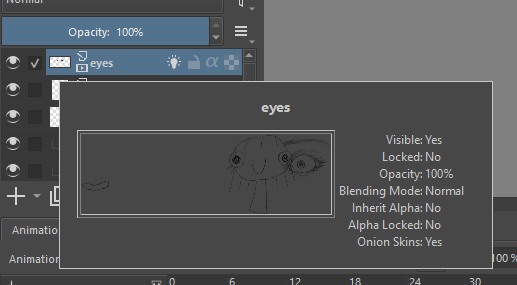
(There is also a lower ‘eyes’ layer which is sure to become a source of confusion eventually.)
For frame-39, there are two possibilities, the ‘upper’ eyes and body layer.
It’s also possible that you accidentally drew the stray eye on the Background layer. It is shown as Locked but you may have accidentally unlocked it earlier then accidentally drawn an eye on it then re-Locked it when you noticed it was Unlocked.
Are you sure that the stray eye is on the layer you think it’s on?
Try making sure of which layer it’s on by turning off the visibilty of all layers, including the Background layer, then turning them on one at a time to see when the stray eye appears.
If something is showing on the canvas then there is a logical reason for it being there.
2 Likes
This topic was automatically closed 30 days after the last reply. New replies are no longer allowed.