Hi all,
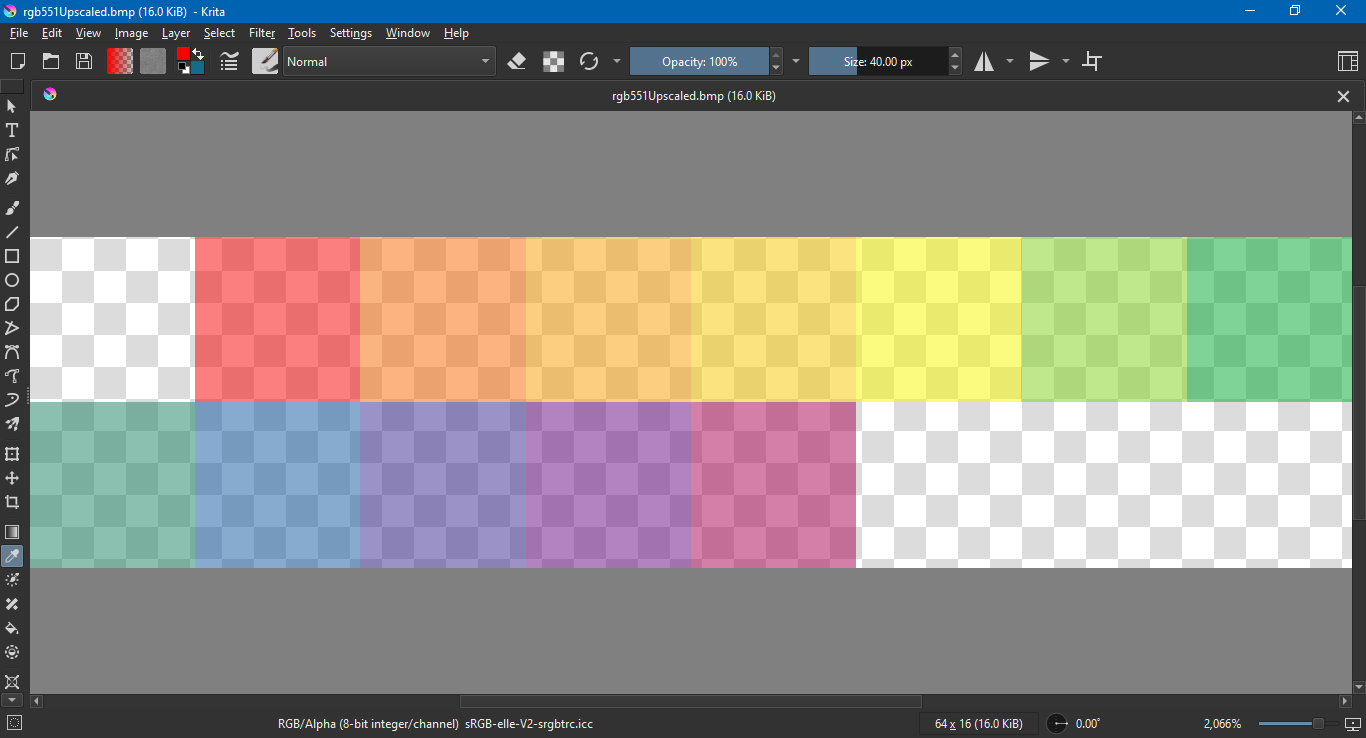
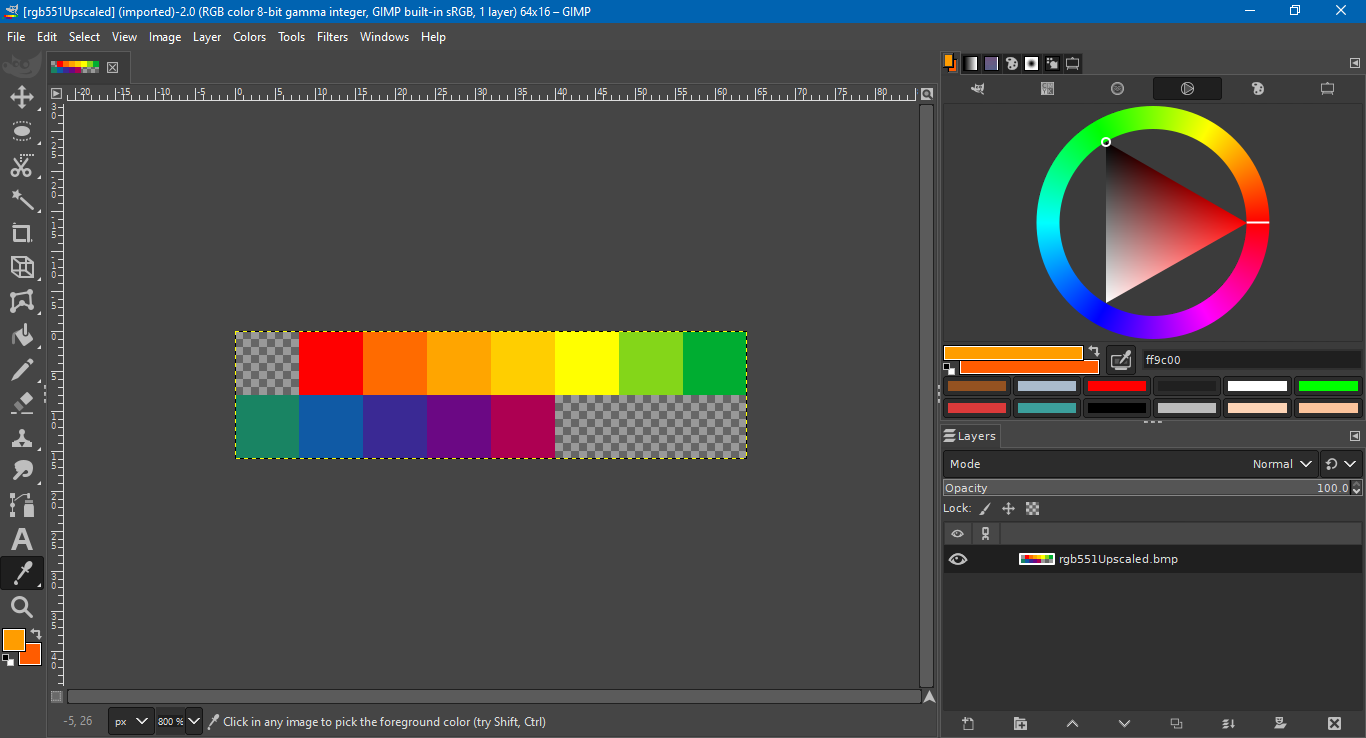
I’m posting this as a preliminary to see if this is a bug with Krita’s bmp import or with the export that generated the bmp. An RGBA5551 format bmp opens as translucent in Krita. I’m using Krita version 5.2.3 on Windows 10.
Below is a screen capture from Krita.
For comparison is a screen capture from GIMP.
There are issues with other alpha in other image viewers, such as Irfanview and XnView MP, but the more common issue is that they ignore alpha completely and render clear black as opaque.
This is a hex dump of the file.
| Row | 00 | 01 | 02 | 03 | 04 | 05 | 06 | 07 | 08 | 09 | 0A | 0B | 0C | 0D | 0E | 0F |
|---|---|---|---|---|---|---|---|---|---|---|---|---|---|---|---|---|
| 00000000 | 42 | 4D | 9A | 00 | 00 | 00 | 00 | 00 | 00 | 00 | 7A | 00 | 00 | 00 | 6C | 00 |
| 00000010 | 00 | 00 | 08 | 00 | 00 | 00 | 02 | 00 | 00 | 00 | 01 | 00 | 10 | 00 | 03 | 00 |
| 00000020 | 00 | 00 | 00 | 00 | 00 | 00 | 00 | 00 | 00 | 00 | 00 | 00 | 00 | 00 | 00 | 00 |
| 00000030 | 00 | 00 | 00 | 00 | 00 | 00 | 00 | 7C | 00 | 00 | E0 | 03 | 00 | 00 | 1F | 00 |
| 00000040 | 00 | 00 | 00 | 80 | 00 | 00 | 42 | 47 | 52 | 73 | 00 | 00 | 00 | 00 | 00 | 00 |
| 00000050 | 00 | 00 | 00 | 00 | 00 | 00 | 00 | 00 | 00 | 00 | 00 | 00 | 00 | 00 | 00 | 00 |
| 00000060 | 00 | 00 | 00 | 00 | 00 | 00 | 00 | 00 | 00 | 00 | 00 | 00 | 00 | 00 | 00 | 00 |
| 00000070 | 00 | 00 | 00 | 00 | 00 | 00 | 00 | 00 | 00 | 00 | 0C | 8E | 74 | 89 | B2 | 9C |
| 00000080 | 30 | B4 | 0A | D4 | 00 | 00 | 00 | 00 | 00 | 00 | 00 | 00 | 00 | FC | A0 | FD |
| 00000090 | 80 | FE | 20 | FF | E0 | FF | 43 | C3 | A6 | 82 |
Thanks for your time,
Jeremy