Windows 10
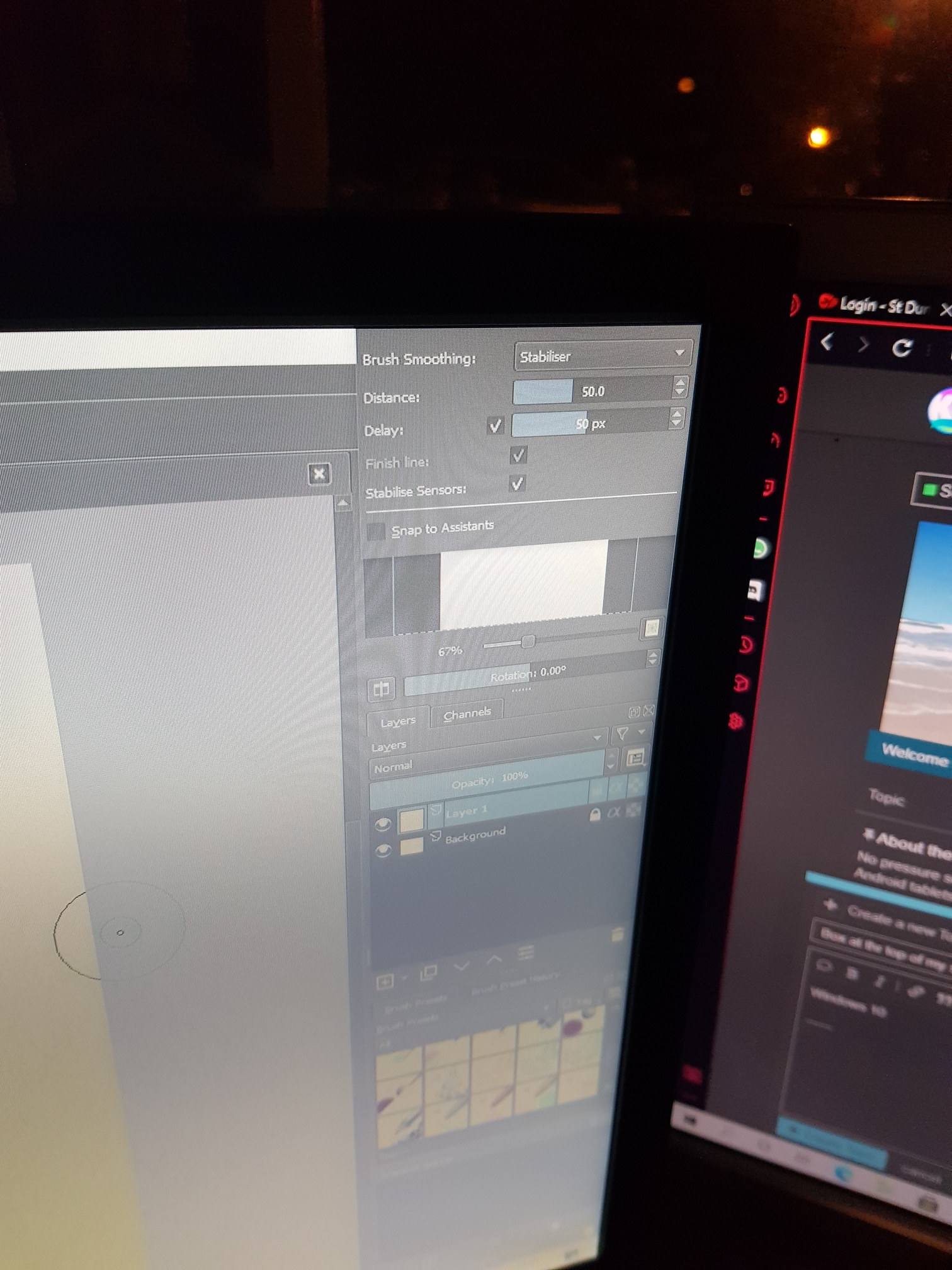
Maybe this will help you: https://www.thewindowsclub.com/how-to-move-a-window-when-its-title-bar-goes-off-screen
i tried to downlod it but i want working, ive tried re installing it but its still thetr
Download? There’s no need to download anything. Read the various tips on how to access windows whose controls have ended up off screen.
Like alt-space-m. I don’t have Windows here at home so I can’t try them myself, but maybe one of those tips will work.
Have you tried to grab it at the very top of the box by click and hold and then drag it to somwhere in the middle?
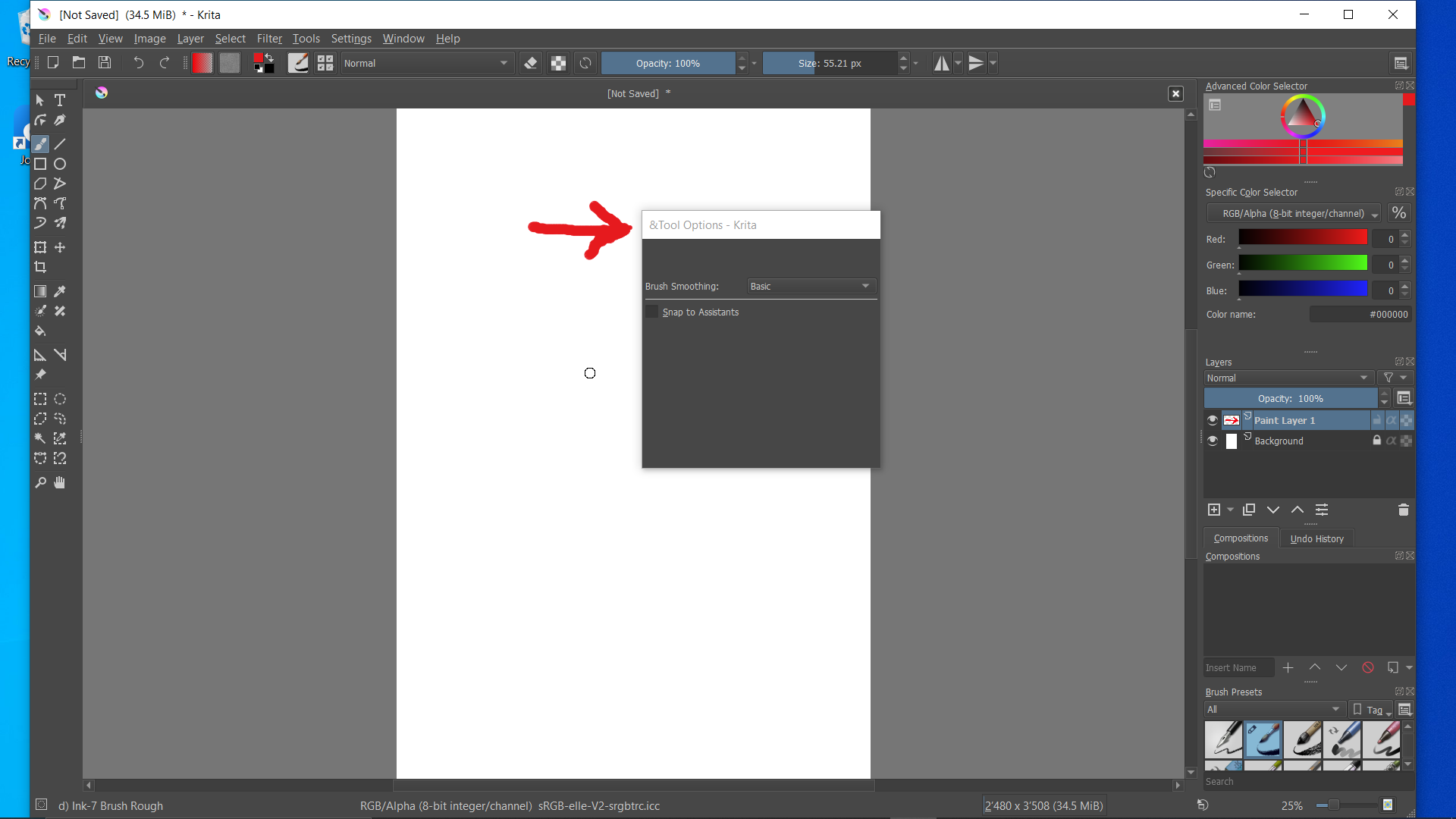
Can you grab and drag it?
If so, then you can place it somewhere in the Docks on the right side.
It’s not normally possible to drag any docker so far up that its top border (grab and drag) is completely off the screen. So, as @Jeremiah suggested, it should be possible to grab it by the very top of the docker and put it back where you want it.
Where it is, as shown, it’s covering the Workspaces chooser icon at the far right of the Toolbar so you can’t change workspace and then change back to Default to get it back.
If you need to do it that way then you can do Settings -> Configure Toolbars, select the BrushesAndStuff Toolbar and in the right pane you can select the Workspaces entry and move it up so it appears further to the left in the Toolbar, so you can click it.
@Jeremiah : There’s only one small X on the Tool Options docker and that is the ‘float’ or ‘undock’ control, which makes it float. The only way to get rid of the Tool Options docker is via the Settings.
I assume this was done to prevent people from accidentally getting rid of the Tool Options docker and then not having a clue how to get it back (not a good idea  )
)
…I just learned sth
 I guess you are right. A smart move from the devs.
This topic was automatically closed 6 days after the last reply. New replies are no longer allowed.