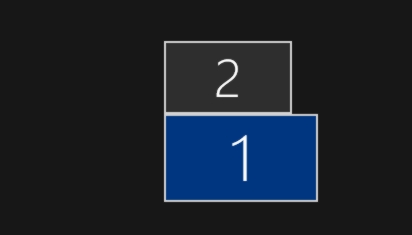
Monitor 2 is main display, monitor 1 is extended graphic tablet on which Krita is running.
Im running Windows 10 x64.
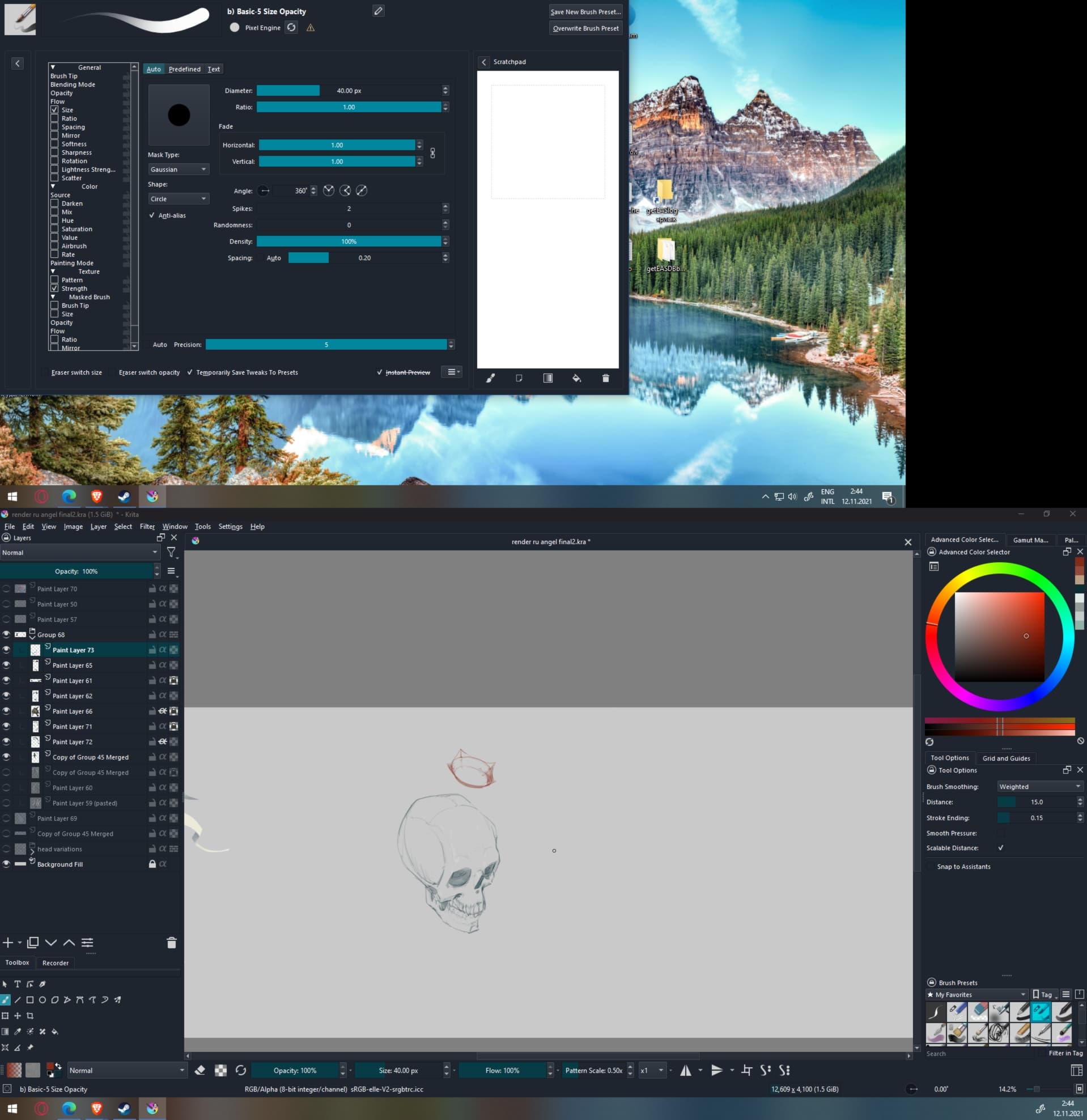
Problem i’m currently facing is that “Brush editor” and “Brush preset” menus that are evoked by F5 and F6 shortcuts are opening on display #2 instead of #1. While other menus i’m using are opening as needed on display #1.
Example:
It’s a bug; this dialog is not supposed to do that… You can report the bug here: Log in to KDE Bugtracking System and attach your screenshot to it. Mention the version of Krita you are using (I guess beta 5.0. by the screenshot) and the version of Windows. You can also copy/paste the content of Settings > Show Systems Settings info for bug report in the bug report. Thanks!
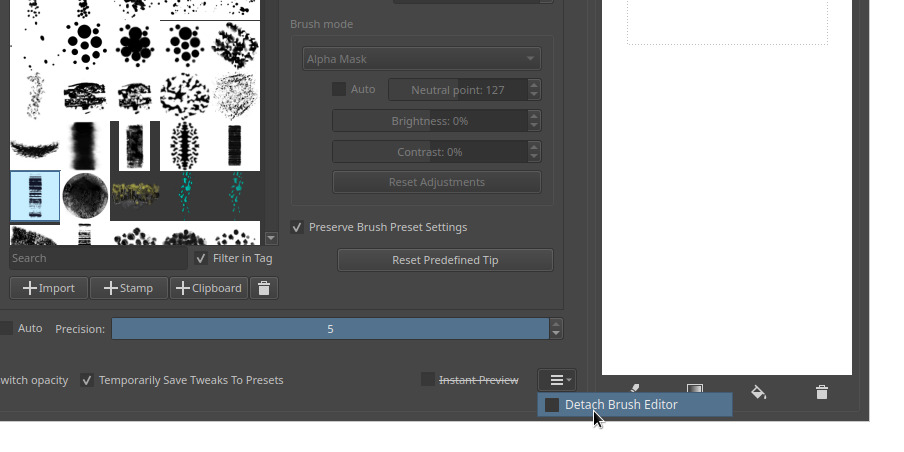
Meanwhile, a quick workaround (only for Brush Editor) is to maybe “Detach brush Editor” so you can move its windows around: