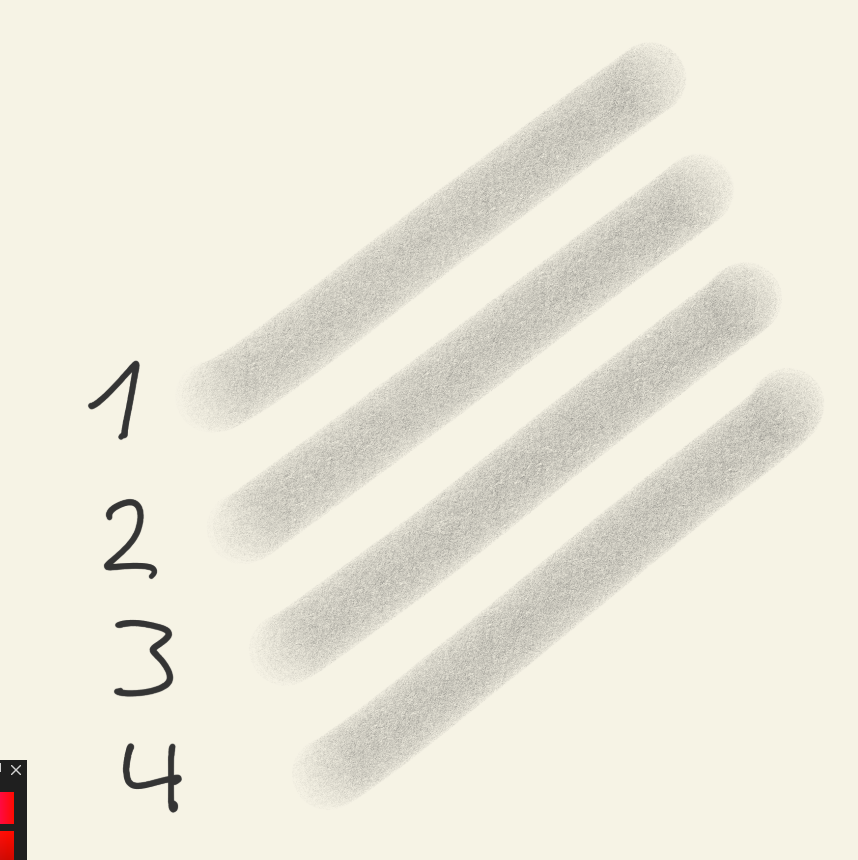
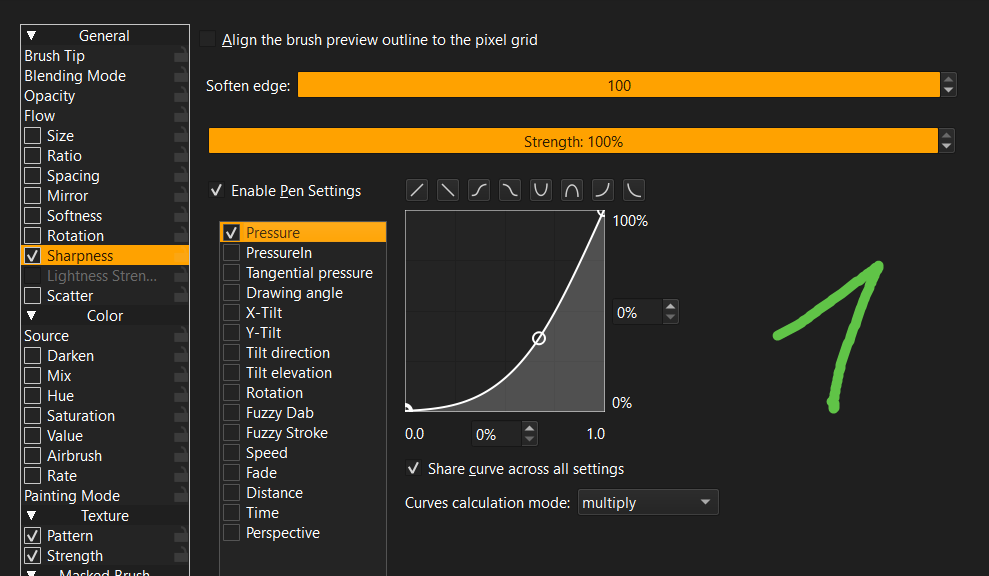
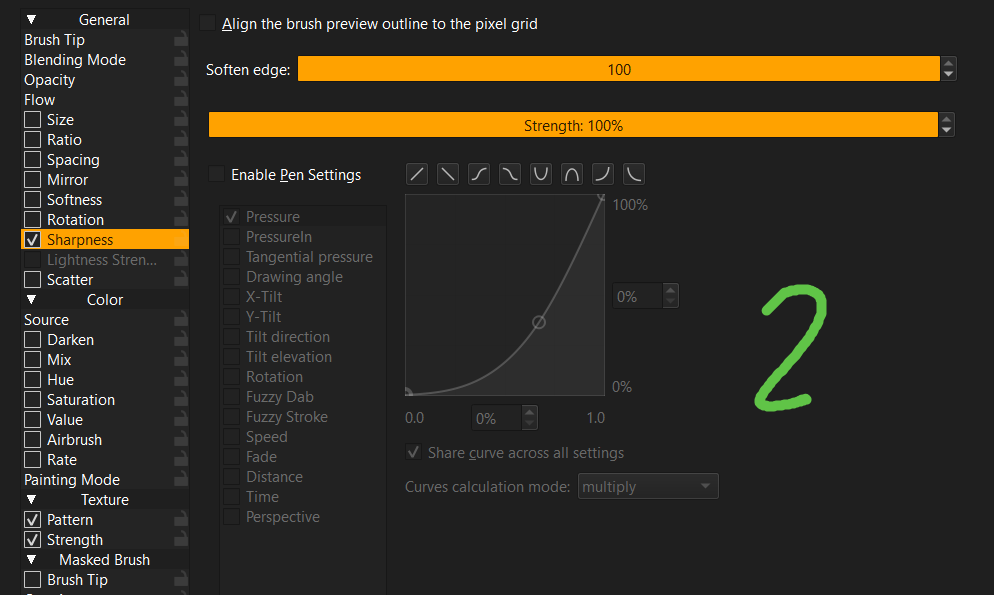
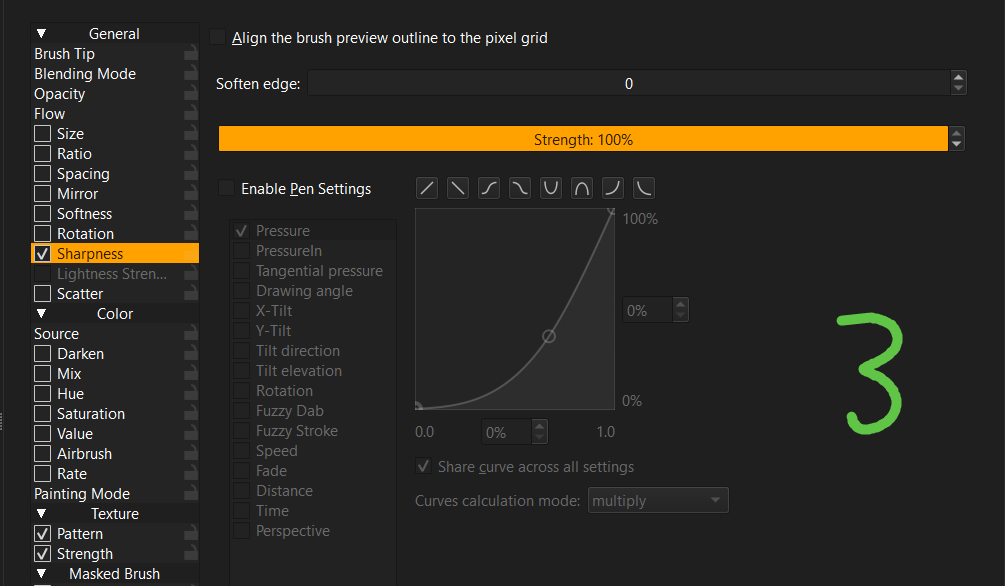
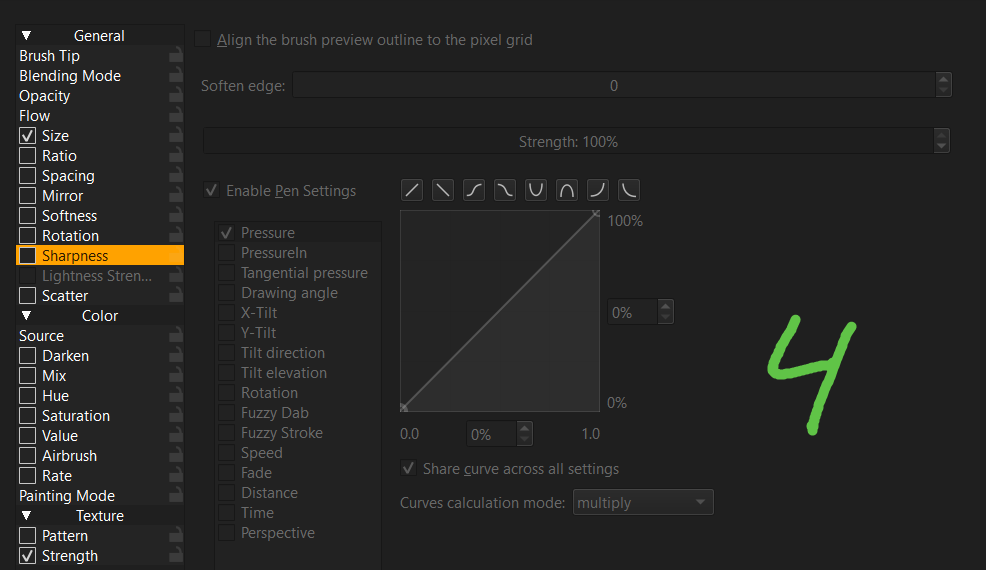
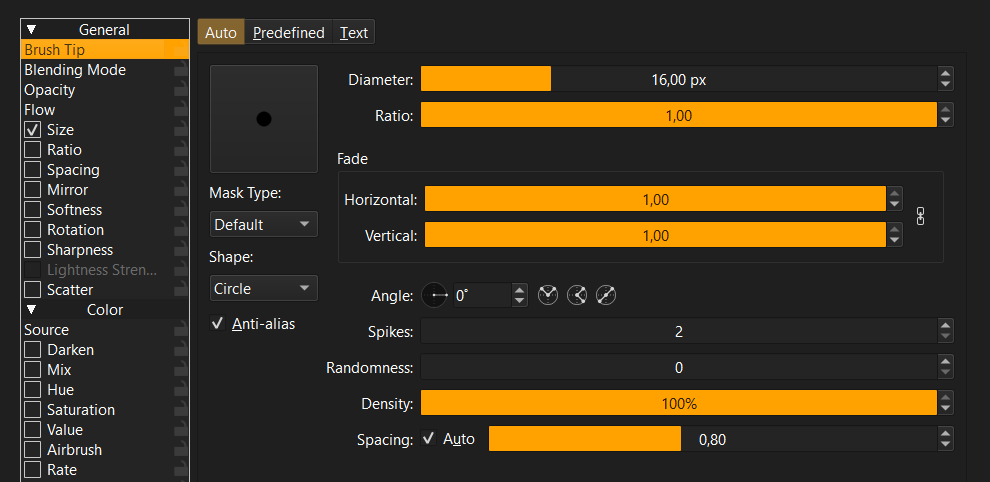
According to the handbook, the sharpness setting applies a ‘threshold’ filter to the tip. That filter reduces an image to black and white - so removes the subtle gradations to leave a simple, sharp black/white result.
I think this setting must blend the result between the original and threshold-applied tips to give a variable result.
The effect is very subtle in many instances. If you apply softness to the tip e.g. using the fade sliders and gaussian mask, you should see a more pronounced effect.
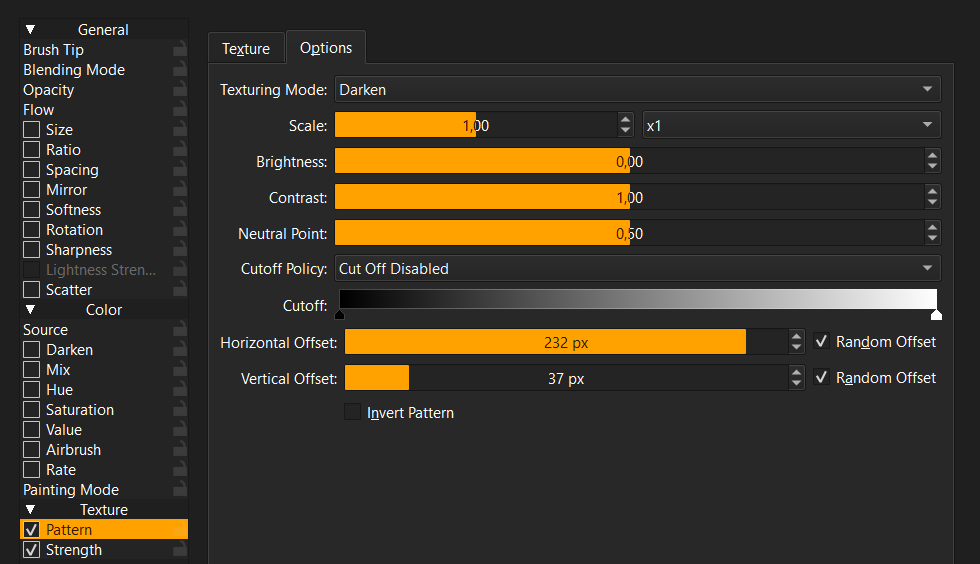
Hm, I tried now with different texture patterns and sharpness settings but there is no effect on the stroke.
Anyway, thanks for the explanation. I’ll leave the setting off for now and come back to it later if needed.
It doesn’t have any effect on the pattern. You need a brush tip with some value variation in it. However, it can be quite fiddly to find the right settings for a certain brush tip - behaves quite a bit like a diva…
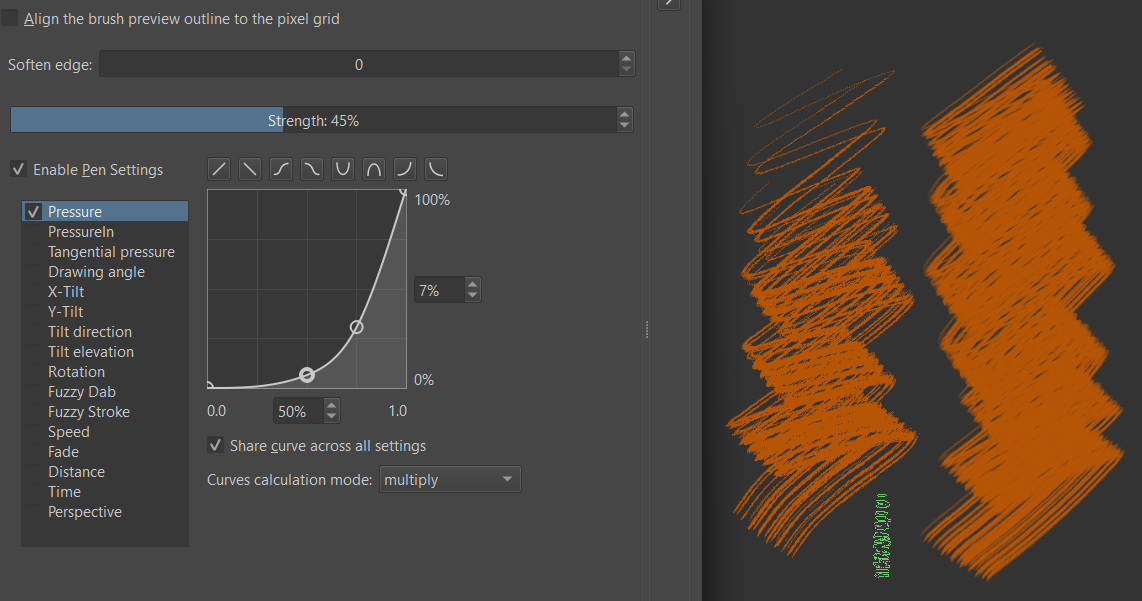
Here’s an example for a rake kind of brush tip - right stroke is with sharpness off. There’s no other dynamics involved here, only pressure on sharpness:
Yeah, the official term for the brush tip is indeed ‘mask’ - and in principle it works with any tip/mask that has grayscale in it, though often a bit wonky… Can be useful with some brushes and not so much with others.