Instructions:
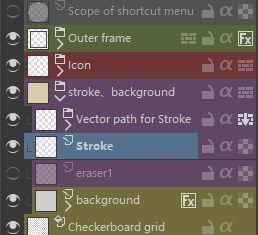
- The outer frame can be adjusted with layer style, or the frame can be discarded (or a round frame, a square may be ugly in the right-click menu);Two layers, vector and pixel, are available for quick or complex productions
- Icons can be taken or not,or just add an icon
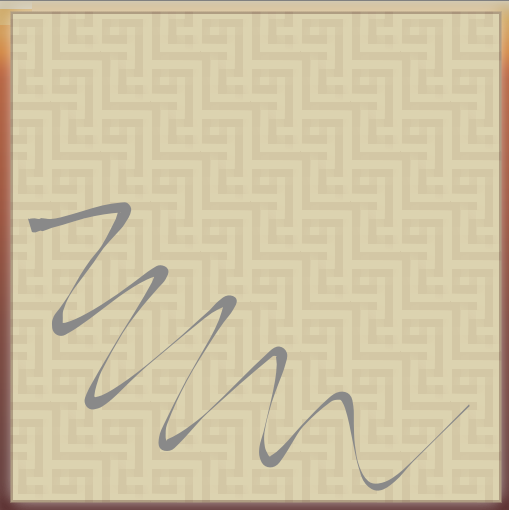
- vector paths are used to give a non-pressure, non-blending brush stroke; the “pass-through” mode is used so that the eraser can be erased from the stroke
- The eraser can be painted in “Eraser 1” with the erase mode off, or directly paint on the background’s transparency mask “Eraser 2”
- The default background is grey, I used the colour and texture in the layer style
- The checkerboard grid is used to represent the effect of the eraser, it is SeExpr so it is adjustable
(No icon is placed in the picture)