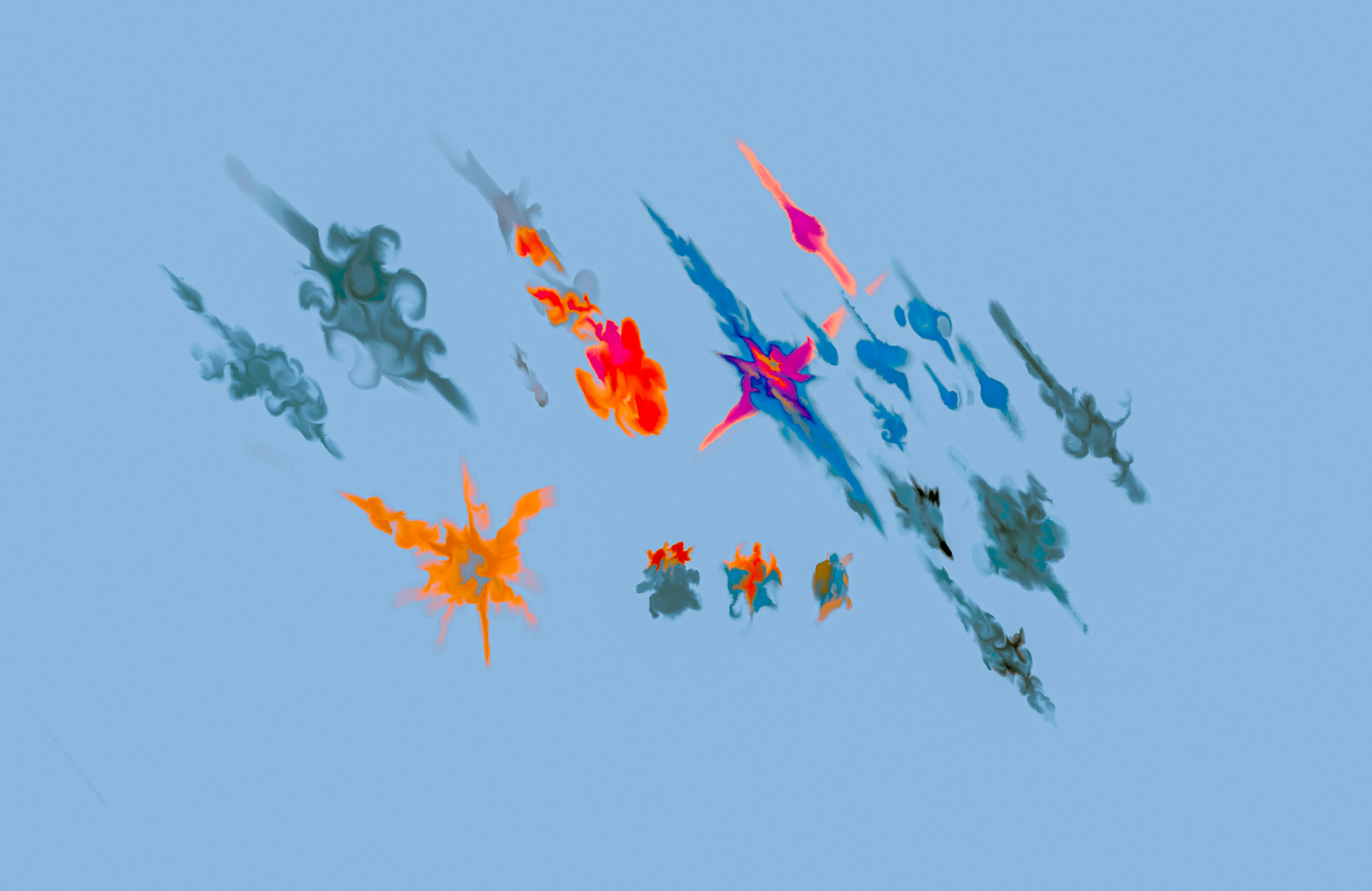
READ FIRST.
This pack only includes Ico files not the brush bundle itself.
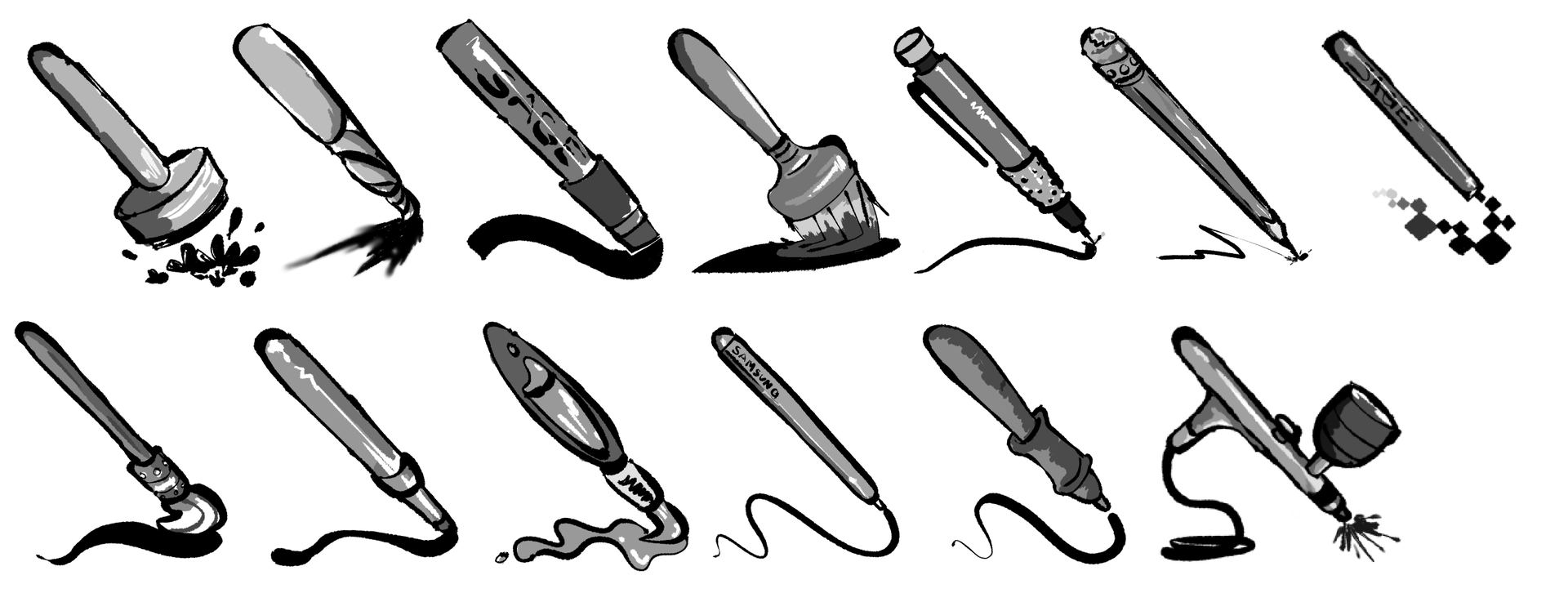
I made some stylized Icons for brushes.
- Air Brush
- Pixel Brush
- Stamp/Pattern Brush
- Brush Brush
- Heavy Brush (2 of the same icon with different trails)
- Water Brush (for water color)
- Stylus Theme Brush - I use the samsung s-pen stylus
- Regular Stylus Brush
- Marker Brush
- Heavy Marker Brush
- Smudge Brush
- Pencil Brush
- Mechanical pencil Brush
- Calligraphy Brush
Idk if those are all the brush types.
Let me know if there is a type of brush im missing that you’d like me to make.
More designs and themes in the future.
I came up with this theme pretty quickly as a way to organize all my tempered and experimental brushes that I’ve made.
I would love to see more stand alone brush themes on here.
Download my .ico files here:
https://drive.google.com/file/d/1GL3k8z8VHwupUKifroGOjUDCrfsupH3G/view?usp=drivesdk
How to install?
- Before starting make sure you save any previous projects and close them out.
-This is a manual process and if anyone knows a quicker way to apply comment down below. 
- Download .zip file - place where you can easily find and unzip.
- Open Krita and start a new project.
- Select a brush you want to customize and hit F5 (brush editor) - Android / Pc.
- Select the “Overwrite Brush Preset” on top right Corner.
- A window should pop up and “Load Icon” or “Load Image” should be an option.
- Locate the unzip icon folder and customize with whatever preset.
- Save and restart Krita to load new icons on brushes.
Thank you for downloading - God bless