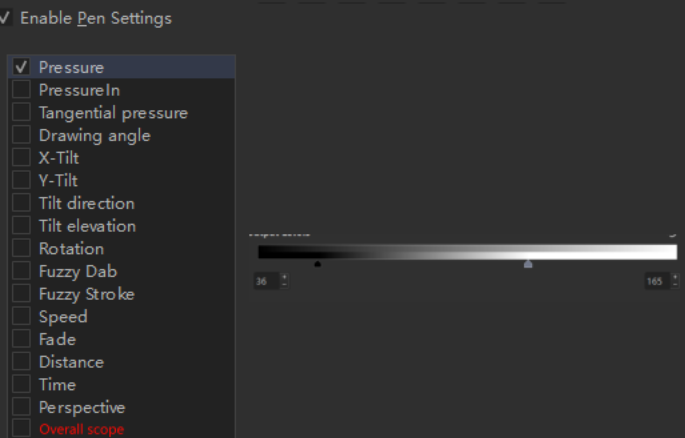
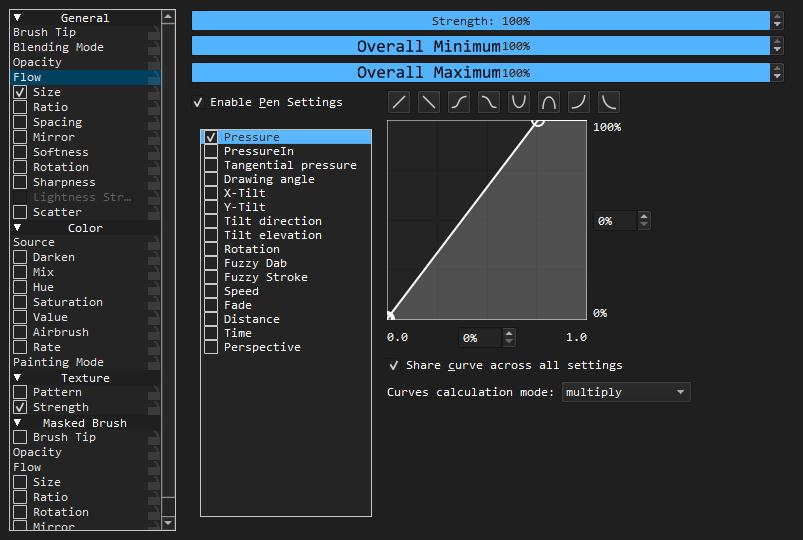
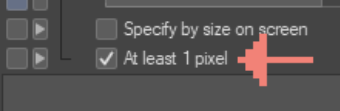
When we draw lines with lower pressure, the lines may break. Adjusting the left end of the curve up has a certain effect, but it is a relative value. There is an option in CSP to set the minimum diameter of the brush to 1. We can make it a variable value in krita.
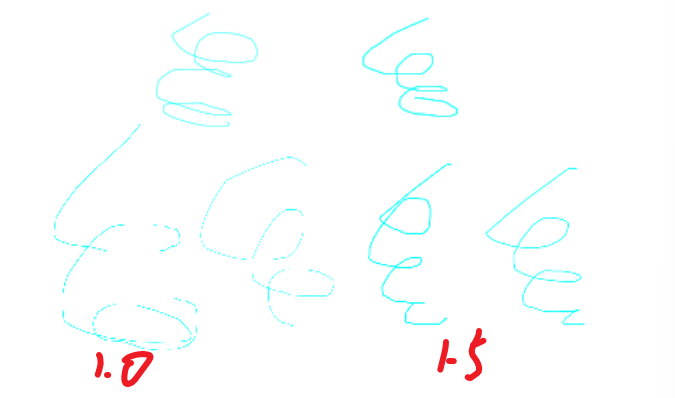
This can also avoid the broken lines of “soft” and “Gaussian” brushes at one pixel. After testing, they will not disconnect between 1.3-1.5.
I now have two ideas.
The first is to put the “minimum diameter” in the “brush tip”. Then in the “size” graph, it corresponds to the minimum value at the bottom left. This may be more expandable. But I feel that this will destroy the linear relationship of the curve. And I can’t think of other uses.
The second is to put it in the “size”. When the pixel to be drawn is smaller than the “minimum diameter”, use the “minimum diameter” as the diameter of the brush. This seems simple and easy to understand. I guessed it would be like “if diameter*strength <minimum diameter, return minimum diameter”.
I want this too! Often my brushes disappear at 0.01px. So a minimum option means I can tune where each brush’s minimum is. Albeit most of the time, I would set it to 1.
Hi, I also want this feature but not because of the same reason though. I’m trying to write a better abr importer recently, but krita don’t support minimum values for these curve based options.
In photoshop, for diameters and roundness, it’s possible to set a minimum diameter/roundness, no matter how much the sensor reports or jitter applied, the final value should always at least this minimum value.
It looks not exactly what this feature request is requesting for, so I want to have some discussion here on how should this been implemented, and I want to try to implement it.
Here’re some questions that I come up with currently,
Should the minimum value in percentage of it’s master value, for example for size, it’s a coefficient of the brush tip size, OR it’s a absolute value, like 2px, for size? The former is what in ps, but the latter is what exactly requested in this thread. Or maybe both, can be switched using a combo box? Do you think it’s necessary?
I also would like to extend this “minimum value” option to other properties like opacity and flow, do you think it’s would be nice to have them?
Because I want to constrain the final value, the value after composing all sensors.
For example, I want to have a curve for pressure: 0,0.41,1 and 0,0.51,1 for fuzzy dab, also I want make the opacity always above 0.3. I don’t see any solution to this without having a global minimum value currently…
The only difference between our request is that you prefer this value in pixel, but I’d prefer to percentage. ( If I’m not misunderstanding your feature request )
These are two features with totally different use cases.
The reason you’d have an absolute minimum value is mostly to make your brush not disappear even when you make the brush smaller. Making that dependent on the base size would be useless because then it’d just disappear again.
The feature you’re talking about is useful in other cases, when you want to clamp the output value relative to the base value against complex inputs. Both a minimum and a maximum would make sense here.
So if you want to implement it, I’d say just implement what you need. Don’t try to combine it with this feature request, it’s a different matter entirely.
I understand.I think you may need such a component to crop with the maximum/minimum values in the curve.(The relationship between ‘Strength’ and the curve is multiplication)
I think it should be universal, as shown in the following figure, and it will apply to all curves. (Of course, this component may not necessarily be placed in the curve, it may be possible to create a button independently)
When achieving the above two points (percentage+enough universality), my own needs are a bit out of place: ① If placed within the curve, it may not be possible to switch to absolute values (UI strange?); ② The meaning of its absolute value varies for different parameters (such as different ranges of opacity and size)
I think the general model is like this. The universal percentage you need is independent of this post, and the “minimum parameter” I need is not universal either
Yeah they are quite different, although they’re both about minimum value. I’m just trying to explore the possibility to have both feature but seems there is too much difference… I’ll try to first implement the percentage version.
I think it would be. It’s a final clamp for the composed value from all settings (pressure, tilt, fuzzy dab etc) and should not lay with them I think.
My current ui mockup looks like this, and I think if someone else would like to make it also support absolute values, just add a combo box beside the slider. And adding another two sliders below a slider that already exists looks make sense to me.
The reason not using Minimum/Maximum Stength is that they’re already in code, and they defines the range of strength slider, not to clamp the final value. For example, 0-1 for size, and 0-5 for scatter. ( And the term “strength” can be ambiguous ) But I think there would be better names for them.
They’re just in different units, but in same meanings. For size, the unit for absolute would be px, while percentage for relative. For opacity, both of them are percentage. I don’t think this is a problem
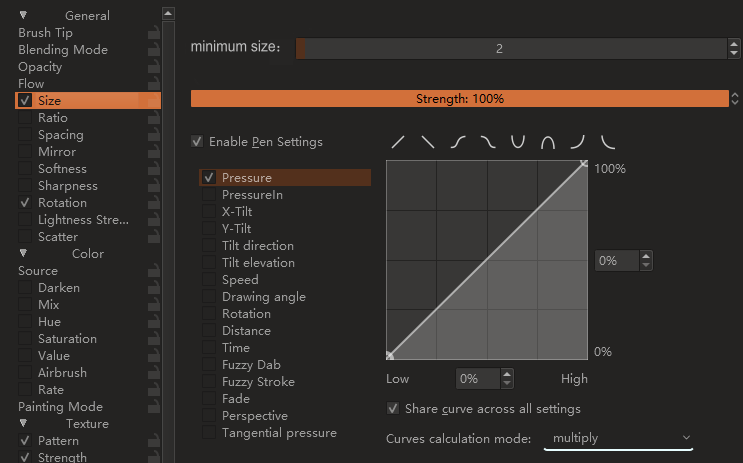
 )
)