Already posted this on the kde bug report thing so I’m just gonna copy what I wrote there to here because I want to know how many people are also facing this problem because I can’t find anyone talking about it recently/found a fix (if there is one) maybe I just didn’t look hard enough.
Anyways, Here it is:
"SUMMARY
Brush outline (cursor ring) flickers, cuts off, or teleports when moved quickly — fixed in 5.3 nightly
STEPS TO REPRODUCE
- Open Krita 5.2.9 on Windows
- Use any brush with outline cursor enabled
- Move the brush in circles or zigzags or straight lines with mouse or tablet
OBSERVED RESULT
The brush outline (cursor ring) flickers, disappears halfway, or jumps erratically/teleports when moved fast.
This happens with both mouse and pen. Using Brush Cursor Icon instead of Brush Outline Shape is a solution, But not optimal if you want to make use of “Effective outline size” which is very useful.
Not very noticeable while actively drawing or pressing down with the pen (possibly because of the “Use Effective Outline Size” feature), but extremely noticeable when moving the cursor to position a stroke—especially when making a circular motion with my arm before pressing down, as shown in the attached video. The brush outline keeps teleporting and disappearing, which makes it harder for my brain to predict or visualize the end result.
EXPECTED RESULT
Brush outline should stay smooth and visible during fast movement like in Krita 5.3.0 nightly.
SOFTWARE/OS VERSIONS
Windows 11 24H2
Linux: did not test on linux
Macos: did not test on macos
Hardware/Device specifications
AMD Radeon rx 580 4gb
AMD Ryzen 7 3700x
16gb ram
ADDITIONAL INFORMATION
This bug occurs on the following versions:
Krita 5.2.9 (Stable Installer)
Krita 5.2.9 (Stable Portable)
Krita 5.2.0 (Stable Portable)
Didn’t have the time nor the will to test all 5.(x.x) versions and 4(.x.x)
Tested Krita nightly build: krita-x64-5.3.0-prealpha-5137e85a (portable)
The issue is completely fixed in nightly build without modifying krita’s settings.
Video showcasing the problem (youtube):
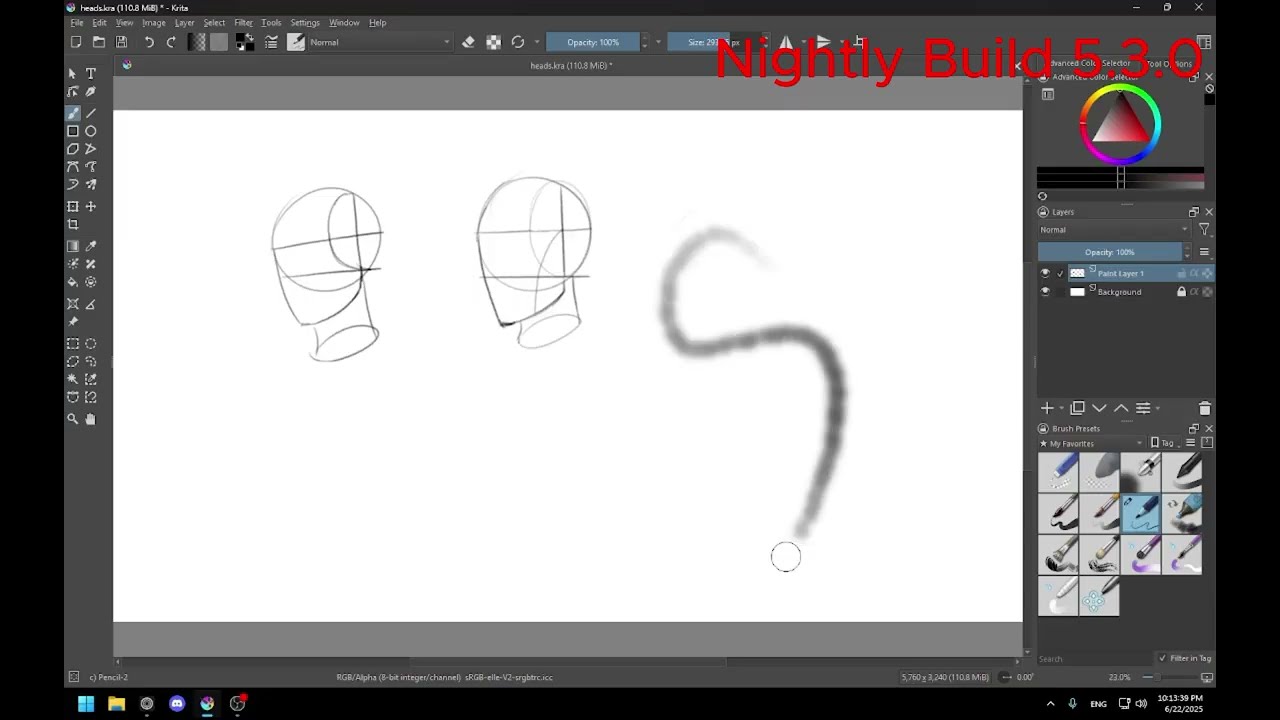
couldn’t add as attachment because its 23mb"