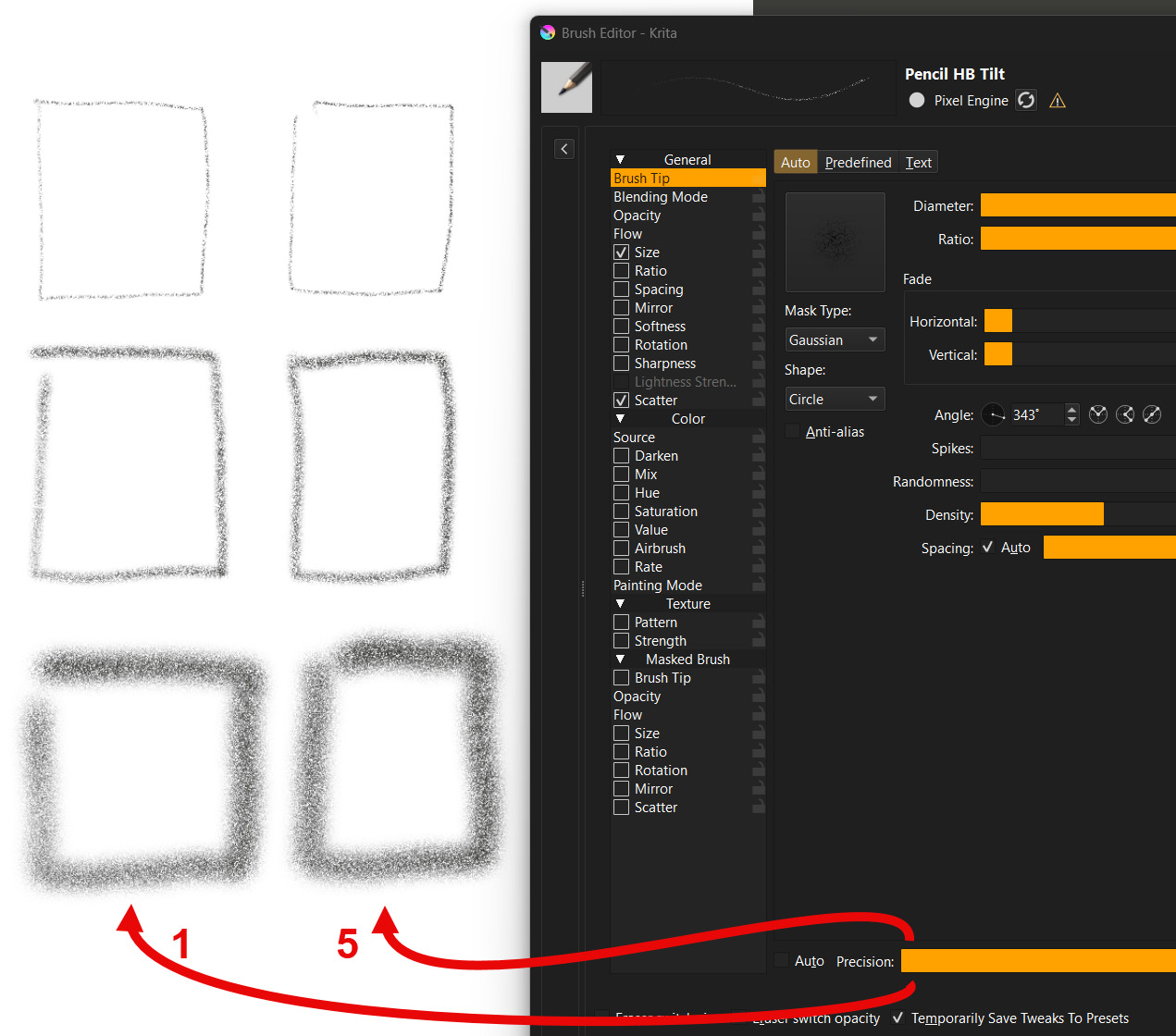
I am in the process of understanding brush settings (by the way, amazing what can be done there).
Watched all the krita youtube channel videos and read the manual.
BUT:
I am still not clear what “Precision” is considered to do.
This changes how smooth the brush is rendered. The lower, the faster the brush, but the worse the rendering looks. You’d want an inking brush to have a precision of 5 at all times, but a big filling brush for painting doesn’t require such precision, and can be easily sped up by setting precision to 1.
Yes, I read that, but don’t get the meaning of it.
What means “smooth” in this case?
“… the worse the rendering looks”.
I tried brushes set to 1 and 5 but the strokes look the same.
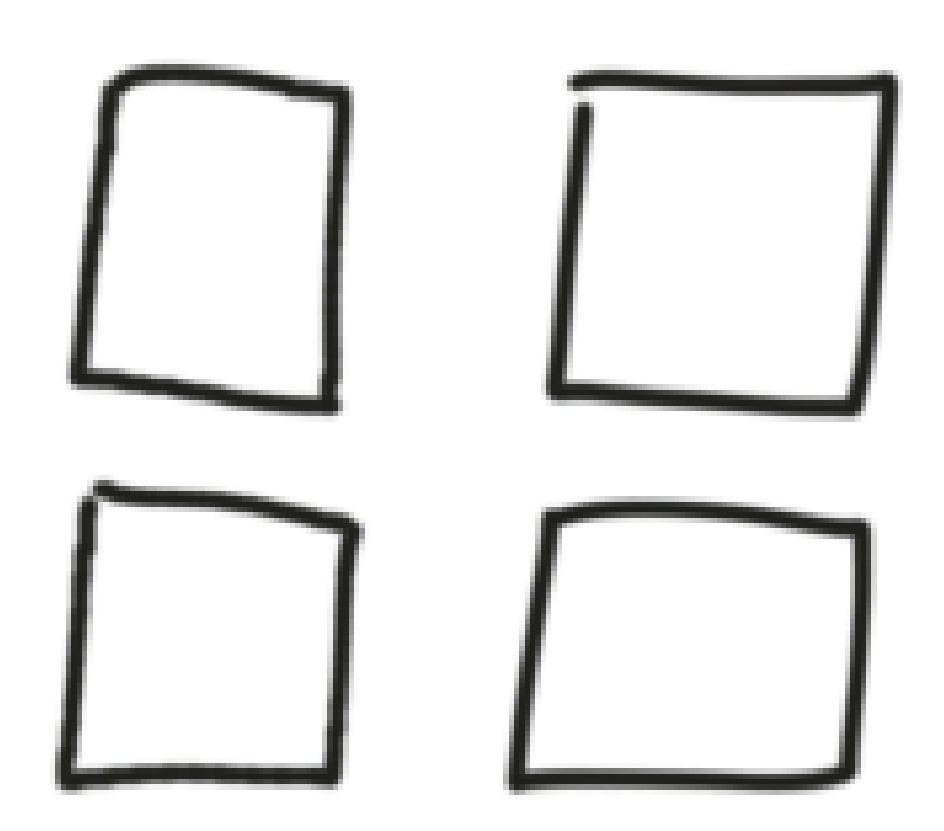
Example - standard ink brush at size 6px.
Some strokes use precision 1 some use 5 (brush smoothing is off).
I don’t see a difference.
I would assume the left ones are the ones with precision 1, they are a tiny bit more jaggy. But the smooth edges make it harder to see. I think it might be regarding the precision of the positioning of the brush tip? I haven’t checked the code and I never worked with that part.
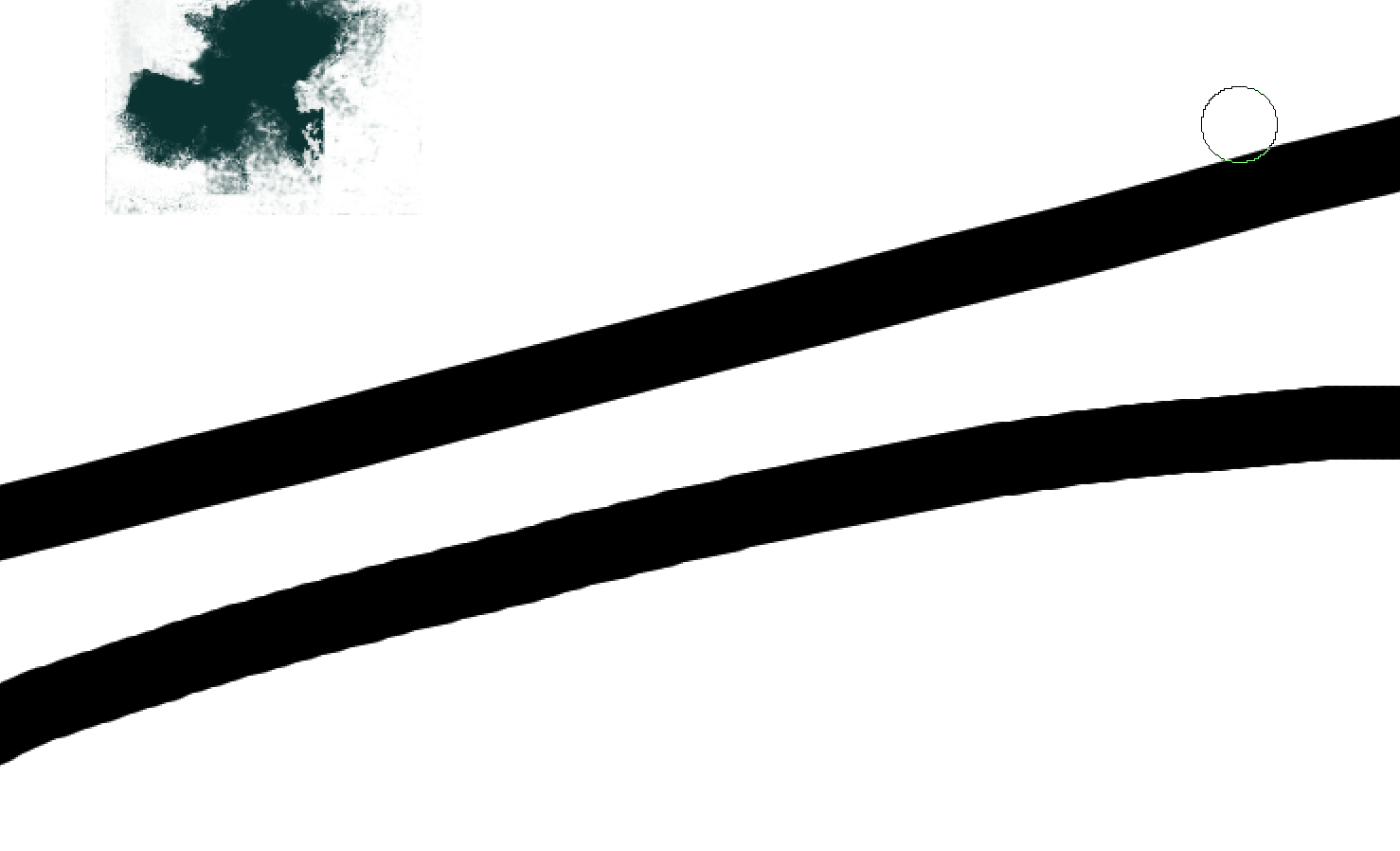
Lower precision allows subpixel differences in the paint dab and small differences in dab size, for faster painting, according to its tooltips. (And a comment in plugins/paintops/libpaintop/kis_dab_cache_base.h)
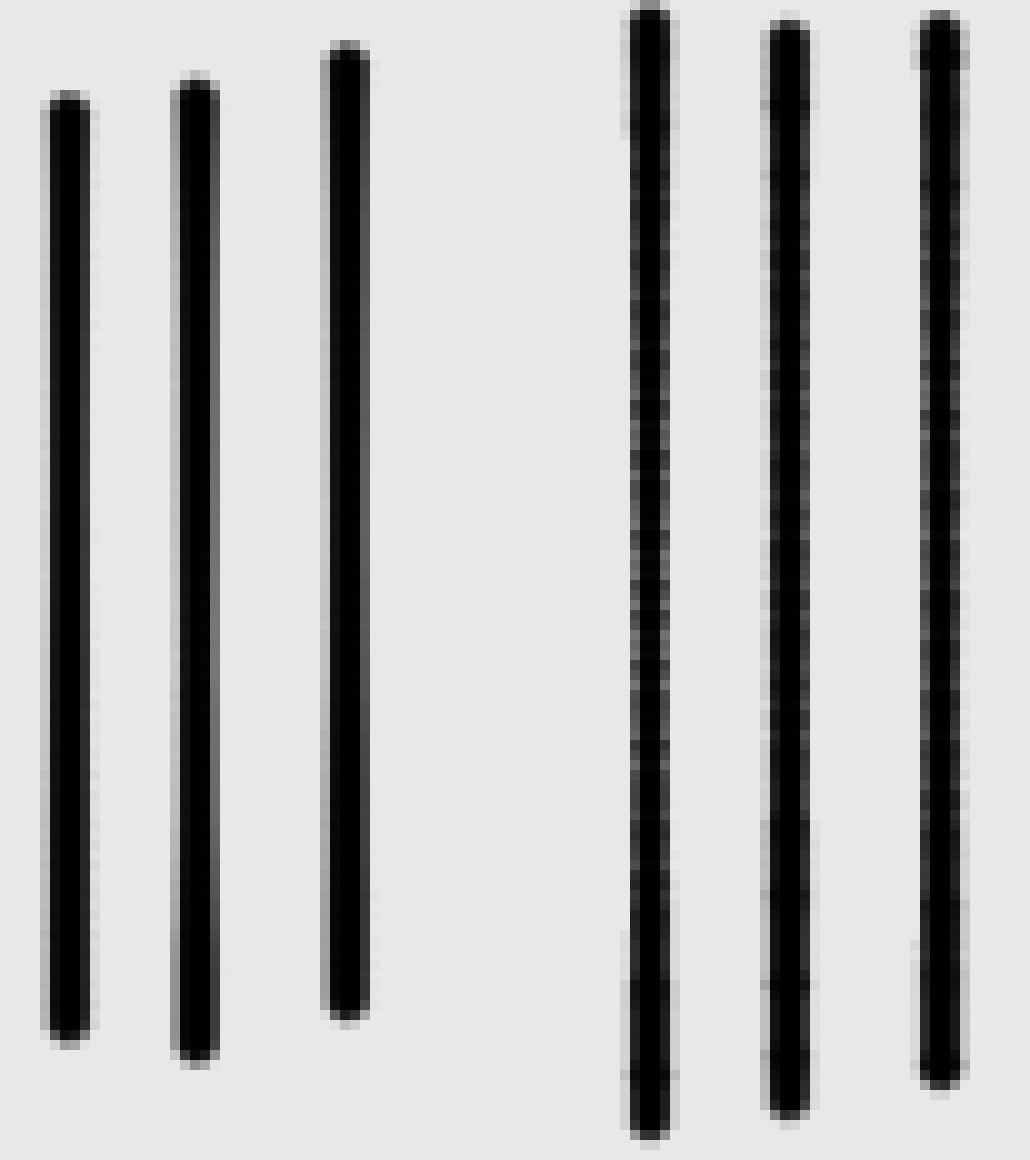
A difference can be seen easily here, straight lines using “d) Ink-2 Fineliner” with 5 precision on the left, 1 precision on the right. The image is scaled 10x for visibility.
Ah ok. Now I understand it. I can see it in my strokes as well - now that I know what to look out for.
I expected a biggeer effect though when going from 5 to 1.