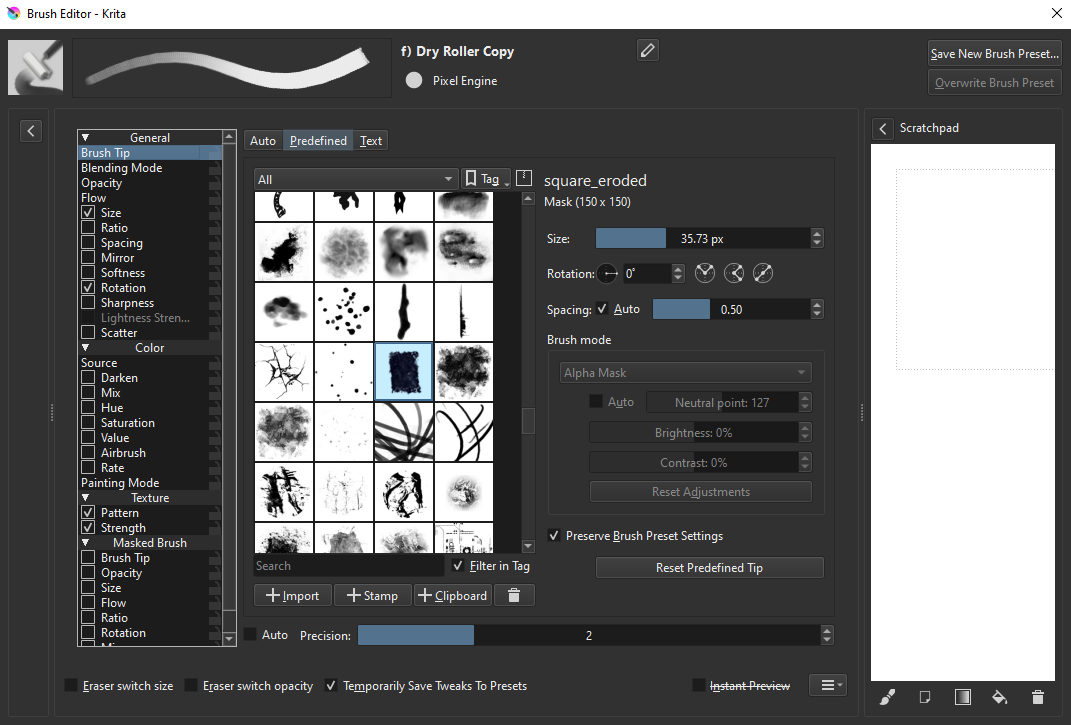
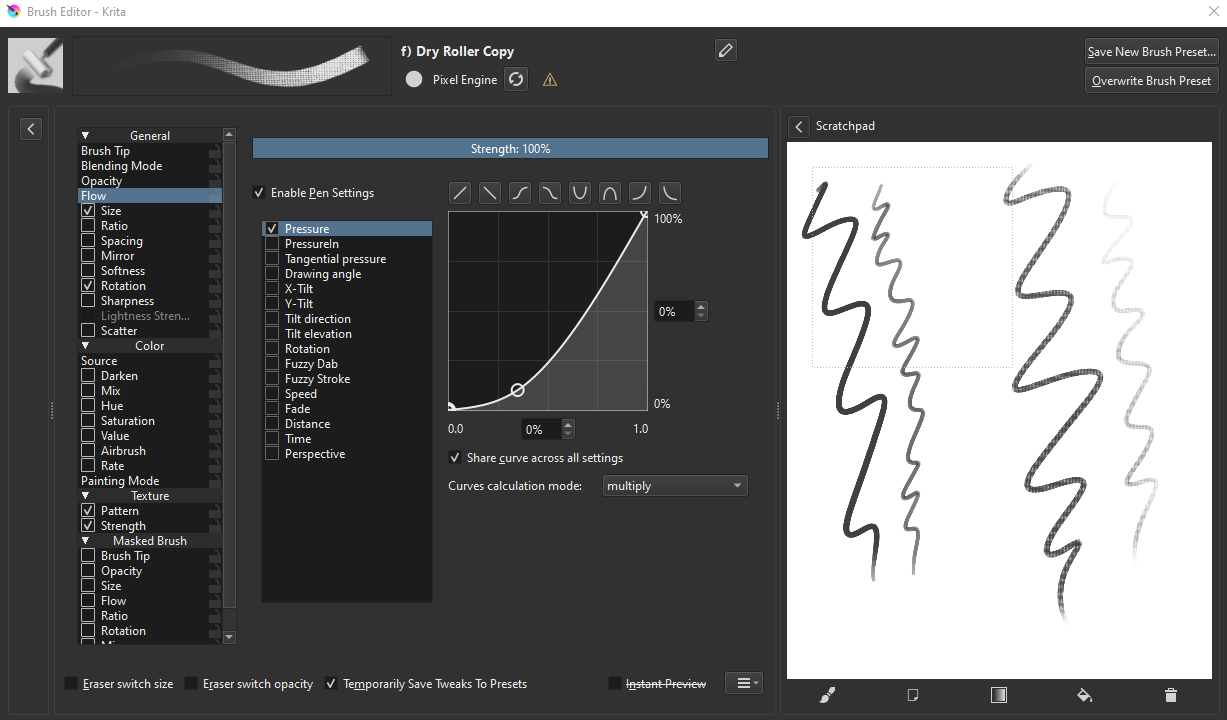
I thought I just had to change the spacing but that’s not the case. Changing literally any setting causes this. Even when I click ‘Instant Preview’ box.
This is very strange to me because it didn’t happen when I altered the default Dry Roller to my custom Dry Roller. And now somehow altering my custom Dry Roller is causing this?
So far, my temporary solution has been to duplicate the default Dry Roller again and changing this new one to suit my needs, but as soon as I close Krita, reopen it, and decide to change the settings of this new Dry Roller, the problem appears again.
It seems like a bug with the embedded pattern.
What I’m seeing after making a copy of the original “f) Dry Roller” brush and restarting is:
There are some warnings logged,
Could not import "4-paper-soft-grain_testdark-black55.png.pat" : resource doesn't load.
Failed to load embedded resource KoResourceSignature("patterns", "40dda8c754af4588ac1337238f1b14fe", "4-paper-soft-grain_testdark-black55.png.pat", "4-paper-soft-grain_testdark-black55.png.pat")
but the brush seems to work.
However, the Pattern chooser shows the first pattern in the list selected instead of the correct one, and when the brush is modified, it gets set to that. (In my case, it’s a canvas texture.)
Unchecking and rechecking the Pattern checkbox fixes it to be set to the correct one.
There are a couple of bug reports related to this (I’ll look for them later).