@fizzyflower Thanks for sharing that brushset, feels great to play with! 
1 Like
That looks very awsome.
To the gestures
So there seems to exists following methods:
- gesture like in the “Art & Science of figure drawing” from Brent Eviston on Udemy where you can put a primary line where you want
- force method from mattesi where the lines follows the force
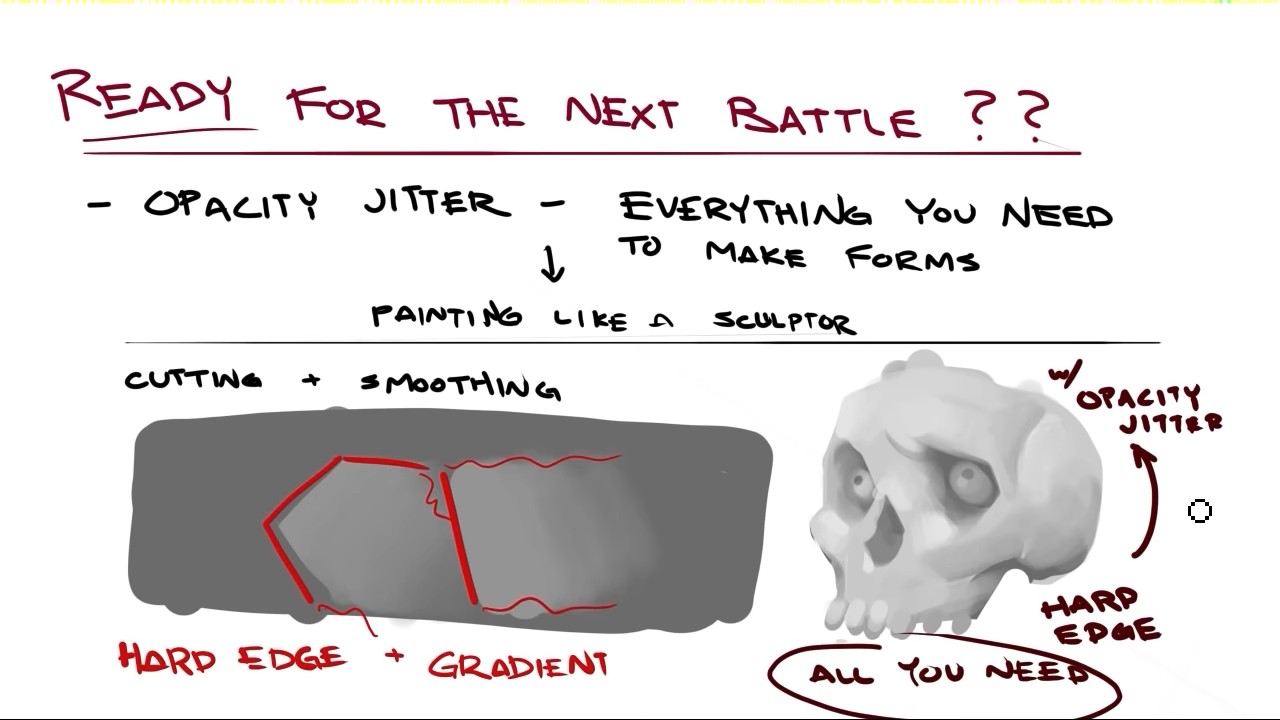
- painting like a sculptor
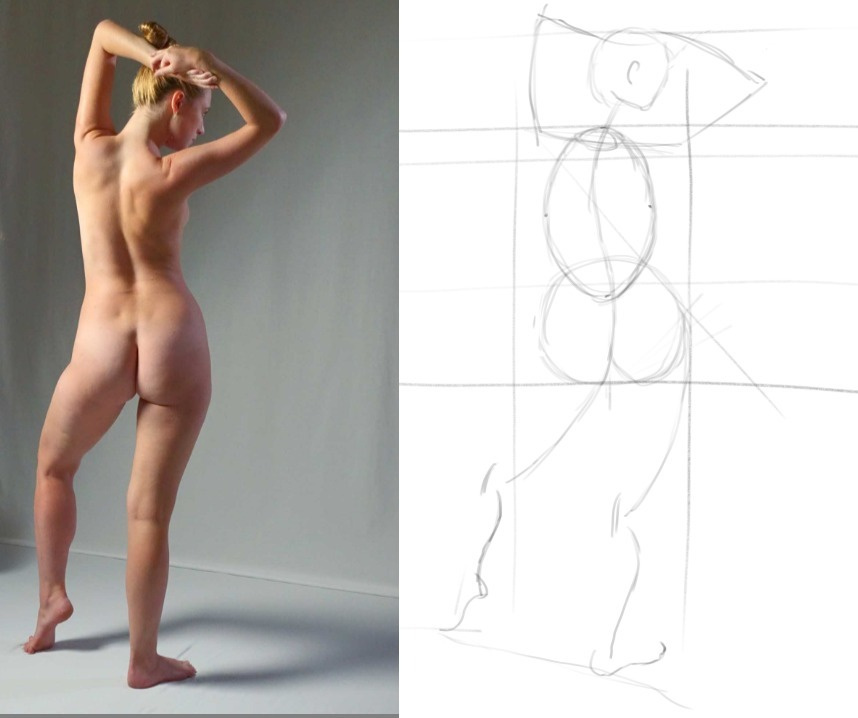
Which one is easier for beginners? The last image of the girl I draw first the curves for the hips because they stand out, than I make a circle for the pelvis, then an ellipse for the rip cage (bean method for torso). So there seems to be no correct method?
For me at the moment this type of figure/gesture drawing of @fizzyflower would be enough for me. I like the sektchy style where you show a movement with less details. The drawings from @Takiro are amazing but I think they are to detailed at the moment for me. Perhaps in a year or later I can add more details, but as beginner and hobby artist I want to be realistic and want to have goals which are reachable without to much stress
Tried paint like a sculptor with f_Bristless3_Large_Smooth and size 213px on a DIN A4 with 300dpi but the result looks very childish for me because I don’t checked the method “cut and smooth”

Advantage could be that you can make more mistakes than with a pencil and add or remove mistakes easier? Here I start with the C curve of the foot and the torso (left foot) and the foot thrown in the are was second. Than I add more curved lines to it.So the basic figure can be done very quick, but than I strugle
. I am open to this method, but I have a mental block at the moment.
The first two methods are not mutually exclusive but you probably need a bit of experience to consider force that early in the painting process
Painting like a sculptor is definitely an advanced level technique. You already need a good understanding on how light bounces of materials, casts shadows and how to render shapes. My advice is to wait with that until you have a good understanding on shading.
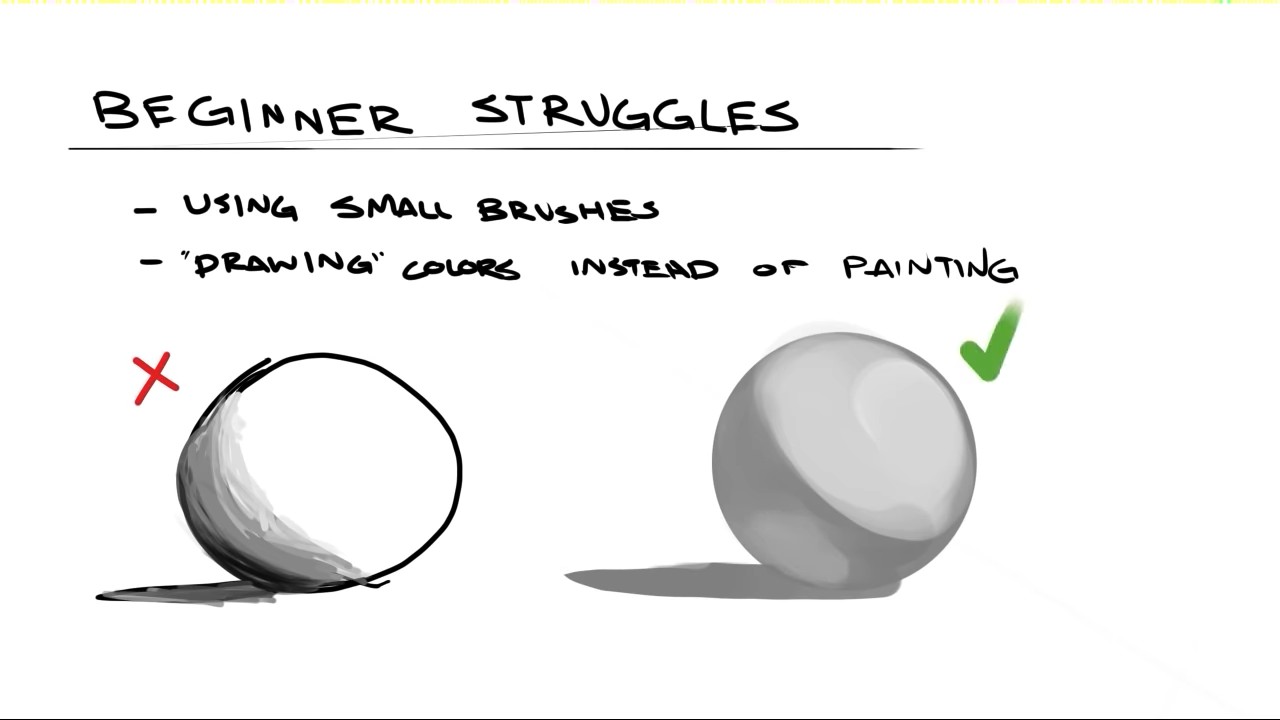
The reason I start with a big brush is to prevent me from getting lost in details that do not matter that early on in a painting. I roughly take the thickness of an arm I want to paint for the brush size, so I can make arms and legs in just one single stroke. You probably heard the phrase “making every mark count”, the Idea is to make something recognizable with as less brush stokes as possible. So, now you have the general pose in just a few seconds. When you like the pose, you can now define the outlines at the edges of your previous brush strokes with a smaller brush size, press a little harder or chose a darker color so they are better to see. Repeat and add details until satisfied. I roughly half the size of the brush every iteration only making what is possible with a brush of that size.
1 Like
Hi @Takiro
ok waiting is no problem for me
Which gesture drawing method / sources /books/YouTube channels could you recommend?
I began with simple stick man drawing and ad the body parts to it and landed through YouTube proko channel and other channels to gesture drawing. I also bought the loomis method for proportion and that stuff. but all sources tell me, that gesture should be the first place to start for figure drawing.
E.g. I find the bean method to build up a torso easier than the force method. I understand the system behind and I can draw a simple force line and 1 rhythm line, but in comparison to the other gesture drawing methods it seems harder for me.
LG
John
I mostly use the beans method. Draw the line of action, than torso and hip, then attaching everything else. Although it kinda depends. Sometimes I just put a few blotches of paint on the canvas and then my brain says “oh, this kinda looks like a <thing>”, and then I go from there and try to paint said thing, modeling from the blotches.
We tried to collect some books and other resources here
3 Likes
I’m not sure what to say about this. 
I think it depends on what your aims are; If you want to be able to draw figures from imagination, then definitely - gesture studies, along with studying anatomy to get a grounding on where things fit and fall, and if you can - life drawing.
However - If you want to do accurate detailed studies from life, then learning how to draw accurately from life would be more important; That other knowledge will help you understand and interpret what you’re seeing, but you don’t need an in-depth understanding of a subject to be able to draw it accurately - that comes down to drawing (including looking) and rendering skills. That can also come into play when using references for imaginative works (but combines all mentioned disciplines if you’re doing it right!).
Regarding what brushes to use - since you’re more comfortable with line, I’ll suggest playing around with the sketch brush engine. It’s a bit of an oddity, but I’ve been using it a lot recently as it encourages more gestural strokes - especially if you create less accurate presets.
1 Like
Yes it seems that I am more comfortable with lines, so I will continue with that and playing around with the sketch brush
What my goal in drawing is: I come to sketching because for some school books and for some other projects (like exhibition information board) I sketched the ideas for the illustrator (themes: from technical stuffs to historical stuff). Because I want to become better in sketching / drawing I visited community school. I also was fascinating in pencil drawings/sketching, like urban sketches. With time I was sketching “pin up” themes (like the girl in one of my last post). So therefore I checked how to draw people…I don’t want to draw photo realistically, or too comic. My goal is somewhere between (semi realistic?). I am also fascinated by minimalist drawings. How less lines are necessary to tell a story , but not too comic like. Hope this is not too confusing, but I don’t know how to describe it better.
1 Like
So… stylised interpretations of real life subjects?
Hmm… I guess… you’ll just have to learn everything!!! 
By the way - did you understand that the sketch brush engine is a specific thing (not just a brush tip)? There are only two presets in the default Krita pack that use it. It auto-shades (fills in with lines) if you pass a stroke closely to itself. I never thought it was useful until quite recently, but now use it a lot for linework. You’ll need to play around with the settings though (and they don’t seem to behave intuitively).
1 Like
@Mythmaker
Did you mean that dialog with brush engine, where you can set thousands of parameters?
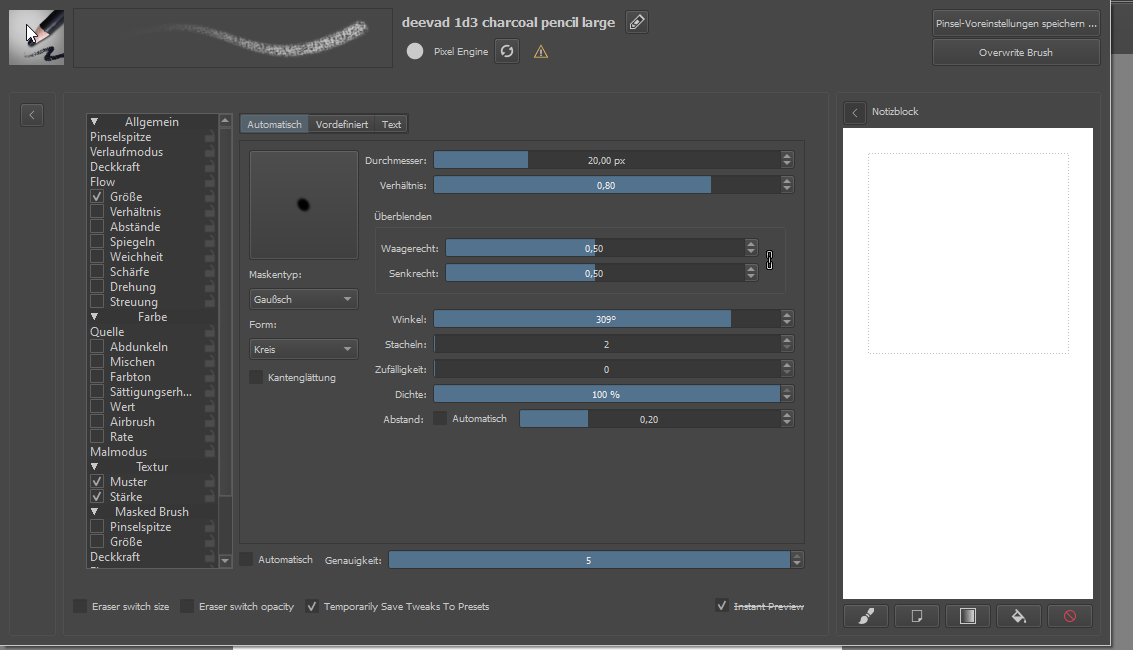
If you click on that little arrow on the left < it will open up another menu where you can choose between brush engines. It will display all available presets that use the selected engine.
1 Like
Here’s some of my favorite videos that I think will really help. I don’t feel no where good enough yet to give advice because I still have a lot of things I need to improve at but I’ll try to help anyway!
First the new master’s academy introduction to drawing course is free right now
There’s a youtube channel called the drawing database. It’s run by a college art teacher that posts a ton of high quality free art instruction videos on almost all the major fundamentals (perspective, gesture, figure, value, anatomy, etc). The only “problem” is that they’re very LONNNG.
These are videos that I really recommend you watch and draw along with. Learning how to draw and bend the basic shapes first will help with gesture drawing.
I feel like a learn a lot no matter which video I watch from him. One of the most important things he helped me with is making more confident lines. One thing I see you really need to work on is chicken scratching. You keep petting the lines instead of making confident strokes. One thing I like to do is to make light “ghost lines” first to feel the form than draw darker lines when I’m ready to draw the contour.
Some more helpful figure drawing/gesture videos I saved
https://youtu.be/ZUWGev9z7dg
^Really great underrated channel
https://youtu.be/V_GhKAgfAQ0
^This artist does drawing demonstrations of the figure drawing methods from a lot of well known figure drawing books like loomis, Bridgman, Reilly, etc. This is better for people (like me) who like to learn from video demonstrations instead of books.
2 Likes
Tried paint like a sculptor with f_Bristless3_Large_Smooth and size 213px on a DIN A4 with 300dpi but the result looks very childish for me because I don’t checked the method “cut and smooth”
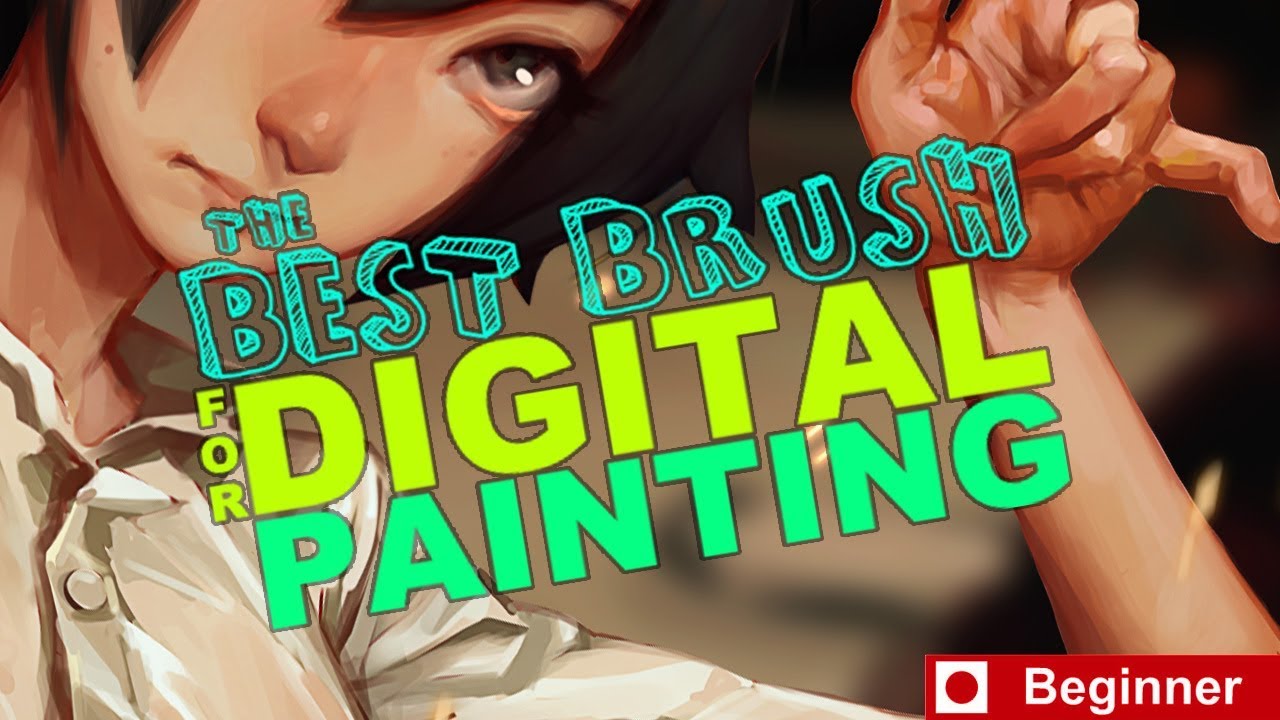
This video by Sinix where he talks about the “best beginner brush” for artists pretty much re-iterates the great advice gave by @Takiro about how to render. This uses a regular hard round brush with opacity that you can use with any program instead of the fancy smudge brush he uses in corel painter.
1 Like
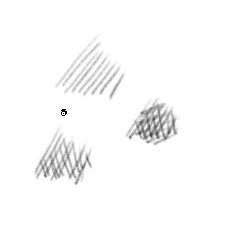
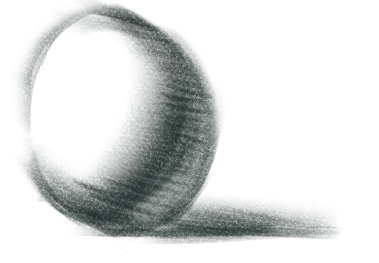
My temporary solution is now: "devad charocoal pencil medium/large " and and “charocoal rock soft”. For shadowing I am using the largest brush size and go from big to small and light to dark. But if I tried shadowing like with real pencil and paper with the cross hatching method, the results are terrible for me. In this video from Krita it looks so easy. What I am doing wrong:
If I would do (cross) hatching on paper the result would be much better, than this in crita
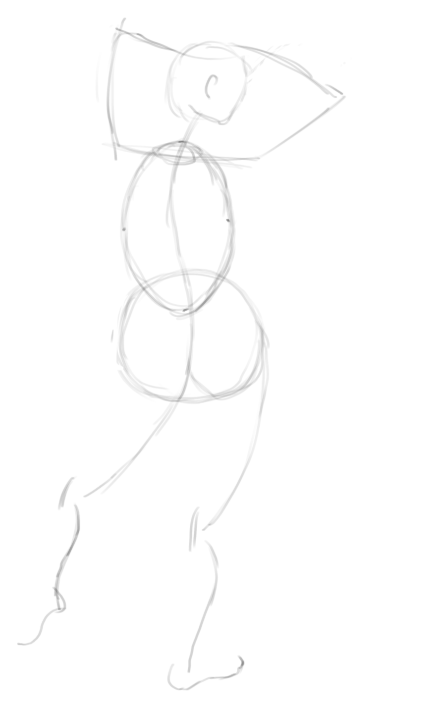
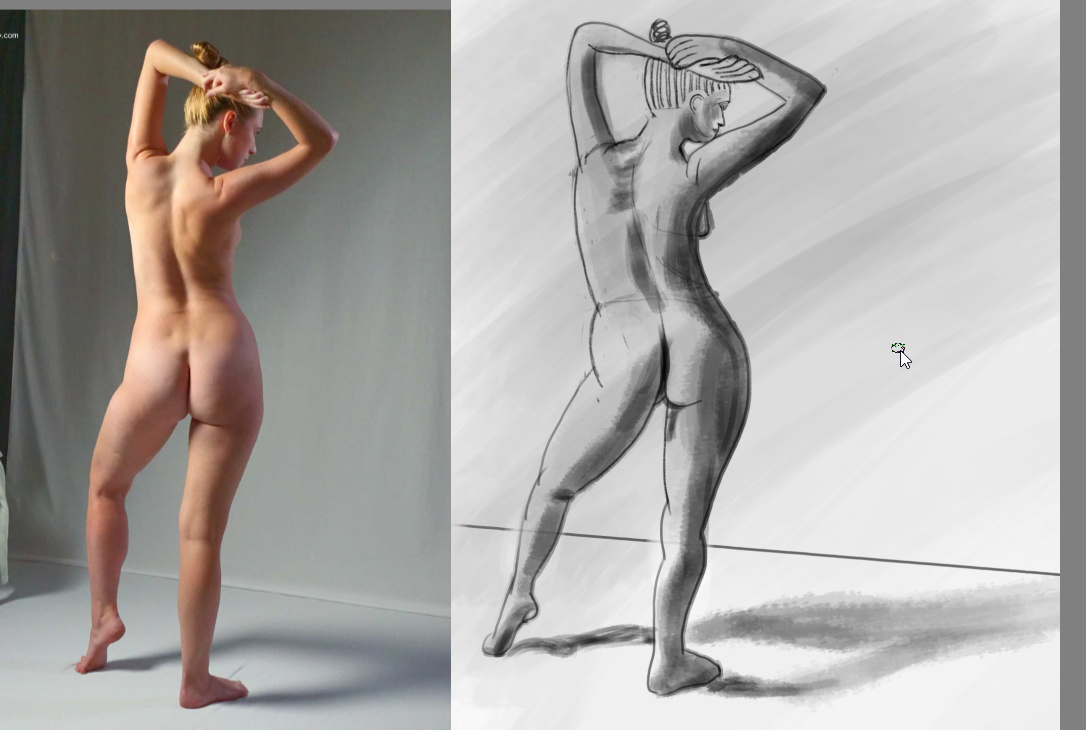
Here is my gesture drawing: A mix of proko, force and the bean
1 Like
I’ve been getting back to gesture drawing lately after reading this thread, and found Mike Mattesi’s method pretty awesome. Take a look at his series on Proko’s channel, it’s only 3 20min videos, but you can learn a lot from it.
https://www.youtube.com/watch?v=IyuCq6VWVeA
1 Like
Hi @rijnswand
Thanks a lot, I watched this on weekend. I can manage to draw a simple rythm line and also the feet. My trouble is the torso.
I came now to the result that I will try temporary a mix of force method, prokos gesture drawing and the bean like the posting from me today. So I take the parts which are easy for me. The problem is, that there are no trainings in the books. Mattesi has online course which are only a 1:1 content of the book (I wrote to mattesi and get this answer). They have some membership levels, but I do not want to pay for that, already I have the book.
@fizzyflower
The video “analytical figure drawing demo part 1” is very cool. Because I am IT person, analytical is my nature, I will give them a triy
What I am doing wrong:
It looks like the artist in that video is using a modified version of the defualt pencil tilt brush called “pencil-5_tilt”. That and the pencil-6_quick_shade brush are nice brushes to easily fill large areas of value when you’re making pencil style drawings.
Here is my gesture drawing: A mix of proko, force and the bean
Your latest drawing looks really good! 
1 Like
Thank you for the video too!
2 Likes
You might try placing a sheet of paper on top of your tablet. I know some artists do this, as well as myself. I do it depending on how my hand feels that day. It helps give me a more natural pencil feel compared to the smoothness of the tablet’s surface and sometimes I feel I need that.
Also, the brush tool in Krita has several brush smoothing options with a wide range of options to set to your preference. The Dynamic brush tool is also an option. These all help to compensate for the sensitivity of the tablet if that is the reason your lines don’t turn out the way they do on paper.
I’ve found this video in the related section of “analytical figure drawing demo part 1” and i think it’s pretty awesome
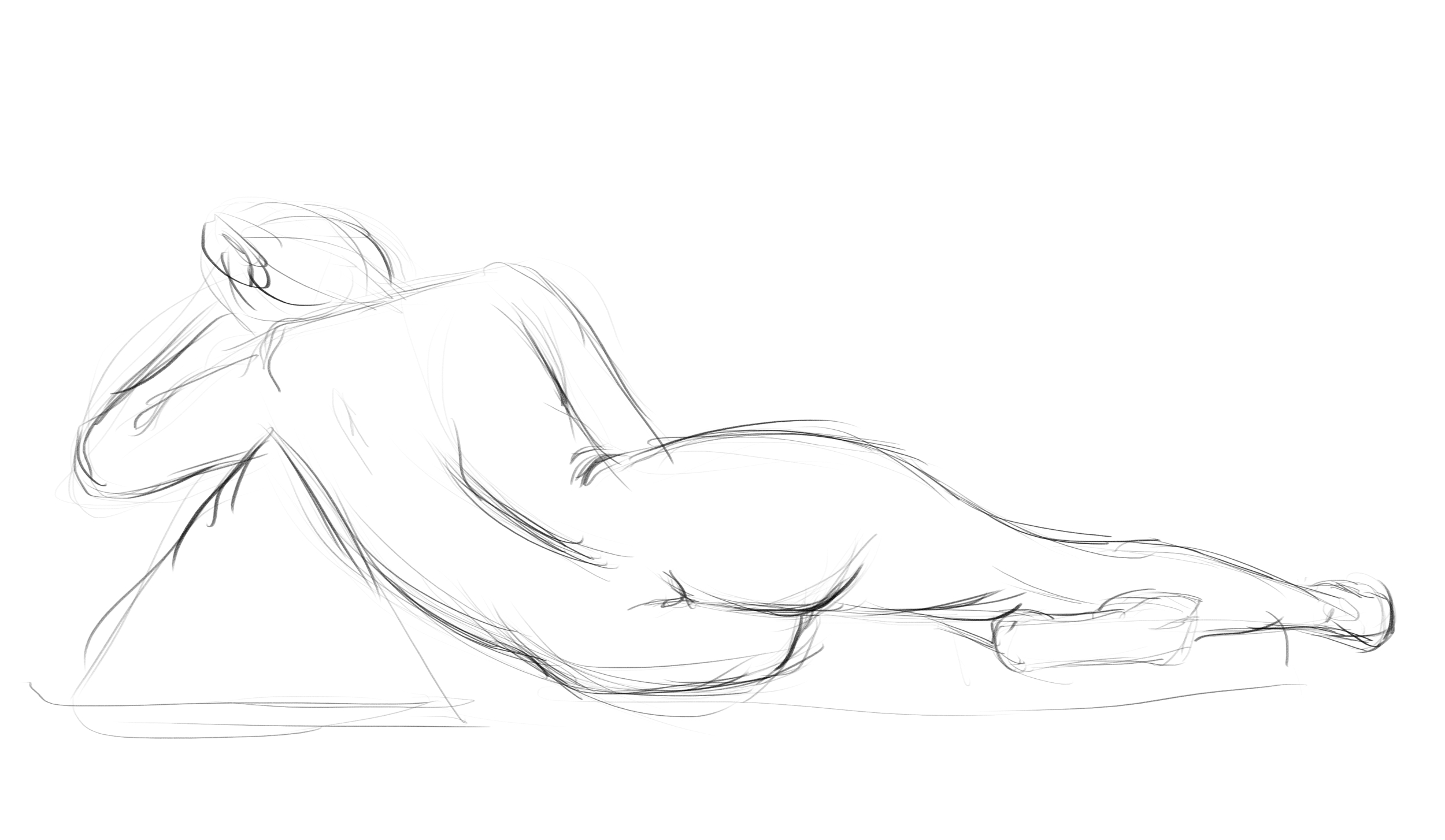
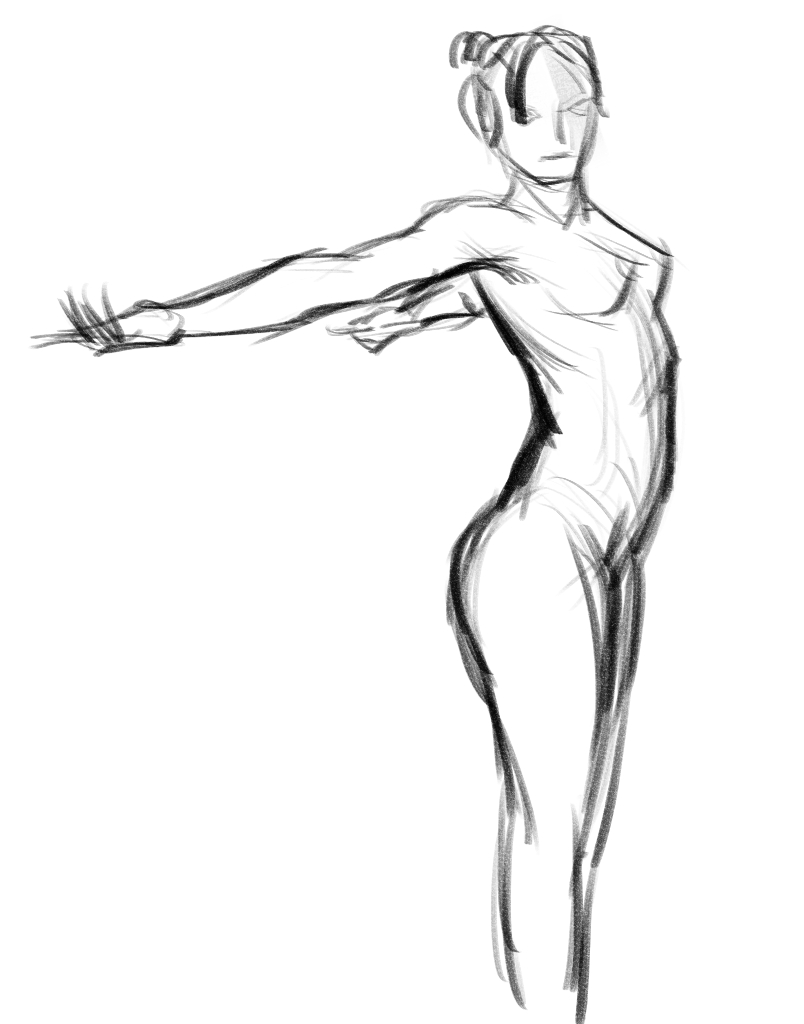
@JohnSheridan i don’t know if this is a problem for you, but since it happened to me and i didn’t think it was totally obvious, it might help.
I started drawing on an A3 file with the whole canvas in view and was having trouble controlling the strokes and getting good looking lines, then i zoomed in to 100% and everything seemed to make more sense. here’s a couple of examples showing the difference:
1 Like
Okay, that is interesting, I think I have the same troubles with controlling the stroke in less than 100%, Is this a common problem to all drawing applications or only to krita?
But because I work with layers, the 2nd layer with the gesture is perhaps no problem. (The 1st layer I am using for layouting: making grids for with and hight). I don’t know if this is cheating, but it is instead of measuring with a pen and a real model/motiv
1 Like