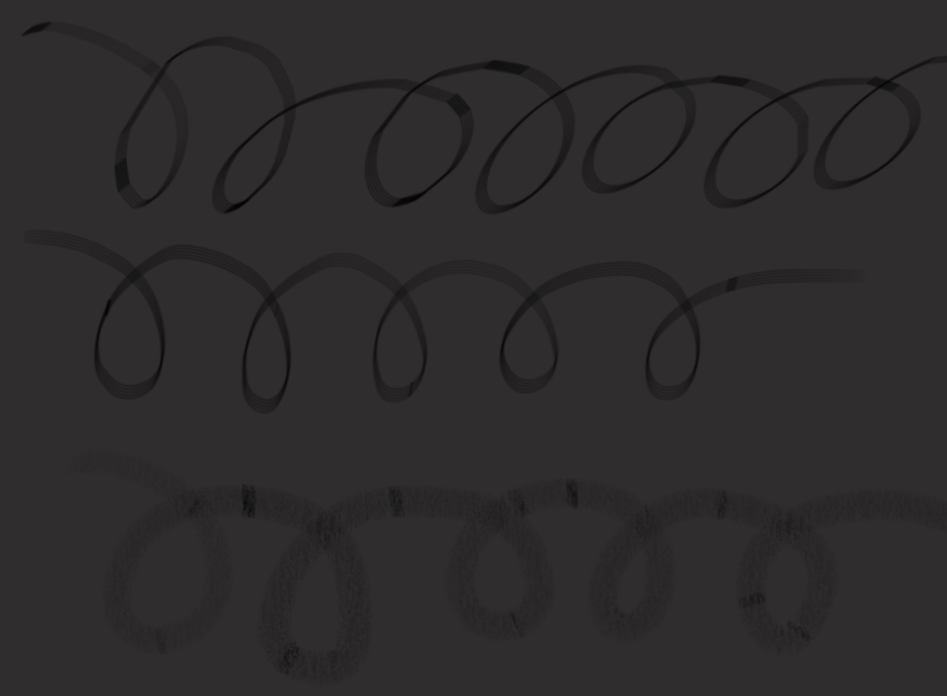
This applies to every and any brush I use, trails with breaks in the lines. Unfortunately, I can’t recall what version I initially had, though to note: I use an array of plugins which could be part of the issue.
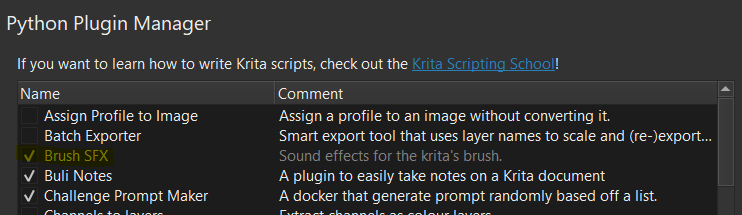
The jagged, broken lines appear regardless of speed drawn. Only other difference I’ve noticed is one of the plugins I use, Brush SFX ( Brush Sound Effects ) isn’t working since the update and in attempt of deactivating it, I cannot.
Hi, BrushSfx dev here.
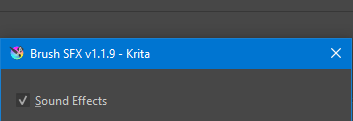
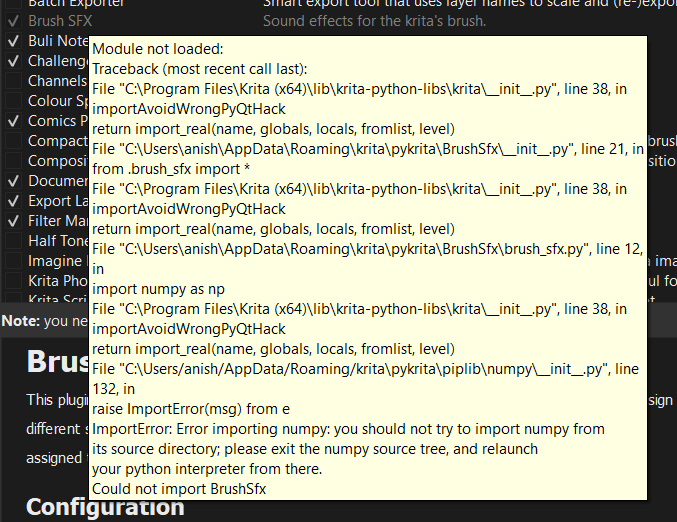
What is the error message given by BrushSfx? You can see it if you hover your cursor over the BrushSfx on the plugin list. Also are you using the latest BrushSfx version? You can check the version looking at the border of the BrushSfx configuration window, it should be 1.1.9, if it doesnt show any version then it is surely outdated.
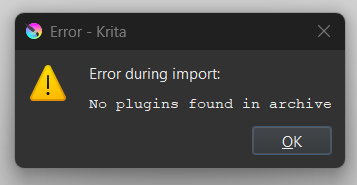
In following the steps provided, I have deleted both the folder, desktop file and pykrita. This has settled my brush problem but instead it prevents me from adding the 1.1.9 version of the BrushSFX plugin..
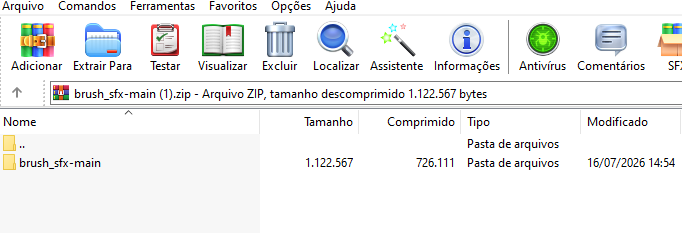
Did you download the plugin again from github? can you take a look on the zip file? it should only contain the brush_sfx-main on the top level, like that
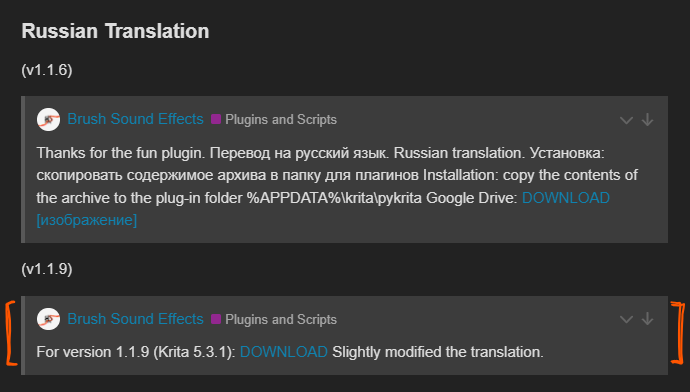
I have double checked and It was frankly a mistake on my own end, having tried implementing the 1.1.9 version of the plugin suited for Russian translation - that was a fault on my end.
So yes, going via GitHub did solve the issue; both the brushes and plugin now promptly function. Thank you for your help, means a bunch!