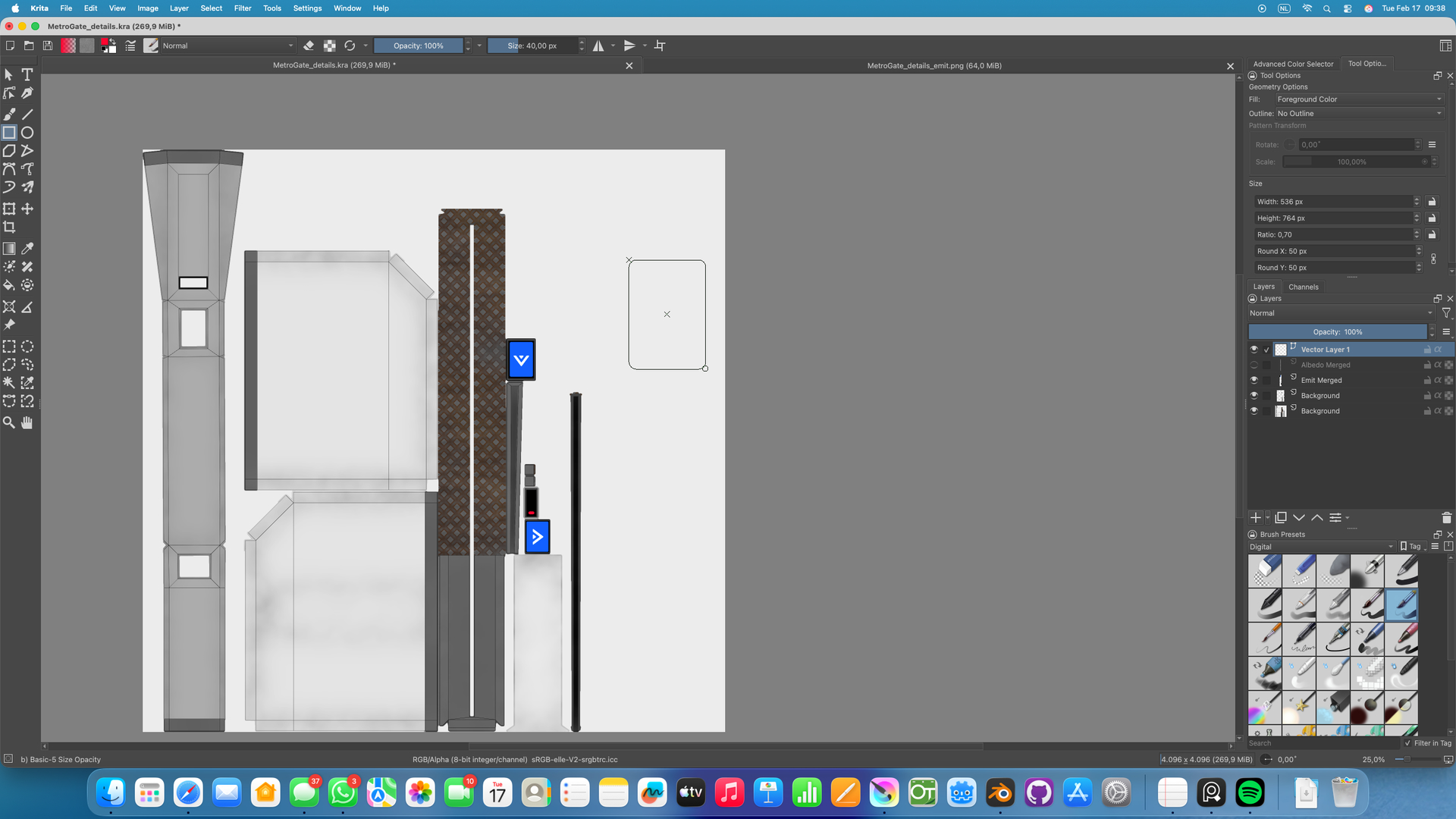
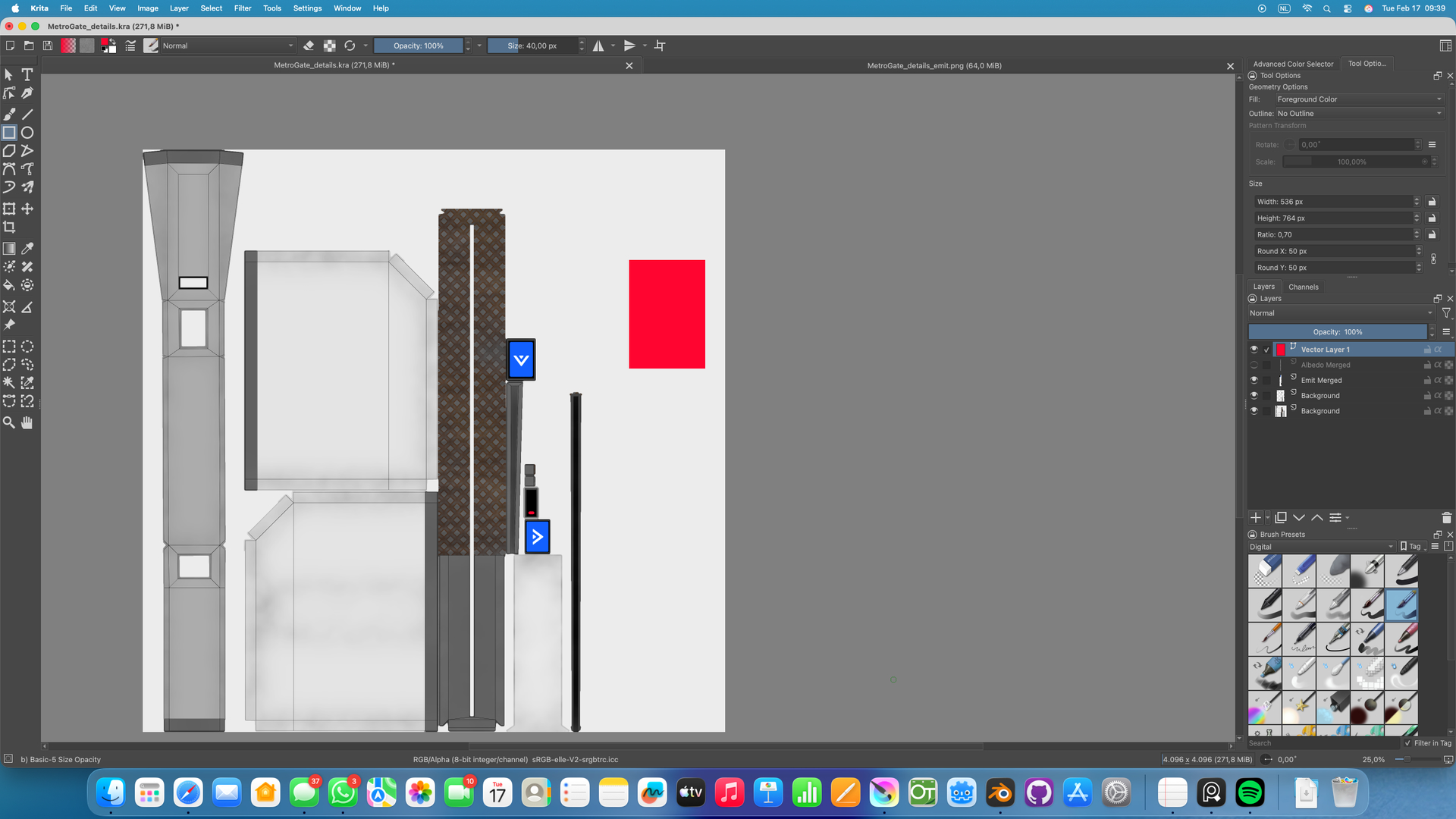
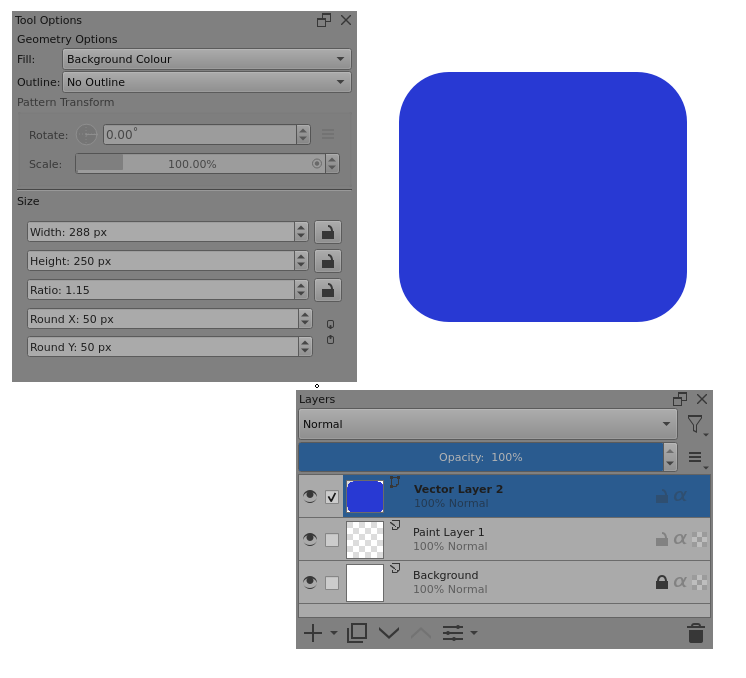
The Rectangle Tool no longer respects the Round X and Round Y settings when created on a Vector layer. When I draw out the rectangle, the preview shows it with the rounded edges, but once committed it becomes a regular one. On a normal Raster layer it still works.
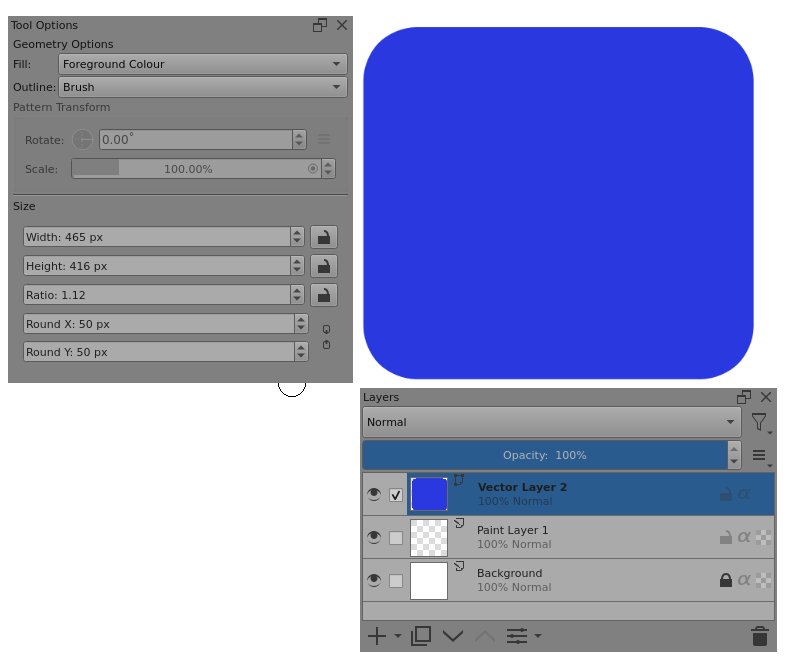
I’ve just tried this with the 5.2.15 appimage and I’ve seen that the Tool Options settings for Round X and Round Y are used when making a vector rectangle and when making a raster rectangle.
The only time they are not is if the rectangle is drawn too small to accommodate the Round X/Y value and then the values are reduced to fit.
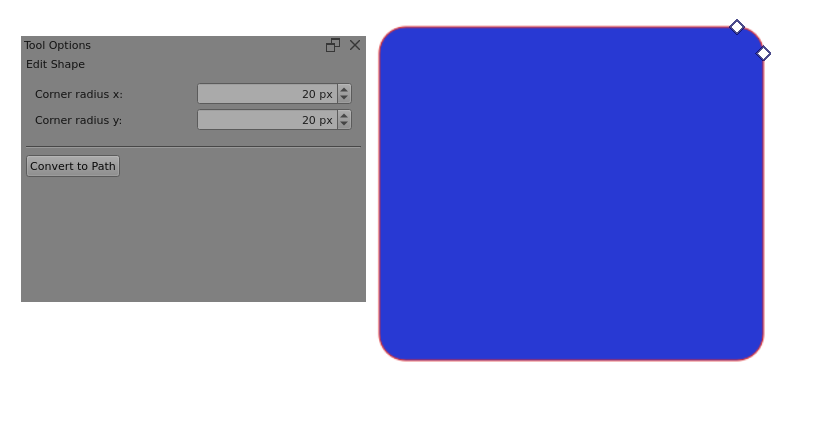
I used the Tool Options docker for the Edit Shape tool to check the corner radius x: and corner radius y: values of the vector rectangle.
Can you show a sequence of screenshots that illustrate this problem. Please ensure that the Layers docker, Tool Options docker and canvas are fully visible.
I’ve tried various option combinations and can’t replicate what your screenshots show.
I can’t think of any way you could have made a mistake or selected some strange options or used a process that gives the result shown.
You’re using macOS which I don’t have access to so I can’t check it with macOS. Please add the macOS tag to your topic title in an attempt to get the attention of macOS users so they can try this. I’d also suggest that you edit the title to ‘macOS can’t do rounded corners on a vector rectangle’ to make it more obvious.
It seems that you’ll need to create a formal bug report at https://bugs.kde.org/
(Sign up and login are needed.)
This will require that someone using macOS can replicate the bug so that the report is set to Confirmed.
In the bug report, you can give a brief summary and then give a link to this topic so you don’t need to type long explanations and upload screenshots to the bug report.
Since @Erwin_Br cannot make the suggested changes themselves due to their user status, I took the liberty of doing so for them before they became frustrated at not being able to change it themselves.
@Erwin_Br
I tested it on macOS 10.14 (Mojave) using Krita 5.3, 5.2.14, and 5.2.15.
However, I couldn’t reproduce the issue.
Which version of macOS are you using?
It seems that the version of macOS you are using is newer than mine.
Including the version number is very helpful when filing bug reports.
I’ve tried every combination of option settings and manipulations that I can think of and I can’t reproduce the ‘square’ corners effect if Round X: and Round Y: were initially set to 50px as shown.
I’ve also tried editing with the Select Shapes tool and it’s always rounded corners.
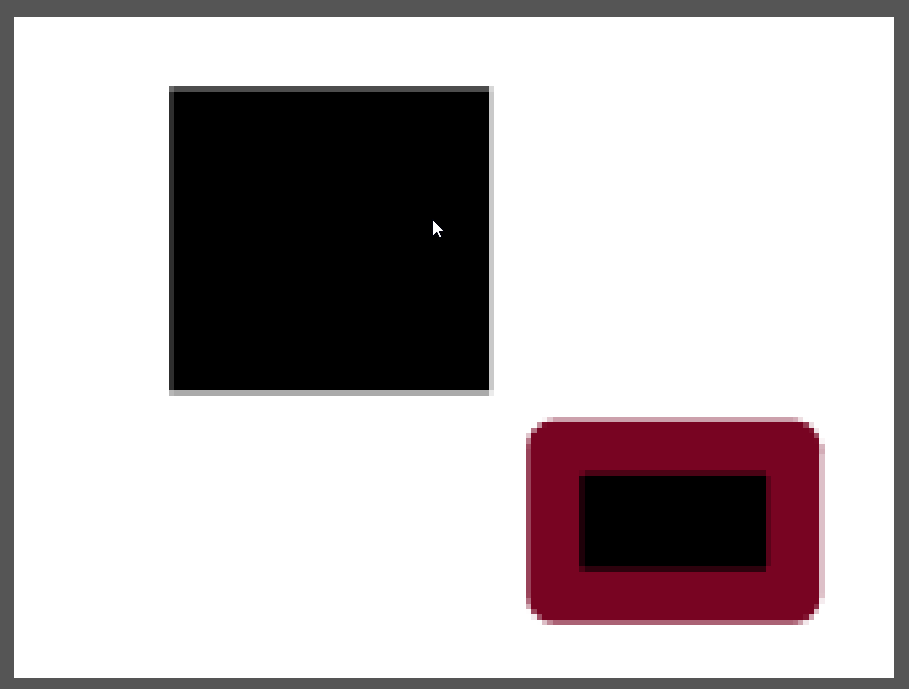
The only way I can find to remove the round corners is by using the Edit Shapes tool and adjusting the values or grab-dragging the corner handles:
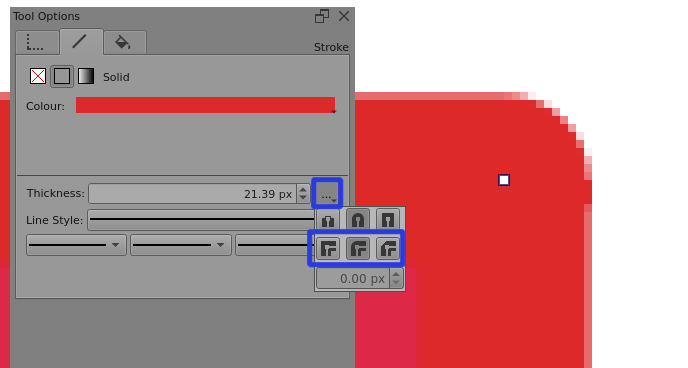
Edit:Add: It seems to be that. The rounded join corner style can be used to give a curvature on the corners which is proportional to the outline thickness.
@Erwin_Br Can you try that to see if you can make the corners rounded?
If so then it would suggest a fault in the vector options pass-through in the macOS build.
But @L.Sumireneko.M can’t reproduce the error on their macOS? …