KL1993
February 7, 2022, 3:14pm
1
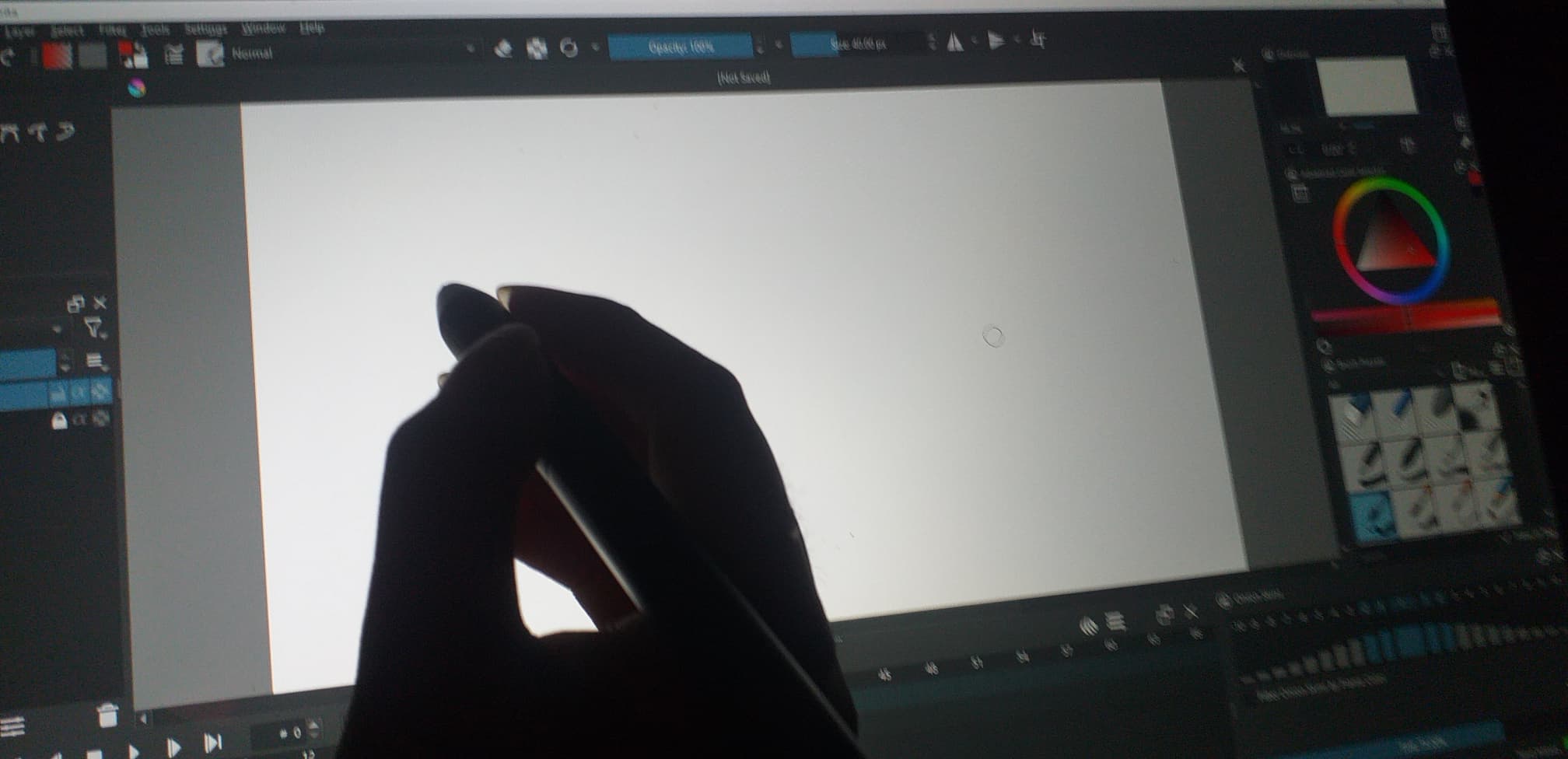
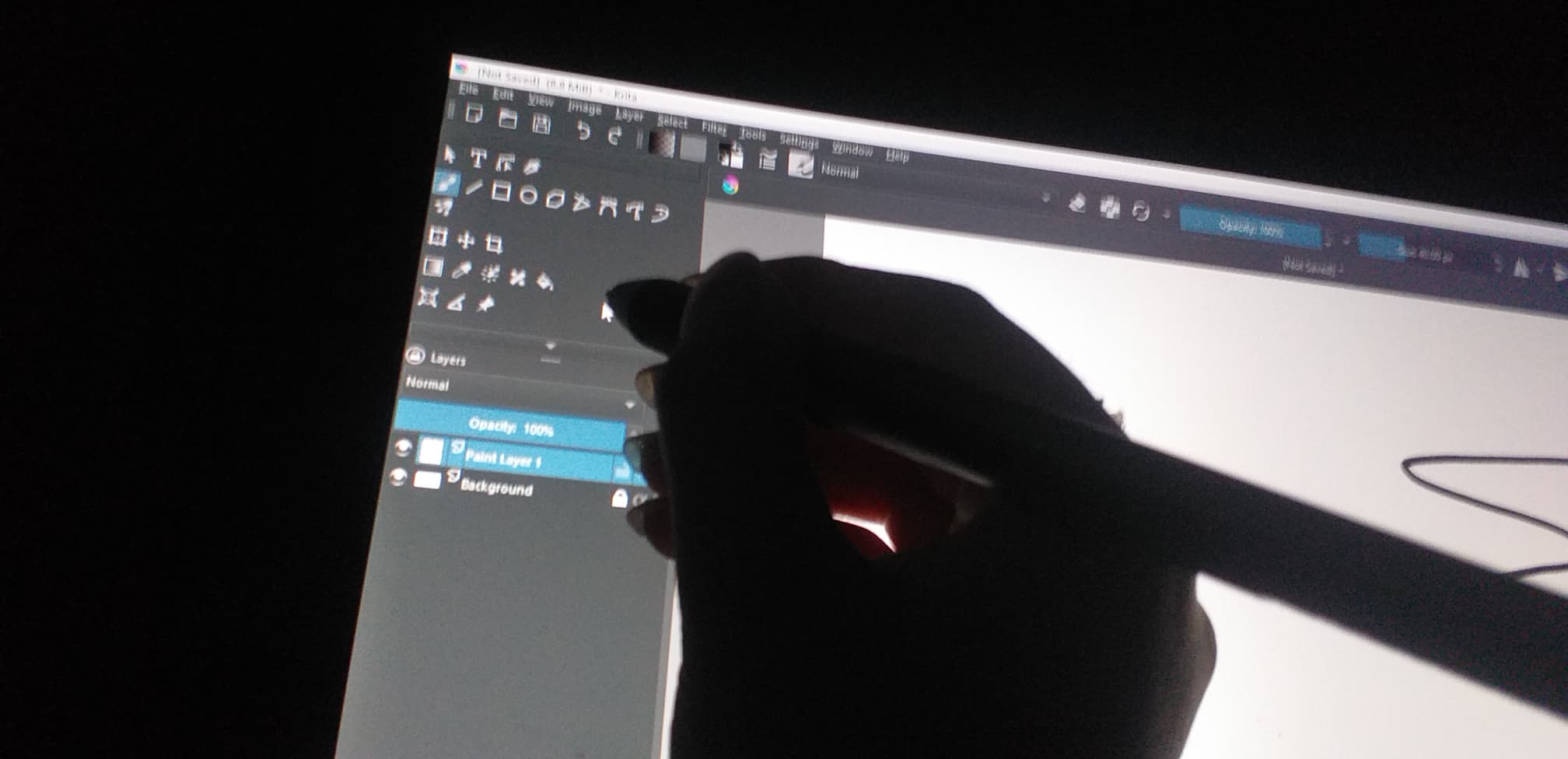
I have just download krita 5.0, but I can’t use it. when I put my pen on paper area I found that my pen is slip form reality. (Maybe you don’t understand my english. I will show my pic that will make you understand)
I have already checked my pen by put it at other area (layer, animation timeline, brush, etc.) and it work normolly.
Please help me fix this. I have to work tonight.
tiar
February 7, 2022, 3:39pm
2
Do you have your pen in mouse mode? Krita only works in tablet mode (so whole tablet is mapped to whole screen).
If not, please in Configure Krita → Tablet Settings switch to Windows Ink, restart your PC and try again.
1 Like
KL1993
February 7, 2022, 3:59pm
3
It’s work! Thank you so much. You save my life <3
system
February 14, 2022, 4:00pm
4
This topic was automatically closed 7 days after the last reply. New replies are no longer allowed.