My English is poor, this is Google Translate.
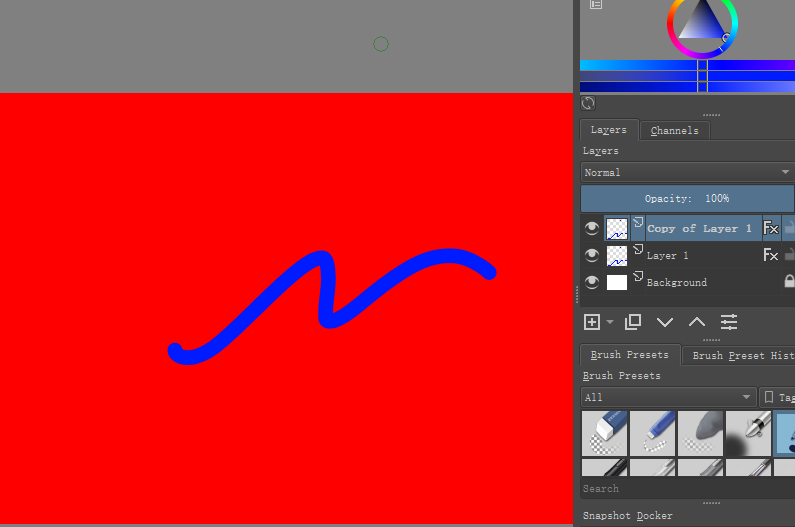
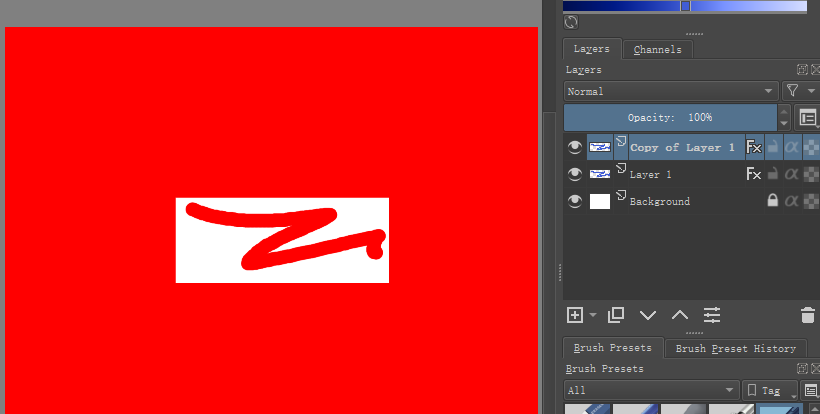
In krita 4.3.0, copy the layer with the color overlay layer style, the copied layer will become abnormal.
The following is the bug trigger method.
1、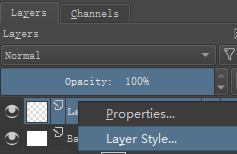
2、

3、
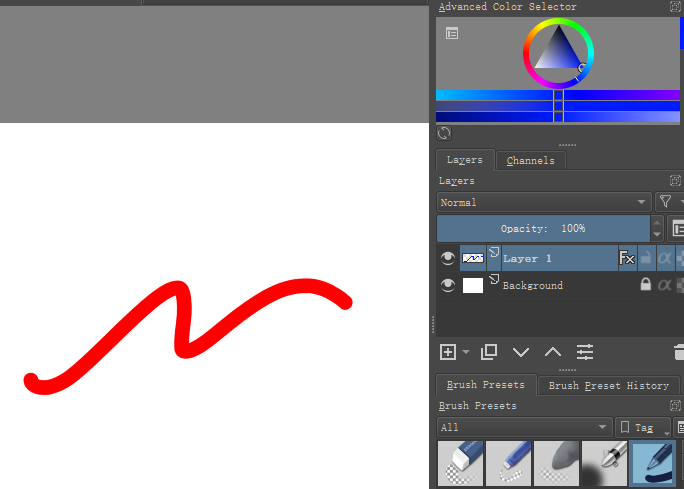
4、
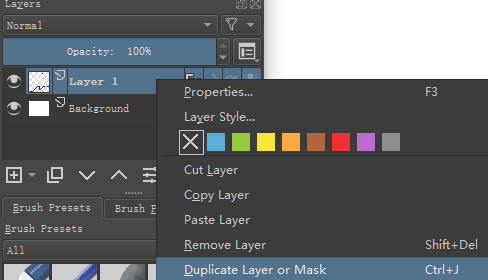
5、
My English is poor, this is Google Translate.
In krita 4.3.0, copy the layer with the color overlay layer style, the copied layer will become abnormal.
The following is the bug trigger method.
1、
2、
3、
4、
5、
This is a rendering glitch that can’t be recovered by manipulating layer visibility.
It does not happen in the 4.2.9 appimage.
I assume it does not happen with 4.2.9 Windows packages so could someone check that?
It seems to have the same characteristic as this bug (for Stroke style) and can be recovered by opening the Layer Style window and then pressing Cancel:
https://bugs.kde.org/show_bug.cgi?id=423150
Can you sign up to the bug tracker at https://bugs.kde.org/ and add a comment reporting this for the Colour Overlay layer style?
If you’d prefer not to (it can be a confusing place) then please say so and I can report this, no problem.
My English is poor, this is Google Translate.
There is no problem with “duplicate layer” in 4.2.9.
Below is 4.3.0
It is useless to press “Cancel” in the “Layer Style”, it is still displayed incorrectly, as shown below.
If you turn off “color overlay”, the error is still displayed, as shown below.
Thank you for helping me report, my English is really bad.
@AhabGreybeard
Pressing Cancel in the Layer Style window does work but you may have to turn the backround layer off then on again to give a correct image.
The rendering fault then becomes recoverable by layer visibility manipulation.
This is my observation and it may vary from case to case.
I’ll make an addition to the bug report later after some more investigation.
Thank you for revealing a new aspect to this bug 
My English is poor, this is Google Translate.
Thank you, I tried the method you said, it is feasible.