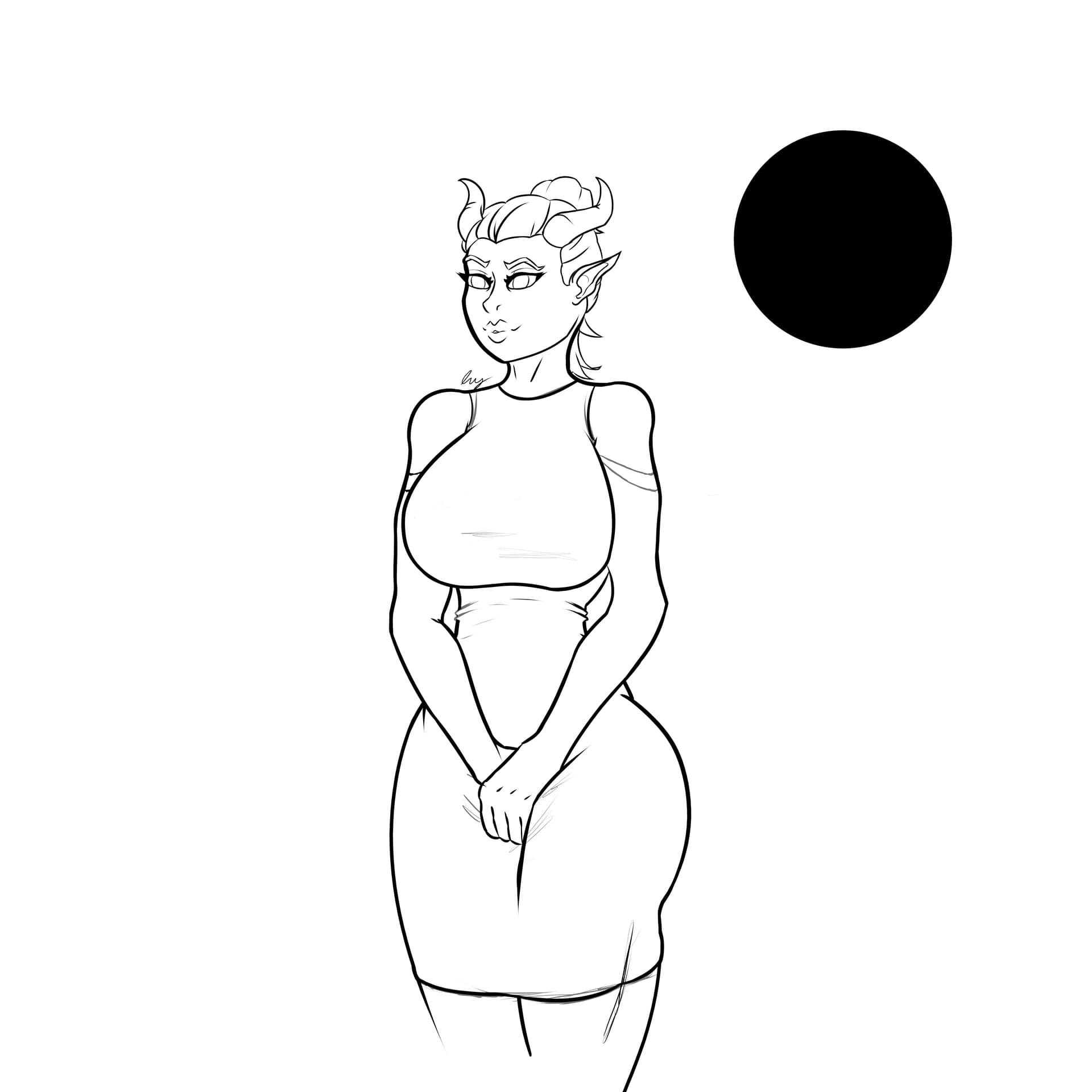
Okay so, I dont usually post on forums so I might be doing this wrong, but i really need some help, im currently drawing a piece and I’ve run into a problem. I’m not sure when it happened, but all of a sudden my entire page became very slightly grey, I tried looking it up and everything was saying it was the greyscale, but I never changed any of the settings, and at the bottom of my page, it still says RGB/Alpha instead of greyscale. I tried looking at all of the low opacity layers to see if there was just a really light one that I accidentally painted black, but nothing came up. I then went to another page to try and paint black there and that one was fine! So I don’t know what this specific document is slightly grey, here are two pictures to try and show what I’m talking about, if anyone has any advice I would love to hear it, cause I am kind of new to Krita and this has absolutely fried my brain.
Okay now I’m even more confused… When I went to go upload the two images, I noticed that when I save the one that is grey as a png, it comes out just fine! all normal blacks and everything! I have no clue what is going on
Can you upload a full screen screenshot (.png) of the entire window, including the status bar at the bottom?
Make sure that the entire Layers docker is showing.
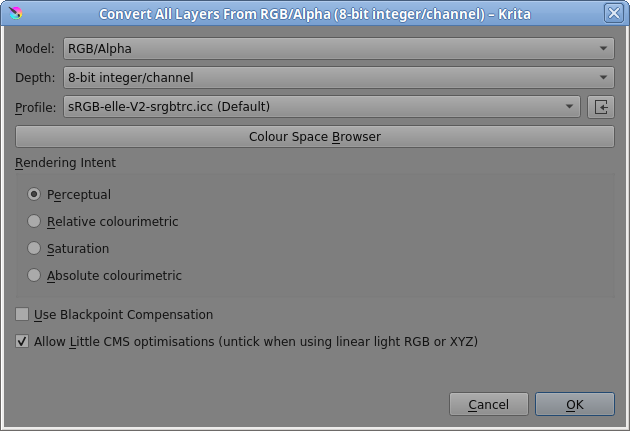
Also, make a copy of your .kra file then open it and do Image → Convert Image Colour Space then set the values in the conversion window to be as shown here then press OK:
I figured it out! I had also messaged a friend who was the one who told me about Krita and all I had to do was hold Ctrl+Y and it fixed it! Apparently its some kind of print preview page, but I really appreciate you trying to help me!
You’d toggled View → Softproofing (Ctrl+Y) which shows you the image with a different colour profile.
Do Image → Properties → Softproofing tab, to see the colour Model/Depth/Profile that the view was being toggled to.