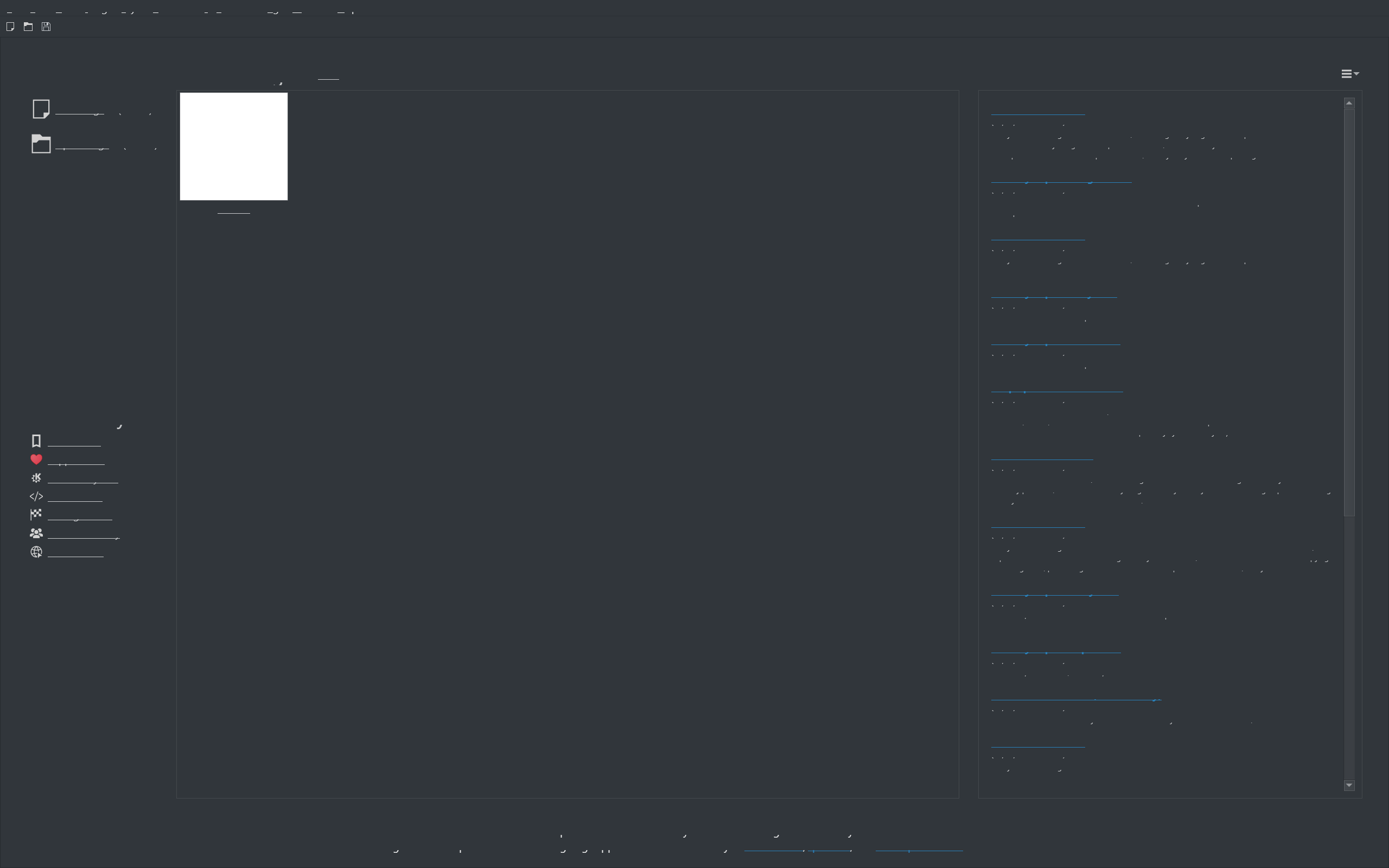
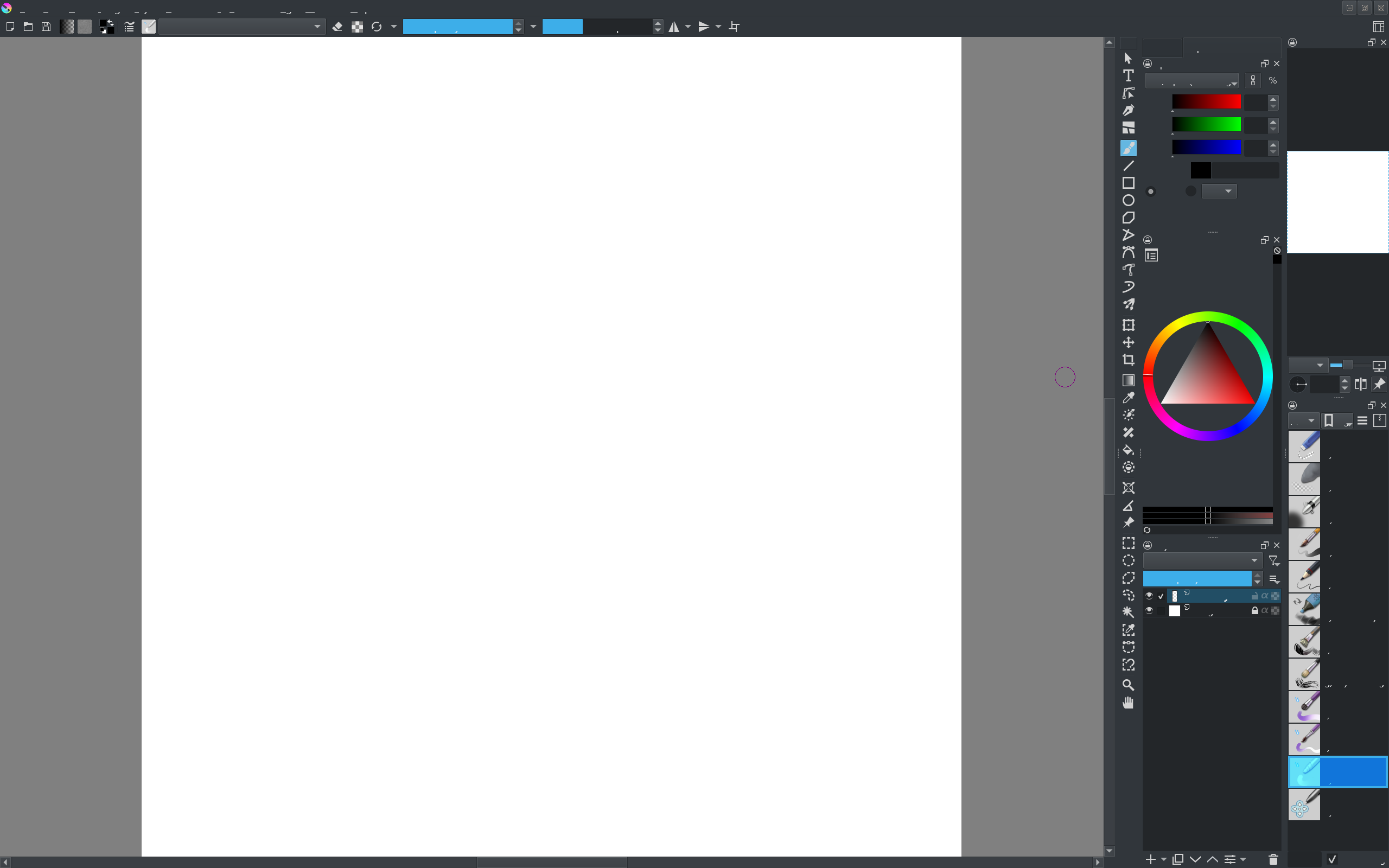
I’m currently experiencing an unexpected issue with Krita where some of the UI text is missing or corrupted, and several icons also appear broken. This makes the interface difficult to navigate, especially since I’m still fairly new to Krita and not yet familiar with where all the settings and tools are located.
For reference, the devices I’m using are:
Acer Predator Helios 16
XPPen Deco 640
I think it may also be worth mentioning that I recently imported a custom workspace. It was working perfectly fine after the import, and I didn’t notice any problems at the time. However, after not using Krita for a few days, I opened it again and found the interface in this state.
So far, I’ve already tried:
Uninstalling and reinstalling Krita
Clearing the component cache
Resetting Krita’s configuration files through %localappdata%
Unfortunately, the problem still persists.
Has anyone experienced something similar, or does anyone know what might be causing this and how I could fix it?
I’ve also tried searching Reddit and other discussions to see if anyone had encountered the same issue, but I haven’t been able to find a solution so far.
In %LOCALAPPDATA%\krita-sysinfo.log, scroll down to “Display Information”, what’s the “Scale”? Visual glitches like this can be caused by the scale being less than 1. If it is, you have to fix the display scaling in your system settings, or run krita with the environment variable QT_SCALE_FACTOR set to a number which will be multipled by the system’s display scaling.
Then you’ll have an issue with either Windows or another application because Krita cannot influence your tablet’s driver. Perhaps an update of Windows going wild. If I remember it correctly, you are the second user the last two weeks reporting such a glitch.