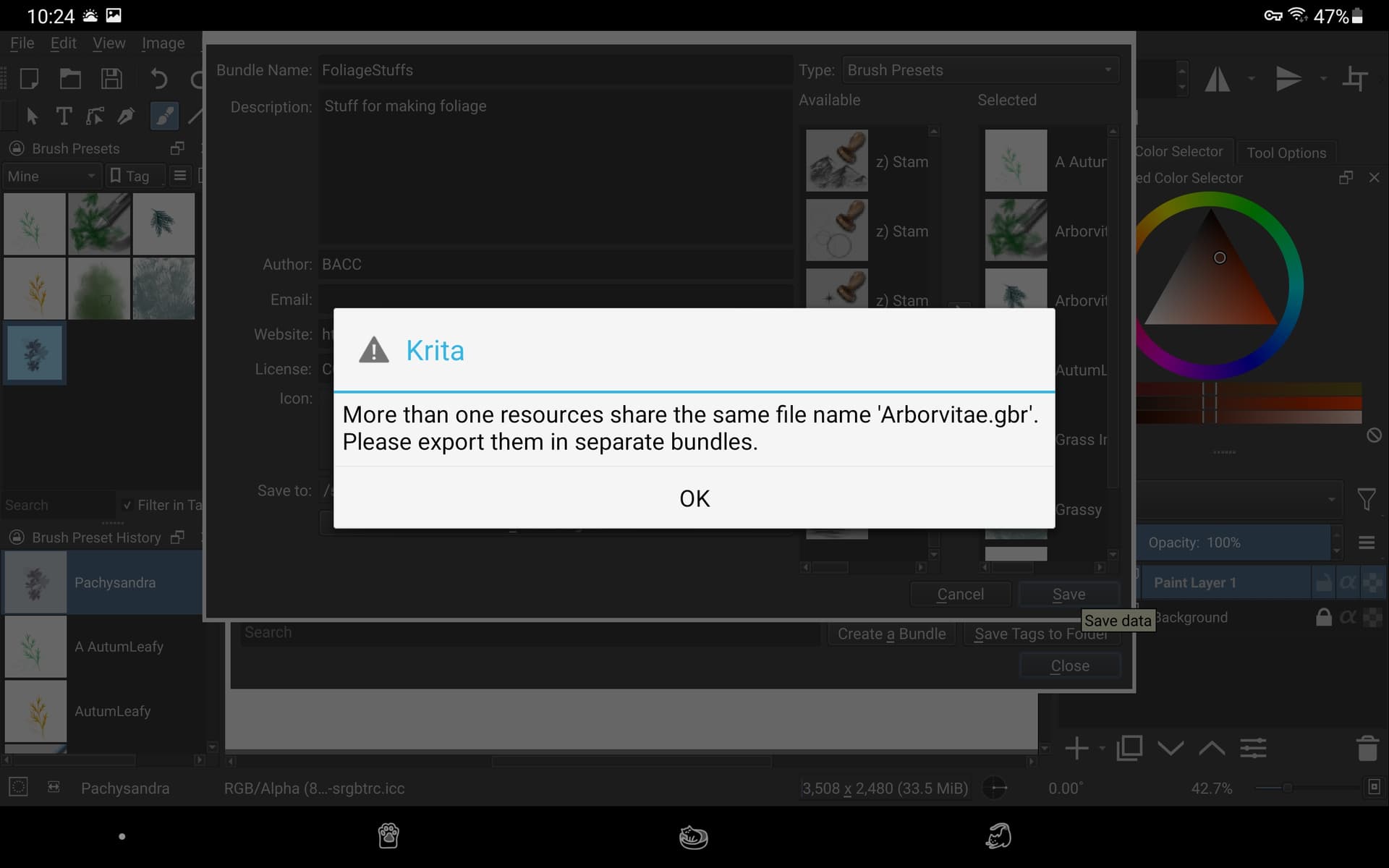
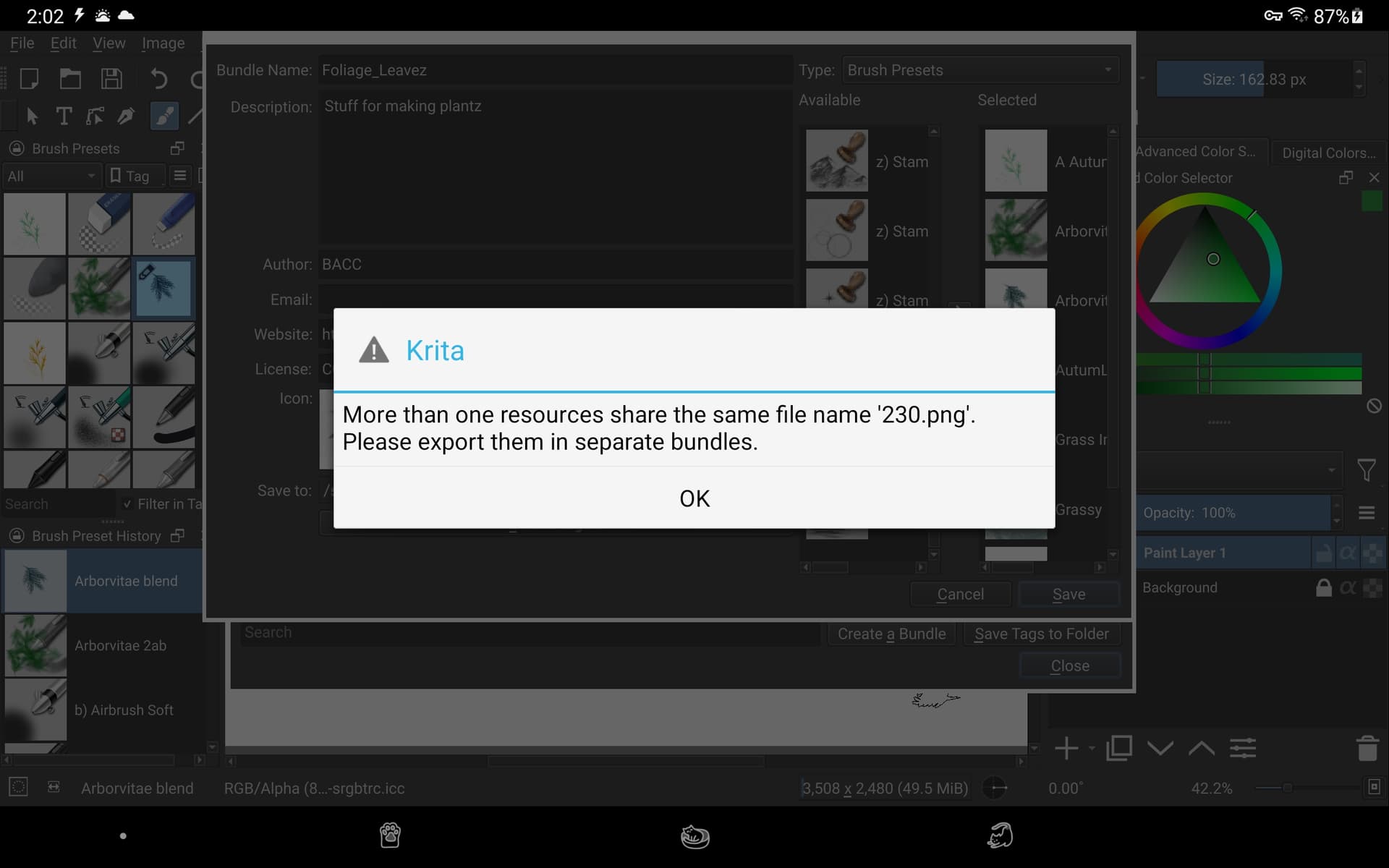
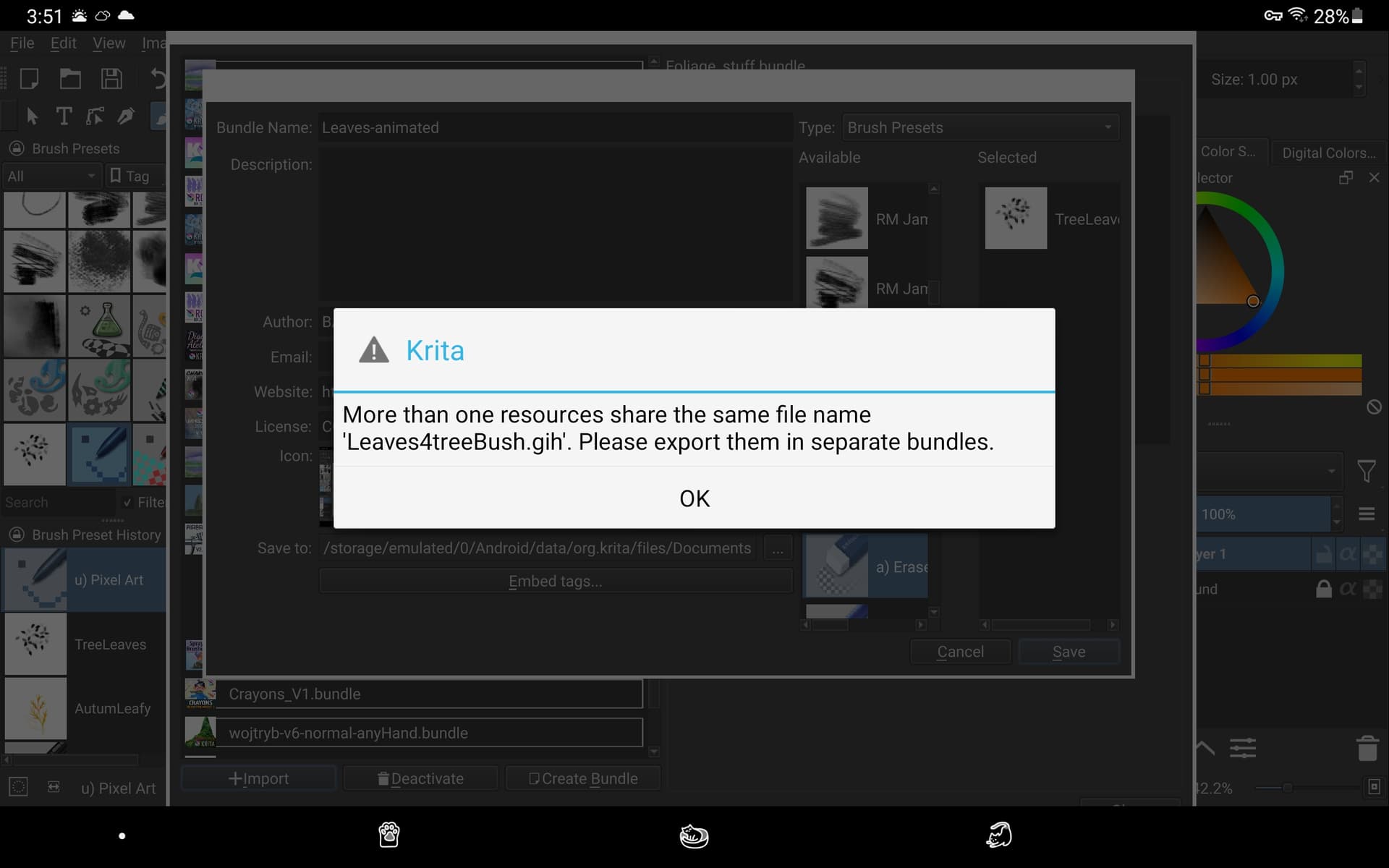
Well, I made another bundle but this time, there was only 1 brush tip and a preset that goes with it. The same strange message happened again.
I got OK, then looked at something in my gallery and tried again and this time it worked ok. Puzzling! 

Edit: it gave the error again. @sh-zam
Here’s part of the log for today’s attempts:
SESSION: 03 Jan 2022 17:31:01 -0500. Executing /data/app/~~GsadJJPnieaOqYNfFfFbfQ==/org.krita-kEVZbxwPAHCxVdQg-giVtQ==/lib/arm64/libkrita.so
Krita Version: 5.0.0, Qt version compiled: 5.12.12, loaded: 5.12.12. Process ID: 4237
03 Jan 2022 17:31:01 -0500: Style: fusion. Available styles: android, Windows, Fusion
03 Jan 2022 17:31:02 -0500: Database is up to date. Version: 0.0.15, created by Krita 5.0.0, at Sat Dec 25 19:58:36 2021
03 Jan 2022 17:31:03 -0500: Could not retrieve md5 for resourcepalettes/Pastel5x2.kpl
03 Jan 2022 17:31:12 -0500: Created image “Unnamed”, 3508 * 2480 pixels, 300 dpi. Color model: 8-bit integer/channel RGB/Alpha (sRGB-elle-V2-srgbtrc.icc). Layers: 2
03 Jan 2022 17:38:56 -0500: SAFE ASSERT (krita): “!m_bundle” in file /home/user/workspace/Krita_Release_Android_arm64-v8a_Build/krita/plugins/extensions/resourcemanager/dlg_create_bundle.cpp, line 412
03 Jan 2022 17:43:57 -0500: SAFE ASSERT (krita): “!m_bundle” in file /home/user/workspace/Krita_Release_Android_arm64-v8a_Build/krita/plugins/extensions/resourcemanager/dlg_create_bundle.cpp, line 412
================================================================================
SESSION: 03 Jan 2022 17:46:51 -0500. Executing /data/app/~~GsadJJPnieaOqYNfFfFbfQ==/org.krita-kEVZbxwPAHCxVdQg-giVtQ==/lib/arm64/libkrita.so
Krita Version: 5.0.0, Qt version compiled: 5.12.12, loaded: 5.12.12. Process ID: 12747
03 Jan 2022 17:46:51 -0500: Style: fusion. Available styles: android, Windows, Fusion
03 Jan 2022 17:46:52 -0500: Database is up to date. Version: 0.0.15, created by Krita 5.0.0, at Sat Dec 25 19:58:36 2021
03 Jan 2022 17:46:54 -0500: Could not retrieve md5 for resourcepalettes/Pastel5x2.kpl
03 Jan 2022 17:47:03 -0500: Created image “Unnamed”, 3508 * 2480 pixels, 300 dpi. Color model: 8-bit integer/channel RGB/Alpha (sRGB-elle-V2-srgbtrc.icc). Layers: 2
03 Jan 2022 17:52:03 -0500: SAFE ASSERT (krita): “!m_bundle” in file /home/user/workspace/Krita_Release_Android_arm64-v8a_Build/krita/plugins/extensions/resourcemanager/dlg_create_bundle.cpp, line 412
03 Jan 2022 17:59:06 -0500: SAFE ASSERT (krita): “!m_bundle” in file /home/user/workspace/Krita_Release_Android_arm64-v8a_Build/krita/plugins/extensions/resourcemanager/dlg_create_bundle.cpp, line 412
03 Jan 2022 18:03:15 -0500: SAFE ASSERT (krita): “!m_bundle” in file /home/user/workspace/Krita_Release_Android_arm64-v8a_Build/krita/plugins/extensions/resourcemanager/dlg_create_bundle.cpp, line 412
03 Jan 2022 18:07:33 -0500: SAFE ASSERT (krita): “!m_bundle” in file /home/user/workspace/Krita_Release_Android_arm64-v8a_Build/krita/plugins/extensions/resourcemanager/dlg_create_bundle.cpp, line 412
03 Jan 2022 18:08:08 -0500: CLOSING SESSION
SESSION: 03 Jan 2022 18:08:18 -0500. Executing /data/app/~~GsadJJPnieaOqYNfFfFbfQ==/org.krita-kEVZbxwPAHCxVdQg-giVtQ==/lib/arm64/libkrita.so
Krita Version: 5.0.0, Qt version compiled: 5.12.12, loaded: 5.12.12. Process ID: 14614
03 Jan 2022 18:08:18 -0500: Style: fusion. Available styles: android, Windows, Fusion
03 Jan 2022 18:08:19 -0500: Database is up to date. Version: 0.0.15, created by Krita 5.0.0, at Sat Dec 25 19:58:36 2021
03 Jan 2022 18:08:20 -0500: Could not retrieve md5 for resourcepalettes/Pastel5x2.kpl
03 Jan 2022 18:08:31 -0500: Created image “Unnamed”, 3508 * 2480 pixels, 300 dpi. Color model: 8-bit integer/channel RGB/Alpha (sRGB-elle-V2-srgbtrc.icc). Layers: 2
03 Jan 2022 18:13:38 -0500: SAFE ASSERT (krita): “!m_bundle” in file /home/user/workspace/Krita_Release_Android_arm64-v8a_Build/krita/plugins/extensions/resourcemanager/dlg_create_bundle.cpp, line 412