Hello Krita team, I would like to request the burnt edges feature for Krita, a dark outline that can be controlled via intensity, much similar to Procreate. It goes very well with texture brushes and leaves random marks/dirt on the canvas. While you erase with it gives you a white border.
Can you supply some images? I’ve never used Procreate (and I suspect many here in the forum are the same) so I don’t know what you mean.
Also, you can add your vote to this feature. Gaining lots of votes doesn’t guarantee the feature will be added but it’s a good indicator to the devs of how much interest there would be.
2 Likes
I think this is something that can be done with a extended layer effects as in changing the opacity of the layer without changing opacity of the layer effect. Who was the guy who had plans to fix up layer effects?
1 Like
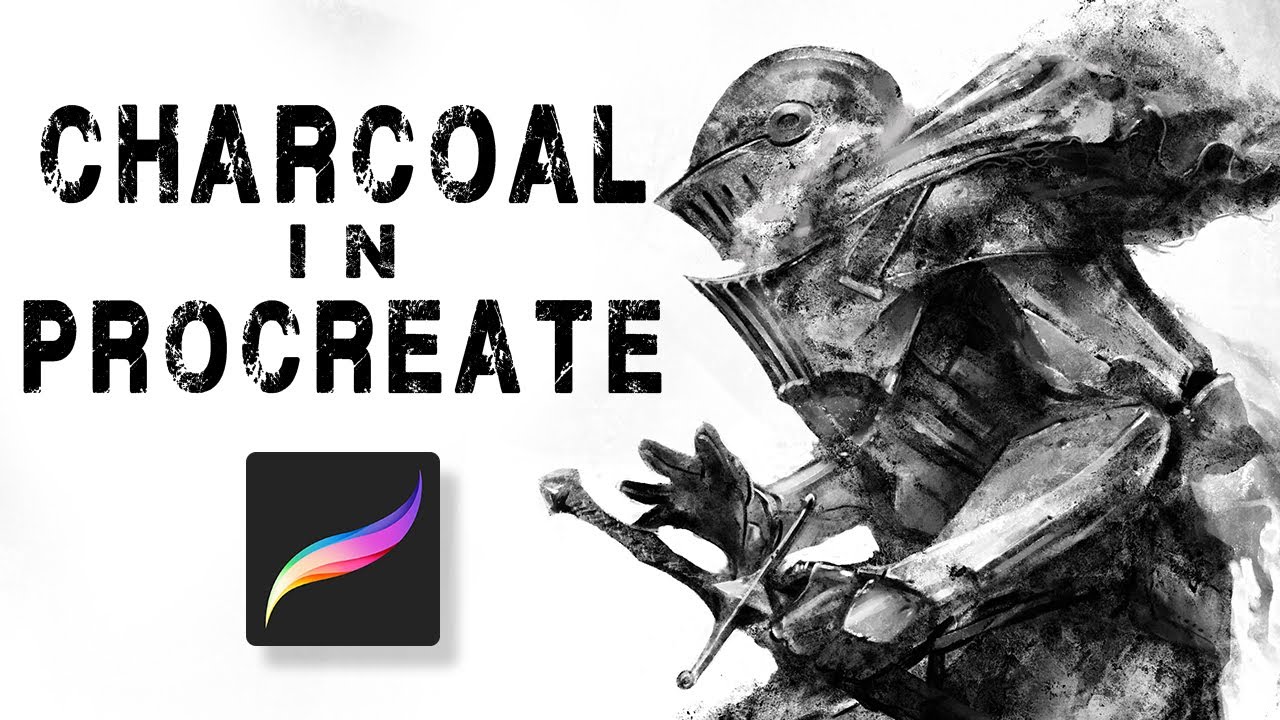
I got some images with me

I would request the devs to go through Gammatrap’s charcoal in procreate video. The burnt edges topic starts from the 13.19 timestamp. Might change the way we look at art in general.
1 Like
Thanks for supplying the images. Possibly someone here will know how to replicate this effect.
1 Like
1 Like
I think its possible.
From my experience, this is a particular effect that i struggle to reproduce in Krita.
It needs a little tweaking between “Sharpness”, “Patterns”, “Scatter”, masking mode and flow/opacity from the masked brushtip. Some examples from my library:
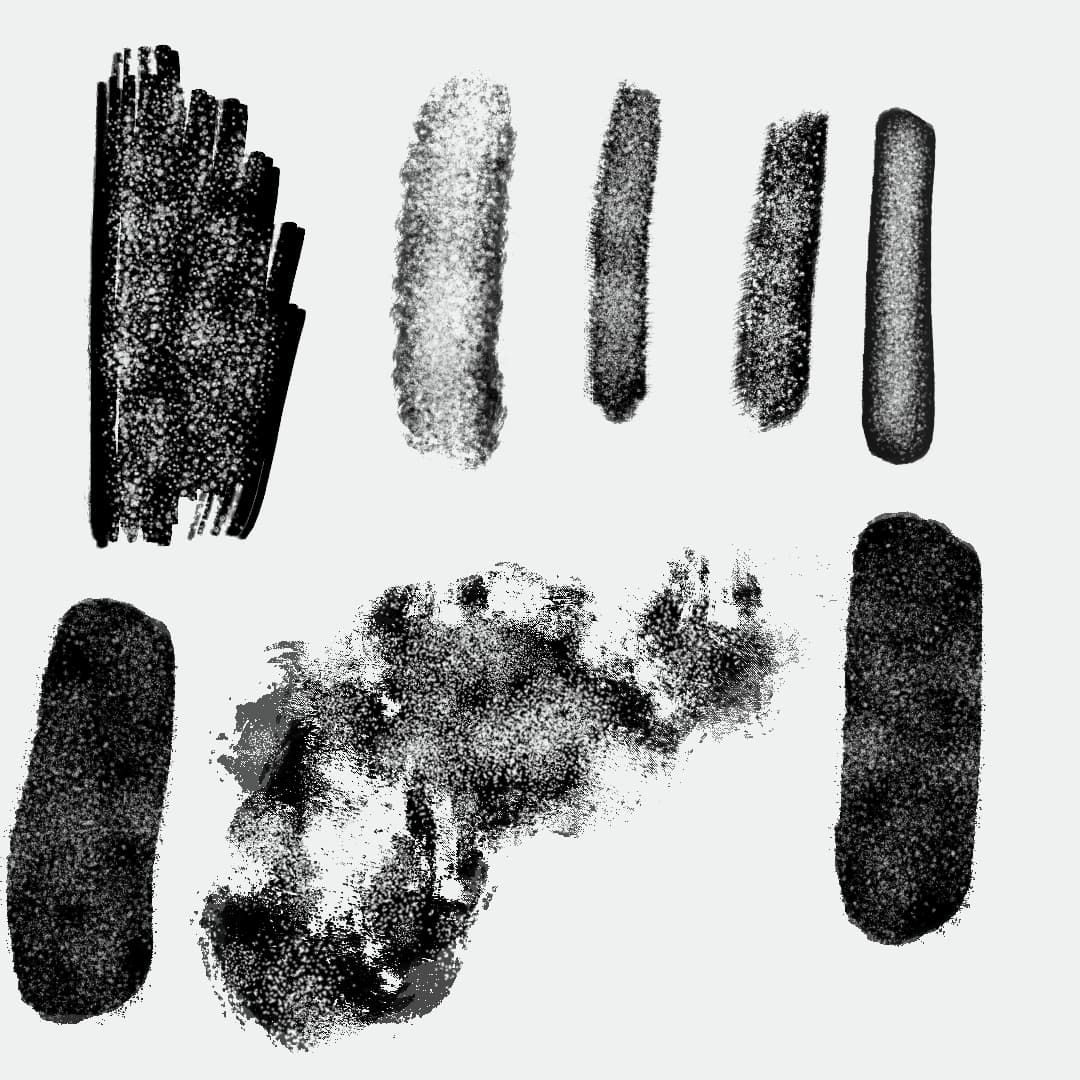
However, this is something i’ve wondered too.
Often, when i try to do brushes with these types of edges, Krita seems to soften the edges. Particularly, when the masked brushtip has the “Scatter” parameter activated.
I wonder if, is it possible to “Sharpness” be applied to masked brushtip, from a programming POV?
What you think?
2 Likes
I have tried many combinations over the course of 6 months, but to no avail, it either lags horribly if I enable masked brush and pattern+ strength (I have a pretty powerful PC) while working on canvas size 2900x4200 on 400ppi, the effect just does not happen.
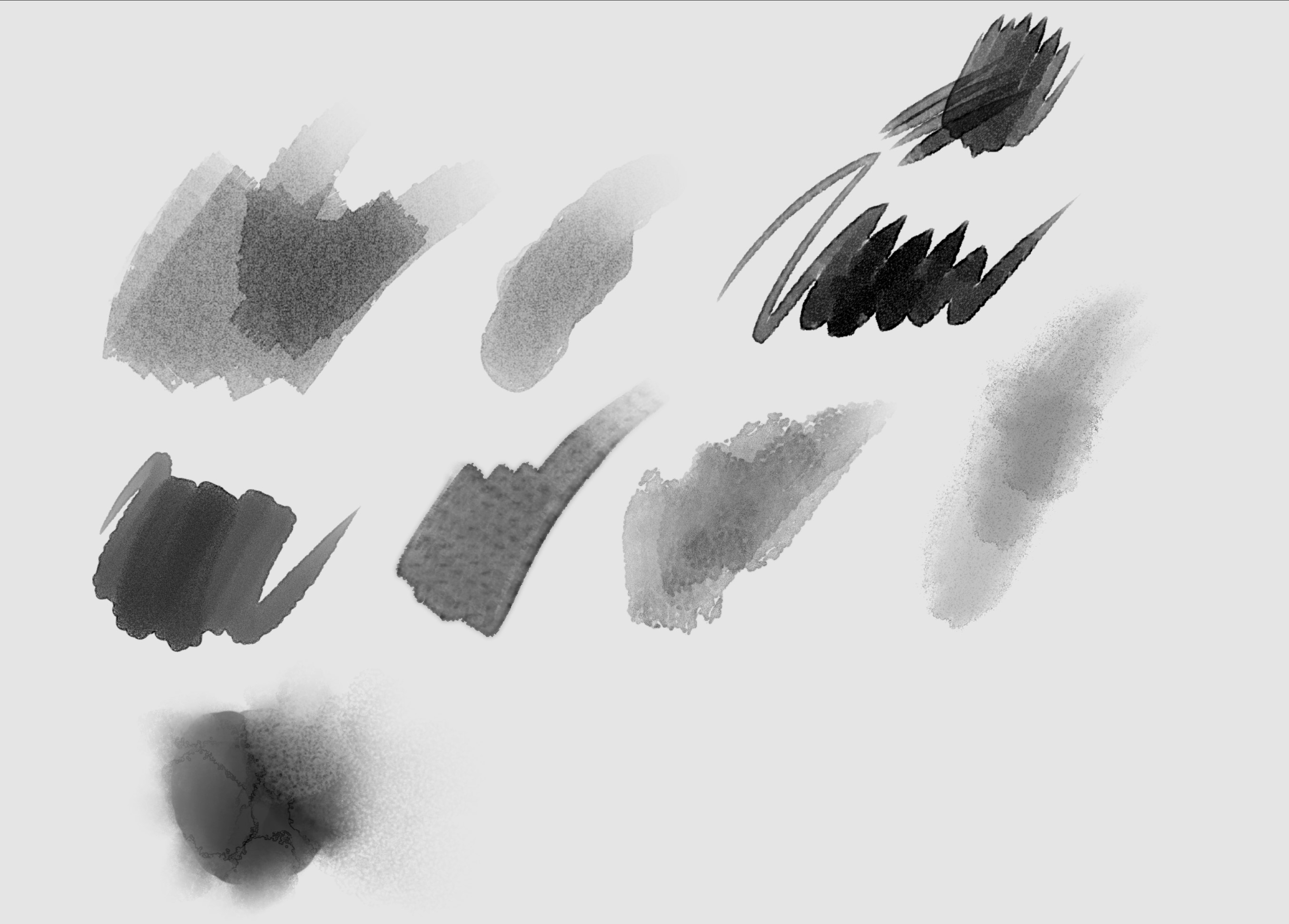
I think it’s like the wate fringe effect that SAI has
If the author of the topic meant wet edge, I wanted that feature too
When I used to draw in Clip Studio Paint, it made for some interesting strokes
Like this:
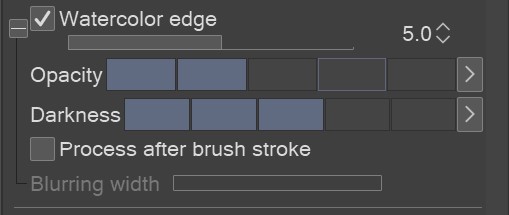
There’s also a wet edge setting:
I agree. This is a problem that indeed is difficult to deal. I gave up on few brushes from my PS collection, because i just could not make them work as i wanted.
Sorry if i sound redundant or dismissive, not the intention at all, but just wondering a few questions:
-
The size of the masked brushes. What sizes are usually used? I found that anything above 500(ish) start to harm performance, and in some cases - depending of brushes involved -, even below that.
-
Have you tried a decreasing flow/opacity for the masked brush? By the looks of that Procreate brush, it seems some “Subtract” effect is going on.
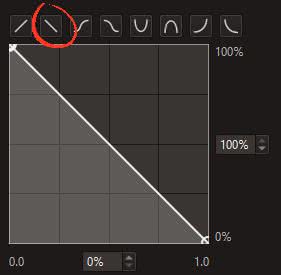
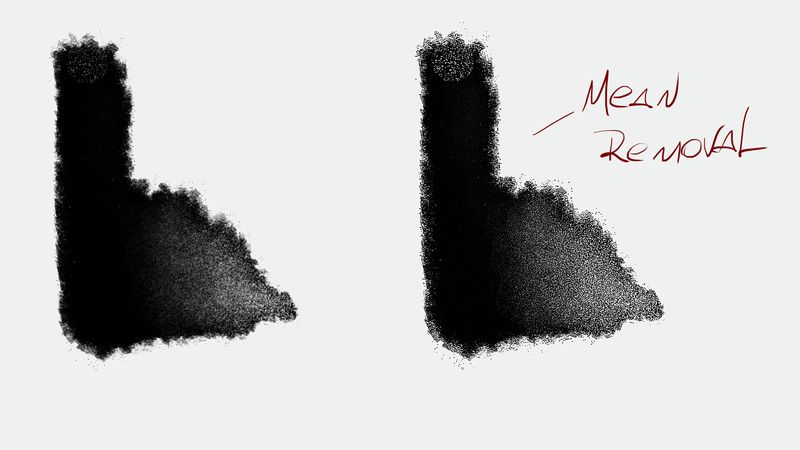
@SchrodingerCat One thing that comes to mind is the Filter Layer → Mean Removal. Although, not sure how effective it is in big documents. The problem is often the edges get soften up.
I’ve never used Procreate, but i’m familiar with that effect, so i just made a brush test trying to make a similar function. Hopefully it can help in your exploration, maybe.
Input from others are always welcome.
5 Likes
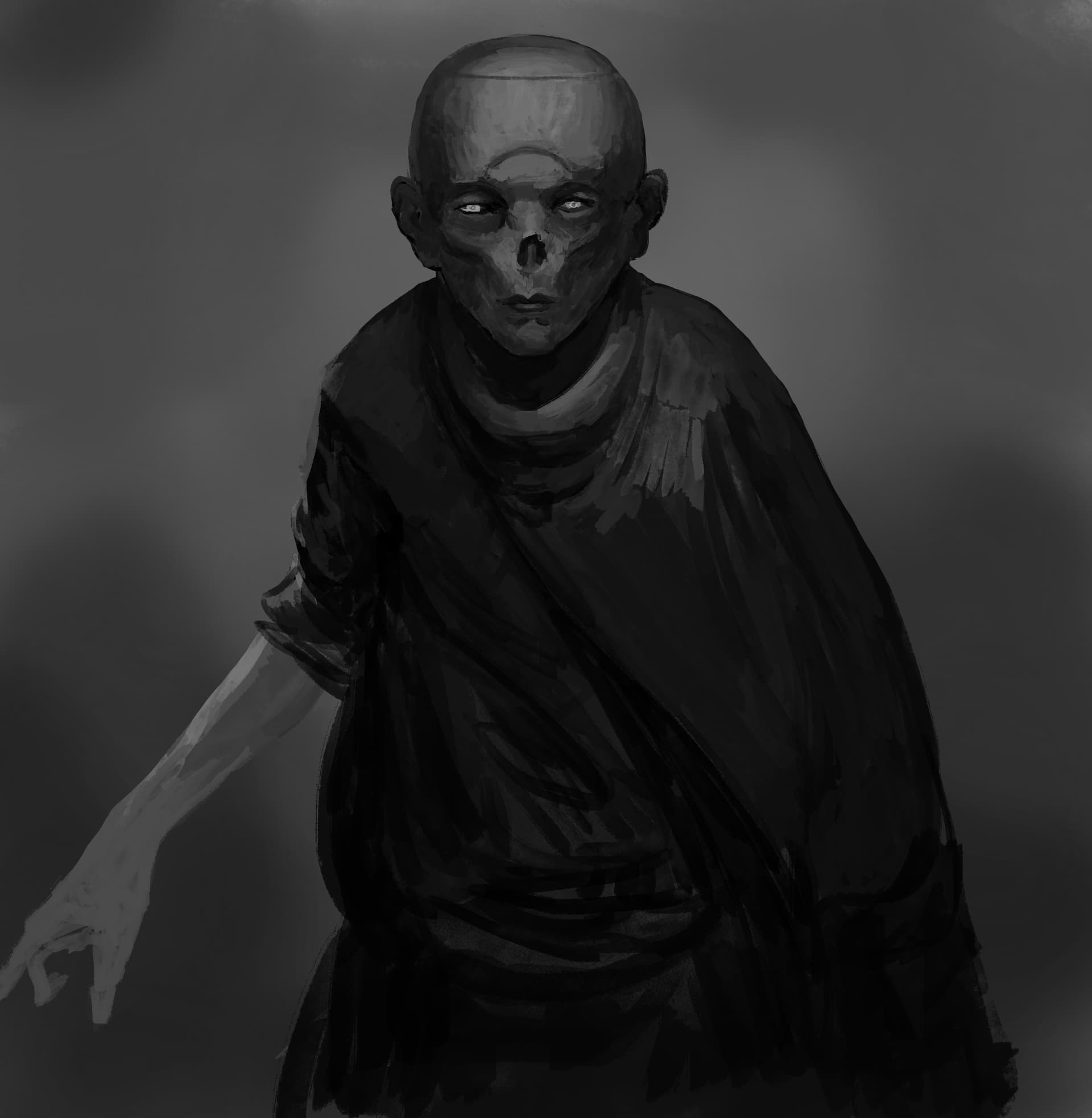
Hey! @Tamoha thanks for the brush looks fun to use. Here’s a quick test run.
5 Likes
I’m glad you like, mate. Thanks for taking the time.
Forgot to mention, i have a pretty old gear so i recommend tweaking some pen functions (tilt, pressure etc) to your liking.
I might post some new experiments in the future.
5 Likes
@Linish no I am not looking for a wet edge effect, it’s a very different effect though the stroke path is the same. @Tamoha thank you very much for thoroughly going through and testing it out for me… tried your brushes, they were good but not what Iam looking for in my workflow… Concluded that both the burnt edge and the grain source/pattern file is very important for that effect.I’ll be sharing a custom brush that I’ve been working on for a while within few days…as it has some mirroring error.
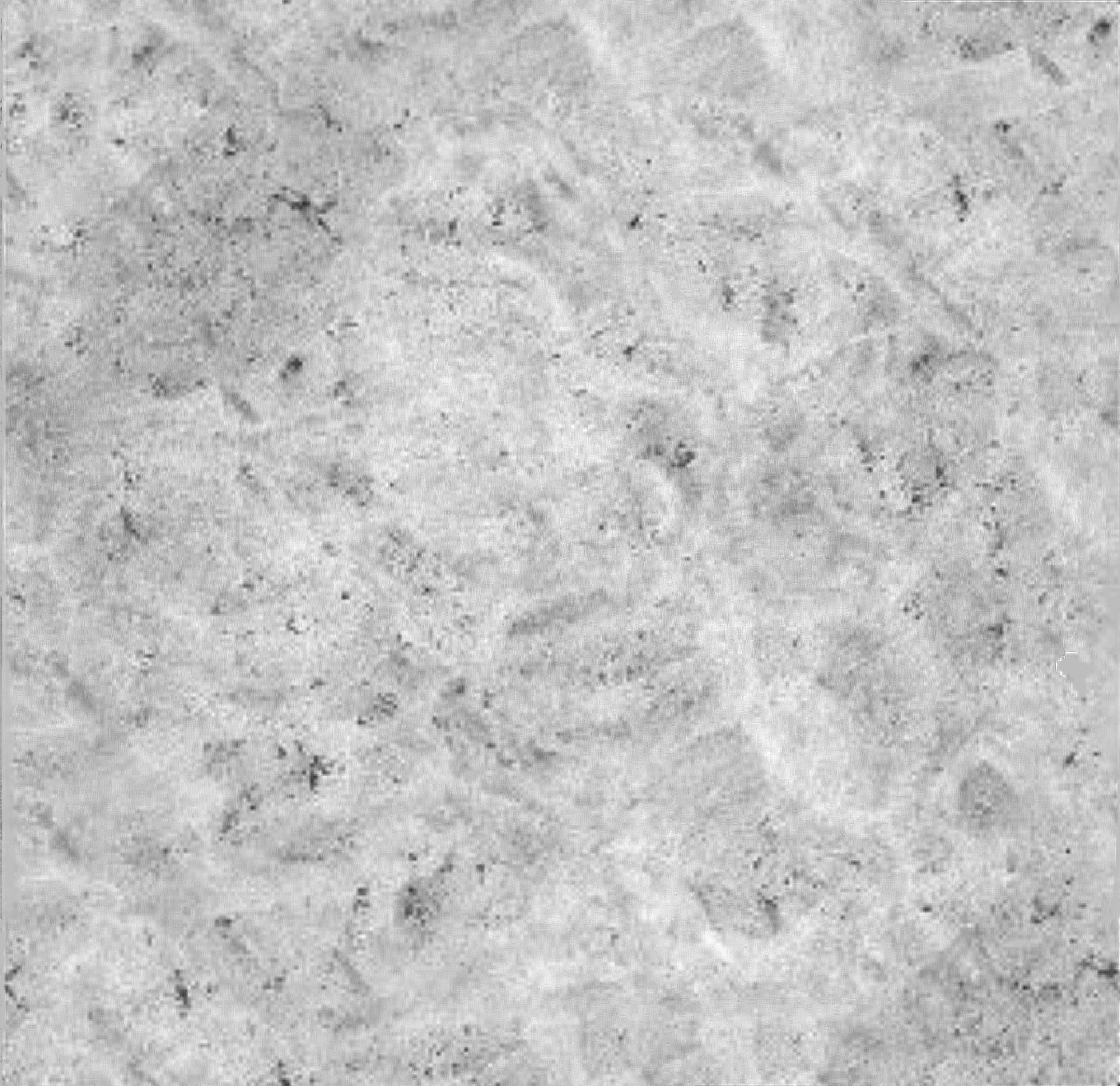
I’ll be sharing the main pattern file of the brush…hope the devs get a look into it…it is extremely low res…so cant use in my real time workflow, Hope someone can come up with a HD resolution of this grain/source pattern file of the Old Beach brush. Here it is
1 Like