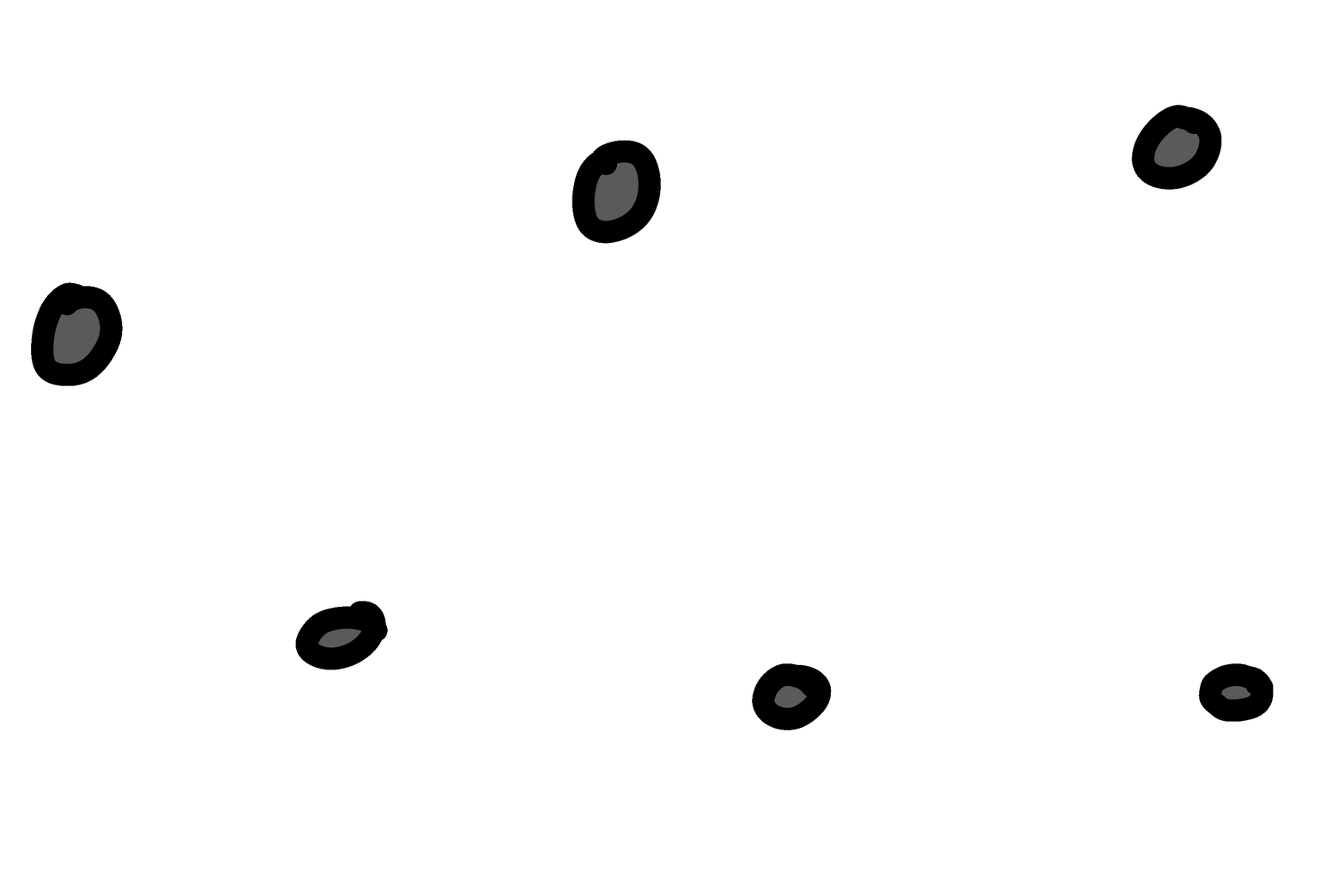
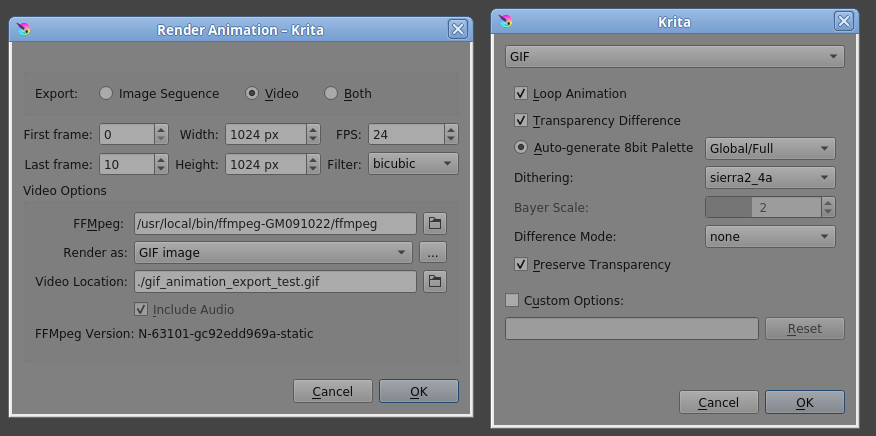
Quite an old bug, related to the redrawing area, I can not find the old topic with the parse. It occurs if the active area of the following frames does not correspond to the initial, most often appears after applying a transformation or layer style.
I have no idea with out checking I got it last year or the year before. So I imagine I don’t have it. But animated GIFs are a file format that exists for so long is weird to be constantly updating ffmpeg for it. I will try again later already lost a full day trying to figure this out
i don’t understand why you say that, it’s not related to the final file format, ffmpeg is a tool, sometimes with bugs… try update it and see if it works, and tell us
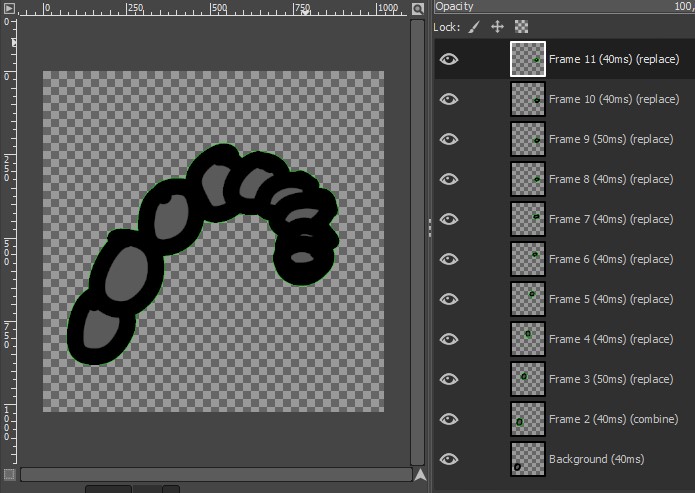
I still don’t understand enough animation in Krita to comment on it. It just says download your gif and I had to open it directly in Gimp. What I noticed was this:
Only frames 3 and 9 are 50ms, the rest are 40ms;
Only frame 2 is “combine”, from 3 onwards are “replace”. Normally, the gifs I open in gimp are always like “combine”…
From animations I only use Gimp for testing. I didn’t find anything about it in the official manual, on this site I found this:
In GIMP, frame disposal is specified by suffixing the layer name with “(replace)” or “(combine)”. The first suffix option “(replace)” totally clears the previous frame before displaying the current frame. The second suffix option “(combine)” ensures that the current frame is merely pasted over the previous frame. The second option allows you to make cumulative changes over several frames and restrict background content to just one of the previous frames.
I reopened the gif animation in Gimp. In Frame 2, I replaced the text “(combine)” with “(replace)” and exported it as a gif. Check it out: