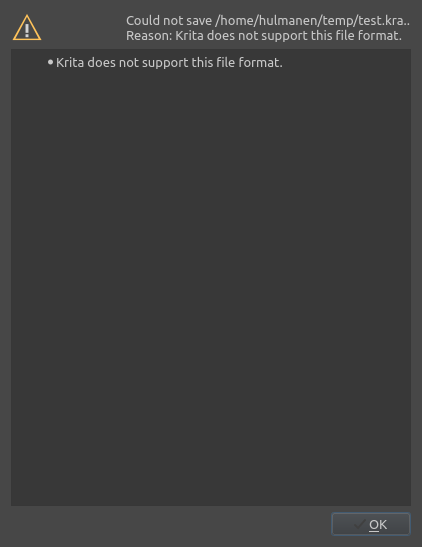
I’m able to save PSD, PNG and GIF.
When I saved it as GIF format with checking “Also save your image as a Krita file.”, kra file is saved.
Please could you help me?
My system:
OS:fedora35
KDE Plasma Version: 5.24.4
KDE Frameworks Version:5.91.0
Qt Version:5.15.2
Kernel Version:5.16.19-200.fc35.x86_64(64-bit)
Krita Version:5.0.5
I must confess, I am at a loss.
To get more attention from users with better Linux knowledge I adjusted the title of your topic a bit, I hope it’s ok for you.
Thanks, Michelist and AhabGreybeard!
The title is become much better.
By the way, when I use LogViewer, I got this log.
KisMainWindow::saveDocument no export filter for ""
Case insensitive sorting unsupported in the posix collation implementation
Numeric mode unsupported in the posix collation implementation
QXcbConnection: XCB error: 3 (BadWindow), sequence: 19654, resource id: 29396375, major code: 40 (TranslateCoords), minor code: 0
Node:  0x55730de99310
Node:  0x5573130476e0
Node:  0x55731410ca70
Failed Save As!
DEBUG: releasing of the pooled memory has been cancelled: there are still 104 tiles in memory
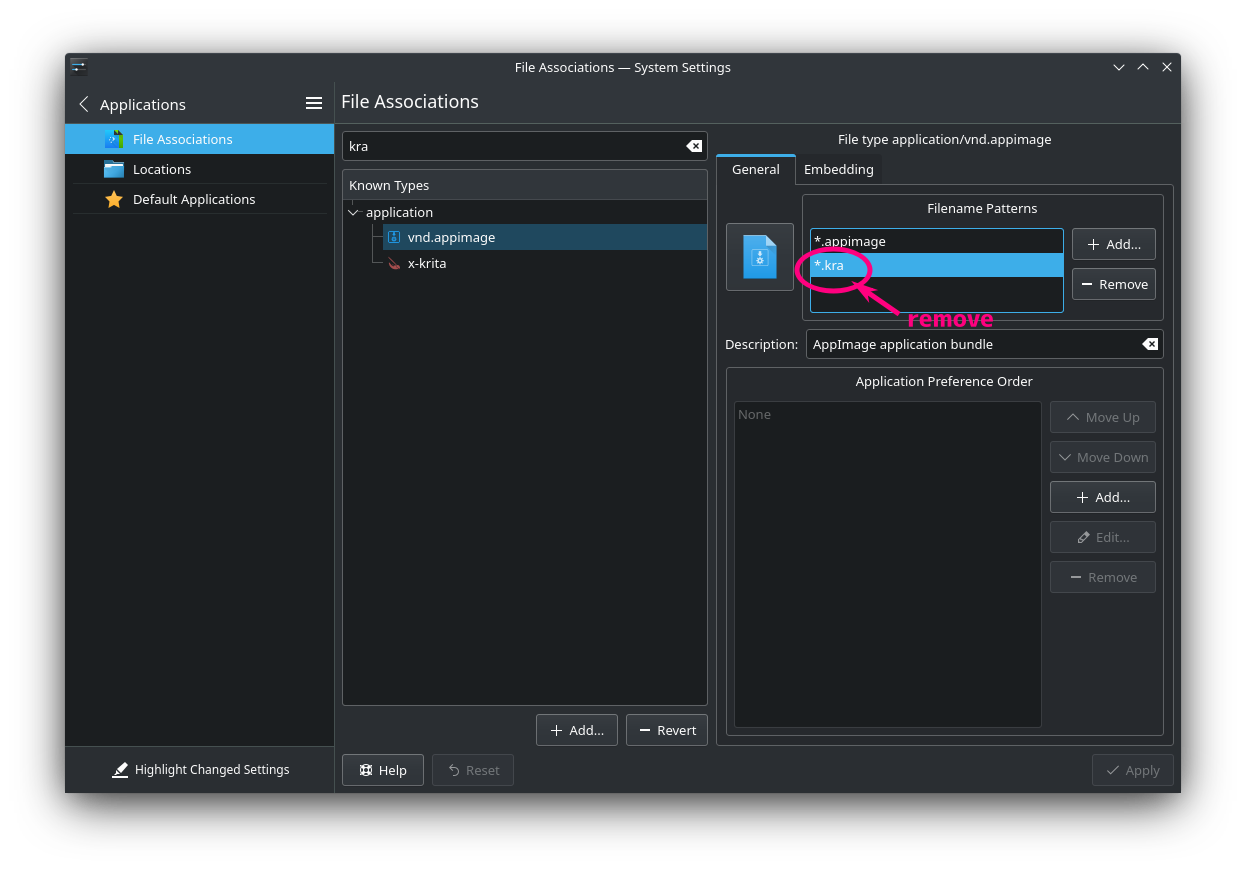
You are saving as kra. ? or is it a period for ending of the sentence. Can you double check the file format name. or remove the file format and select the file format explicitly from the file format drop down
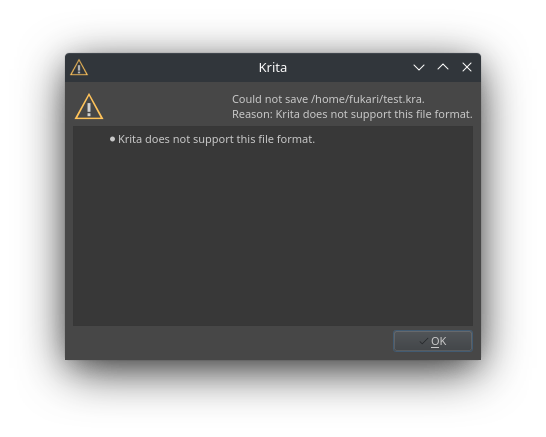
If I select " All supported formats" from the file format dropbox and try to save with a “kra.” extension, I get this error. So I’m guessing @raghukamath has found the issue here.
I tried to save as test.kra with selecting “All supported formats”. Also, I did as test with selecting kra format.Both result was failed same as first image.
If you have a text file called text.txt and edit it then Save As text.kra does that work?
@hulmanen Which OS and desktop do you use? I’m on Debian 10 MATE.
New Info: In my previous reply, I was saving as -.kra. with Files of type: Krita document.
If I use Files Of Type: All supported formats then I get the error message.
 Hello
Hello