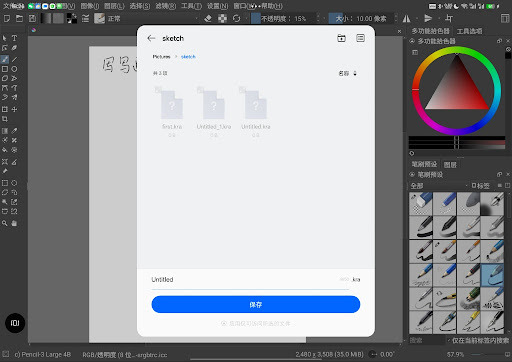
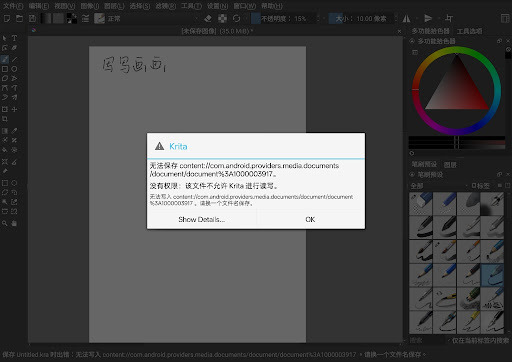
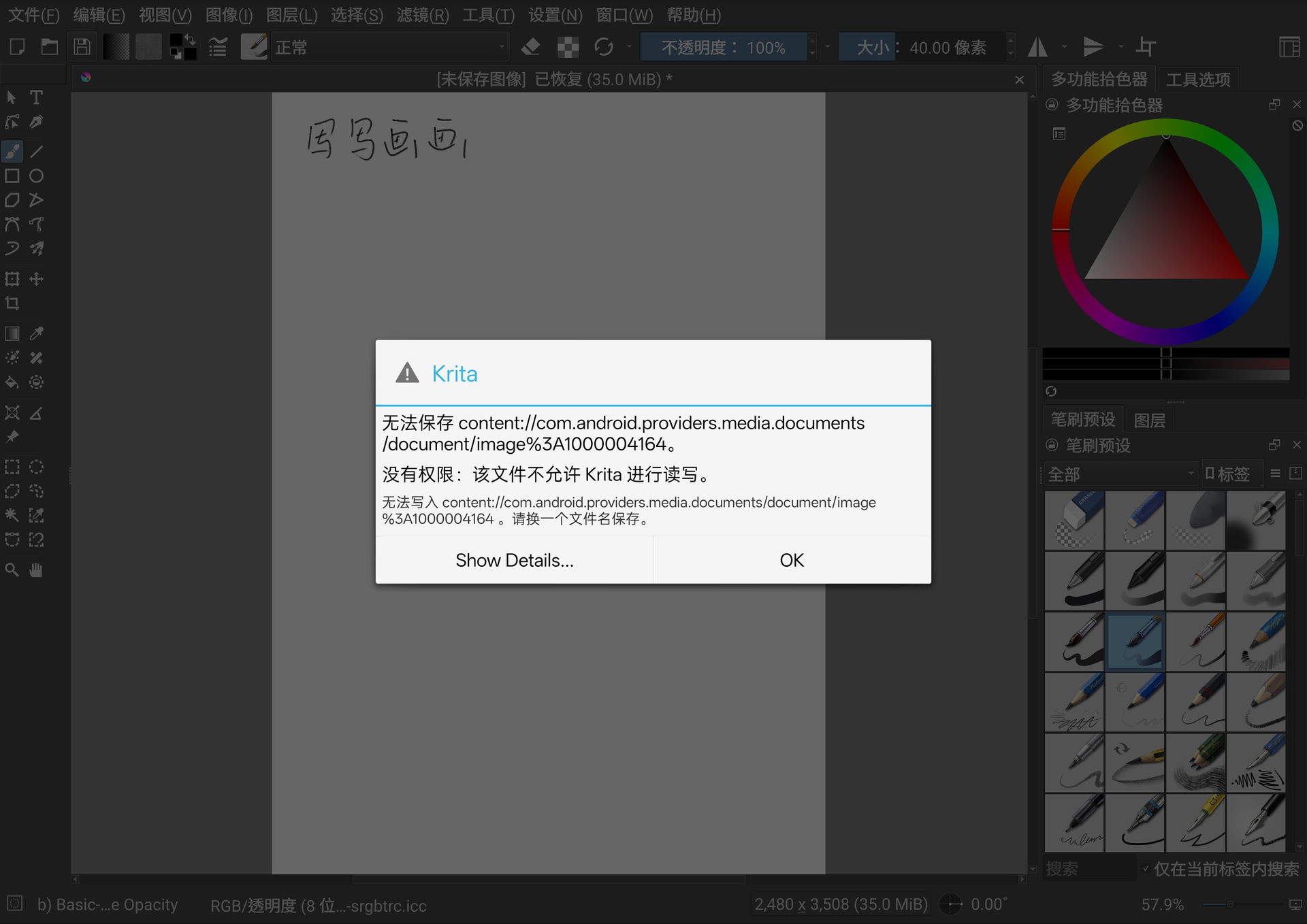
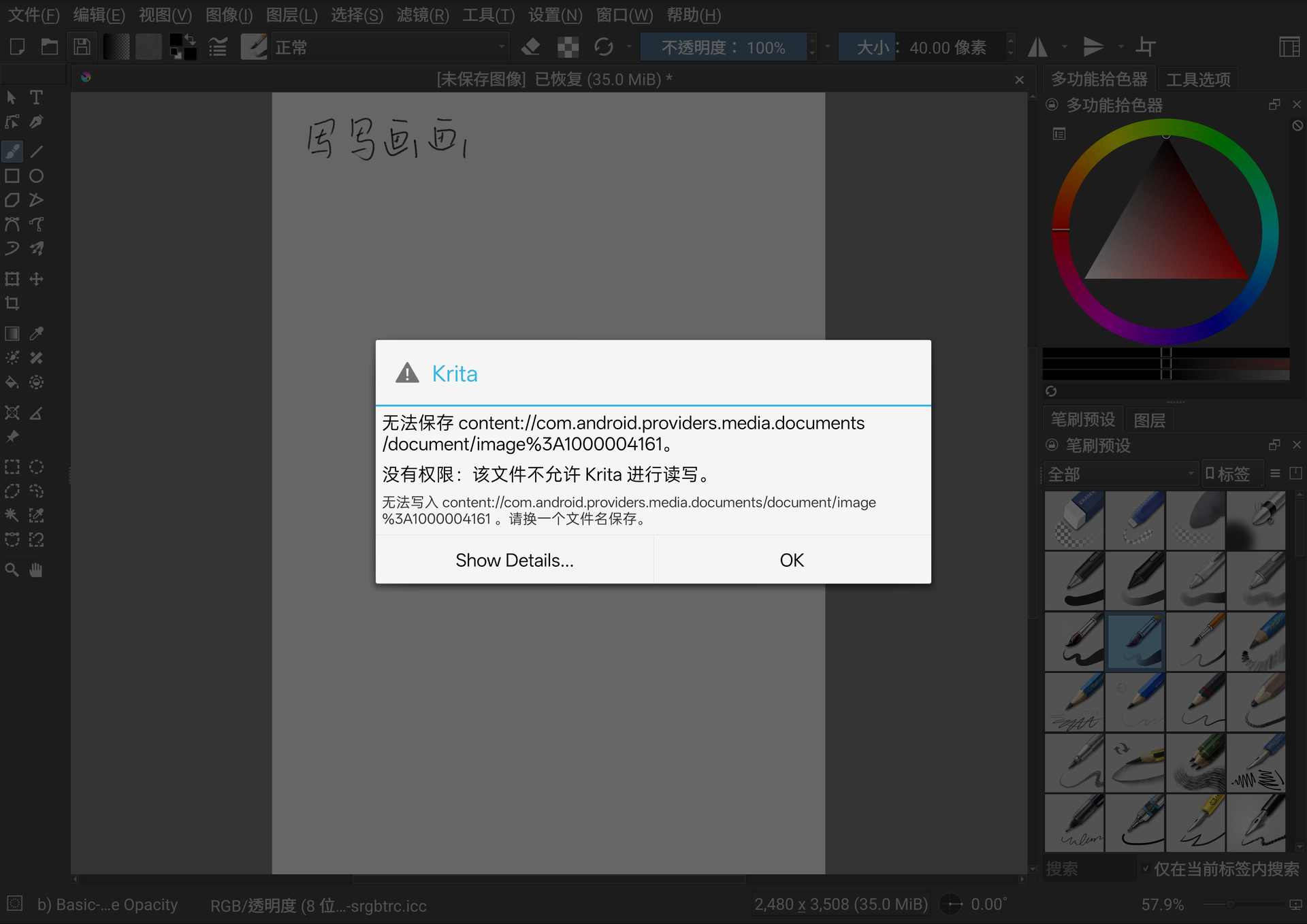
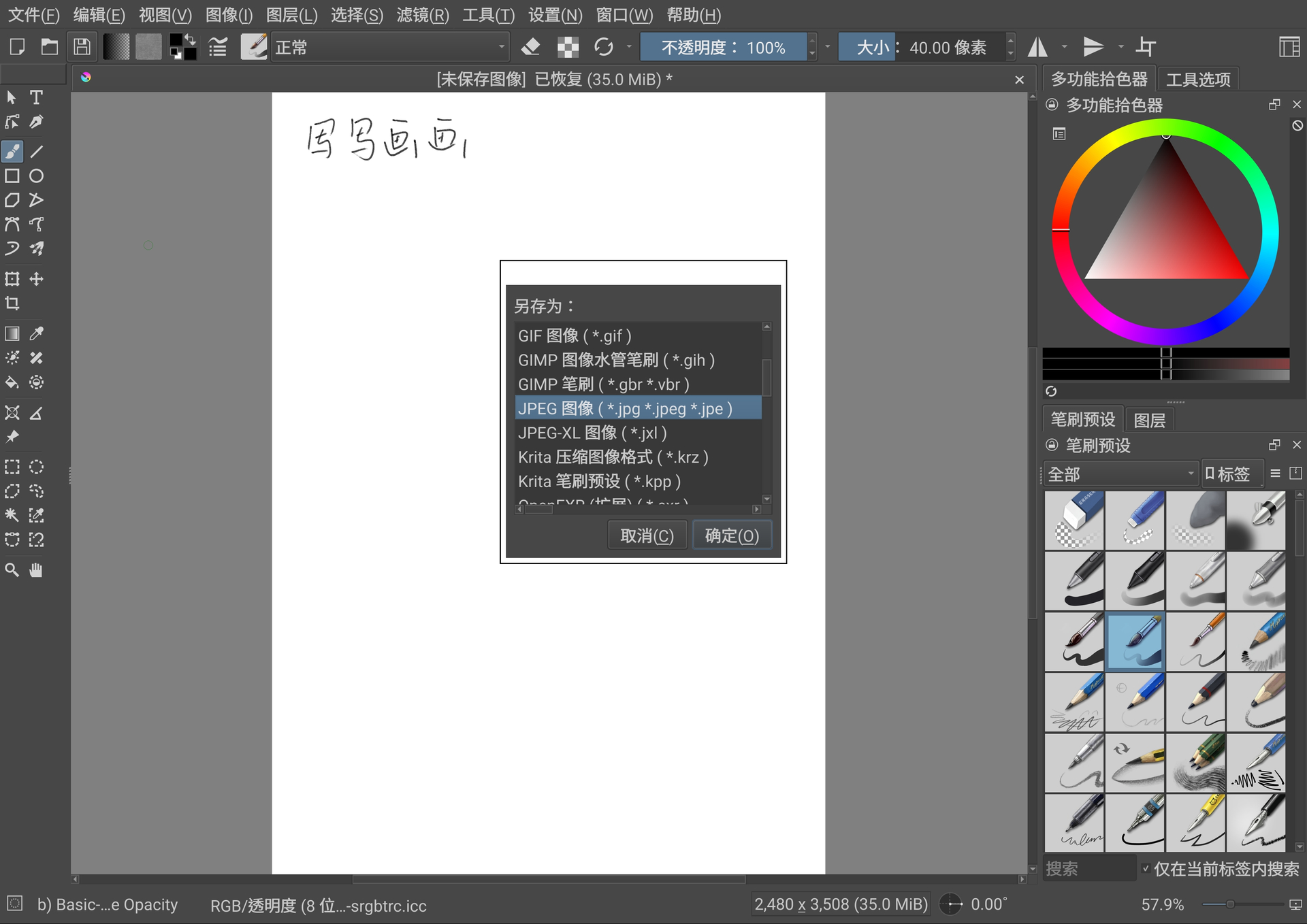
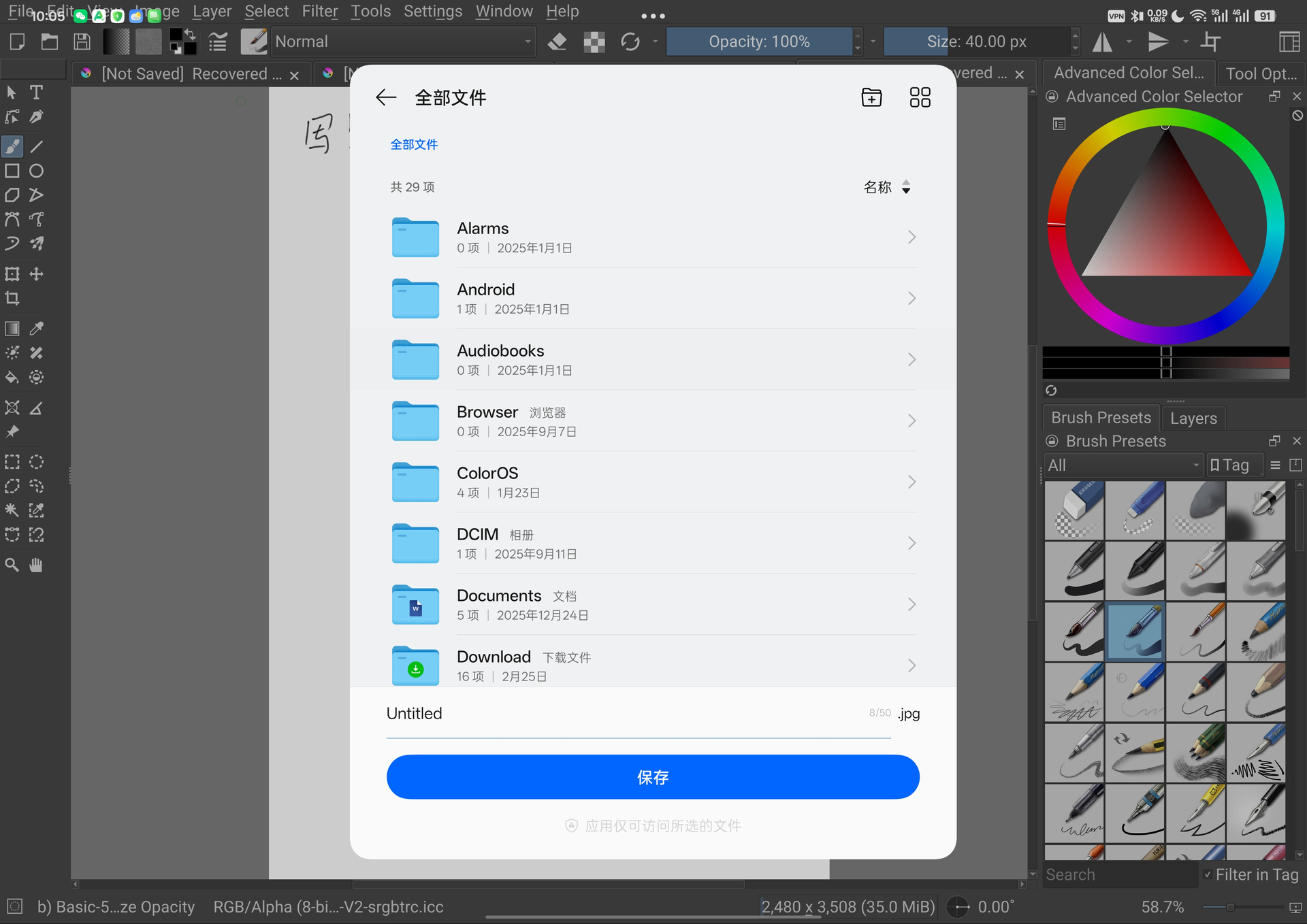
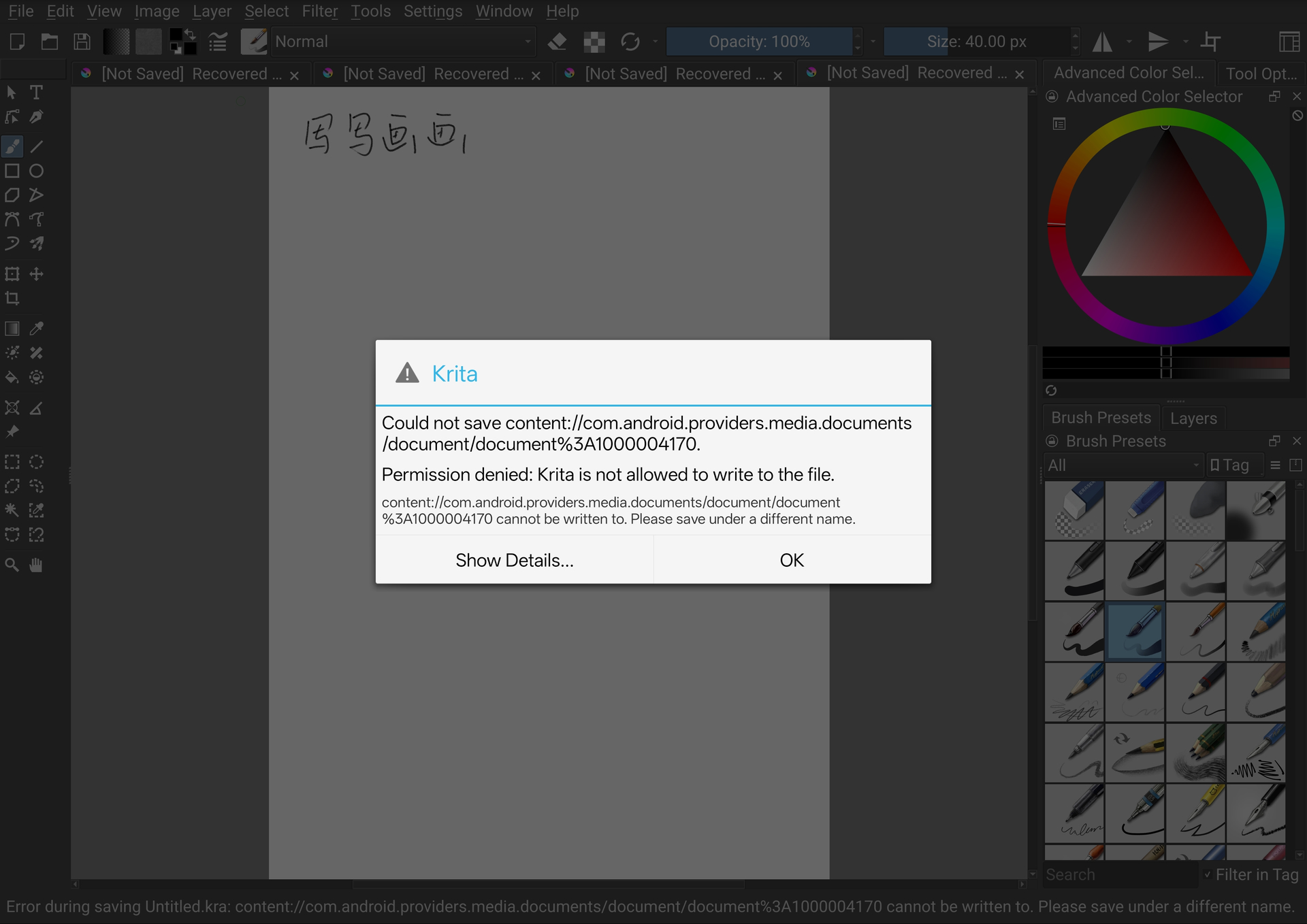
I’m new to krita and I want to use krita on my android tablet (an oppo pad with color os),but I encounter some issue when saving files. When krita tried to save files, it launch the system file manager of android. However, the file manager on my device cannot show the working dir of krita, and when I tried to save it to my home dir (something emulated by system file manager), krita reports something like “permission denied: cannot write to”. And I’ve tried to grant krita with “file permission” in the system settings, but there is no such entry on my android system settings(I think the system uses a strict policy that always let file manager to deal with file operation when file permission not explicitly required).
So there is no way that I can use krita with my system?
That’s definitely some weird custom file manager this Color OS has. Does it work with other file formats or picking a different directory? You may have to create a directory for Krita to be allowed to write to the file. And does it create the file and it ends up empty or does it not write the file altogether?
@CrazyCatBird is right. You need to create a new directory for Krita. That’s what I do on my Samsung.
Krita will still attempt to save things in places where Krita has no access so you always have to watch the file path when saving or when using the recorder docker.
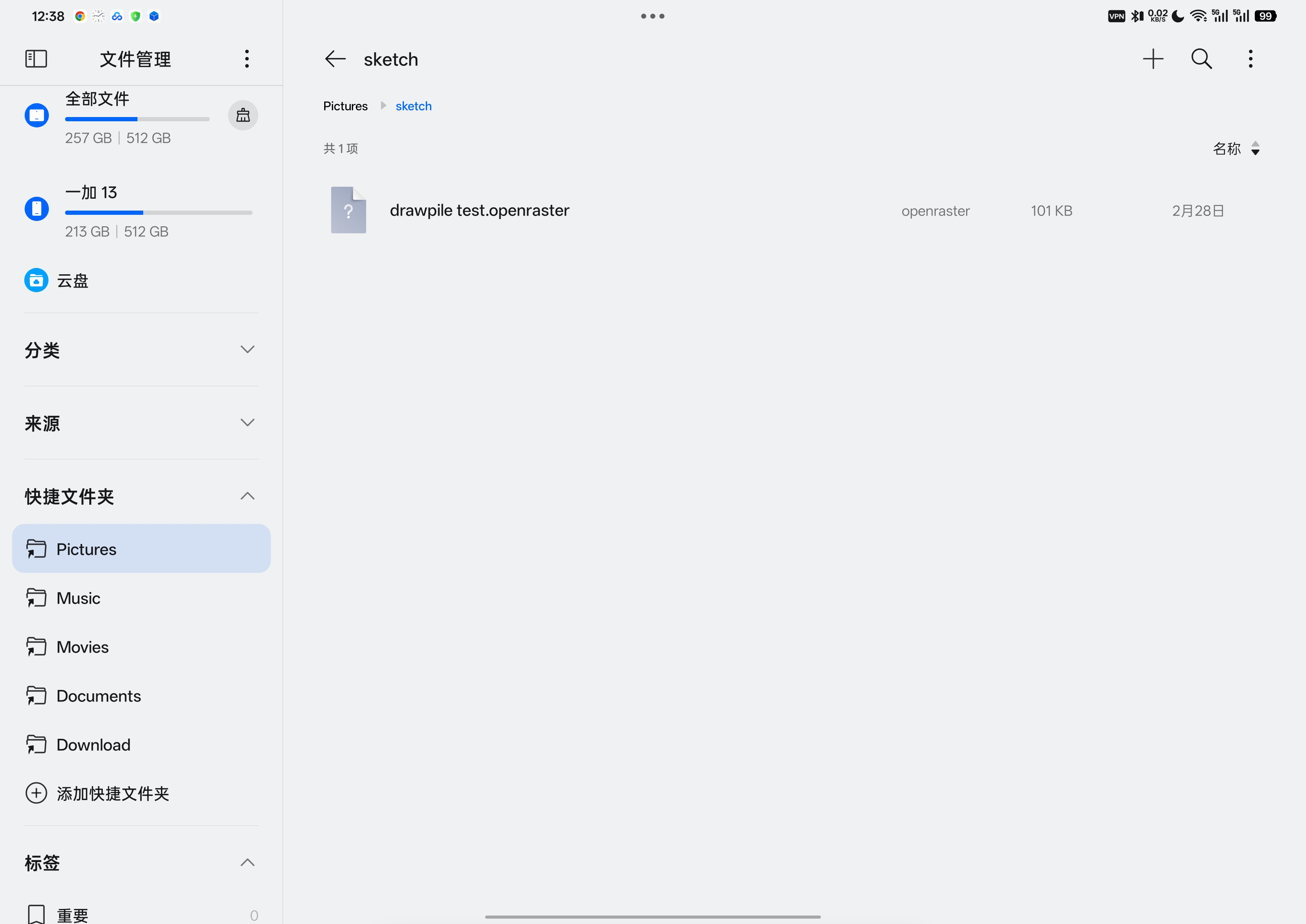
I’ve tried to save krita to several different directories, and krita always created an empty file (as shown in the picture). All the folders I tried to save at were all under the home directory(~/Pictures/sketch, for example) which is supposed for krita to write (or not?) (and I have no idea how to see the actual absolute path of the home directory on android which is fair straightforward on linux).
Android doesn’t use “real” file paths, it uses the weird content URIs you see in your error message. It also has strange restrictions, some directories are treated specially and only allow certain file types. For example, your device may decide that it will only allow JPEG files underneath Pictures.
Does it work if you put the directory somewhere else and/or use other file types? It’s unfortunately something you can only find out via trial and error. If you can’t get any location and file type to work, it’s something to look deeper into, but do that first because it’s usually the problem.
I’ve just tried to export file as .png and .jpg to ~/Pictures and ~/Download respectively, the results were almost the same (slightly different at content URIs).
It’s very strange that you are getting this documents URI that just calls the files “image 1000004161” and similar, that’s not what happens on any of the devices I have around. So I kind of suspect that this is the problem. Is there any other directory anywhere that you could create where this doesn’t happen? For example, instead of putting it into some system directory like Downloads or Pictures, just putting a new directory at top-level.
If you can’t find anything, I’ll try to look into what causes this error, but could you change Krita’s language to English for that and show the error message again? That would make it easier to find where the error occurs in the code. The option to switch languages should be under Settings in the menu bar, then afterwards you can close Krita via File → Quit to restart it.
I also suspect the strange URI is what prevent krita from saving files. But that’s the problem. Krita always launch system file manager, and the Color OS’s file manager would only show the home folder as the root folder (real root folder never shows up in Color OS file manager). That’s definitely something related to the customization of file manager on Color OS. But is it possible for krita to adapt to this?
The system file manager is unfortunately the only way Krita can get access to files at all, the Android sandboxing requires going through the OS like this. Whether Krita can be adapted is something I’ll have to look into, I’ll write here again when I have something to test. It might take a bit though, since there’s other things to do with the 5.3 beta currently.
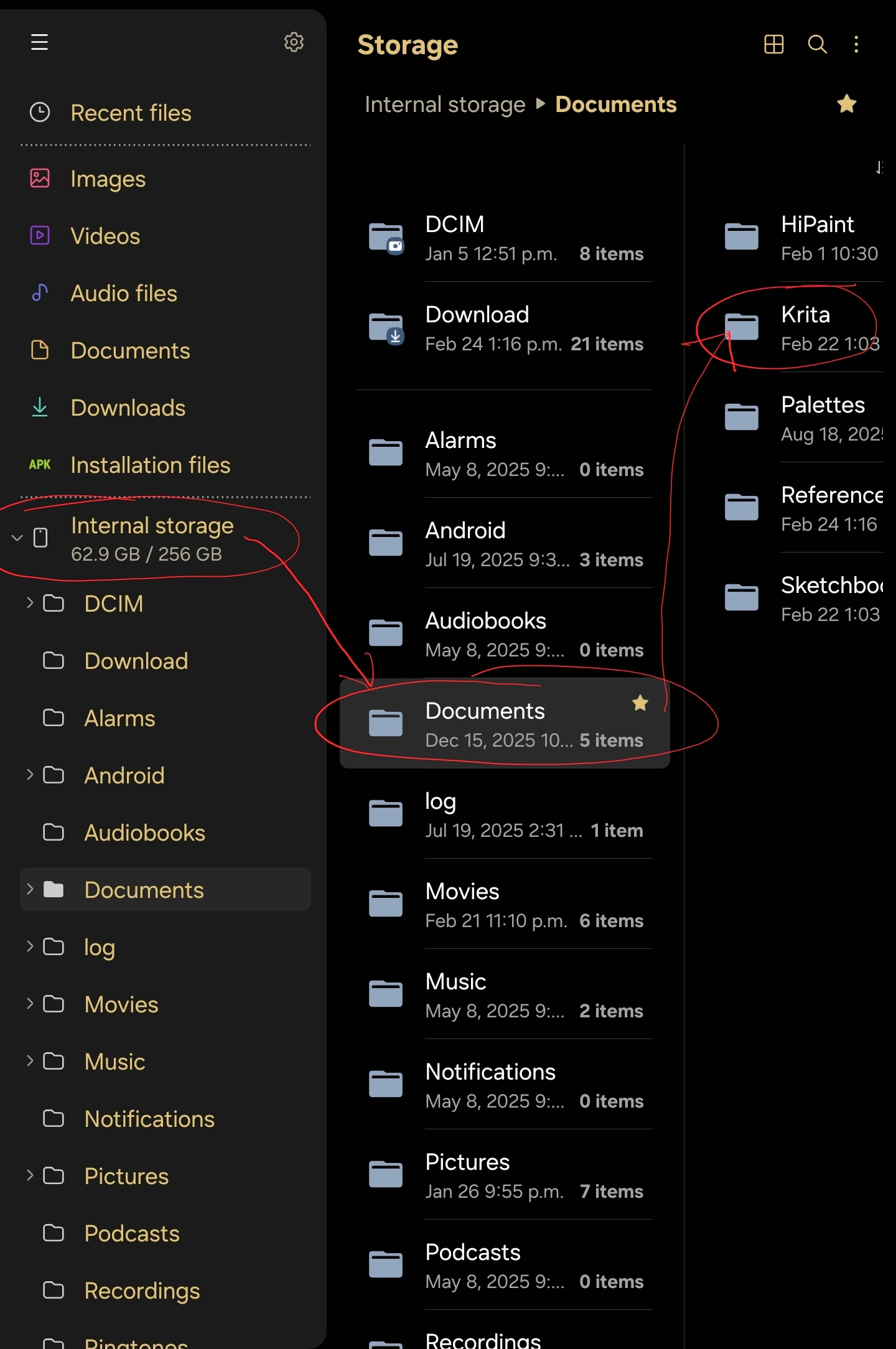
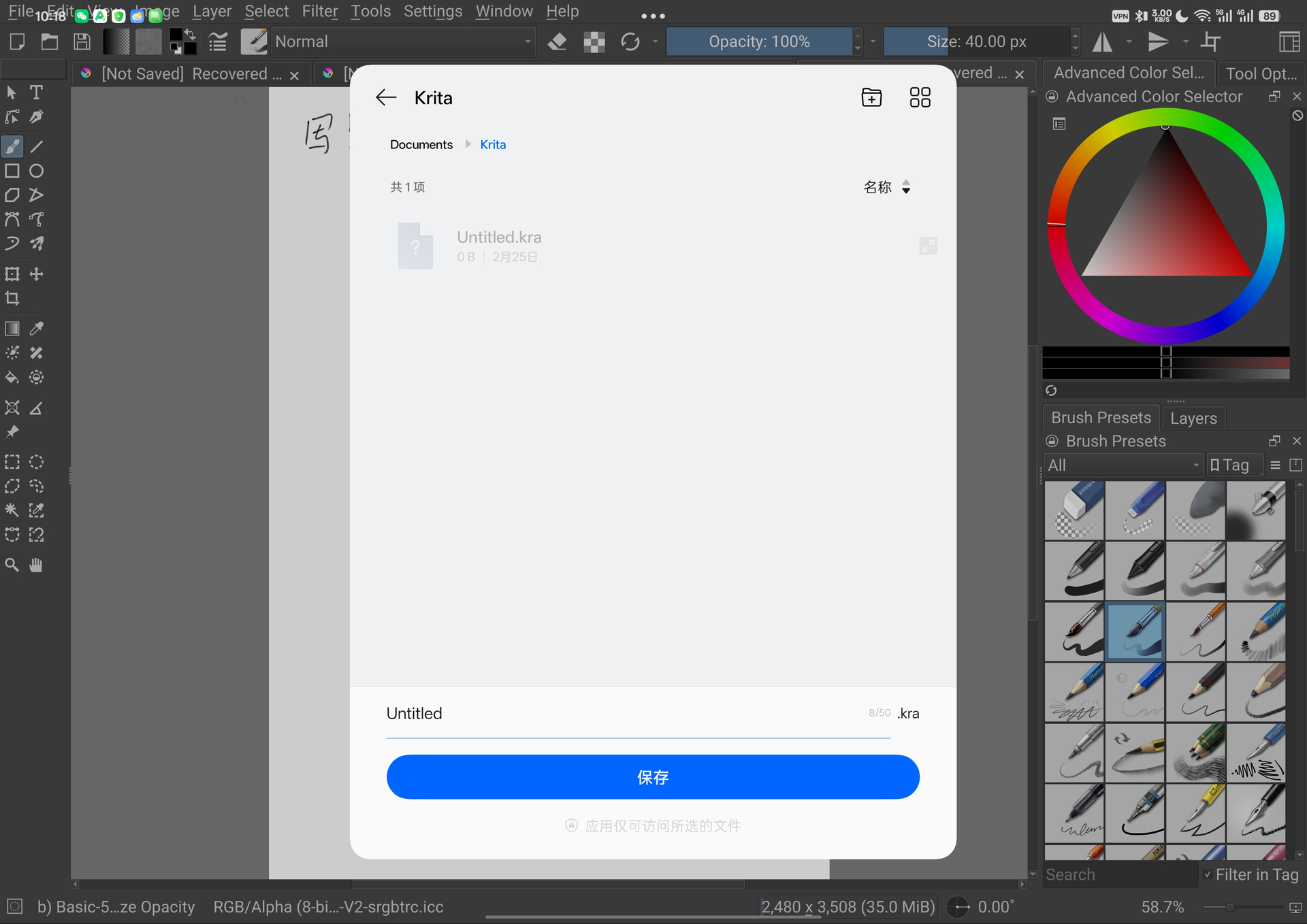
I replicated your setup, Documents>Krita (Implicitely start with internal storage I think, because there is no other root entries provided by my file manager). But this does not work, still. So I believe this is caused by the incompatibility between krita and my file manager customized from android.
I’m not familiar with android file manager, so I have no idea what this strange URI is, but this is just what the Color OS (customized android) provides. To me, using shell utils or nautilus on Linux as file manager is much more comforatble
I’m wondering if you were able to get and install Total Commander, and then create a folder for your artworks using it. Then, I’m wondering if you would be able to navigate to that newly created folder in Krita when you want to save that artwork.
I’ve taken a look at the code, there’s quite a lot of stuff there that involves path juggling and permission checking that looks like it could go very wrong with a weird provider like this one. Unfortunately, this is all code inside of the Qt framework, which makes it a bit more difficult.
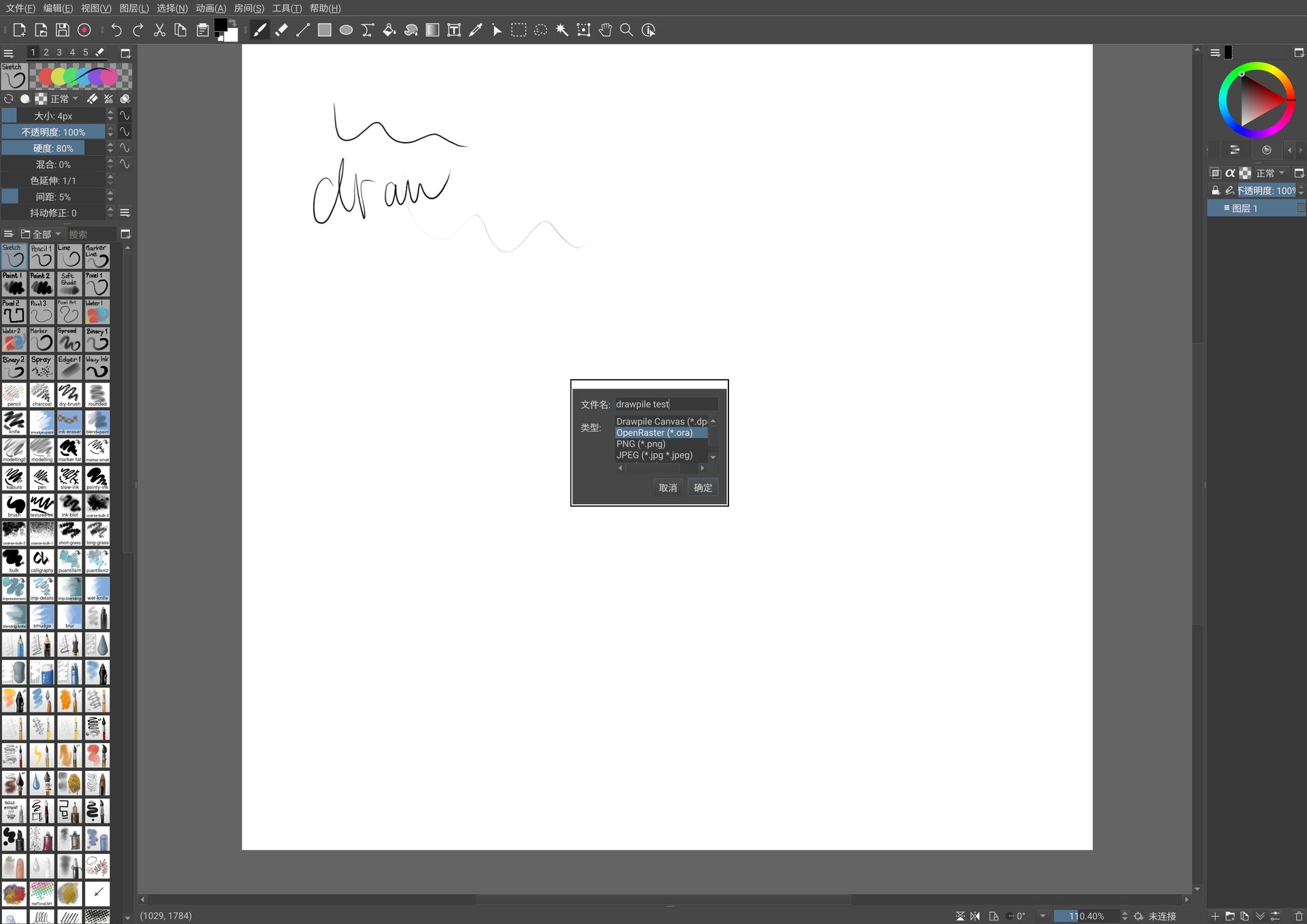
Are you able to install Drawpile and does it exhibit the same problem? It uses the same framework as Krita does, so I would expect it to have the same problem. You can get the APK from the website or the alpha release from GitHub. It would be a lot faster to test it there, since I can make a new Drawpile build from scratch in about an hour, whereas with Krita it involves multiple people and at least a day to rebuild the entire framework.