Cannot save input profile! Does not persist on startup on Android!

Hello!
I am using a Samsung Galaxy Tab S6.
Krita version is 5.1.5

I am having a big problem. I want to rebind the S-Pen button to use the colour dropper “sample foreground color from merged image” instead of panning the canvas as it does by default. The S-Pen’s button is set to middle mouse input by default and that is not a problem.

I go into Settings → Configure Krita → Canvas Input Settings;

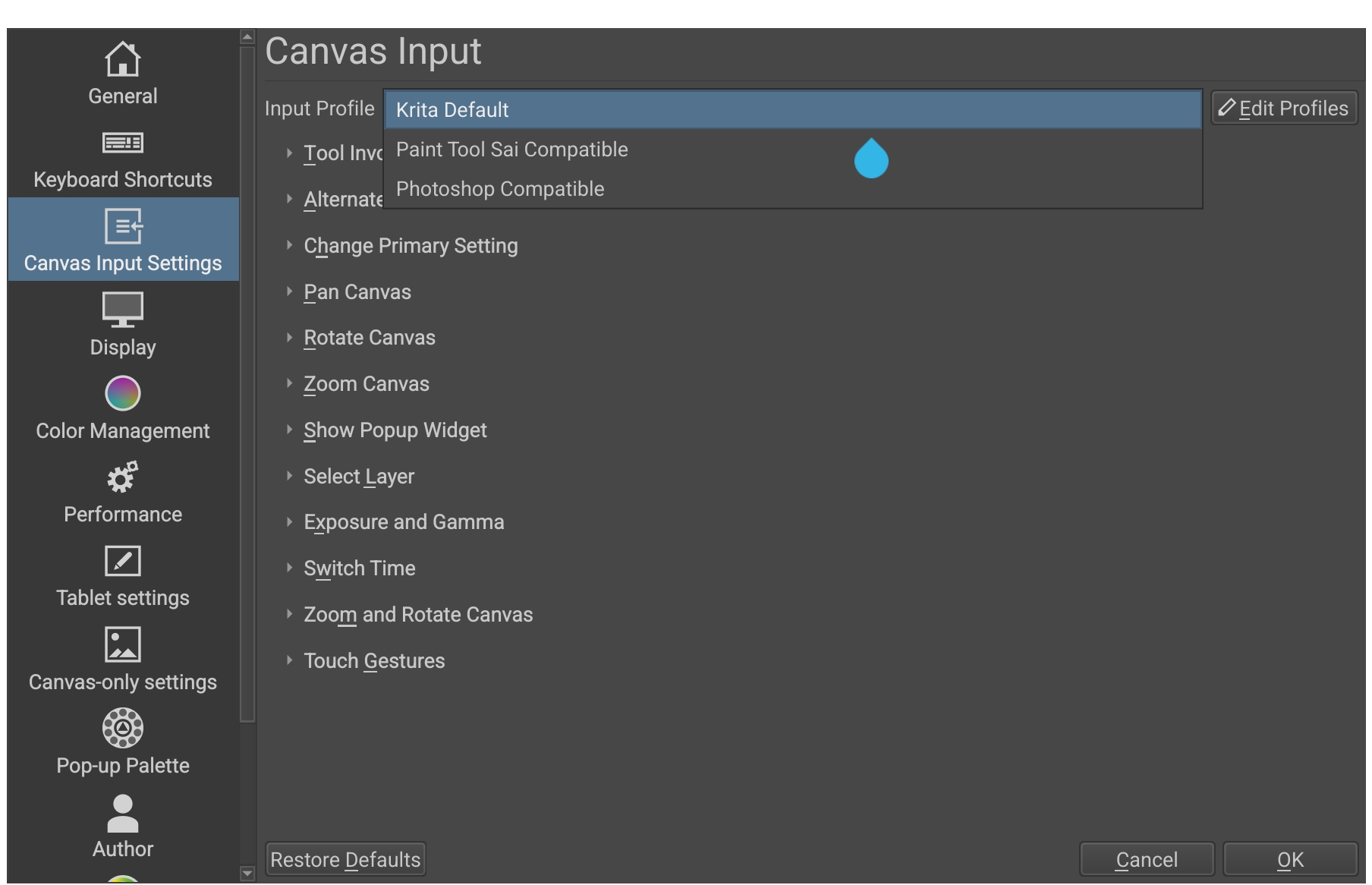
I press “Edit Profiles”, select “Krita Default” and press the “Duplicate” button and now I have a new profile called “Copy of Krita Defualt”. I press “Close” to close the window.

Back in the Canvas Input Settings, I select my input profile to be “Copy of Krita Default” then I go change my settings;
under “Alternate Invocation” I create a new mouse button shortcut.
Type= “Mouse Button”, Input= “Middle Button”, Action= “Sample Foreground Color From Merged Image”.
I also unbind Middle Button from mouse button in pan canvas settings just in case.
I press OK at the bottom right.

Everything works beautifully. I can pan with my fingers and I use the middle mouse button to select my colours. I am very happy.

I overwrite my custom workspace and save the .kra I was working on and close the program. When I restart my program and open my same workspace and .kra I was working on the middle button is back to panning again and in Canvas Input the Input Profile has defaulted again to “Krita Default”. My custom “Copy of Krita Defualt” profile is gone, it does not show up in the list at all.

Changing settings on the “Krita Defualt” profile also does nothing. All changes are reverted on next program restart. I am very sad.

I have changed my default resource folder location so that I can access it to a new folder I made that I am using to keep all my krita resources and drawings in the same place:
content://com.android.externalstorage.documents/tree/primary%3AKrita%2FResources
Resources working just fine, I even imported a new resource bundle and it shows up and works fine.

I cannot find any information on where the input profile is supposed to be stored on android but it looks like it is separate from Resources on all other platforms. I assume the Input Profiles are stored somewhere internally in the hidden app specific files on android. I cannot think of any reason why it won’t let me save.

I cannot find anything on my problem on the internet. I assume everyone else can save with no problem on android?

Being able to quickly and easily access the colour dropper tool (especially while fullscreen on android) is absolutely critical to my workflow. Having to change every single setting and even (presumably) other settings every single time I start the program is a complete deal-breaker for me and makes the convenience of having mobile Krita completely pointless.

Please if anybody can help me out I would be extremely grateful. I can provide screenshots or anything else if requested.
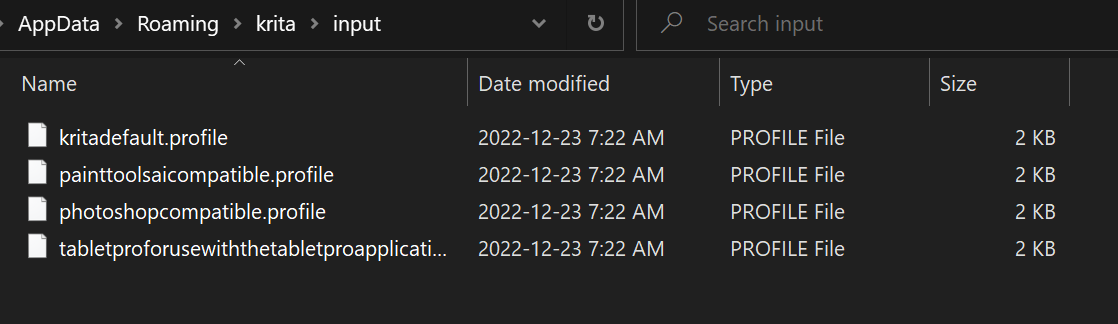
On Linux and Windows, Canvas Input profiles are stored in the resources folder in -/krita/input
Do you have that folder on Android, either in your ‘new’ resources folder location or the ‘old/usual’ location?
Is the ‘Copy of Krita Default’ stored there?

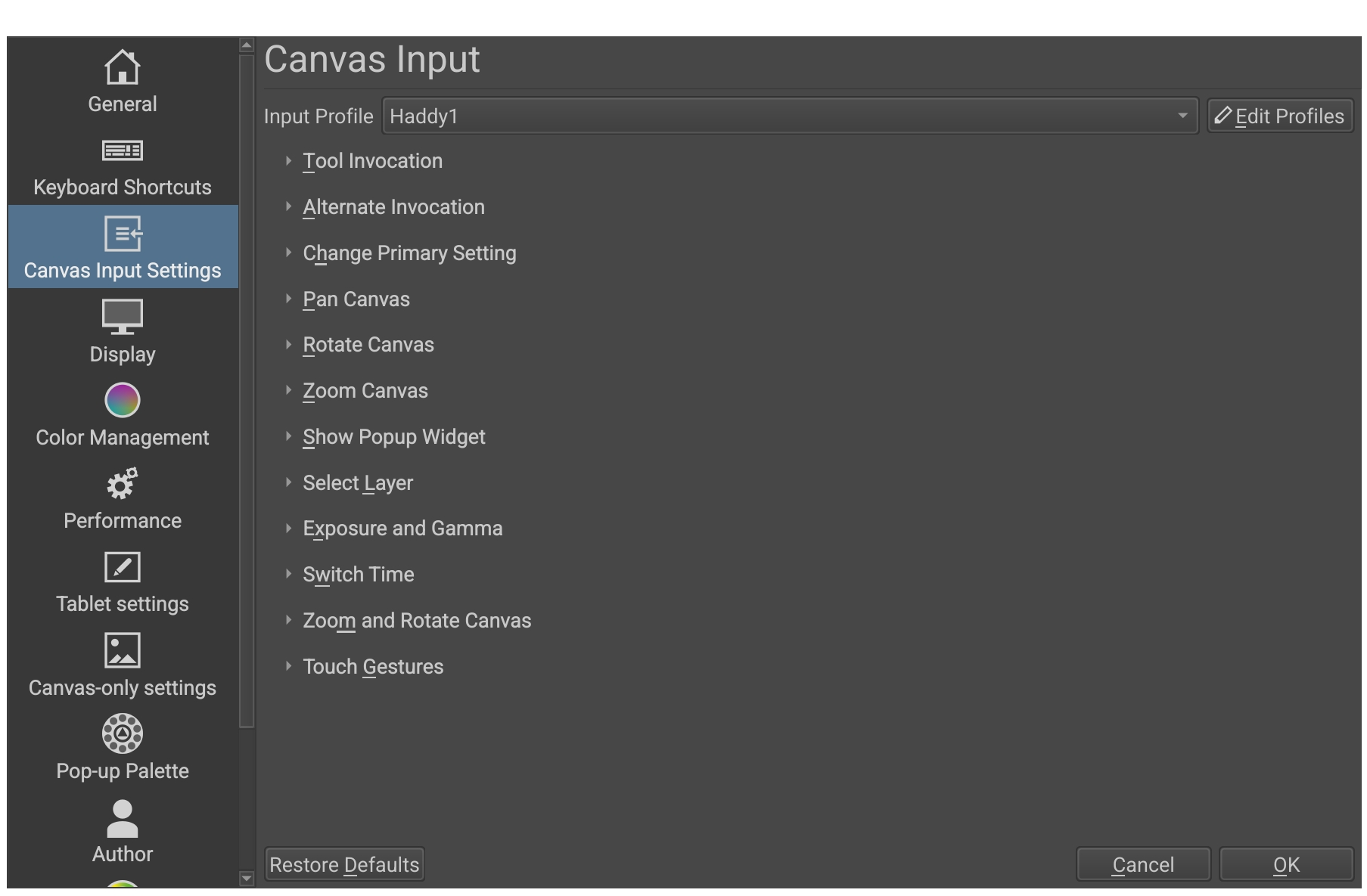
If you use Canvas Input Settings to make a profile called ‘Haddy1’, does it get saved in the -/krita folder anywhere?

I don’t think this is anything to do with workspaces, they are stored in -/krita/workspaces

I’ll ping @sh-zam because what happens in Android file storage can be very confusing.

Thank you for the reply Ahab! I remember you helped me out last year when I had a problem with setting up my tablet on Linux to work with Krita!

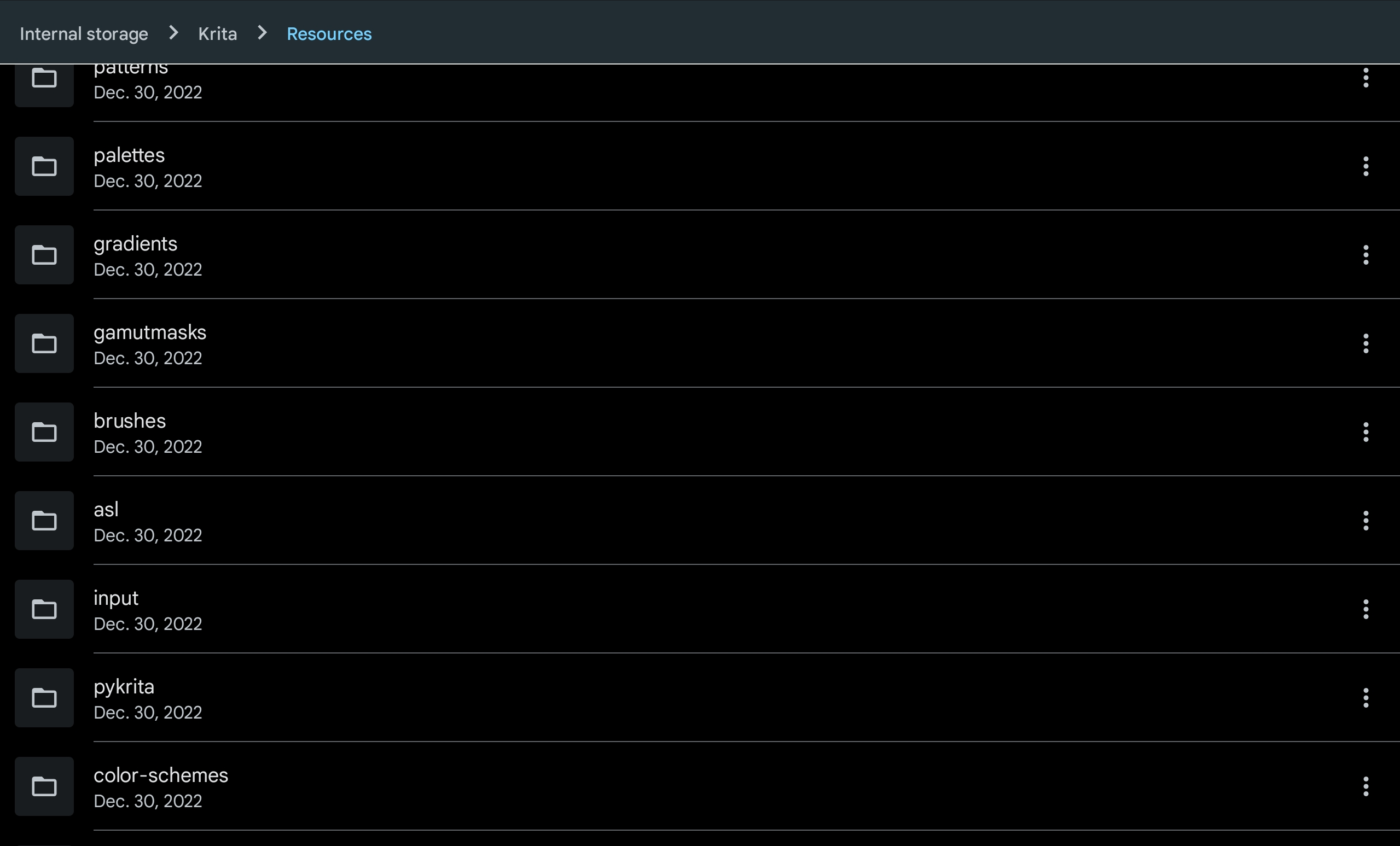
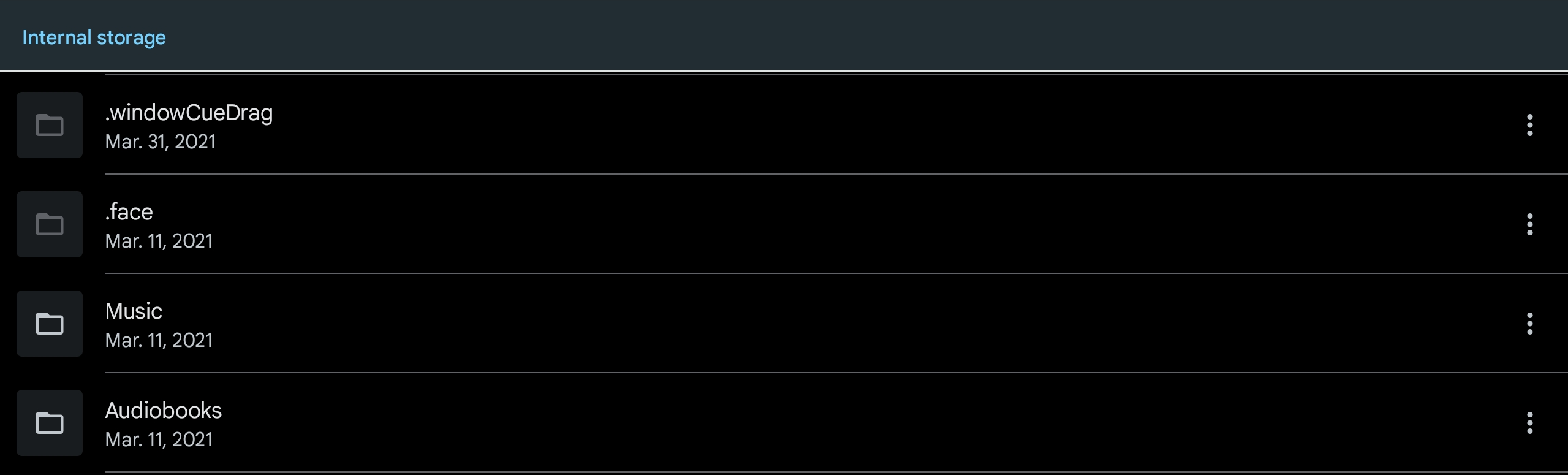
Anyways here just in case you can see that I have hidden files turned on so it can’t be that I can’t see the file or something like that.

Here you can see I make the input thing just like you said:

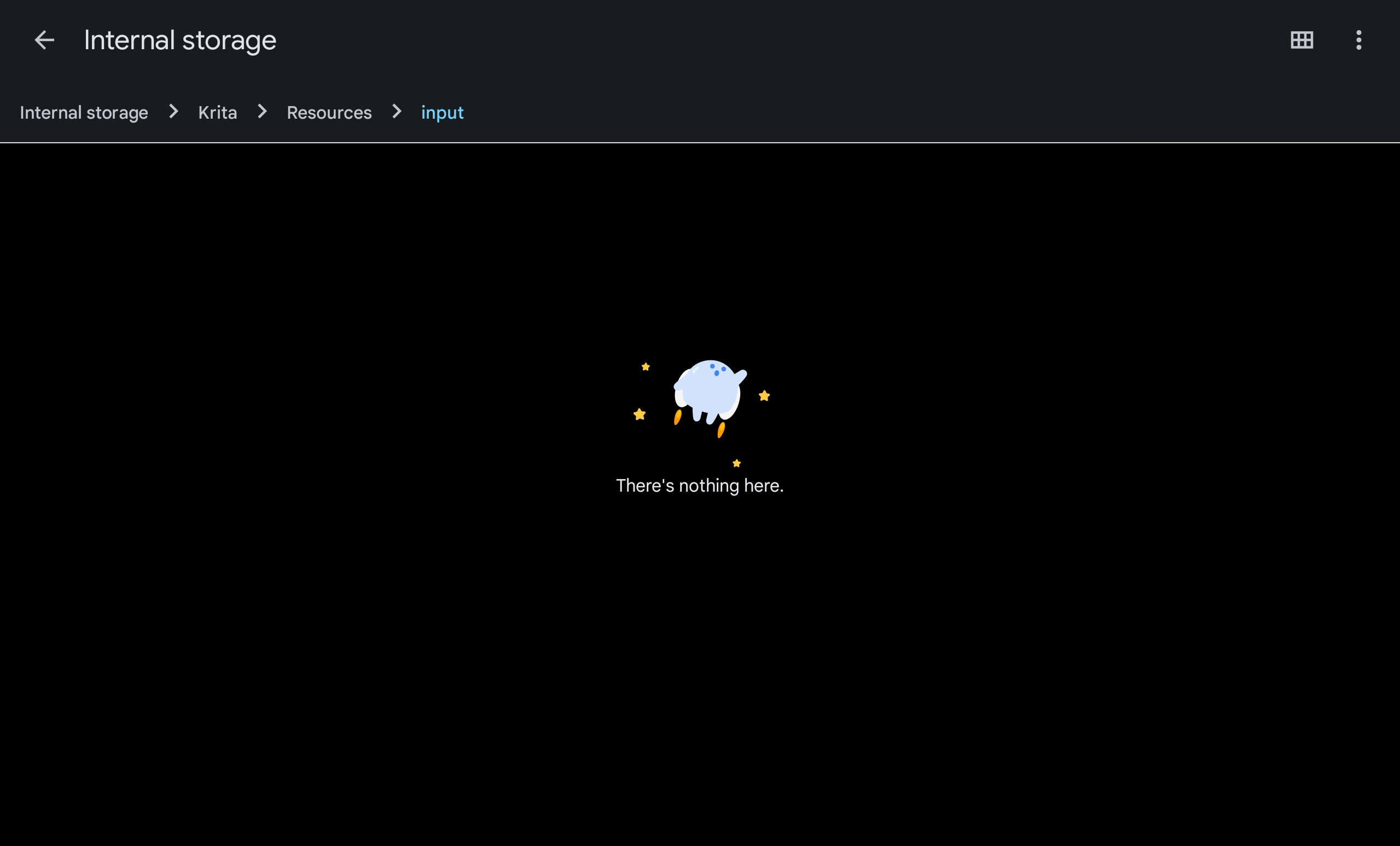
When I check there is nothing there:

I have tried a few times with various permutations of making the input profile then quitting from the menu, or tabbing out through android or making the profile and then tabbing to my file manager while krita is in the background and nothing. Still every time I reopen the program nothing is saved, and none of my changes stick and that folder is still empty.

December 30th is the day I changed the resource folder location and I don’t remember where the default resource folder is on android but I think the whole reason that I changed it was because it was in a file tree belonging to the app itself that cannot be accessed without rooting your android. In any case no matter how many times I edit the existing profiles or make new ones the folder remains empty and the file browser claims it hasn’t been modified since the 30th:


I tried closing and reopening the file browser as well btw to make sure it is loading up to date file information but it still shows an empty folder no matter what.

I do not think that Krita is writing anything to this folder, which is weird because my resource bundles seem to be working and my custom workspaces are saving and loading with absolutely no issue.

Maybe there is a bug where Krita fails to write anything to the input folder?

I am also not sure why it is empty when the default brush packs and workspaces show up in the other folders but the default input profiles are not showing up in the input folder.

Update: I remember the first time I tried to change the resource folder location when I closed Krita and re-opened it was taking a really really long time to load so I tabbed out and closed the program while it was loading because I thought that it had crashed.
Thinking that this may have somehow made a partial move of the resource folder or something I tried moving my resource folder again this time to it’s own folder: internal storage/Krita Resources/input
is still empty but everything else like my workspaces did move over.

When I noticed that my bundles did not move over I started looking and to my surprise found that the resources folder is still at the old location seemingly with all the old content still intact including my resource bundles that didn’t carry over to the new location.

Anyways I tried again, and again nothing sticks. No newly made profiles persist after restart, and any changes to the default profiles also disappear after restart. Something is definitely (probably) wrong with Krita I think?

Edit again:
it looks like the defualt stuff does show up in the windows version on my desktop but for some reason its not showing up on mobile?

Hello!

Thanks for the ping!

I looked into this and it looks like this stems from a trivial bug in one of the frameworks we use. Fortunately, the fix is simple but it can be some time before we’ll release version Krita 5.2. So, it will be published in the Nightly (because we recently had a huge change in our Nightly branch I’d advice you against using it except for testing).

The reason this bug didn’t show up much is because it is associated with the Change of Resource Location, not many people do it (so, there are some things which can be rough. If you revert it to previous location things would work like before. But I appreciate that you’re testing this aspect of Krita!).

To give you a workaround until we publish our next release, download this profile https://drive.google.com/file/d/1_JLBylKS0-Uxy1j6qVPTEtNaFI5_72Cs/view?usp=share_link [1] and save this into Krita/Resources/input folder. Restart Krita and then this profile should show up and you can modify it to your will.

Thanks for reporting :slight_smile: and sorry for the bug.

[1] This profile is a simple text file, you can view it. But what is so special is the name and filename are the same, this will allow Krita to load the file and save to it i.e workaround the bug.

Wow! Thank you so much for the reply sh-zam!

I’m nearing the end of my evening so I’m going to have to try this tomorrow but I downloaded the file for now.

I just have a question, but just to summarize to make it make more sense:

  1. On dec 30th I changed my resource folder from its default location to a new folder I made at the root of internal storage called “krita” where I am saving all my drawings and I thought it would be convenient to have all the krita stuff in one place so within “krita” I made a folder called “resources” it is at this path → /Internal storage/Krita/Resources
    its the one from the screenshots in my first post.

  2. today while trying to fix this problem in my second post I tried moving the resource folder again this time to a new folder in internal storage that I called “Krita Resources” at this path →
    /Internal storage/Krita Resources
    (I don’t have a screenshot of this but trust me it is there).

Basically I already have a bunch of resource packs in the 1st location {/Internal storage/Krita/Resources } and to my surprise it they are still there and not at the new location. I expected that when you change the resource folder location it would copy everything over to the new location (including resource bundles) and then delete the previous location.
Instead it has left the old resource location completely intact and copied over some things (like my workspaces) but not others (like my the resource bundles that I added myself from the internet).

I actually do not want to clog up my /Internal storage/ folder so I would prefer to have the resource bundles at the 1st location {/Internal storage/Krita/Resources } and not the second.

My question is how do I change it back without breaking anything? If I redirect it back to the 1st resource location and that location already has all the same files (except plus my downloaded bundles that I added that didn’t get moved over to location 2.) will it cause there to be 2 copies of every folder and file or is it smart enough to not generate new files if it sees that the target location already looks like a resource folder?

or

If I want to keep the same directory that I already copied out of should I just move my added bundles out of 1. to somewhere temporary and then delete the contents of 1. and then change the resource folder in krita and then add back my bundles once it’s done?

Sorry if that’s a bit obtuse I tried to explain as best as I can!

But what is so special is the name and filename are the same, this will allow Krita to load the file and save to it i.e workaround the bug.

I am not going to pretend to understand how this bug works or what having the “name and filename” be the same even means; but it sounds like you know whats going on! I am very surprised that I actually found a bug! Usually I do something wrong and people tell me how to fix my mistake :laughing:

I am very very happy to be of help for once! And thank you so much for the lightning fast solution!

I’ll update tomorrow if it works!

Yes, it is smart enough to not duplicate the files but recognize them as is. And this is what you should be doing. Then once moved to InternalStorage/Krita/Resources you can delete Internal Storage/Krita Resources without any repercussions.

Everything worked perfectly exactly how you said!
I was able to move the resource folder back to the first location and all of my bundles and everything worked beautifully! I also moved the custom haddy.profile into the input folder of the resource folder and it showed up in Krita immediately. I was able to switch to the profile and edit and save all my changes and they persisted after restarting Krita and the file manager now shows that I have that 1 file in the input folder no matter how many times I restart Krita!

I literally could not be happier! Huge thanks to you and Ahab for helping me out!

I’m looking forward to 5.2! Hopefully nobody else will run into this issue anymore!