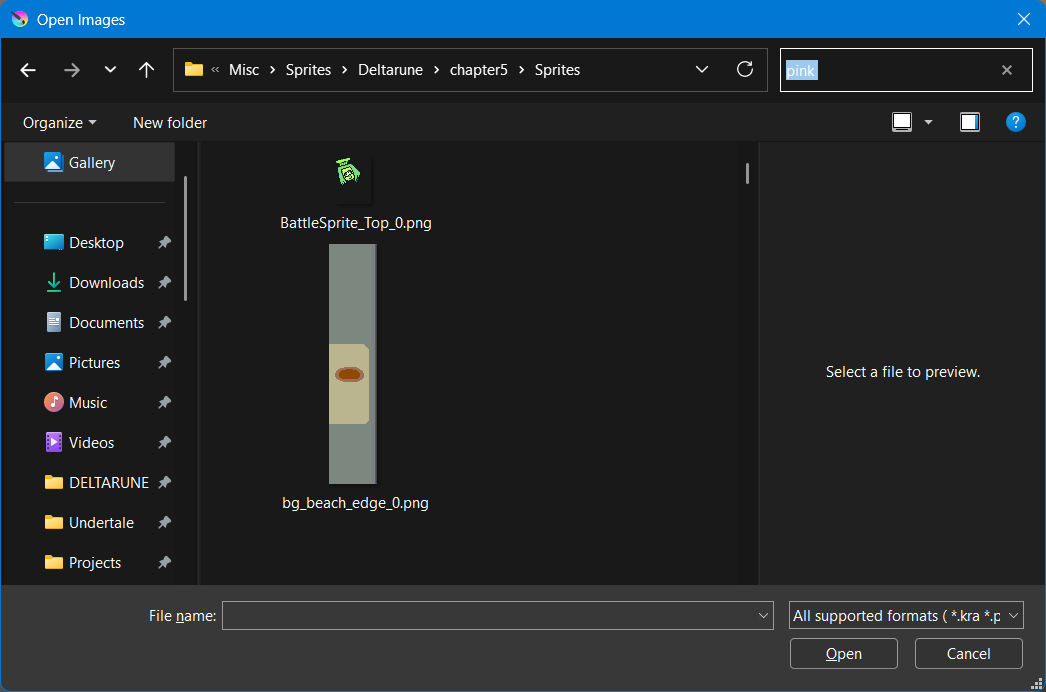
Greetings. I want to find and open a specific file in a folder that has many files. I typed a query in search bar, pressed enter and Krita didn’t search.
Can it be fixed please? It’s not in fault in Windows, because file search works in Open File dialogs of other programs such as MS Paint, VS Code, drawio etc. File search just doesn’t work in Krita.
This is the Windows File chooser dialogue, isn’t it? It doesn’t look like Krita’s own thing. When you open or save a file in Krita, on Windows, the file dialogue is proved by Windows.
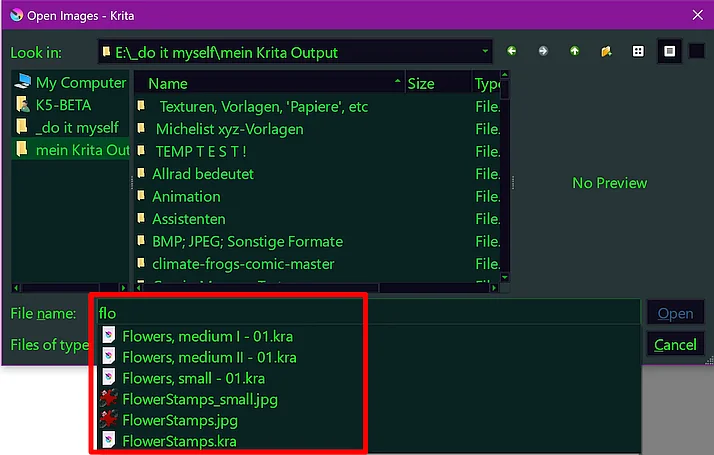
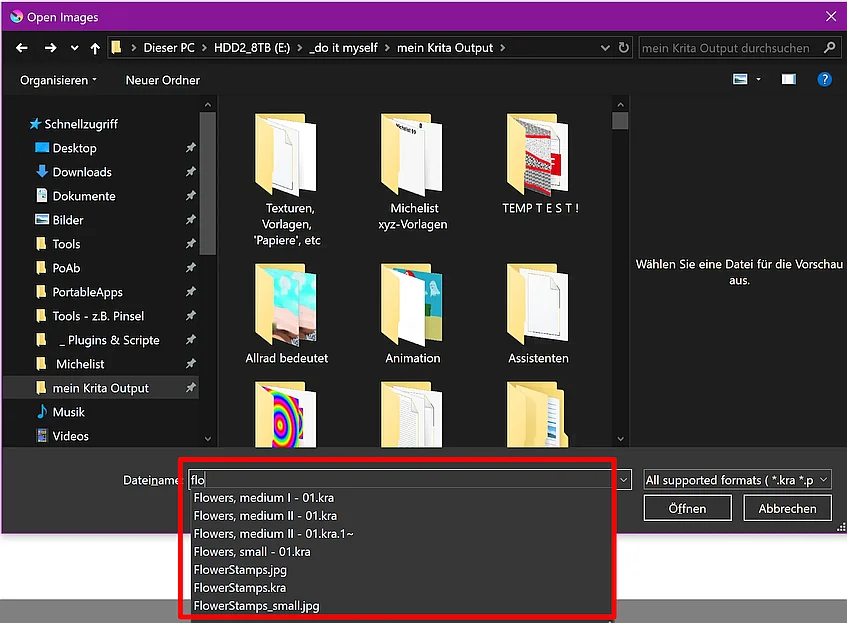
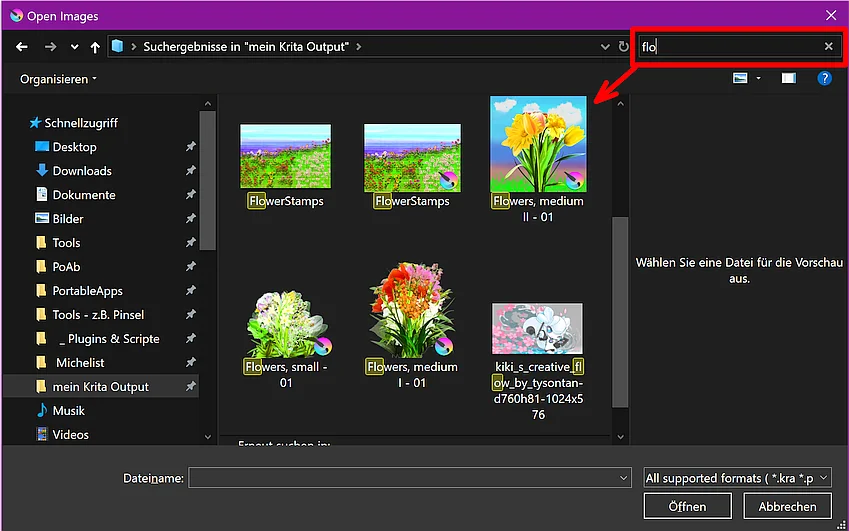
No matter if I use the Explorer provided dialog or Krita’s own, I can search with both. The Explorer provided dialog allows me to search via the search bar and the file name bar:
Krita’s native dialog, the more you enter, the finer the hits get:
So, I don’t know the reason behind your Explorer not acting the same way as mine, but I don’t wonder since it is a Microsoft product.
Let’s see if other users ever have experienced something similar, and even better know what setting you have to make so you can use it as intended.
Even with the “All supported formats” filter, the Windows 10 dialog filters successfully both when using file name filters and when using the search bar. Perhaps something about filters has changed in Windows 11? Does the “all supported formats” filter work correctly for you when not searching, or does it perhaps incorrectly show unsupported files as well?