Can't change font in Krita 6

Just recently I got an update on Krita 6 and it seems that a lot of stuff has changed. I am in the process of doing a comic and I use special size and font. I like that it’s less laggy though.

I am trying to get the hang of it, but still seems I can’t find ANY font families. I am stuck only with this.

Hope this helps:
Krita version: 6.0.0
OS: Arch Linux x86_64
Host: Inspiron 7386
Kernel: Linux 6.19.9-arch1-1
Display (IVO0536): 1920x1080 in 13", 60 Hz [Built-in]
WM: Hyprland 0.54.3 (Wayland)
Font: Noto Sans (10pt) [GTK2/3/4]
CPU: Intel(R) Core™ i5-8265U (8) @ 3.90 GHz
GPU: Intel UHD Graphics 620 @ 1.10 GHz [Integrated]
Memory: 3.28 GiB / 7.42 GiB (44%)
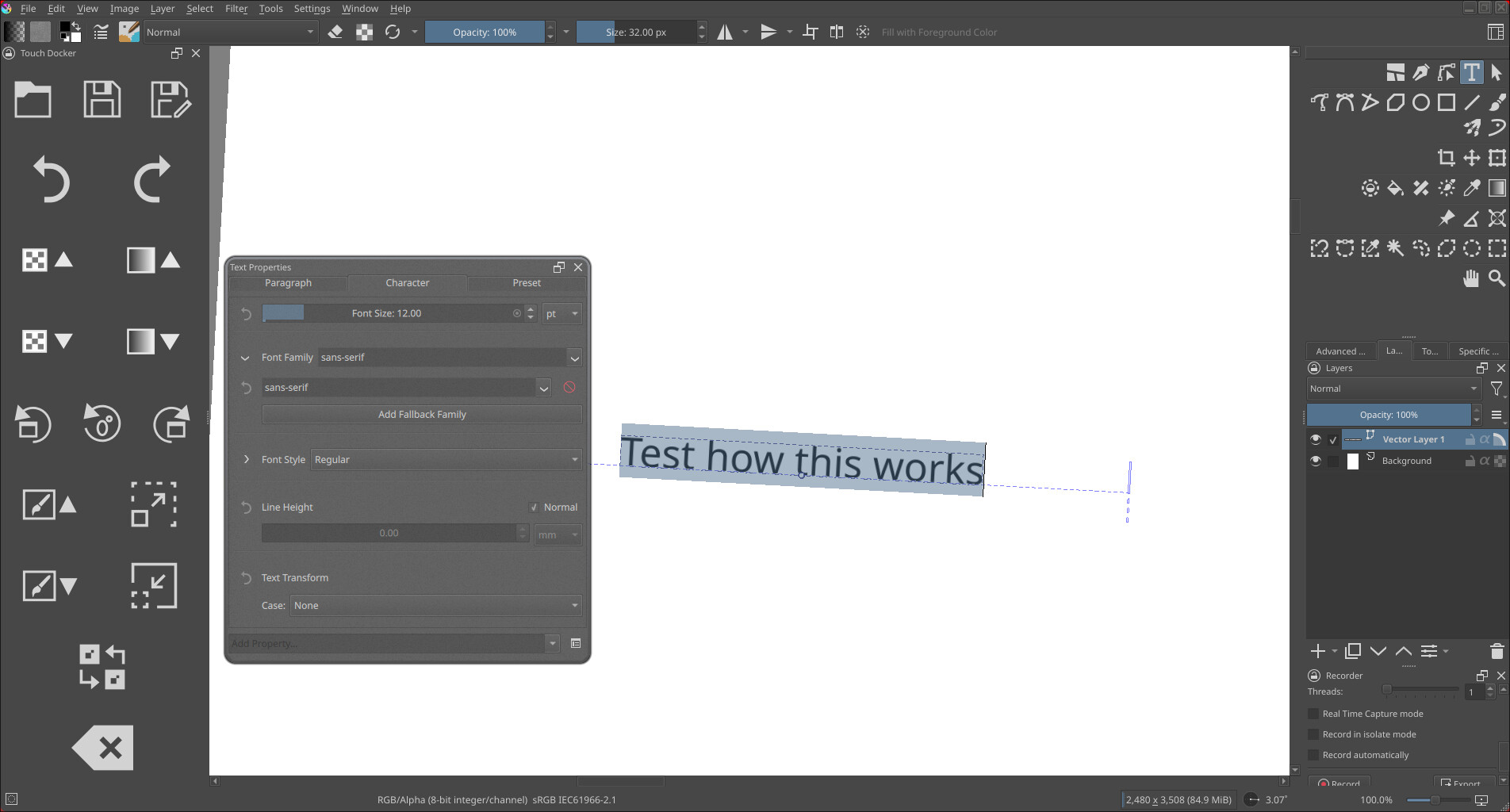
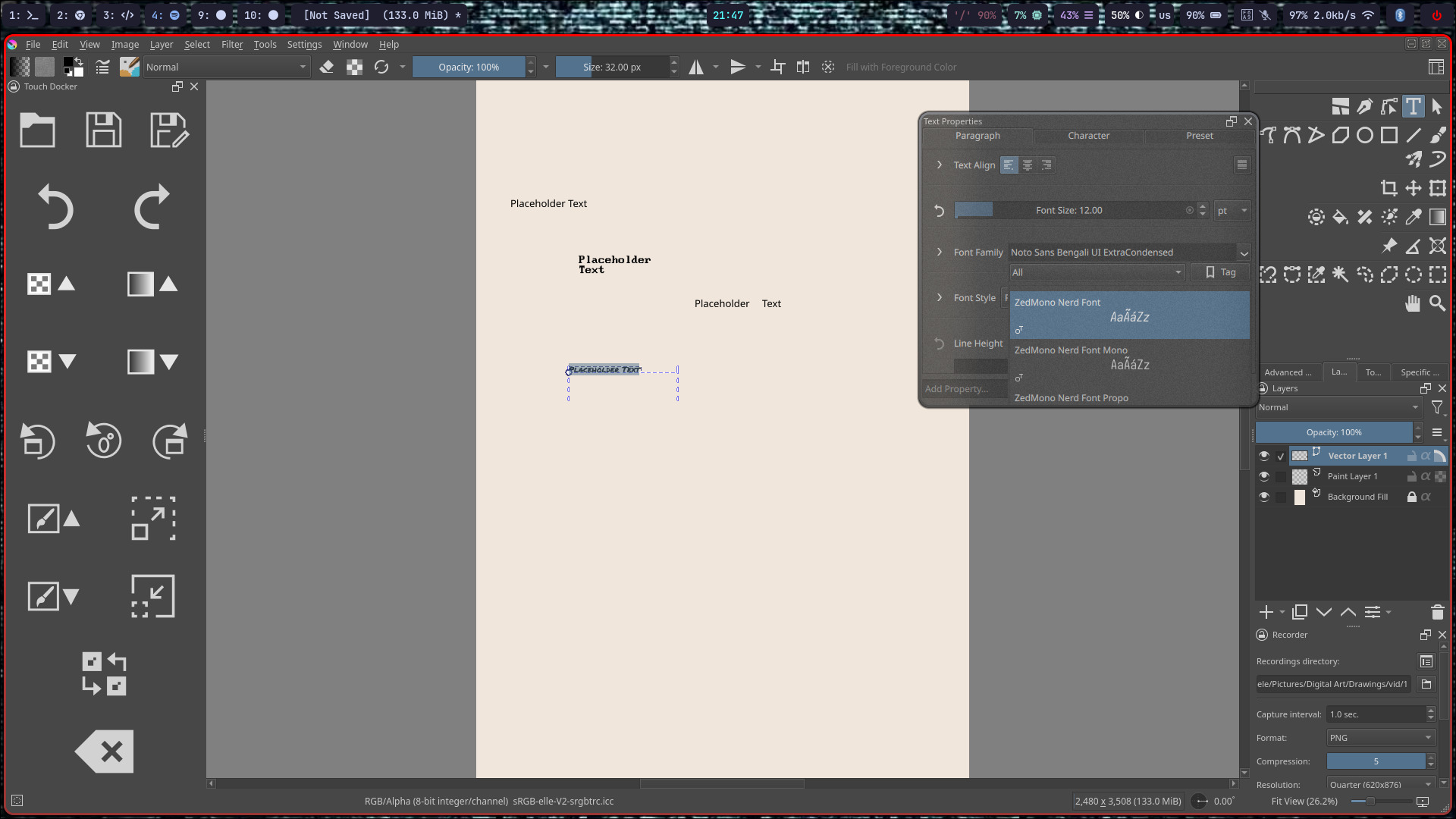
Small update. I just downloaded ‘krita-5.3.0-x86_64.AppImage’ and it seems to be working. I suggest this is a bug.

Can confirm this exists in the Appimage as well.

Running from the command line, the font choose fails to show a dropdown, and trying to manually type a font name crashes the app:

QLayout: Attempting to add QLayout “” to DlgResourceManager “”, which already has a layout
[1] 1430475 segmentation fault (core dumped) krita

There isn’t any meaningful logging, sadly. I’m not sure how to capture any further data, but as it stands, 6.0 is unusable for making comics.

$ krita --version
krita 6.0.0

This bug affects both Krita 5.3 and 6.0.

Weird for me in AppImage 5.3 I can edit the font.

This is a known bug in Krita 6, you can follow this ticket: https://bugs.kde.org/show_bug.cgi?id=515548

Use 5.3 instead for now.