I have a tablet an Android one and recently I came across this problem of unable to export files from krita there is this new window that pops up when I hit export perviously clicking the export would take me to my files to confirm for export but after this window started to pop I haven’t been able to export files. No matter how many times I export it files it is never there.

Which new window do you mean? I see the “save file” dialog, which is what I would expect.
That folder you display is the krita resources folder and is not the place you should store your own data files.
I see that you’ve previously used it to Export a file called renderinghhb.jpg.
It may be that Google/Android have increased security/protection and you are no longer allowed to make changes there.
Can you Save and/or Export to your Downloads folder or to somewhere on a connected SD card?
1 Like
Check the path that it wants to save to. See if you can export to another folder such as Download.
You can also make another folder (not in data.org.krita/files) called, KritaProjects, and see if you can export to there.
2 Likes
@Junkey Were you ever able to solve this?
5.2.3 (git 68d178c) from Play Store, Android 11
I’m experiencing the same problem. I’m very familiar with changing file directories and using Total Commander or FX file managers, but this newest version of Krita seems to make changing the directory impossible.
I’m only allowed to export to /data/user/0/org.krita/files which Android does not allow users to access, it’s supposed to export to an emulated folder, I believe.
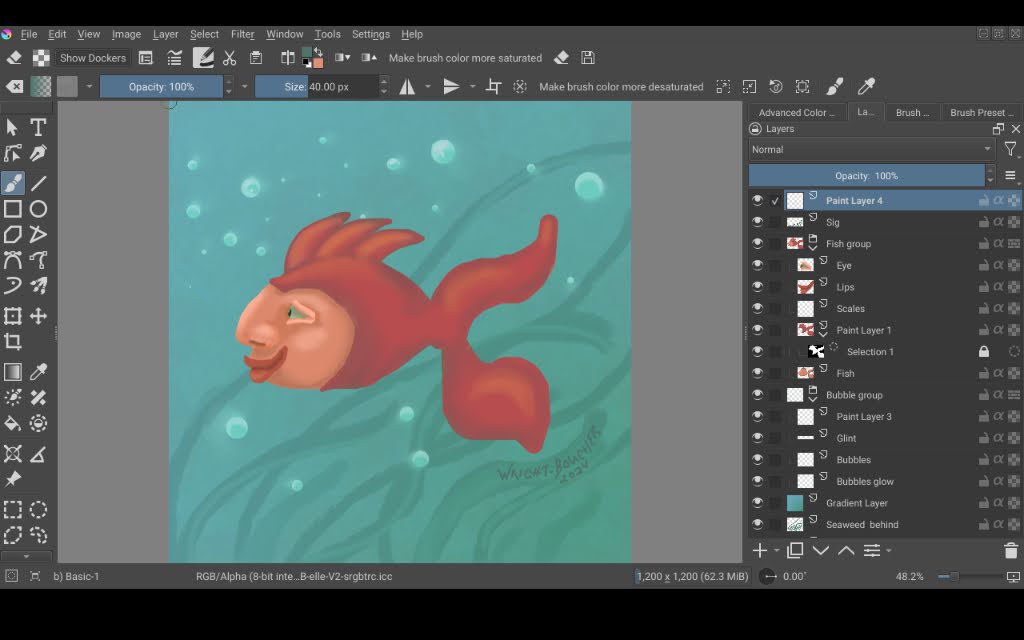
My poor fish is stuck inside my tablet.
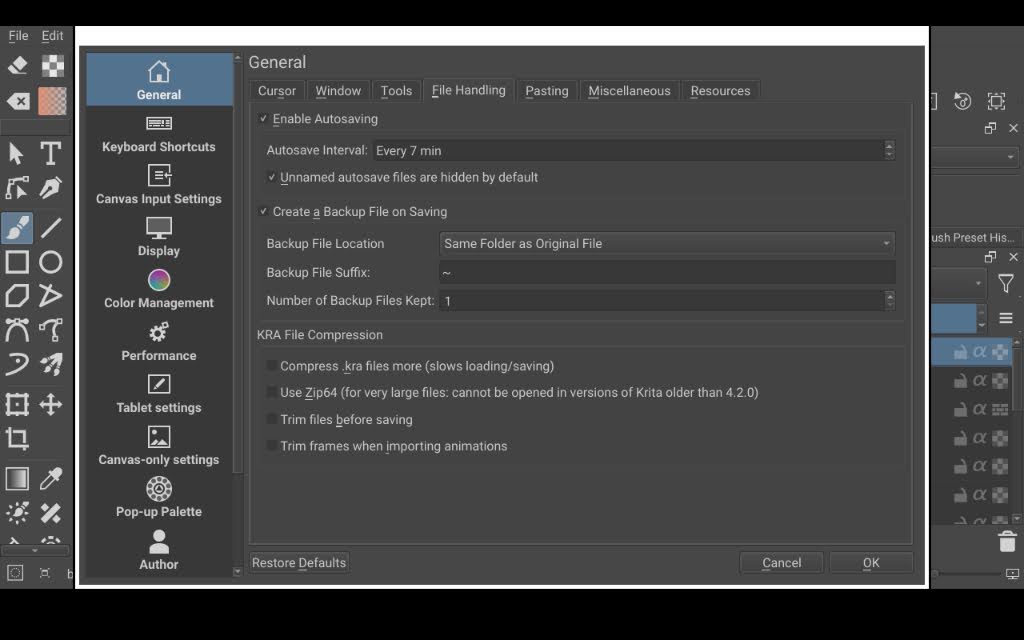
resetting krita setting to default and changing the file location worked for me.
1 Like
Ooh, thanks. I’ll try that.
I recently fixed an issue of my own with the export dialogue path being wrong and submitted a MR here
The problem was that ‘export’ would always default to my home directory or Krita data directory the first time I try to export a file per session. Could be related?
Hi @Ralek - I’m not sure it’s the same problem but one part of your description matches (first time export). This was the first time I exported (it was a fresh install). Krita kept saving exports to /data/user/0/org.krita/files which the user can’t access. Is that the same as the home directory you mentioned in the MR?
Anyway, I reset the file handling page within Configure Krita and was just able to export the file successfully.
Is there anything else I can provide to help?
1 Like
Not that I know of. I took a look at the exporting code again, there does seem to be a lot of places where an empty or incorrect location could end up being used for the dialogue box.
The fix I submitted should always default it to the same folder your file was saved to or loaded from though.
I know it used to do that, so there was probably some change a couple weeks ago that broke the exporting since that’s when I first noticed the problem.
2 Likes

This topic was automatically closed 4 days after the last reply. New replies are no longer allowed.