My Krita is not saving PNG transparency, I tested dowloading pngs and making on others softwares and the problem is only on krita, tried many settings and nothing works. It save the image but with color on background and not transparent.
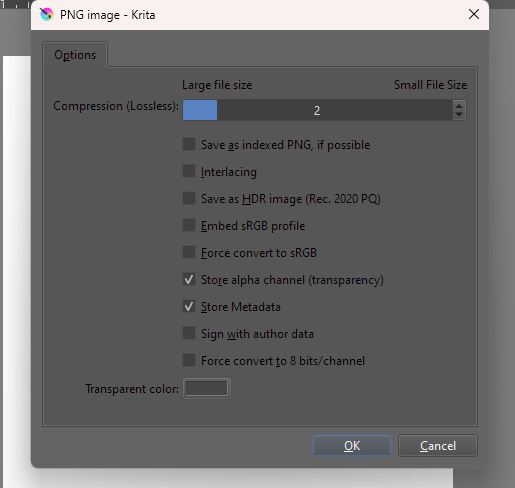
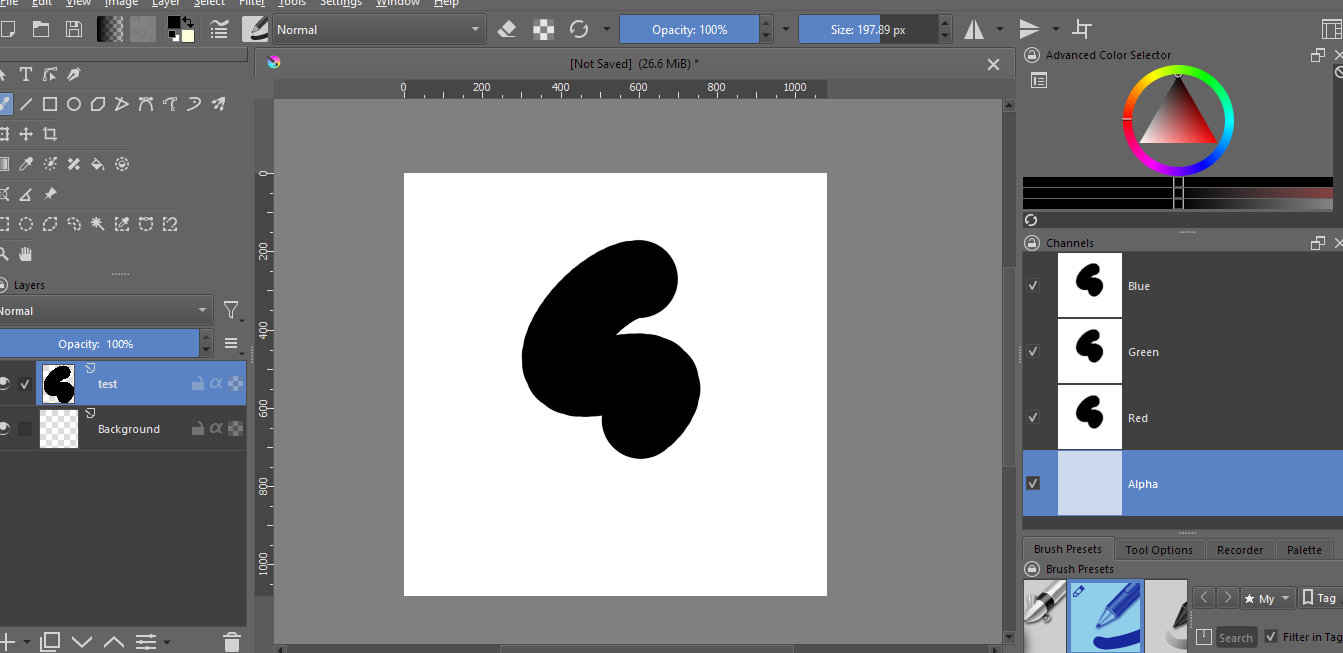
Can you show us a screenshot of the window with the file you’re trying to save showing the layers dockers and another of the png settings when saving the file?
Check the “Store alpha channel (transparency)” box when saving as .png.
I do, but still don’t get transparent
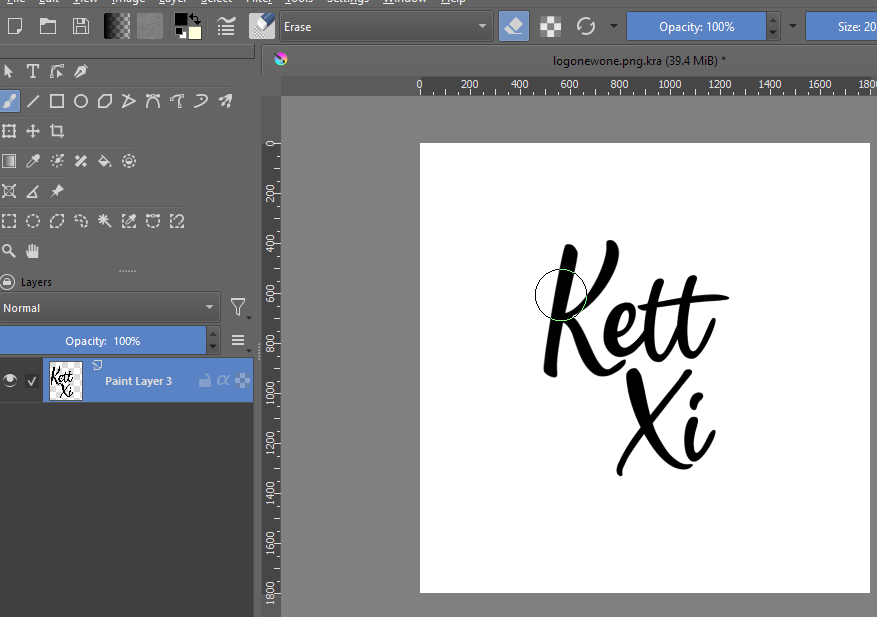
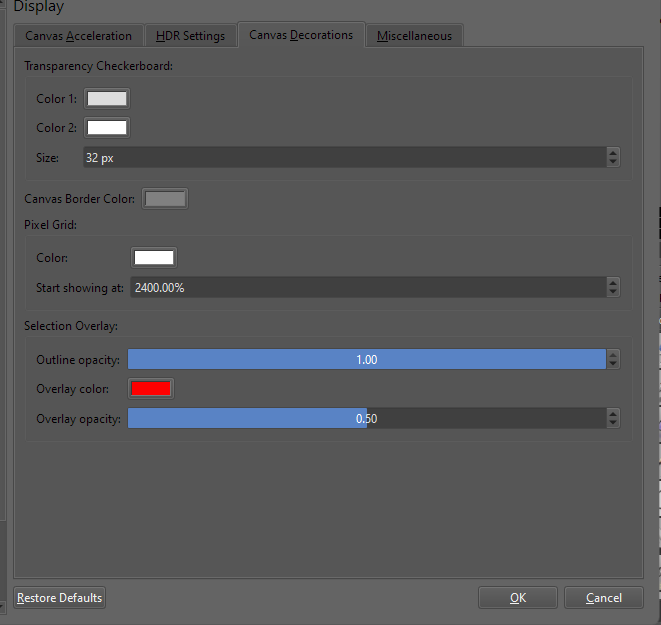
Just to make sure I’m understanding what I’m seeing, did you change the transparency checkerboard colors (Settings > Configure Krita... > Display > Canvas Decorations)?
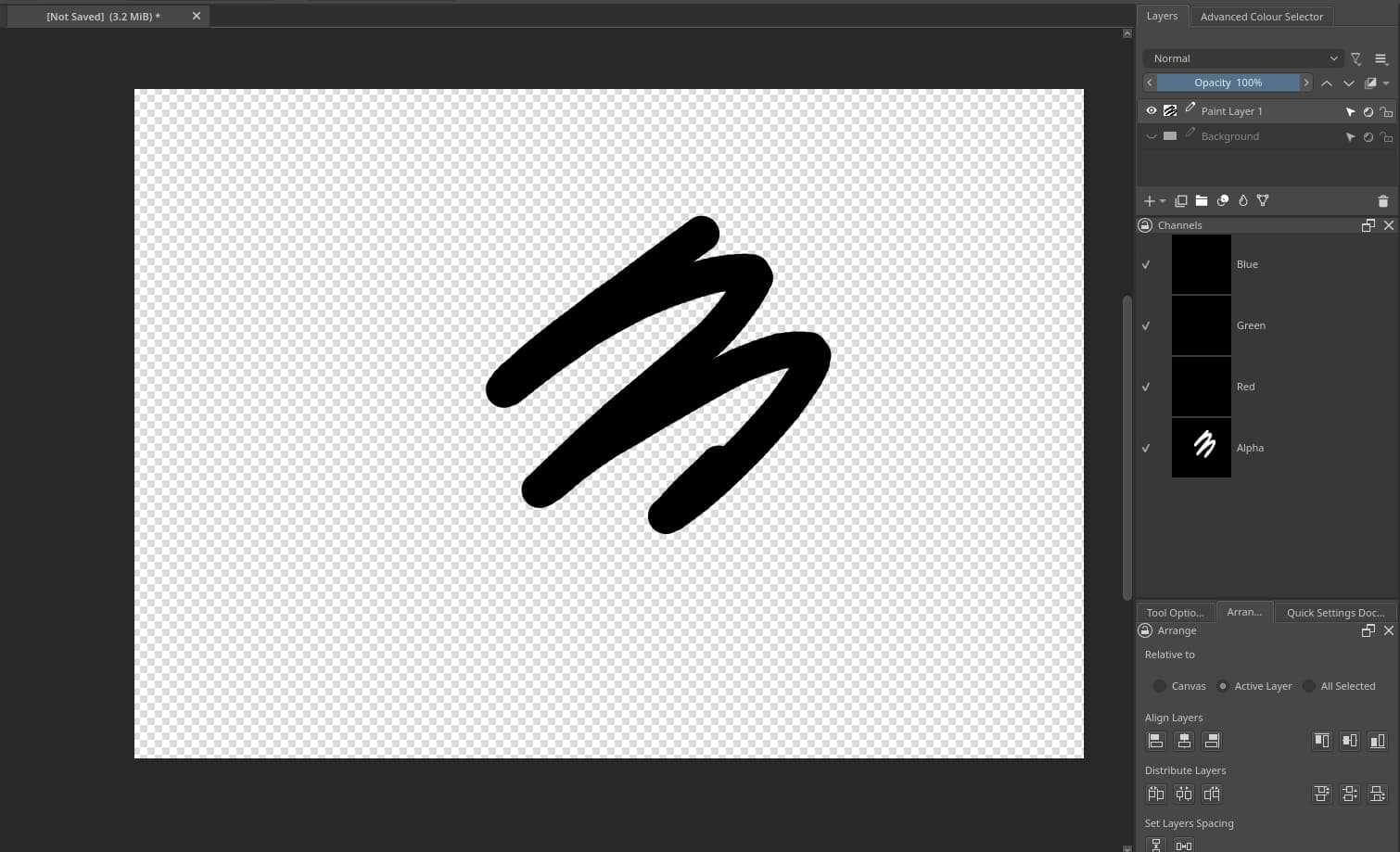
Because transparent areas of the canvas should have it and yours is solid white. The layer thumbnail seems to have it but the canvas doesn’t. What do you see in the Channels docker? Is there an Alpha channel like this?
Also, is that image supposed to be the png or the kra? It’s truly a .kra file; It only has png in the middle of the name.
I find using the “export” menu option instead of “save as” better to save image files in krita because “save as” alters the open file type and “export” doesn’t, it saves a copy.
Example:
You’re working on a .kra file. If you save as jpg the open file will become a jpg and every next save will try to be as a jpg.
If you export the file won’t be altered, you can ctrl+s and it’ll still be a .kra with all layers intact.
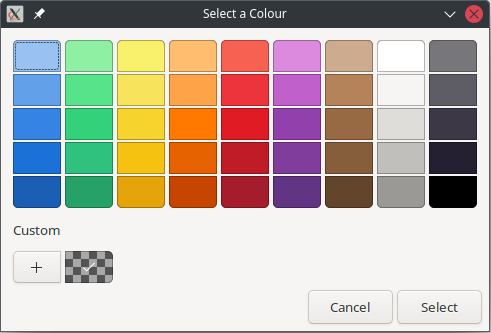
I found the problem it was on the creation of new document> content , it was just the opacity of the canva background color, didn’t think that would change on the saving png. Thanks