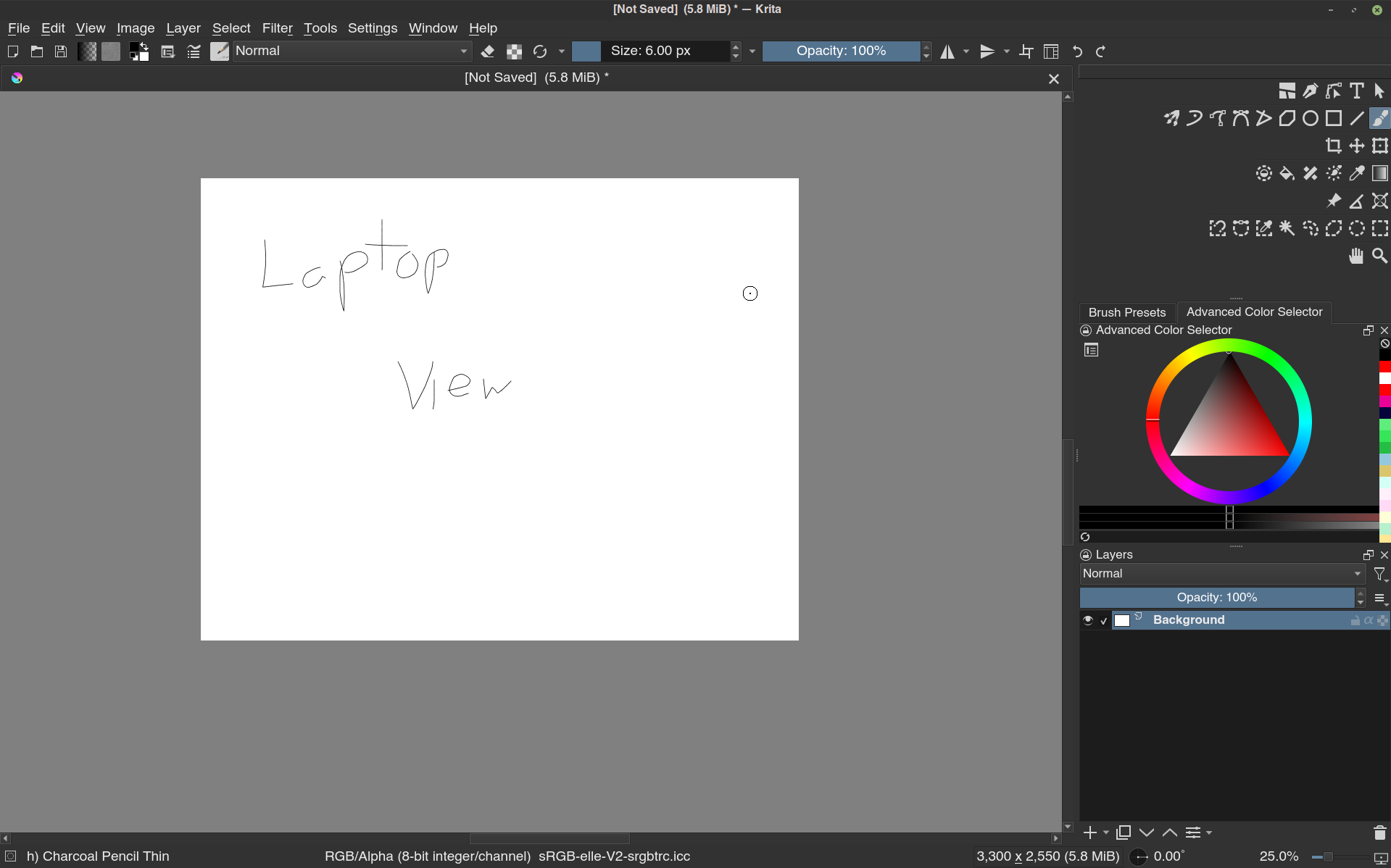
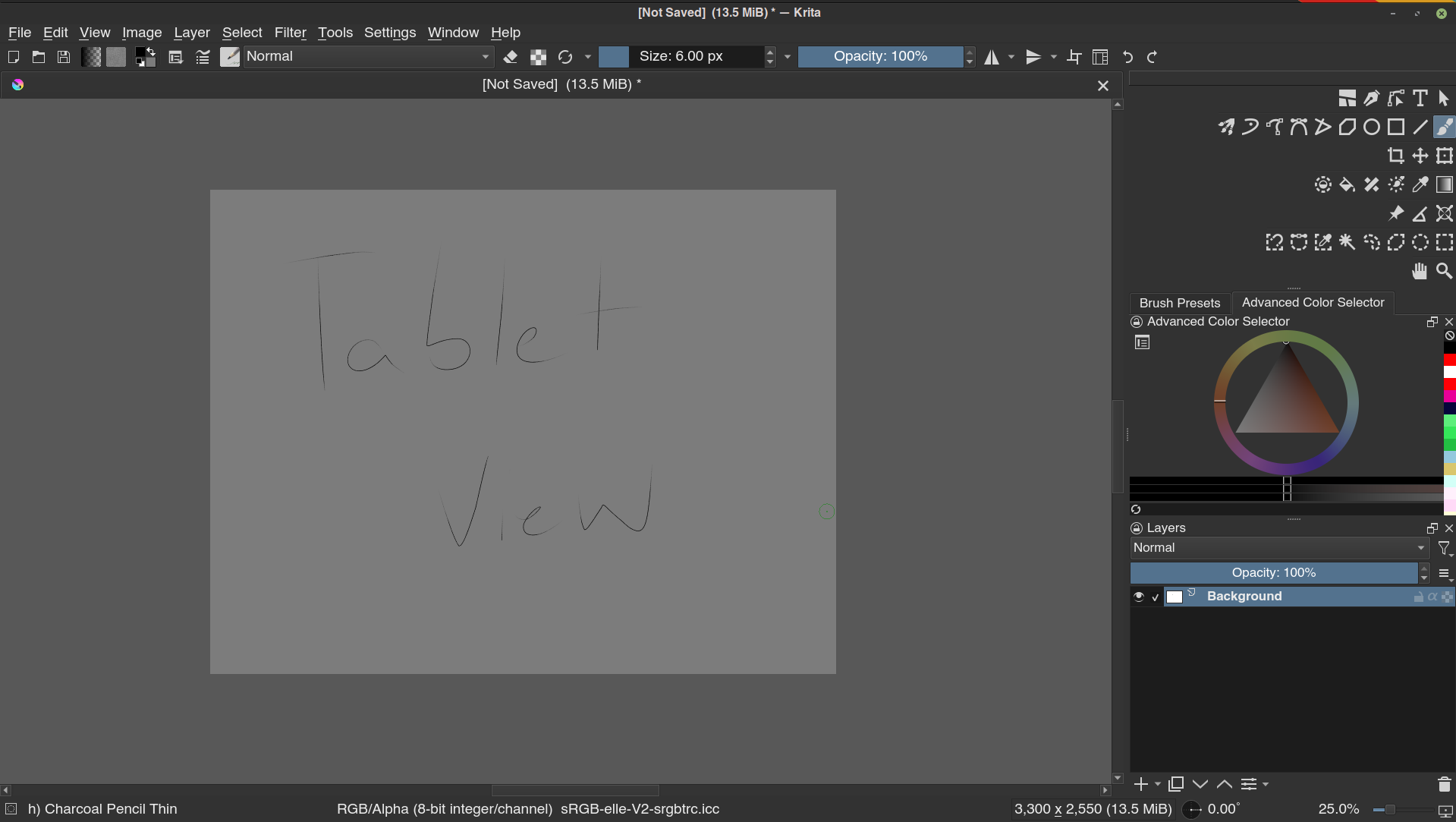
I’m currently using a Huion Kamvas 13 hooked up to my laptop running Linux Mint, with the screen split between the two. Krita shows up just fine on my laptop screen, but if I move it to my tablet, the canvas changes to be grayed over. I’ve tried setting my primary display to be the Huion, but that didn’t work. Mirroring my laptop onto my tablet works too, but i’d prefer to not have to mirror.
Does anyone know why Krita gets grayed out like this?
From the color picker also becoming much more gray, I guess It might be that Krita is picking up the wrong color profile of the display. You can set it Settings → Configure Krita → Color Management → Display
BTW, I also changed the topic title so people can already know what the issue is from the title alone and that hopefully attracts more people who can help.
Instead of putting “solved” in the topic, please mark the post that solved the issue as solution (the little checked box next to the reply and link buttons of a post). That way it not only displays as solved in the overview but helpers can also filter it out by it’s status. And it will also embedded the solution at the top of the topic so it is immediately visible to others.